Understanding bar_index in Pine Script: Complete Guide for TradingView Traders (2026)
You know that moment when your Pine Script indicator starts acting weird on the first few bars of your chart? Yeah, I've been there too. Most of the time, the culprit is something called bar_index – and honestly, once you understand it, you'll wonder how you ever coded without it.
Think of bar_index as your chart's internal GPS system. It tells you exactly where you are in the data, which bars you can trust, and when your indicator should actually start doing its thing. Let me walk you through everything you need to know about this game-changing Pine Script function.
What Exactly is bar_index in Pine Script?
Here's the thing about bar_index – it's simpler than most people think. Every single candlestick on your TradingView chart gets assigned a number, starting from 0. The very first bar? That's bar 0. The second one? Bar 1. And so on.
But here's what makes it interesting:
- Always starts at zero: Your first historical bar is always
bar_index = 0 - Counts up consistently: Each new bar increments the number by exactly 1
- Works across timeframes: Different chart periods have different total bar counts
- Updates in real-time: New bars get fresh numbers as they form
This might seem basic, but trust me – understanding this concept will save you from so many headaches down the road.
How bar_index Differs from Bar State
Quick clarification here because I see this confusion a lot. bar_index tells you which bar you're looking at, while bar state tells you what's happening to that bar (is it confirmed? still forming?). Two totally different things, but both crucial for building solid indicators.
Why Should You Care About bar_index?
Let me tell you a story. I once spent three hours debugging an indicator that kept showing crazy values on the first 20 bars. Turns out, I was trying to calculate a 50-period moving average when I only had 10 bars of data. The indicator was basically making up numbers.
That's exactly why bar_index matters – it prevents your indicators from going haywire when there isn't enough historical data.
Real-World Uses for bar_index
- Data validation: Make sure you have enough bars before showing results
- Performance optimization: Skip heavy calculations on early bars where they're useless
- Strategy timing: Create time-based entry and exit rules
- Debugging assistance: Track down exactly which bar is causing problems
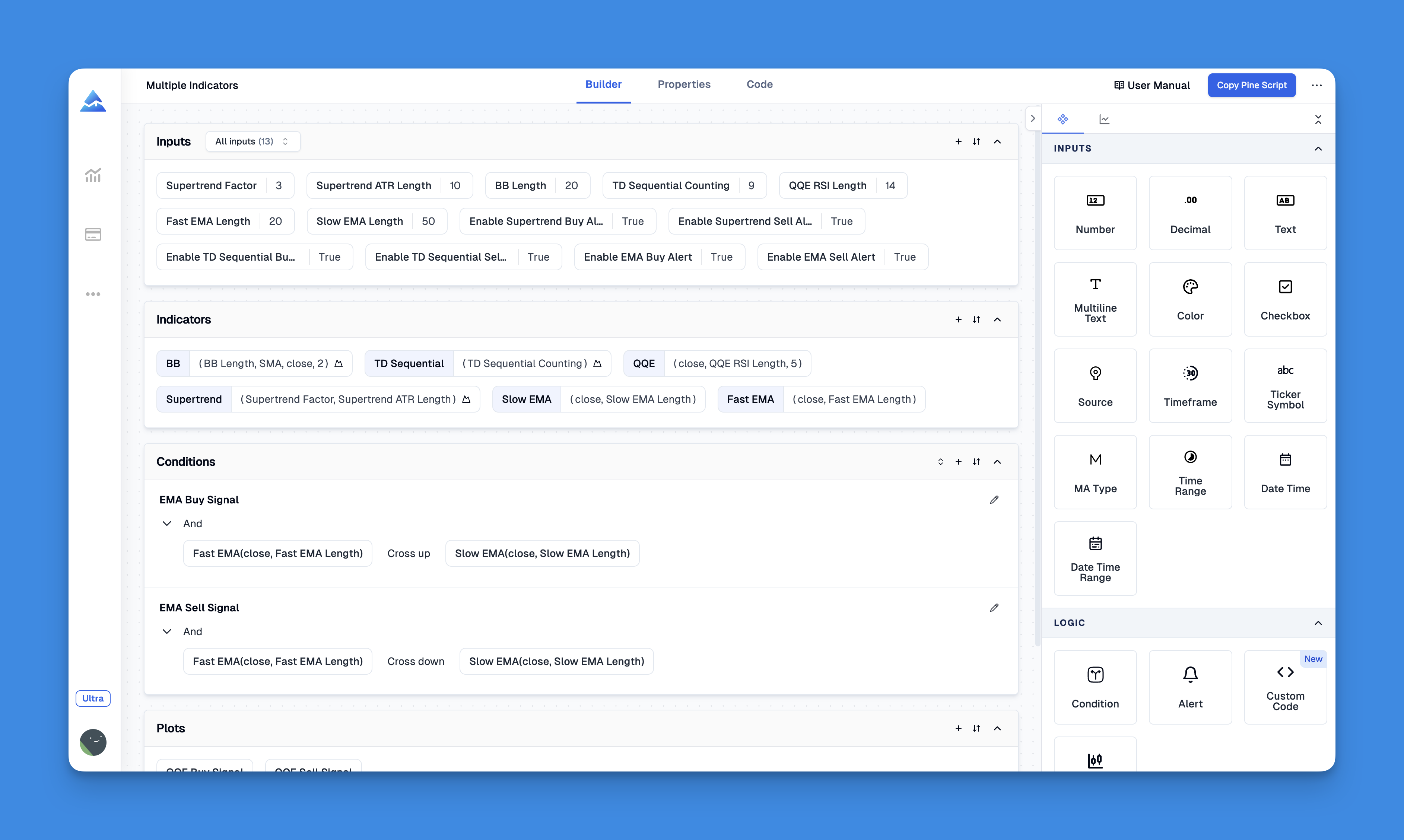
If you're just getting started with Pine Script and this feels overwhelming, don't worry. You can actually build custom indicators without any coding using visual tools – sometimes it's easier to see the logic visually before diving into the code.
Practical bar_index Examples You Can Use Right Away
Enough theory – let's see some actual code that works.
Simple Bar Counting Display
// This source code is subject to the terms of the Mozilla Public License 2.0 at https://mozilla.org/MPL/2.0/
// © Pineify
//======================================================================//
// ____ _ _ __ //
// | _ \(_)_ __ ___(_)/ _|_ _ //
// | |_) | | '_ \ / _ \ | |_| | | | //
// | __/| | | | | __/ | _| |_| | //
// |_| |_|_| |_|\___|_|_| \__, | //
// |___/ //
//======================================================================//
//@version=6
indicator("Bar Index Demo", overlay=false)
// Display the current bar number
plot(bar_index, title="Bar Number", color=color.blue)
// Only show close price after we have 100 bars
enough_data = bar_index >= 100
plot(enough_data ? close : na, title="Close (After Bar 100)", color=color.red)
Smart RSI with Data Validation
//@version=6
indicator("Smart RSI with Bar Index", overlay=false)
// RSI settings
rsi_length = 14
warmup_period = 50
// Wait for enough data before calculating
ready_to_calculate = bar_index >= warmup_period
// Calculate RSI only when we have sufficient historical data
rsi_value = ready_to_calculate ? ta.rsi(close, rsi_length) : na
// Plot with visual indication of data quality
plot(rsi_value, title="RSI", color=ready_to_calculate ? color.purple : color.gray)
hline(70, "Overbought", color=color.red, linestyle=hline.style_dashed)
hline(30, "Oversold", color=color.green, linestyle=hline.style_dashed)
This approach prevents your RSI from showing misleading values during those early bars when there isn't enough price history to work with.
Advanced bar_index Techniques That Actually Work
Strategy Warm-Up Periods
//@version=6
strategy("Bar Index Strategy Example", overlay=true)
// Don't start trading immediately - let the market settle
warmup_bars = 30
trading_enabled = bar_index >= warmup_bars
// Simple moving average crossover
fast_ma = ta.sma(close, 10)
slow_ma = ta.sma(close, 20)
// Only take trades after warm-up period
long_signal = trading_enabled and ta.crossover(fast_ma, slow_ma)
short_signal = trading_enabled and ta.crossunder(fast_ma, slow_ma)
if long_signal
strategy.entry("Long", strategy.long)
if short_signal
strategy.entry("Short", strategy.short)
Debugging with Precision
One of my favorite uses for bar_index is troubleshooting. When something goes wrong, you can pinpoint exactly where:
//@version=6
indicator("Debug Helper", overlay=true)
// Check what's happening at a specific bar
debug_bar = 1000
if bar_index == debug_bar
label.new(bar_index, high, "Debug: Bar " + str.tostring(bar_index),
style=label.style_label_down, color=color.yellow)
Common bar_index Mistakes (And How to Avoid Them)
Mistake #1: Ignoring Data Requirements
I see this all the time:
// DON'T DO THIS - unreliable on early bars
sma_50 = ta.sma(close, 50)
plot(sma_50)
Do this instead:
// MUCH BETTER - wait for enough data
sma_50 = bar_index >= 49 ? ta.sma(close, 50) : na
plot(sma_50)
Mistake #2: Confusing Bar Count with Time
Remember that bar_index counts bars, not time periods. Bar 100 on a 1-hour chart represents 100 hours of trading data, but on a daily chart, it represents 100 days. Context matters.
Mistake #3: Repainting in Strategies
This is a big one. If you're not careful with bar_index in strategy development, your backtest results might look amazing but fail miserably in live trading. Always test thoroughly and understand how bar confirmation works.
Working with Historical References
Understanding how bar_index relates to historical data access is crucial for advanced Pine Script development:
//@version=6
indicator("Historical Bar Analysis", overlay=false)
// Current bar position
current_bar = bar_index
// Look back at previous bar positions
bars_10_ago = bar_index[10] // bar_index from 10 bars back
bars_50_ago = bar_index[50] // bar_index from 50 bars back
// Visualize the data
plot(current_bar, "Current Bar", color=color.blue)
plot(bars_10_ago, "10 Bars Ago", color=color.red)
plot(bars_50_ago, "50 Bars Ago", color=color.yellow)
Combining bar_index with Other Pine Script Features
Working with Arrays
//@version=6
indicator("Bar Index with Arrays", overlay=false)
// Create array to store high values
var high_values = array.new<float>()
// Start collecting data after a warm-up period
if bar_index >= 20
array.push(high_values, high)
// Keep only the last 50 values
if array.size(high_values) > 50
array.shift(high_values)
// Calculate and display average of stored highs
avg_high = array.size(high_values) > 0 ? array.avg(high_values) : na
plot(avg_high, "Average High", color=color.orange)
Multi-Timeframe Considerations
When working with multiple timeframes, bar_index can help you synchronize data properly. This gets pretty advanced, but if you're interested in multi-timeframe analysis, check out our comprehensive guide on Pine Script different time frames.
Performance Tips for bar_index
Here are some ways to make your Pine Script indicators run faster and smoother:
- Skip unnecessary calculations: Use
bar_indexconditions to avoid heavy computations on early bars - Limit historical lookbacks: Don't reference more historical data than you actually need
- Use conditional logic: Combine
bar_indexwith other conditions to reduce processing overhead
Troubleshooting bar_index Issues
If your bar_index code isn't working as expected, check these common issues:
- Version compatibility: Make sure you're using Pine Script v4 or later
- Context problems: Ensure you're using
bar_indexin the right scope - Logic errors: Double-check your conditional statements
For more troubleshooting help, our guide on common Pine Script errors covers the most frequent issues and their solutions.
Real Trading Applications
Market Session Detection
//@version=6
indicator("Market Session Detector", overlay=true)
// Detect the start of a new trading day
new_session = bar_index == 0 or dayofweek != dayofweek[1]
// Mark session starts with vertical lines
if new_session
line.new(bar_index, low, bar_index, high,
color=color.green, width=2, style=line.style_solid)
Session Bar Counting
//@version=6
indicator("Session Bar Counter", overlay=false)
// Track bars within the current session
var int bars_in_session = 0
// Reset counter at session start
if barstate.isfirst or dayofweek != dayofweek[1]
bars_in_session := 0
else
bars_in_session += 1
plot(bars_in_session, "Bars in Current Session", color=color.blue)
Building Your Pine Script Skills Further
Now that you've got bar_index down, here are some logical next steps to level up your Pine Script game:
- Master Pine Script arrays: Use your
bar_indexknowledge to work with historical data collections - Learn advanced plotting: Understand how to visualize your data effectively
- Dive into strategy development: Apply
bar_indexin backtesting and strategy optimization
If you want to accelerate your learning without getting stuck in syntax hell, consider using visual development tools that can help you understand these concepts before jumping into complex code.
Wrapping Up: Why bar_index is Your Trading Code's Best Friend
Look, understanding bar_index isn't just about knowing another Pine Script function – it's about building indicators that actually work reliably. Whether you're creating simple moving average crossovers or complex multi-timeframe strategies, bar_index gives you the control you need to create professional-grade trading tools.
The next time you're debugging a weird indicator behavior or wondering why your strategy doesn't perform as expected in live trading, remember to check your bar_index logic first. Nine times out of ten, that's where the problem lies.
Want to practice what you've learned? Start with the basic examples I've shown you, then gradually work your way up to more complex applications. Remember – every Pine Script expert started exactly where you are now, one bar_index at a time.
And hey, if you're still feeling overwhelmed by all this coding stuff, that's totally normal. Consider starting with beginner-friendly Pine Script tutorials or visual tools that let you build indicators without writing code from scratch. Sometimes the best way to learn is to see it working first, then understand the code behind it.