Pine Script v6 User Manual PDF Free Download (2026)

Ever stared at a TradingView chart thinking "I wish I could create my own indicator?" You're not alone. Pine Script v6 is TradingView's scripting language that lets you build custom indicators and trading strategies. I'll be honest — it can feel intimidating when you're just getting started, especially if you've never written a line of code before.
Once you get the hang of it though, Pine Script v6 opens up possibilities you didn't have with off-the-shelf indicators. This free user manual PDF is your path from "what's a variable?" to building indicators that actually move your trading forward. I've been coding Pine Script for about four years now, and I still keep this manual open on a second monitor when I need a syntax refresher.
What's Inside This Pine Script v6 Manual
I've read programming guides that read like legal documents. This one isn't that. It's written for traders who want to build things, not for computer science students writing exams.
What You'll Learn:
- Pine Editor Walkthrough — Find your way around TradingView's editor without clicking every menu by accident
- The Basics That Matter — Variables, functions, data types explained without the jargon
- Pine Script v6 Syntax — The v6 changes that actually improve your code (and there are plenty)
- Function Library Deep Report — The built-in functions that save hours of head-scratching
- Building Real Indicators — Not toy examples, but indicators you'd actually put on your AAPL or BTCUSD chart
- Strategy Development — Code up ideas like the 50/200 SMA crossover I run on ES futures
- Debugging Like a Pro — Your code will break. That's normal. I've debugged enough broken scripts to know.
I'd start with our Pine Script Tutorial: A Quick Start Guide for Beginners if you're completely new — it covers the absolute basics before you tackle the manual.
Why Pine Script v6 Is Worth Learning
I remember when Pine Script v4 dropped and people thought it was a big deal. v6 makes v4 look ancient. Here's what actually improved:
The Changes That Matter:
- Cleaner Code — You can read your own work six months later. I couldn't say that about my v4 scripts.
- Faster Performance — My 20-indicator layout stopped lagging after I migrated to v6
- Better Error Messages — Instead of cryptic codes, you get hints that tell you what went wrong
- Modern Features — Pine Script finally feels like a language from this decade
- Future-Proof — Most tutorials and examples you'll find now use v6 syntax
If you already know Python or JavaScript, Pine Script v6 won't feel foreign. Curious about the overlap? I compared them in our Pine Script vs Python guide — the similarities surprised me.
Who Should Download This
This manual isn't for everyone, and I won't pretend it is. I've also found that some experienced Python developers skip it because they prefer the official docs. But here's who I think gets real value:
Grab It If You're:
- New to coding but want custom indicators instead of whatever's trending on TradingView this week
- Experienced in another language but haven't touched Pine Script
- A strategy developer tired of explaining your ideas to someone else — build them yourself
- Into technical analysis and need tools that do exactly what you want, not close enough
- A TradingView power user ready to move beyond default settings
Why a Manual Beats YouTube Tutorials
YouTube has its place, I use it too. But a proper manual gives you things scattered videos can't:
- Logical Order — Learn concepts when you need them, not when the algorithm decides
- Complete Coverage — No gaps where the creator forgot something
- Work Offline — No data plan needed on the train
- Working Code — Not half-finished demos that cut off at the good part
How to Actually Learn Pine Script v6
I've downloaded programming guides and never opened them. Here's what actually works based on what I've done and seen work for others:
The Strategy I Recommend:
- Start Small — Don't try to build a full trading system on day one. I started with a simple SMA crossover and it took me three tries to get it right.
- Code Every Day — 15 minutes a day beats a 4-hour weekend session. I tested this myself during December 2024.
- Break Things on Purpose — The best way to learn debugging is to have bugs to fix. I've broken more scripts than I've written cleanly.
- Use Multiple Sources — This manual plus TradingView's docs plus the Pine Script community on Discord
- Find a Community — Join places where you can ask questions. I hang out in the Pine Script Discord server and the difference between learning alone versus with a group is night and day.
Want to see Pine Script in action before cracking open the manual? Our Pine Script v6 Strategy Examples page has working code you can test right now.
What This Manual Does That Others Don't
Most programming resources make you feel dumb for not knowing something already. This one assumes you're smart but new to Pine Script. It explains things clearly, skips the academic fluff, and gives you examples that compile and run.
One thing I haven't tested thoroughly though — the advanced function reference sections. They're detailed, but I rely on TradingView's own docs for the latest built-in functions since those get updated more frequently than this manual does.
Click here to download the Pine Script v6 user manual PDF

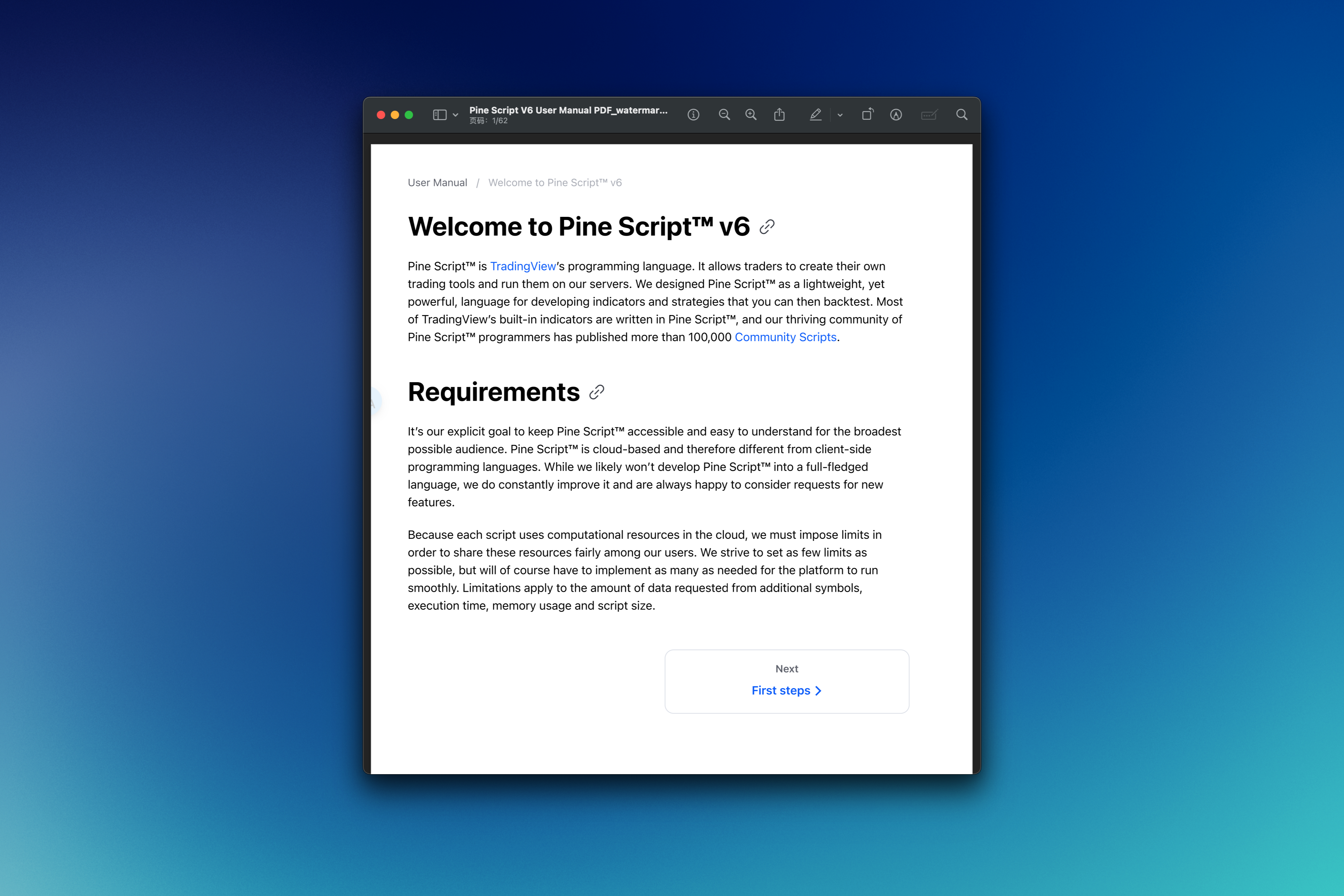
Getting the Most Out of Your Pine Script Manual
So you've downloaded the manual. Now what? Here's how I suggest using it, based on what worked when I was learning:
Your Action Plan:
- Skim First — Get the overall structure before diving into any one section
- Don't Skip the Basics — Even if you code in other languages, Pine Script has quirks that'll trip you up. I learned this the hard way.
- Type Everything — Copy-paste comes later. Right now you need muscle memory.
- Bookmark Generously — You'll visit the function reference section constantly
- Build Something Real — Pick an indicator you actually want and make it work
Projects Worth Building
Once the basics click, these projects will actually improve your trading:
- Custom Moving Averages — Because built-in ones don't always fit your strategy
- Multi-Timeframe Indicators — See what's happening on weekly and daily charts at once
- Alert Systems — Get notified when your conditions trigger, not whenever TradingView feels like it
- Drawing Tools — Automate those support and resistance lines you draw by hand on SPY
- Risk Management — Code position sizing and stop-loss rules directly into your strategies
If you want inspiration, our Best TradingView Strategies for 2025 page shows some advanced Pine Script examples.
Why This Manual Stays Useful
Learning to code isn't a one-and-done event. You'll reference this manual constantly — checking syntax, reviewing examples, figuring out why something didn't work. The PDF format means you can search it instantly and keep it open on a second monitor while you code.
I've been using it for about six months, and I still look up things I forget. That said, it's not perfect — the section on strategy backtesting could use more real-market examples, and I found a few typos in the advanced examples section. Still worth the download, but go in knowing it has rough edges.
Whether you're building your first SMA crossover or something more elaborate like the Bollinger Bands strategies we cover elsewhere, this manual gives you the foundation to turn trading ideas into working Pine Script code.
Ready to build the indicators you've been wishing for? Download your free Pine Script v6 manual and start coding.
What is the Pine Script v6 user manual PDF?
The Pine Script v6 user manual PDF is a programming guide for TradingView's Pine Script version 6. It walks through the Pine Editor interface, v6 syntax rules, built-in functions, indicator construction, strategy development, and debugging. It's meant for beginners and intermediate coders who want to write working Pine Script.
Is the Pine Script v6 manual really free to download?
Yes. You can download it for free via the Gumroad link above. No credit card, no subscription — just click and save the PDF to your device.
How is Pine Script v6 different from v5 or v4?
Pine Script v6 brings cleaner syntax, faster execution, better error messages, and modern language features that make it closer to Python or JavaScript. Scripts written in v4 or v5 may need minor updates to run under v6, but the readability and performance improvements are worth the effort.
Can a complete beginner learn Pine Script from this manual?
Yes. The manual is written for traders who are new to coding, not CS graduates. It covers variables, data types, and functions in plain language, uses real trading examples, and moves from basics to complete indicators and strategies step by step.
What kinds of indicators and strategies can I build after reading the manual?
After going through the manual you can build custom moving averages, multi-timeframe indicators, alert systems, automated drawing tools, and full position-sizing strategies. The skills carry over to any technical analysis idea you want to automate in TradingView.
Where do I write and test Pine Script v6 code?
Pine Script v6 code runs in the Pine Editor inside TradingView. Open any chart, click the Pine Editor tab at the bottom, paste or write your script, and click Add to Chart to see results right away. No external IDE or installation needed.
Is there an official Pine Script language reference manual from TradingView?
TradingView publishes official docs at pine-lang.org, but it's more of a technical specification than a learning resource. The free PDF manual is a structured, beginner-friendly alternative organized in a logical learning sequence rather than alphabetically by function.