Unlock the Power of TradingView with a Pine Script Coding Course

In the fast-paced world of trading, mastering Pine Script can be a game-changer. This programming language, used exclusively on TradingView, allows traders to create custom indicators, automate trading strategies, and enhance their market analysis. If you’re looking to elevate your trading skills, a Pine Script coding course is an essential investment.
Why Learn Pine Script?
Pine Script offers several benefits that make it indispensable for traders:
- Customization: Tailor indicators and strategies to fit your unique trading style and objectives.
- Automation: Automate parts of your trading process, including analysis and trade execution, to save time and increase efficiency.
- Accessibility: Designed with simplicity in mind, Pine Script is accessible even to those with minimal programming experience.
- Community Support: Benefit from a thriving community of traders and developers who share scripts and strategies.
Key Features of a Pine Script Course

A comprehensive Pine Script coding course should cover the following essential topics:
- Pine Script Fundamentals: Learn the basics of variables, data types, operators, and functions.
- Custom Indicators: Understand how to build and modify custom indicators to suit your trading needs.
- Strategy Automation: Discover how to automate trading strategies and create alerts.
- Advanced Techniques: Explore advanced formulas and functions for creating accurate indicators.
Visual Pine Script Development: Bridging the Gap for Non-Coders
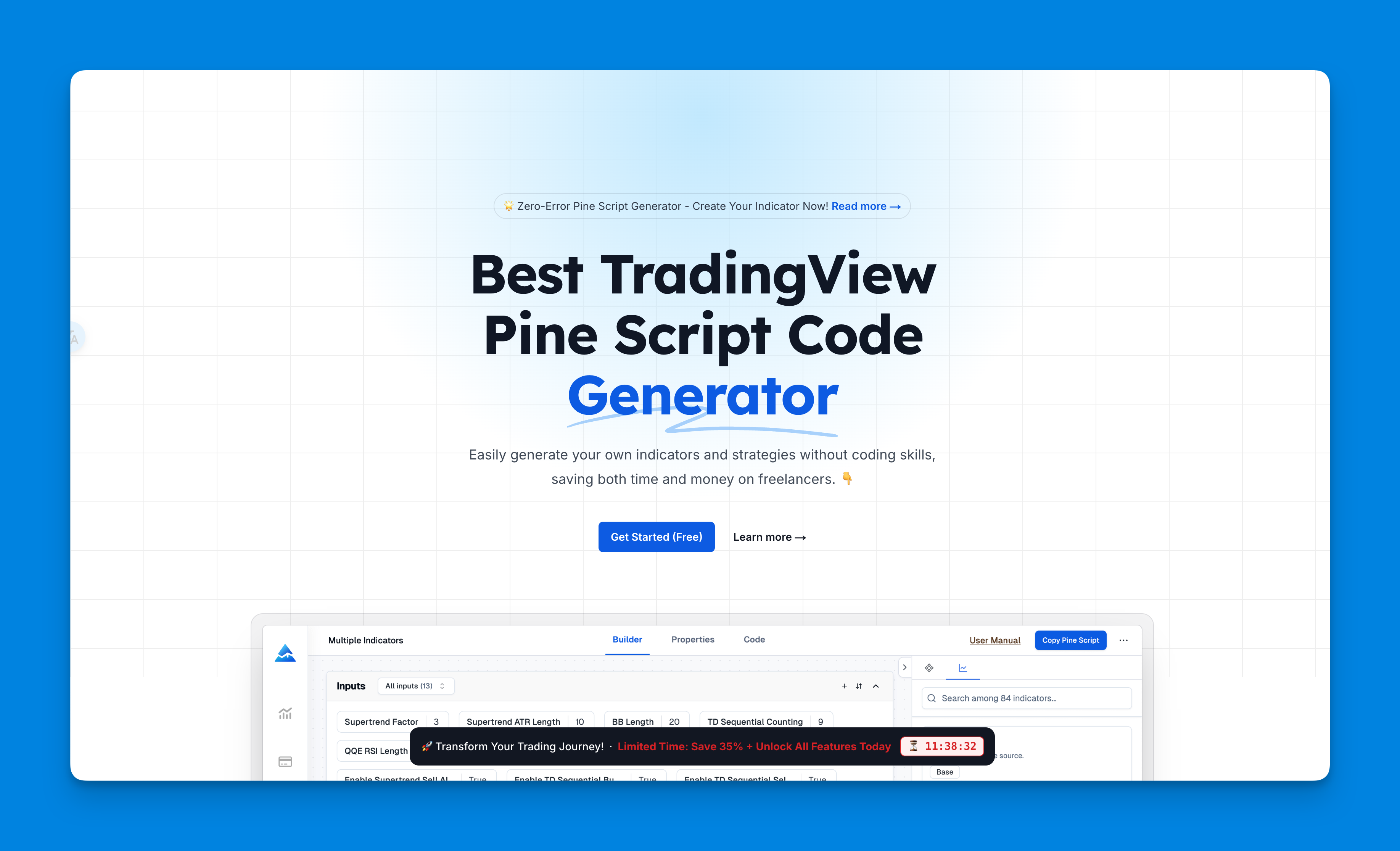
In the evolving landscape of trading technology, visual Pine Script generators are revolutionizing how traders interact with TradingView's powerful platform. Tools like Pineify offer an innovative approach for traders who want to harness the power of custom indicators without diving deep into coding complexities. As you progress through your Pine Script coding journey, understanding these visual development environments can provide valuable insights into script structure and functionality.
For those new to Pine Script, these tools offer a practical learning accelerator. You can generate a script visually, examine the resulting code, and gradually build understanding of how various components translate into Pine Script syntax. This approach complements formal learning by providing concrete examples of working code that implements your specific trading ideas.
Website: Pineify
Click here to view all the features of Pineify.Top Recommended Courses
Here are some of the best Pine Script courses available:
- QuantNomad Academy: Offers a structured course with video lectures and code examples, ideal for beginners and experienced traders alike.
- Udemy Courses: Provides comprehensive coverage, including the latest version of Pine Script, with a focus on practical applications.
- Zen & The Art of Trading: Features a mastery course with extensive lessons and real-world examples.
Benefits for Traders
Learning Pine Script can significantly enhance your trading capabilities:
- Improved Efficiency: Automate repetitive tasks and focus on strategy development.
- Enhanced Analysis: Create custom indicators to gain deeper insights into market trends.
- Competitive Advantage: Stay ahead in a competitive market by adapting quickly to new strategies.
Get Started Today
If you’re serious about elevating your trading game, now is the time to enroll in a Pine Script coding course. With the right skills, you can unlock the full potential of TradingView and transform your trading experience.