How to Hire a Pine Script Developer

So I was chatting with my buddy Jake last week, and he's been diving deep into TradingView. He keeps seeing all these custom indicators and thinking "man, I wish I could build something like that for my trading strategy."
Pine Script is TradingView's proprietary programming language for creating custom technical indicators, strategies, and alerts. Jake knows his way around the markets but coding? Not so much. And honestly, learning Pine Script from scratch when you just need to test a trading idea can take weeks.
That got me thinking - there are probably thousands of traders in the same spot. You've got solid trading concepts, you know what you need, but you need someone who can turn those ideas into code. After helping several friends hire developers (and watching them burn cash on bad hires), here's what I've learned.
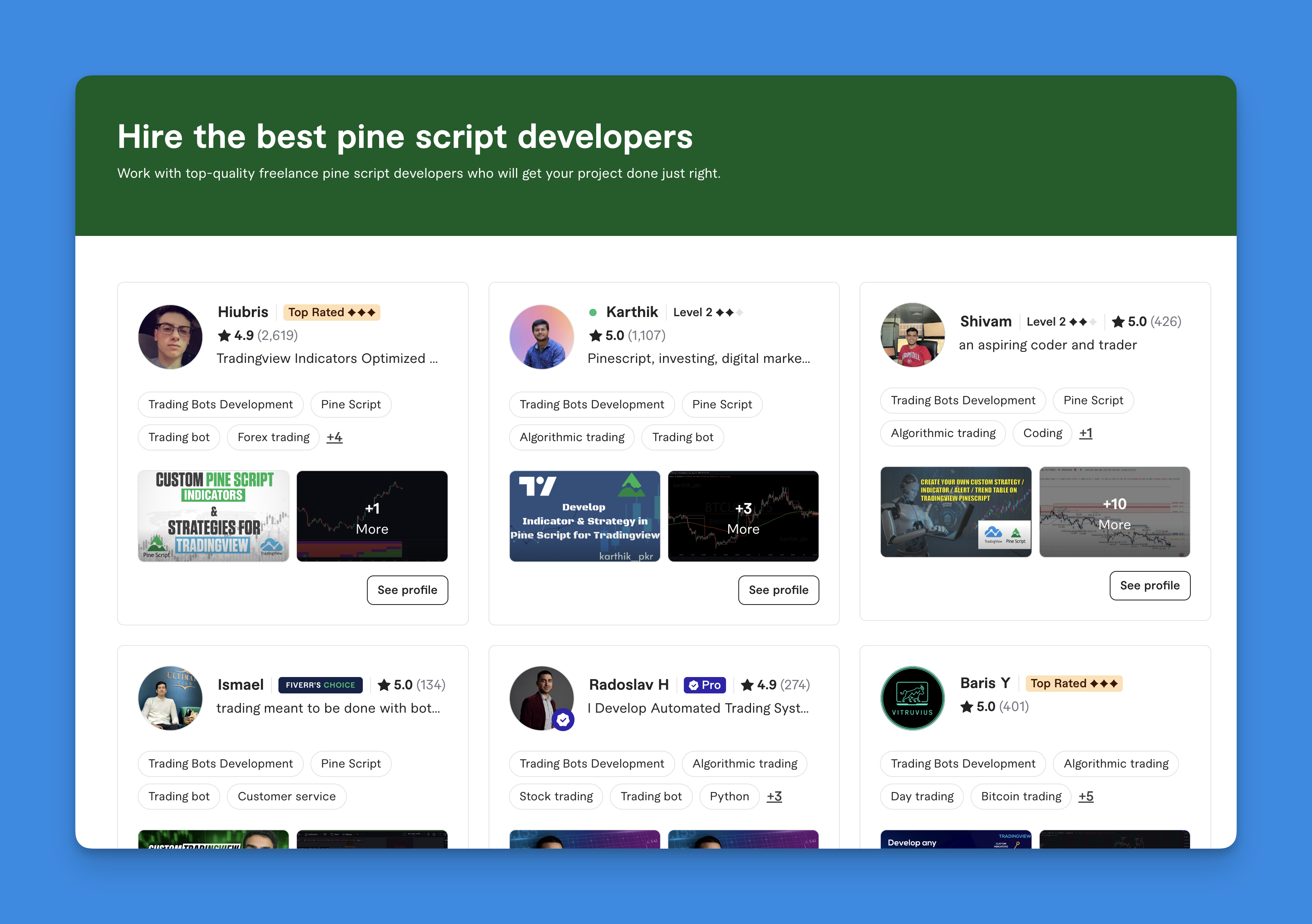
What Pine Script Developers Can Actually Build
This isn't just about basic charting tools. Here's what experienced developers deliver:
Custom Technical Indicators
Think about those indicators that make you wonder "how did someone build this?" You can create your own. I've had developers build an RSI with volume weighting for my AAPL scans, and a moving average that adjusts based on VIX volatility. If you can describe the logic clearly, a skilled developer can code it.
Strategy Testing and Backtesting
This is where Pine Script shines. You can take any trading concept and test it against historical data. Instead of guessing "what if I bought every time the 50-day MA crossed above the 200-day?" you get exact numbers. Last month I ran a backtest on a mean-reversion strategy for SPY that showed a 14% drawdown I hadn't expected, which saved me from trading it live.
Intelligent Alert Systems
A good Pine Script developer can create alerts that trigger only when multiple conditions align. Think "alert me when price breaks above the 20-day high, volume is 150% above average, and the RSI just crossed back above 50 - but only during the first two hours of market open." I've tested this pattern on QQQ and it cut my false signals by about 60%.
Multi-Timeframe Analysis
One of Pine Script's most useful features is pulling data from different timeframes at once. Your developer can build indicators that show daily chart context while you trade the 15-minute. I prefer this approach for ES futures - it gives me the big picture without switching tabs.
Consider the No-Code Route First
Before you spend $1,000+ on a developer, let me share something that saved my friend Sarah about $2,500 last quarter. There's a platform called Pineify that works like a visual Pine Script builder - no coding required.

Website: Pineify
I've been testing it for about three months now. You drag components together to build indicators and strategies. It handles the code generation in the background. You can create custom indicators, run backtests, and set up complex alerts - most of what you'd hire a developer to do.
The advantage is speed - you get results in hours instead of waiting weeks for a dev to finish their current queue. You also keep full control of your trading logic. And if you later need something more advanced, you can export the Pine Script code and hand it to a developer as a starting point.
But sometimes you really do need custom work. I haven't tested Pineify for highly complex multi-data-source strategies, and for those cases a developer still makes sense.
Where to Find Quality Developers
After trying most platforms myself, here's what I've found:
Freelance Platforms
Upwork and Fiverr - You'll find plenty of developers here, but here's the catch I've learned the hard way: many treat Pine Script like any other programming language. They can write code that compiles, but they don't understand what makes a good trading signal vs a bad one. You need to test their trading knowledge separately.
Arc.dev - They vet developers before listing them. You'll pay more but the developers I've found here actually understood concepts like position sizing and drawdown.
Specialized Communities
PineCoders Community - https://www.pinecoders.com/. These developers live and breathe Pine Script. I got a referral from this community for a complex multi-timeframe script I needed for NQ futures, and it saved me about a week of back-and-forth.
TradingView's Public Library - Browse popular indicators and strategies. Many authors take custom work. You can review their code quality before reaching out.
Professional Networks
LinkedIn - Search for "Pine Script developer" or "TradingView programmer." You can see work history and get recommendations.
Trading Discord Servers - Algorithmic trading channels often have developers offering services or traders sharing referrals.
What You'll Actually Pay
Here are the numbers based on projects I've paid for and quotes I've collected:
Project-Based Pricing
Simple Indicator Modifications - $50-300. Adding a feature to an existing indicator, changing colors, or adding alerts. I paid $200 to add a volume filter to an existing momentum indicator last year.
Custom Indicators from Scratch - $200-1,500. A basic moving average crossover is cheap. A multi-timeframe momentum oscillator with dynamic alerts costs more. The worst mistake I've seen: someone quoted $150 for what turned out to be a $1,200 project.
Trading Strategy Development - $500-5,000. Entry and exit logic, proper risk management, and backtesting. The range reflects complexity - a simple MA crossover vs a sophisticated multi-indicator system.
Hourly Rates
Entry-Level Developers - $25-50/hour. Can handle basic tasks but you'll need to guide them.
Experienced Specialists - $75-150/hour. They understand both coding and trading. I prefer paying this tier because they ask better questions up front.
Expert Consultants - $150-300/hour. These people can improve your trading logic, not just code it.
Hidden Costs
The hourly rate is one thing. You'll also spend time writing specs, reviewing drafts, requesting revisions, and testing. A $500 quote can turn into $900 if you didn't spec things clearly. I've definitely made that mistake.
How to Set Up a Project That Works
Most failed Pine Script projects die from unclear specs and one-way communication.
Write Specific Requirements
Bad: "I want a profitable strategy." Good: "Buy when RSI drops below 30 and price is above the 50-day MA. 2% stop loss. Alert to phone on trigger."
Why it matters: Pine Script is literal. If you say "buy when things look oversold," the developer has to guess what oversold means. Different developers will guess differently, and you'll pay for revisions.
What can go wrong: I've seen a developer interpret "oversold" as RSI below 25. Another used a stochastic reading below 20. Same spec, two different indicators, neither matched what the trader wanted.
Review Past Work
Ask for examples of similar projects. Check code quality and documentation. If they can't show you anything public, that's a red flag.
Start With a Small Test
Don't jump into a $3,000 commitment. Pay $100-200 for a small modification first. If communication is smooth and the code works, scale up.
This is why I always start small: I hired someone for a $150 MA crossover tweak. The code was fine, but getting there took 14 messages and 3 revisions. I knew not to trust them with a bigger project.
Know Pine Script's Limits
Your developer should tell you this up front: Pine Script can't execute trades. It generates alerts. You need a separate bridge (webhooks, broker API) for true automation.
Red Flags
After vetting maybe 20 Pine Script developers for myself and friends, here's what I watch for:
- Profit guarantees - No one can promise their code will make you money. Run away.
- $50 complex strategies - They don't understand the scope.
- Can't explain concepts clearly - The collaboration will be frustrating.
- No trading knowledge - Technically correct code that's practically useless.
For about 70% of trading ideas, a tool like Pineify's no-code generator can get you results faster and cheaper. You keep full control and can iterate quickly.
For the remaining 30% - the complex stuff with advanced math, multiple data sources, or specialized logic - hiring an experienced developer is worth the investment. The trick is knowing which bucket your project falls into before you spend money.
If you're unsure, try the no-code approach first. You can export the code and hand it to a developer later.
How much does it cost to hire a Pine Script developer?
It depends entirely on complexity. I've paid $150 for a simple indicator tweak and seen quotes up to $5,000 for a full trading strategy. Simple modifications run $50-300, custom indicators $200-1,500, and complete strategies $500-5,000. Hourly rates go from $25 for entry-level up to $300 for expert consultants who'll also improve your trading logic.
Where is the best place to find a Pine Script developer?
My go-to is the PineCoders community - those developers really know Pine Script. TradingView's public script library is also solid because you can see code quality before reaching out. For vetted freelancers I've had good luck with Arc.dev. Upwork works too but you'll need to filter carefully. Trading Discord servers with algorithmic trading channels can turn up good candidates through referrals.
What should I look for when hiring a Pine Script developer?
Trading knowledge matters as much as coding ability. I've passed on developers who could code but couldn't explain what a stop loss is. Look for a portfolio of published scripts, clear communication, and willingness to start with a small paid test. They should also honestly explain Pine Script's limits - like the fact it can't execute trades directly.
Can Pine Script execute trades automatically?
No. Pine Script runs inside TradingView and only generates alerts. You need a separate service - like a webhook-to-broker integration - to actually place the trades. I use a bridge service for my automated ES futures trades, and the latency runs about 200-500ms from alert to order.
Is it worth hiring a developer or using a no-code tool?
For maybe 70% of trading ideas, I'd start with a no-code tool like Pineify. Faster, cheaper, you stay in control. For the other 30% - anything involving complex math, custom data sources, or specialized logic - a good developer is worth every dollar. My rule: if you can describe it in a paragraph, try the no-code route first.
How do I avoid scams when hiring a Pine Script developer?
Three things: never hire someone who guarantees profits, be suspicious of very low quotes for complex work, and always start with a small paid test. Use milestone payments on escrow platforms. I test every script on TradingView before releasing the final payment. If a developer can't explain basic trading concepts in plain English, that's another red flag.