Backtest Indicator TradingView: Complete Guide to Testing Your Trading Strategies

· 19 min read
Pineify Team
Pine Script and AI trading workflow research team

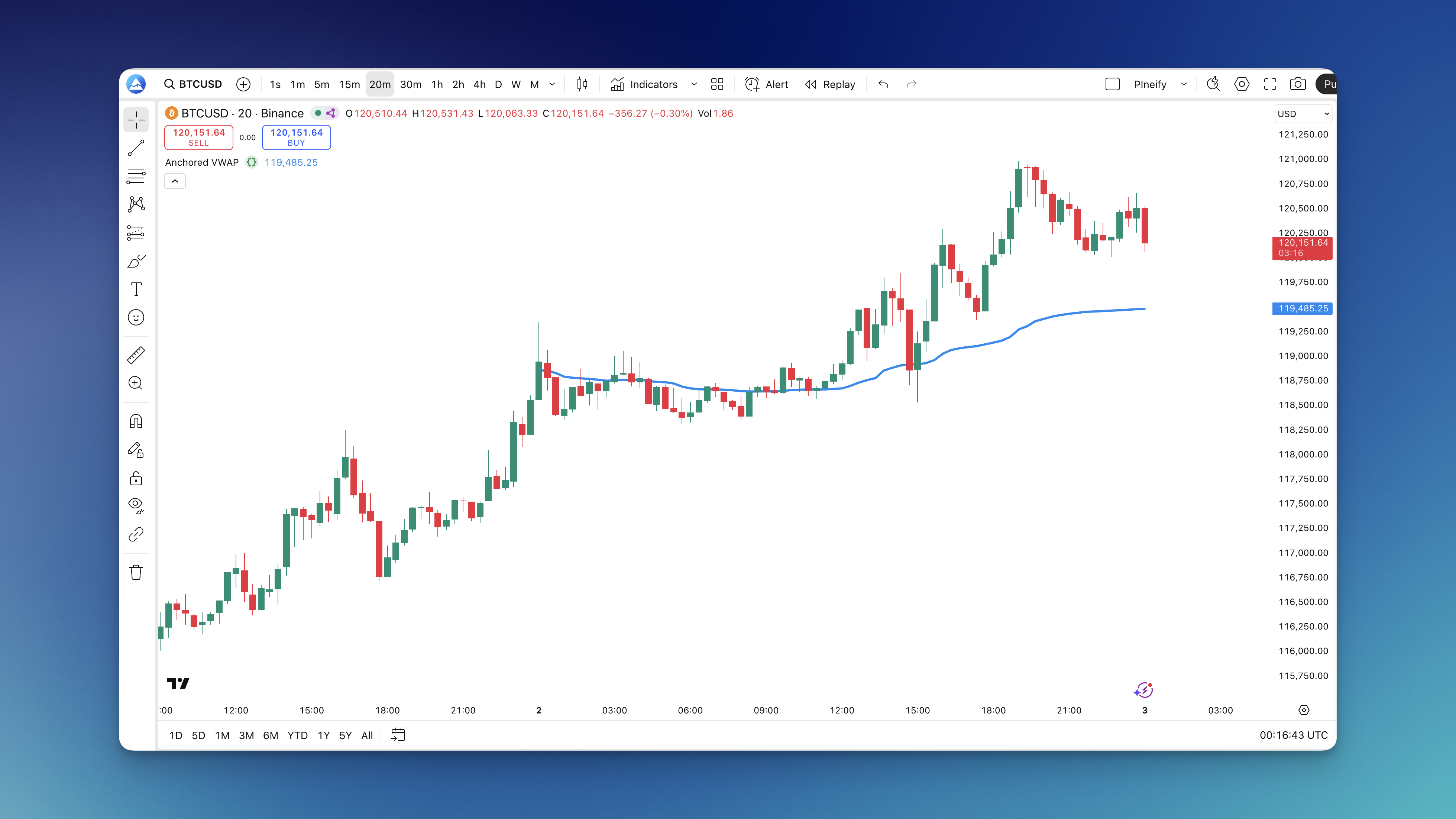
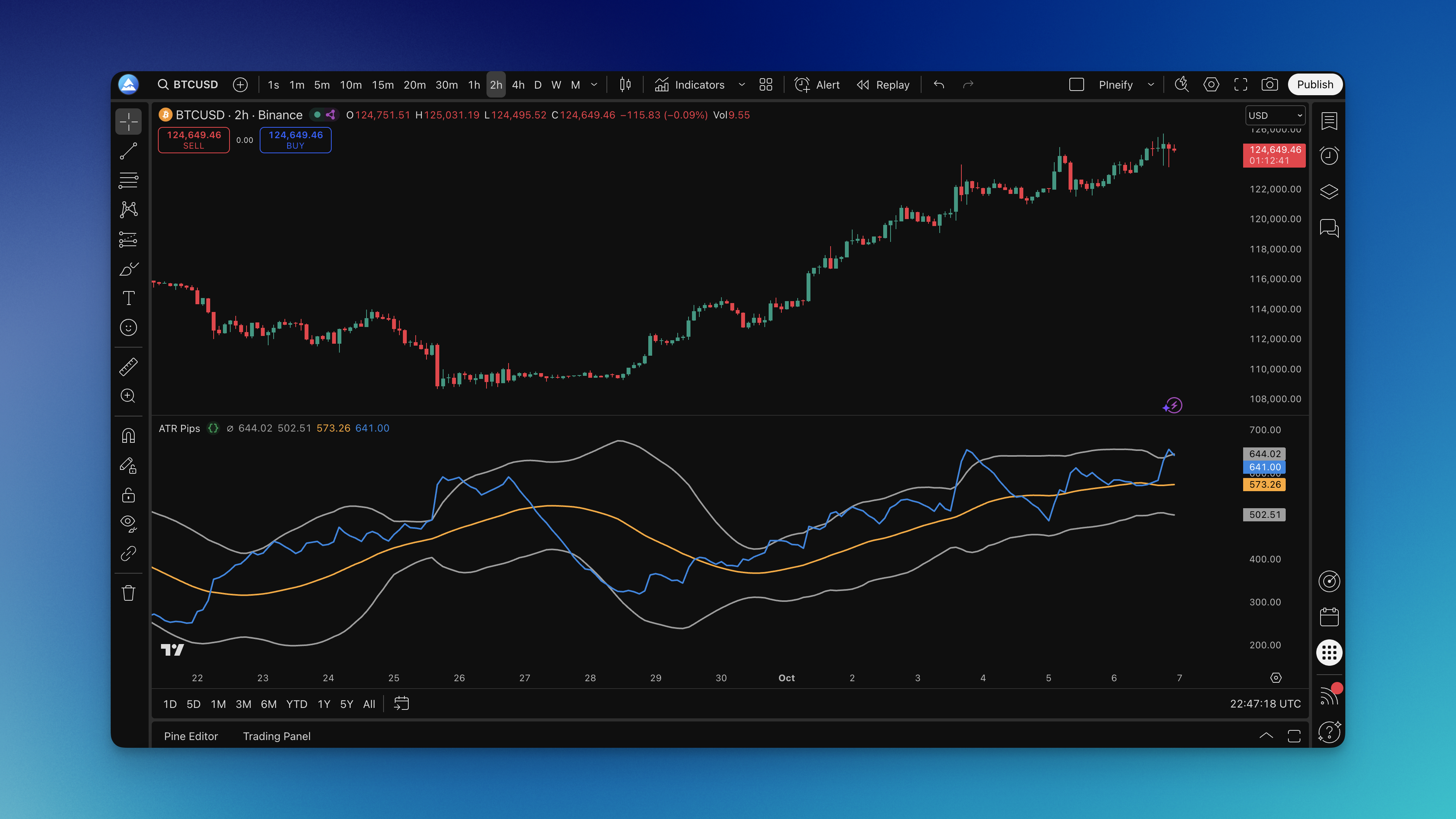
Backtesting your trading ideas on TradingView is like having a time machine for your strategies. It lets you see how your approach would have played out in the past, so you can gain confidence before you put any real money on the line. TradingView gives you a couple of straightforward ways to do this: you can either manually step through old market data or set up an automated script to run the tests for you. Both methods provide detailed reports that help you understand the strengths and weaknesses of your plan.

Backtest Indicator TradingView: Complete Guide to Testing Your Trading Strategies

Backtesting.py Guide: How to Backtest Trading Strategies in Python

· 18 min read
Pineify Team
Pine Script and AI trading workflow research team

Whether you're checking a simple moving average strategy or a complex algorithmic idea, backtesting.py gives you a straightforward way to test your trading logic with historical data. It's a popular, free Python library that lets you simulate trades to see how an idea might have performed in the past, helping you build confidence before you commit real money.

This walkthrough will take you from getting it installed to fine-tuning a strategy, all using this powerful but user-friendly toolkit.


Backtesting.py Guide: How to Backtest Trading Strategies in Python

Backtesting.py vs Backtrader vs Pineify: Choose Your Best Trading Strategy Testing Platform

· 22 min read
Pineify Team
Pine Script and AI trading workflow research team

Choosing the right tool to backtest your trading ideas can make all the difference. It's like picking the best compass before a hike—the right one gets you where you want to go efficiently, while the wrong one can lead you in circles. Backtesting.py, Backtrader, and Pineify offer three very different paths to test your strategies. Two are code-based libraries for Python, and one is a visual builder for TradingView. Let's break them down so you can pick the one that fits your skills and how you like to work.

Backtesting.py vs Backtrader vs Pineify: Choose Your Best Trading Strategy Testing Platform

Backtesting.py vs Backtrader vs Pineify: Which Framework is Right for Your Trading Strategy?

· 22 min read
Pineify Team
Pine Script and AI trading workflow research team

Choosing the right tool to backtest your trading ideas can feel overwhelming, but it makes all the difference. It’s like picking the right wrench from the toolbox—you want something that feels good in your hand and actually gets the job done.

Three names come up again and again: Backtesting.py, Backtrader, and Pineify. They each have a different vibe and purpose. Let's break them down in plain terms so you can see which one might be the best fit for you and your strategies.

Backtesting.py vs Backtrader vs Pineify: Which Framework is Right for Your Trading Strategy?

Backtesting Trading Strategies: How to Validate Your Edge Before Live Trading

· 19 min read
Pineify Team
Pine Script and AI trading workflow research team

Every trader dreams of finding a winning strategy, but there's one crucial step many rush past before risking real money: backtesting. Think of backtesting as a time machine for your trading idea. It's the process of applying your specific trading rules to old market data to see how they would have performed. Done right, it turns a gut feeling into a strategy with real evidence behind it—and it can stop you from making devastating mistakes when you go live.


Backtesting Trading Strategies: How to Validate Your Edge Before Live Trading

Backtrader Alpaca Integration: Complete Algorithmic Trading Guide

· 17 min read
Pineify Team
Pine Script and AI trading workflow research team

If you're getting into algorithmic trading with Python, you've probably heard about the challenge of testing a strategy and then actually using it with real money. That's where pairing Backtrader with Alpaca comes in. It lets you build and test your trading ideas on historical data and then, when you're ready, run the same exact code to trade live, all without paying commission on the trades.

Think of it as having a single, reliable toolkit that works for both your research and your real-world trading, which can save you a ton of time and prevent errors. For those who also work with TradingView, mastering the platform's features, like using TradingView Keyboard Shortcuts, can significantly boost your overall trading workflow and efficiency across different tools.

Here's the GitHub project if you want to jump right to the code.

Backtrader Alpaca Integration: Complete Algorithmic Trading Guide

Backtrader API: Your Complete Guide to Python Algorithmic Trading Framework

· 22 min read
Pineify Team
Pine Script and AI trading workflow research team

If you're getting into algorithmic trading with Python, you might have heard about Backtrader. It's a free, open-source library that lets you build, test, and fine-tune your trading strategies. Think of it as your personal strategy workshop. You can bring in market data, set up your trading logic, connect to a broker, and run everything from historical tests to live trades, all in one place. Because it supports so many data sources and comes packed with analysis tools, it's become a favorite for traders who want to automate their process without getting lost in overly complex code.

Backtrader API: Your Complete Guide to Python Algorithmic Trading Framework

Pineify Strategy Optimizer: TradingView Extension for Grid Search and CSV Export

· 10 min read
Pineify Team
Pine Script and AI trading workflow research team

I used to treat TradingView strategy tuning like a side quest that quietly ate the whole evening. Open the Strategy Tester, change one input, wait, screenshot or scribble the metrics, repeat. The interface is perfectly fine for a handful of checks, but the moment you care about multiple parameters and more than one interval, you are no longer “testing a strategy.” You are running a search problem by hand.

TradingView Strategy Optimizer Extension is the product framing Pineify uses for Supercharged: a free Chrome extension that automates backtesting and parameter optimization inside TradingView so you can explore a grid of Pine Script inputs, compare outcomes on the metrics that matter, and export everything to CSV when you want a spreadsheet or a Python notebook in the loop.

Backtrader Indicators Guide: Master Technical Analysis with Python

· 17 min read
Pineify Team
Pine Script and AI trading workflow research team

Think of Backtrader indicators as your toolkit for building and testing automated trading strategies in Python. They help you sift through past market data to spot patterns, trends, and potential moments to buy or sell, all within the Backtrader environment. If you're playing with a simple strategy like crossing moving averages or building something entirely unique, getting comfortable with these indicators is a key step in creating and validating your trading ideas.

Backtrader Indicators Guide: Master Technical Analysis with Python

Backtrader Multiple Stocks: Complete Guide to Multi-Asset Trading Strategies

· 18 min read
Pineify Team
Pine Script and AI trading workflow research team

Juggling multiple stocks in a backtest doesn't have to be a headache. Backtrader handles it smoothly by letting you load several stock data feeds at once into its main engine, called Cerebro. Inside your trading strategy, you can easily access each stock's data using simple references like self.data0 for the first stock, self.data1 for the second, and so on.

This setup opens the door to testing more advanced ideas. You can build strategies for an entire portfolio, experiment with pairs trading (where you trade one stock against another), or manage separate positions across a bunch of different securities, all in a single run.

Backtrader Multiple Stocks: Complete Guide to Multi-Asset Trading Strategies