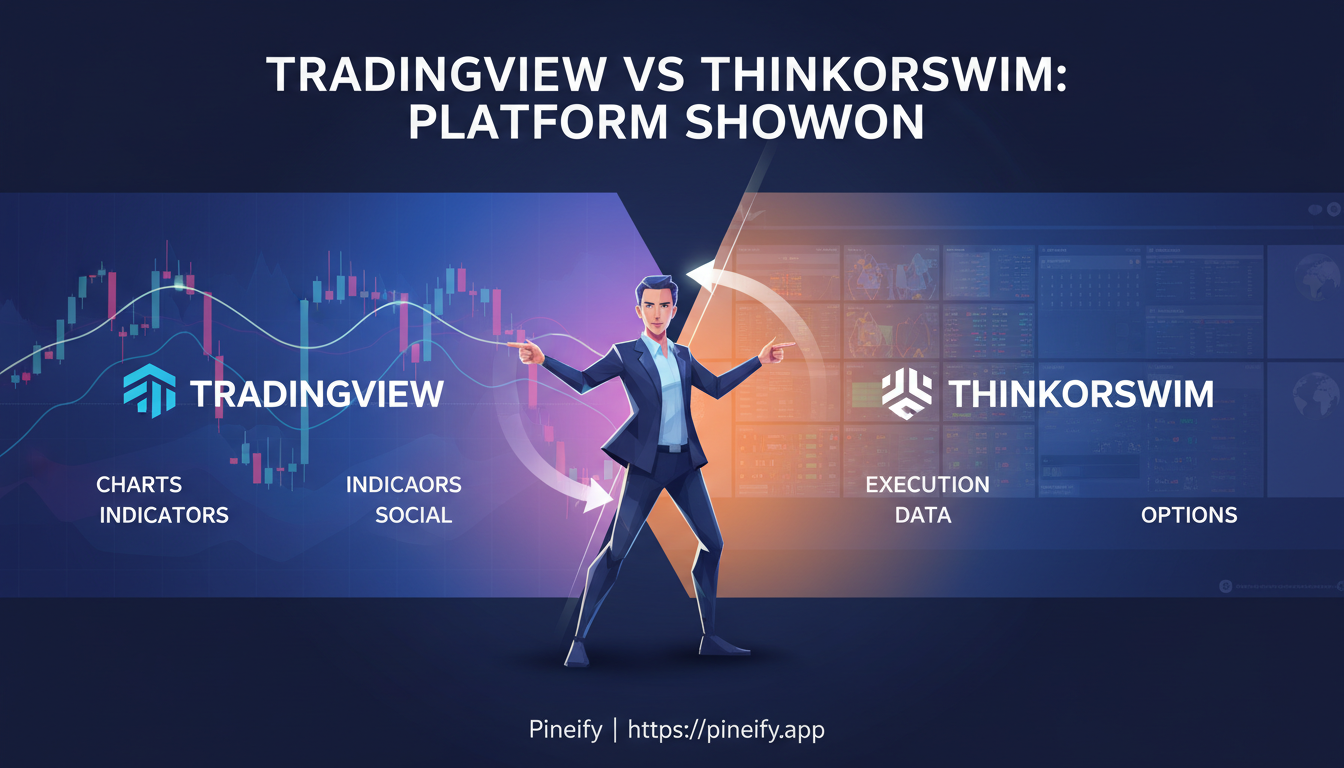
TradingView is a charting and analysis platform with supported broker connections. thinkorswim is Schwab's trading platform with integrated research, analysis, and order tools. Both offer several interfaces and simulation features, so the choice depends on your account eligibility and the workflow you need.
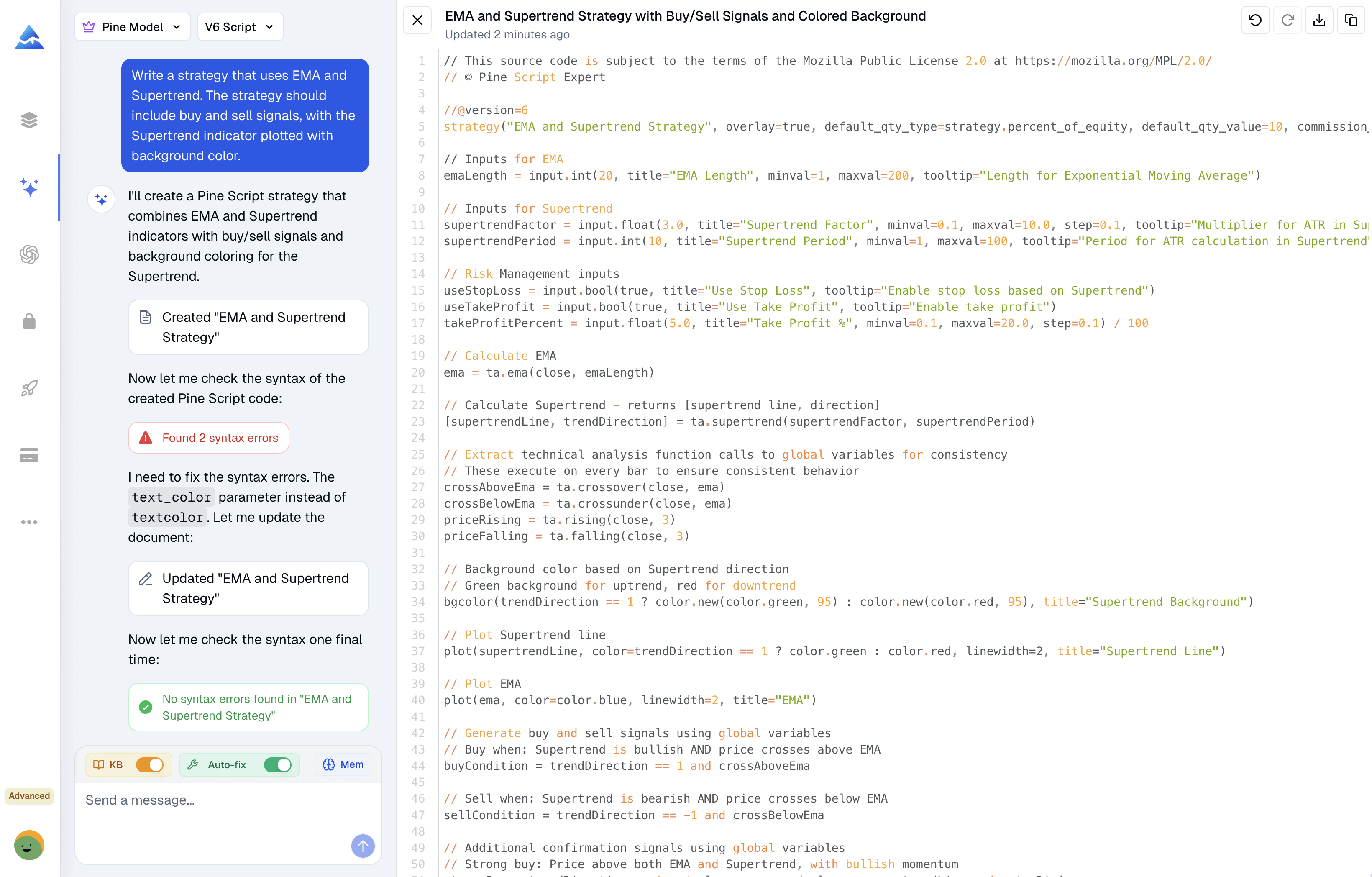
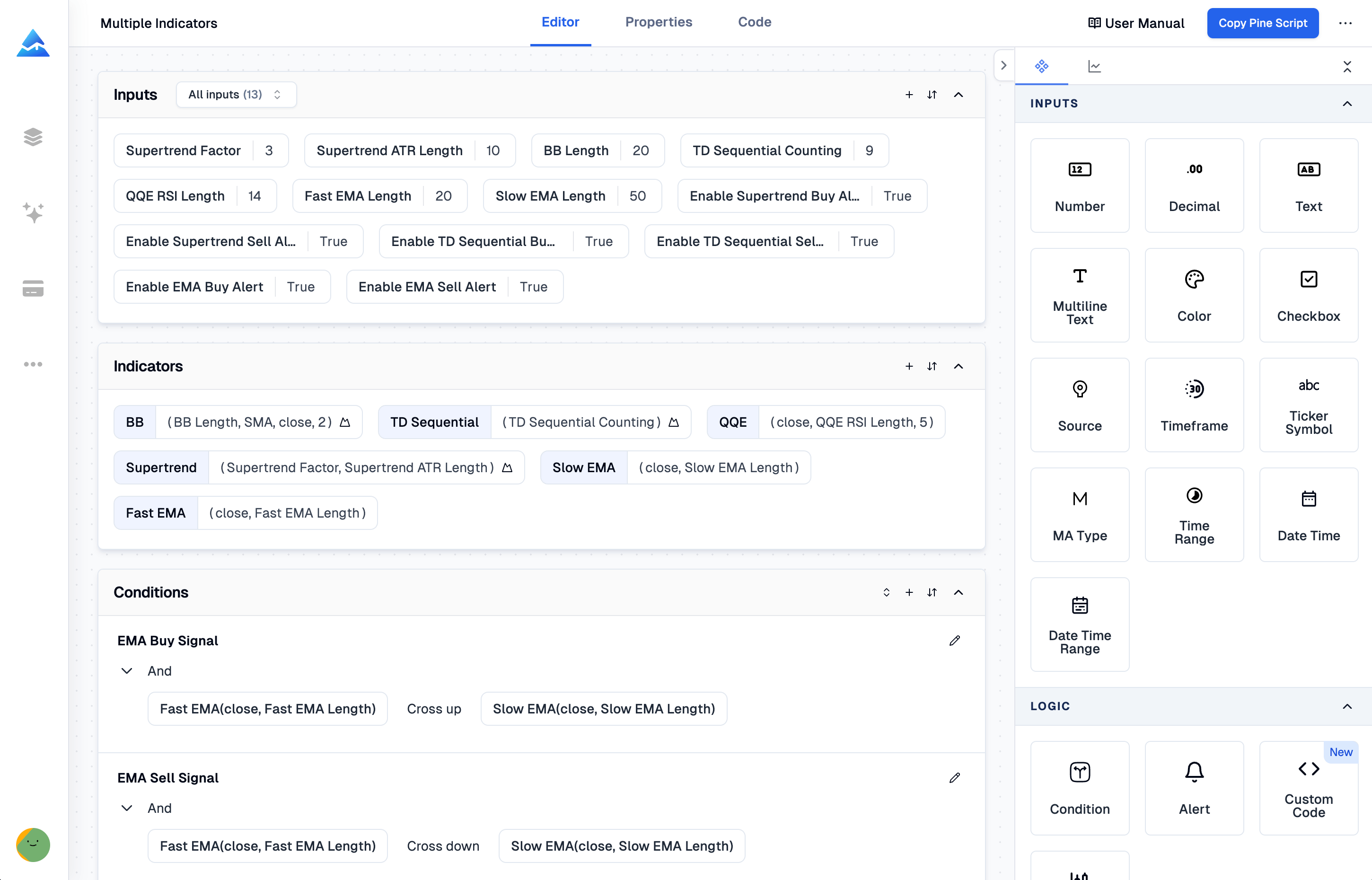
AI can draft Pine Script from a plain-language trading rule. That reduces manual typing, but the draft still needs compilation, logic review and testing. A working indicator displays calculations; a strategy simulates orders. Neither establishes that a trading idea will be profitable.
The Chande Momentum Oscillator (CMO) measures the balance of upward and downward price changes over a window. A positive reading means upward changes outweigh downward changes in that calculation. It does not establish that buyers will continue to dominate or that a reversal is more likely at a particular threshold.
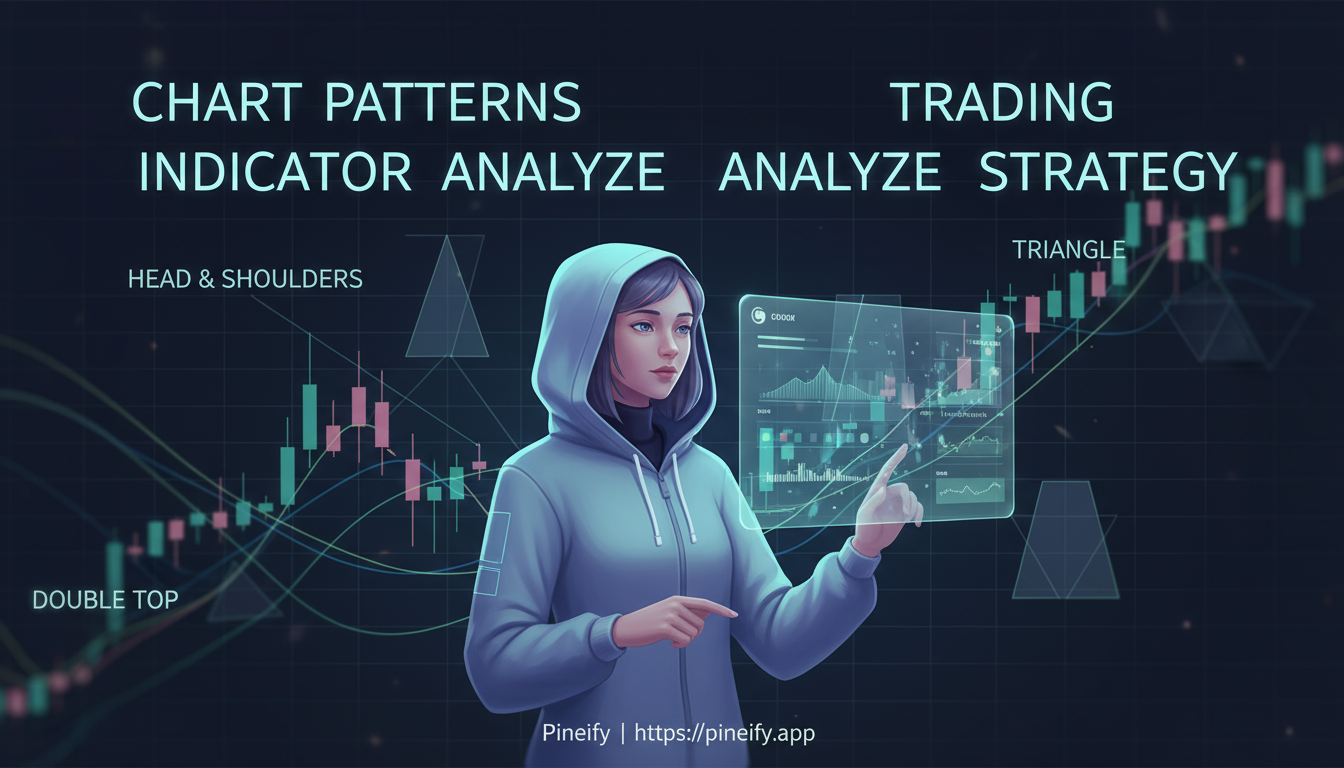
TradingView's automatic chart-pattern indicators draw formations according to programmed rules. Their useful output is a candidate structure with a detection state, not a verified trade recommendation. Before using a label, check when the pattern became available, what makes it formed or failed, and how much chart history the detector searches.
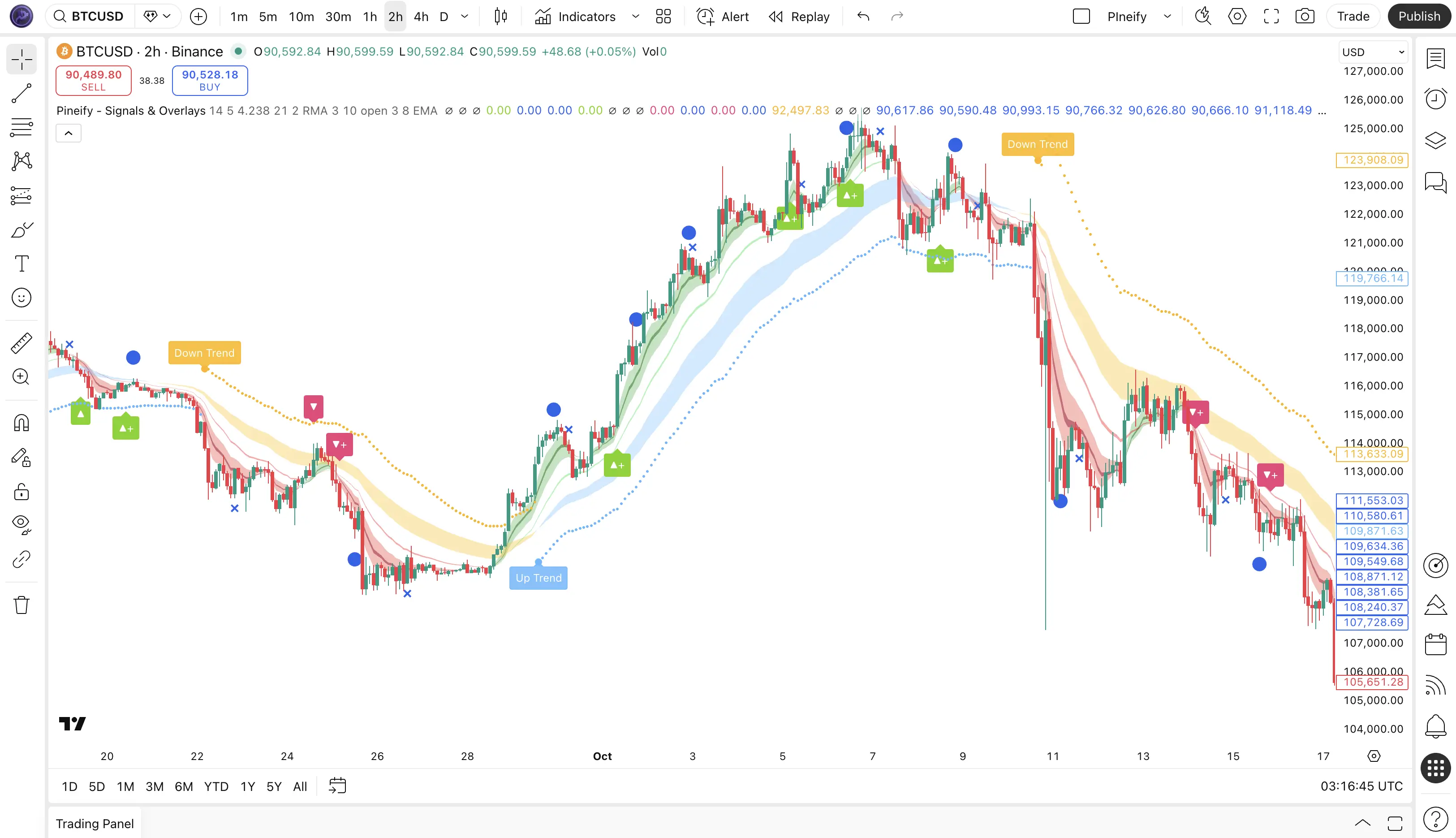
Pineify Signals & Overlays requires TradingView authorization for the username submitted through Pineify. After access is granted, add the script to a chart and configure the alert conditions it actually exposes. TradingView runs created alerts on its servers; leaving your browser open is not a requirement for them to execute.
This guide covers access, alert configuration, and verification. It does not claim a tested win rate or certify the private indicator's internal calculations.
Composer vs Pineify: which platform fits your strategy? They serve different execution workflows. Composer builds and automates portfolio strategies called symphonies through its brokerage arrangements. Pineify's Visual Pine Script Editor generates code for use on TradingView; exporting a strategy does not itself place live broker orders.
This comparison uses current product documentation and Pineify's implementation, checked on October 20, 2026. It is not a firsthand performance test of either platform.
Pineify Signals & Overlays is an invite-only TradingView indicator presented as a combination of trend, momentum, and volatility analysis. A combined signal can simplify chart review, but it does not establish a measured probability of profit. Evaluate the installed version, its settings, and its behavior on new bars before using its signals in a trading process.
Pineify and ChatGPT can both be used to request Pine Script, but choosing between them requires examining the workflow and the resulting code. This guide explains how to run a fair comparison. It does not claim a measured first-try success rate or that one model always writes better strategies.
ChartPrime publishes TradingView indicators and sells access to indicator toolkits and related services. Its public indicator library and paid plans are different things: a useful public script is not proof that a paid package will improve a trading strategy. This guide explains several documented tools, the access workflow, and a practical way to evaluate whether the features fit your needs.
A CHoCH indicator on TradingView labels a change in price structure according to its swing and breakout rules. The label describes what the script detected; it does not establish who traded, whether stops were taken, or whether a new trend will continue.
Before choosing settings, identify the exact script and its definition of a swing. Two indicators can label the same chart differently without either having a software error.