Pineify AI Coding Agent: Specify, Check, and Review Pine Script

Pineify AI Coding Agent can draft Pine Script from written rules and revise existing code. Its checking workflow can help diagnose syntax errors, but generated code still needs a review of trading logic, order timing, and data behavior. Compilation alone is not a guarantee of a usable or profitable strategy.

Give the agent a complete specification
Specify whether you need an indicator or a strategy. An indicator plots information and can define alert events. A strategy places simulated orders in TradingView's broker emulator. Asking for an indicator with an executable stop leaves an important design choice unresolved.
For a strategy request, include the entry, exit, position size, order timing, costs, and any higher-timeframe inputs. State whether a stop is based on the signal price or the actual entry fill. Those choices can produce different trades even when the scripts compile successfully.
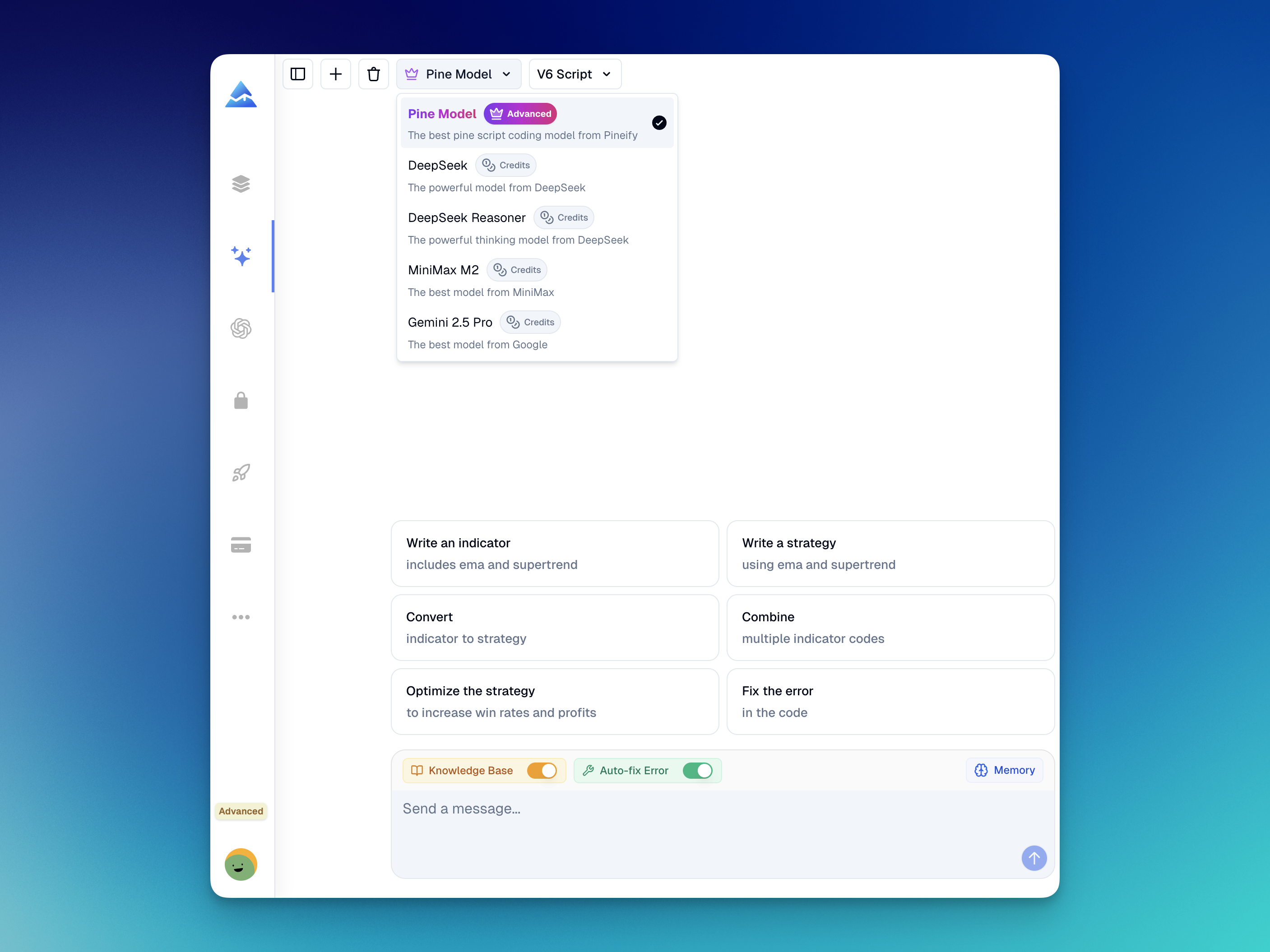
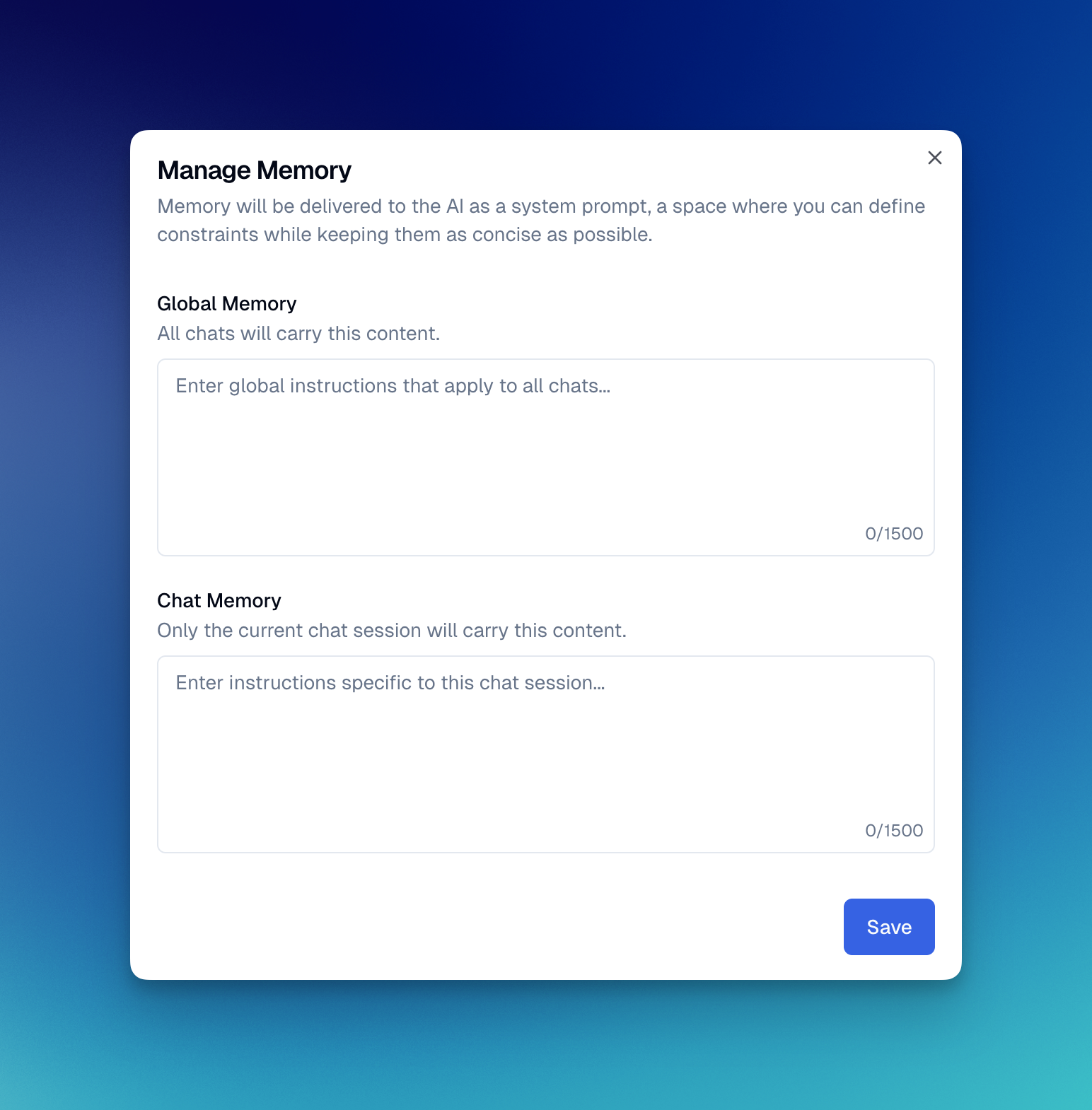
Pineify's coding workflow supplies platform-specific instructions and can include reference material and saved context. That does not establish how a particular model was trained. Keep the specification alongside the code rather than assuming conversation memory preserves every requirement.
Understand the checking loop
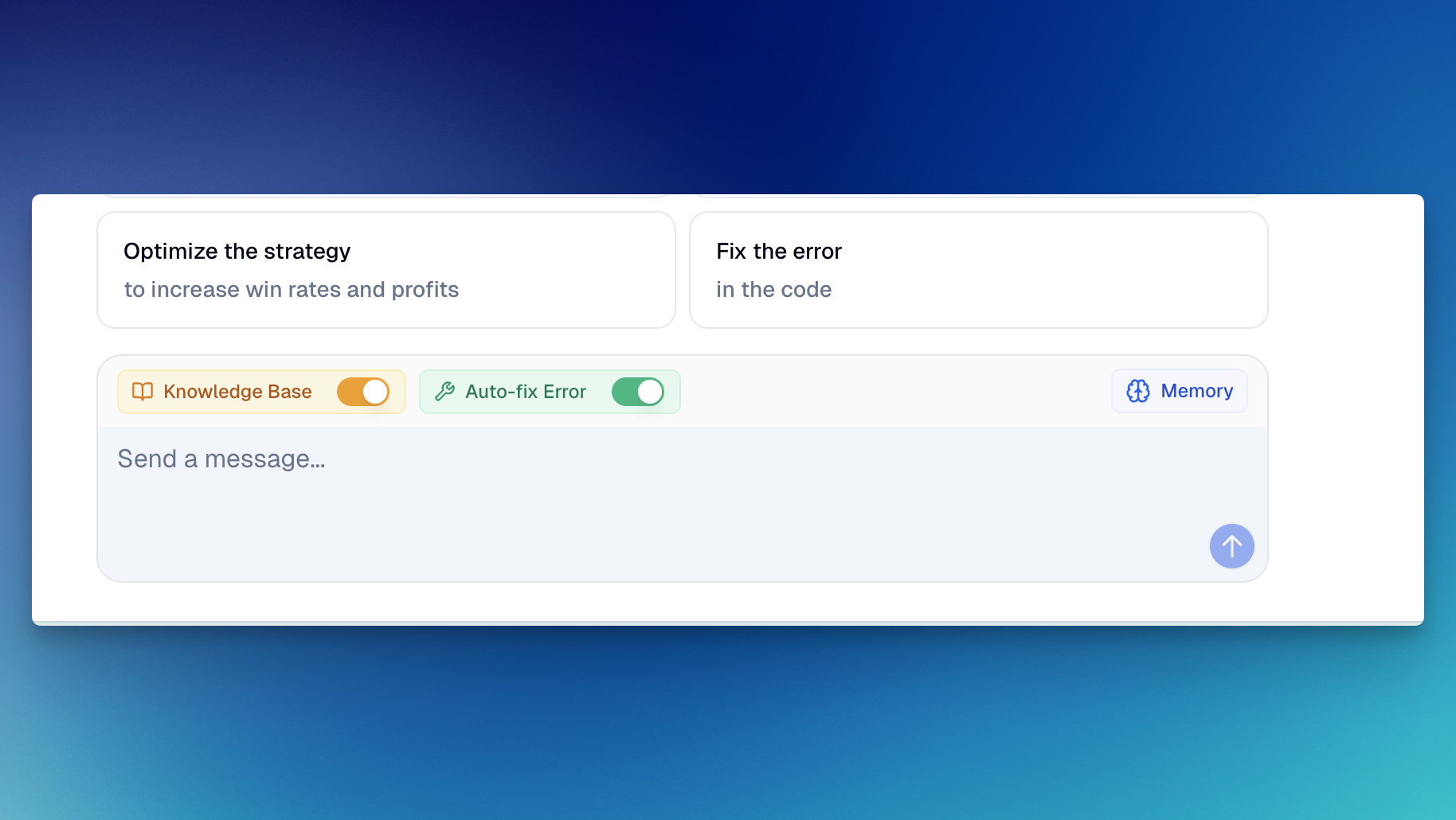
When available and enabled, syntax-checking tools return diagnostics that the agent can use for a revision. Check that a successful result refers to the final source. A timeout, service failure, or an earlier successful check does not validate a later revision.
The app supports several trading-code platforms, and validation support differs by language. In the Pine workflow, also add the final source to the intended TradingView chart and inspect its runtime behavior. Multi-symbol and multi-timeframe scripts can encounter resource or data issues that syntax checking alone does not settle.
Example 1: MACD entry with an explicit exit
This educational specification enters long on a MACD bullish crossover only when RSI is below an example threshold. It closes on a bearish MACD crossover. Lengths, threshold, size, commission, and slippage are hypothetical settings, not recommendations or reported performance.
//@version=6
strategy("MACD RSI Rule Example", overlay=false, pyramiding=0,
     default_qty_type=strategy.fixed, default_qty_value=1,
     commission_type=strategy.commission.percent, commission_value=0.1, slippage=1)
[macdLine, signalLine, histogram] = ta.macd(close, 12, 26, 9)
rsiValue = ta.rsi(close, 14)
entryCross = ta.crossover(macdLine, signalLine)
exitCross = ta.crossunder(macdLine, signalLine)
if entryCross and rsiValue < 30 and strategy.position_size == 0
    strategy.entry("Long", strategy.long)
if exitCross and strategy.position_size > 0
    strategy.close("Long")
plot(histogram, "MACD Histogram", color=color.blue)
hline(0, "Zero", color=color.gray)
The entry combines two conditions on the same calculation. It does not mean MACD may cross first and RSI may become oversold several bars later. If that is the intended rule, the specification and code must change.
Example 2: EMA crossover with a signal-price stop
This long-only example sets an absolute stop 2% below the signal bar's closing price when submitting the entry. It does not read strategy.position_avg_price before the position exists. The entry can fill at a different price, so the stop is not necessarily 2% below the eventual fill.
//@version=6
strategy("EMA Signal-Price Stop Example", overlay=true, pyramiding=0,
     default_qty_type=strategy.fixed, default_qty_value=1,
     commission_type=strategy.commission.percent, commission_value=0.1, slippage=1)
fast = ta.ema(close, 9)
slow = ta.ema(close, 21)
entryCross = ta.crossover(fast, slow)
exitCross = ta.crossunder(fast, slow)
var float stopPrice = na
if entryCross and strategy.position_size == 0
    stopPrice := close * 0.98
    strategy.entry("Long", strategy.long)
    strategy.exit("Stop", from_entry="Long", stop=stopPrice)
if exitCross and strategy.position_size > 0
    strategy.close("Long")
plot(fast, "EMA 9", color=color.blue)
plot(slow, "EMA 21", color=color.orange)
plot(strategy.position_size > 0 ? stopPrice : na, "Signal-price stop", color=color.red, style=plot.style_linebr)
Under default strategy timing, market orders generally fill on the next available tick after creation, often the next bar's open in historical testing. Stops can fill worse than their specified level across gaps. TradingView's strategy documentation explains these broker-emulator assumptions. The examples illustrate rule translation, not verified trading performance.
Review generated code against observable behavior
| Check | Evidence to keep |
|---|---|
| Final source compiles | Diagnostics for that exact revision |
| Entry matches the request | A bar where both conditions hold and a near miss |
| Exit is implemented | A simulated close and its reason |
| Stop reference is correct | Signal price, fill price, and submitted stop level |
| Costs and sizing are explicit | Strategy settings and instrument assumptions |
| Revision preserves prior rules | Before/after source comparison |
For a v5-to-v6 migration, use the official migration guide and compare behavior before and after the change. Do not treat a version annotation change as proof of equivalent results.
Models and access
Review the current model selector, credit information, and Pineify access terms. Model availability and consumption can differ. This article does not establish a universal credit exemption, tenfold speed improvement, first-try compilation rate, or zero-error guarantee.
Does Pineify guarantee error-free Pine Script?
No. Checking tools can help identify errors, but the final source and behavior still require verification. A successful syntax check does not prove a strategy's logic or returns.
Can a beginner use the coding agent?
Yes. Start with rules you can explain and inspect. The agent can help write code, but understanding entries, exits, and test assumptions remains necessary.
Can it help migrate Pine v5 to v6?
It can propose a migration. Verify the relevant language changes and compare the resulting behavior with the original script.
Does the EMA example risk exactly 2% per trade?
No. Its stop is 2% below the signal close, while the fill may differ. Position sizing, gaps, and costs also affect account-level risk.