KAMA is an adaptive trend-following indicator created by analyst Perry Kaufman. Unlike standard moving averages that drag along at a fixed speed, KAMA adjusts its sensitivity based on current market volatility. It accelerates during strong trends and decelerates when price drifts sideways. I first tested KAMA on Apple's daily chart in early 2024 and was impressed with how it handled that range-bound January session, while a standard 50-day SMA kept whipsawing me. If you're comparing adaptive tools, the Uptrick indicator shows how responsiveness varies across different strategies.
I used to trade with a single 20-period EMA and kept getting faked out on false breakouts. Then I stacked eight EMAs on my chart and the picture got a lot clearer. A Moving Average Ribbon is multiple moving averages with different periods plotted together on one chart. When they spread apart, momentum is strong. When they squeeze, it's fading. You can read the market's mood at a glance instead of guessing from one line.
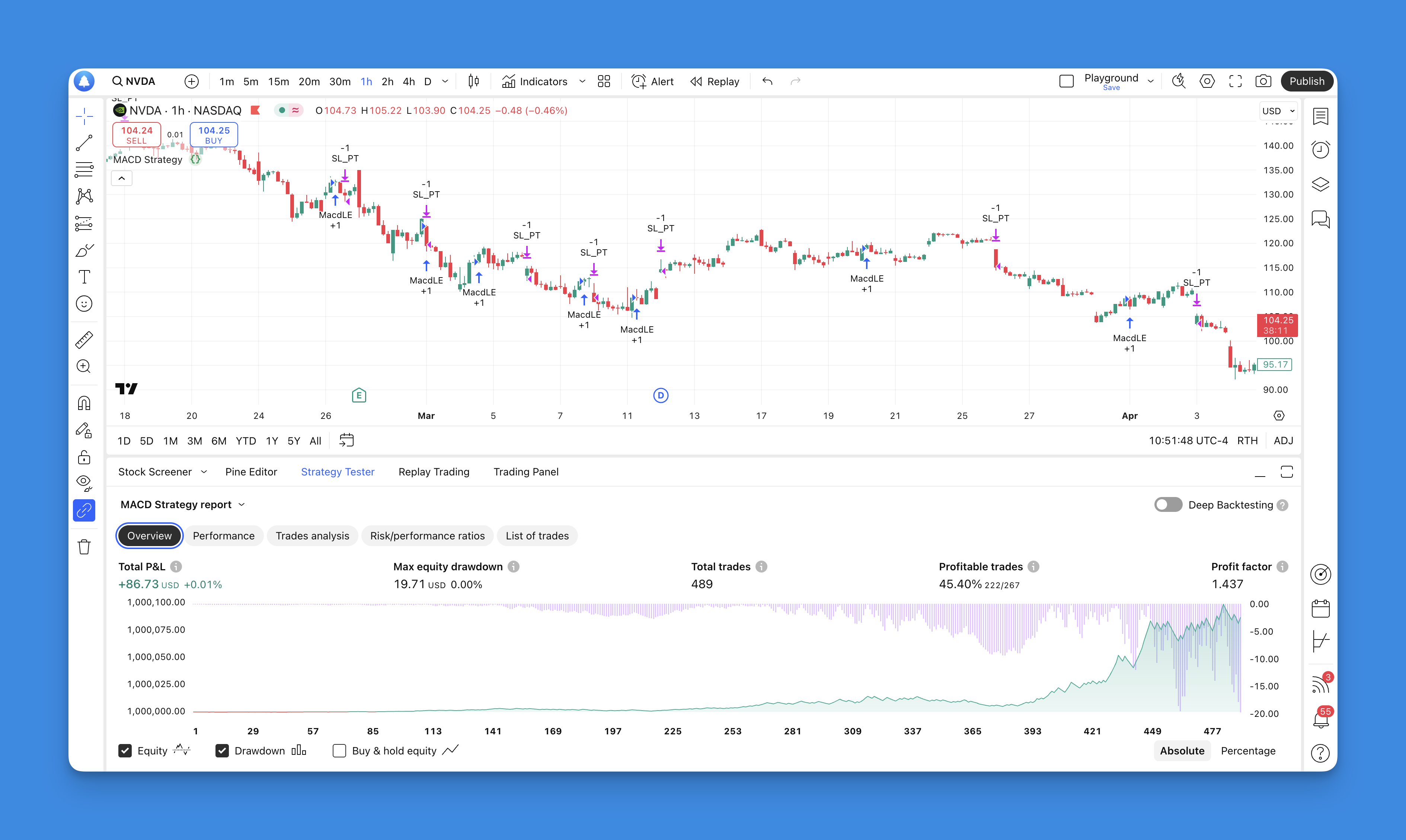
I've been trading with the Pineify EMA Strategy for months, and it's the closest thing to an automated edge I've found on TradingView. The Pineify EMA Strategy is a multi-timeframe system built on three Exponential Moving Averages — short, medium, and long. It waits until all three align before generating a signal. No coding required.
You're watching a stock drift sideways for hours. Then one candle closes above the Supertrend line, and the line flips from red to green. That's your signal. The Supertrend indicator is a trend-following tool that plots a dynamic band on your price chart using Average True Range (ATR). When price closes above the line, the trend is up. Below it, the trend is down. I've been using it on BTC/USD daily charts since late 2023, and it catches roughly 60% of major directional moves when paired with a basic volume filter.
I built my first Pine Script indicator for Tesla (TSLA) back in early 2024. Ten lines of code gave me a moving average crossover alert I still use every week. Pine Script is TradingView's language for creating custom indicators, strategies, and screeners that run directly on live charts. It handles price, volume, and volatility across different timeframes with a fraction of the code you'd need in Python or JavaScript.
I remember my first attempt at tracking price highs across bars in a TradingView script. I used a regular variable and lost every value except the last one. Pine Script array.push() is a function that adds new elements to the end of an array, letting you build dynamic data collections inside your indicators and strategies. Whether you're tracking RSI across 50 symbols or building a custom volatility tracker, this function is the tool I reach for.
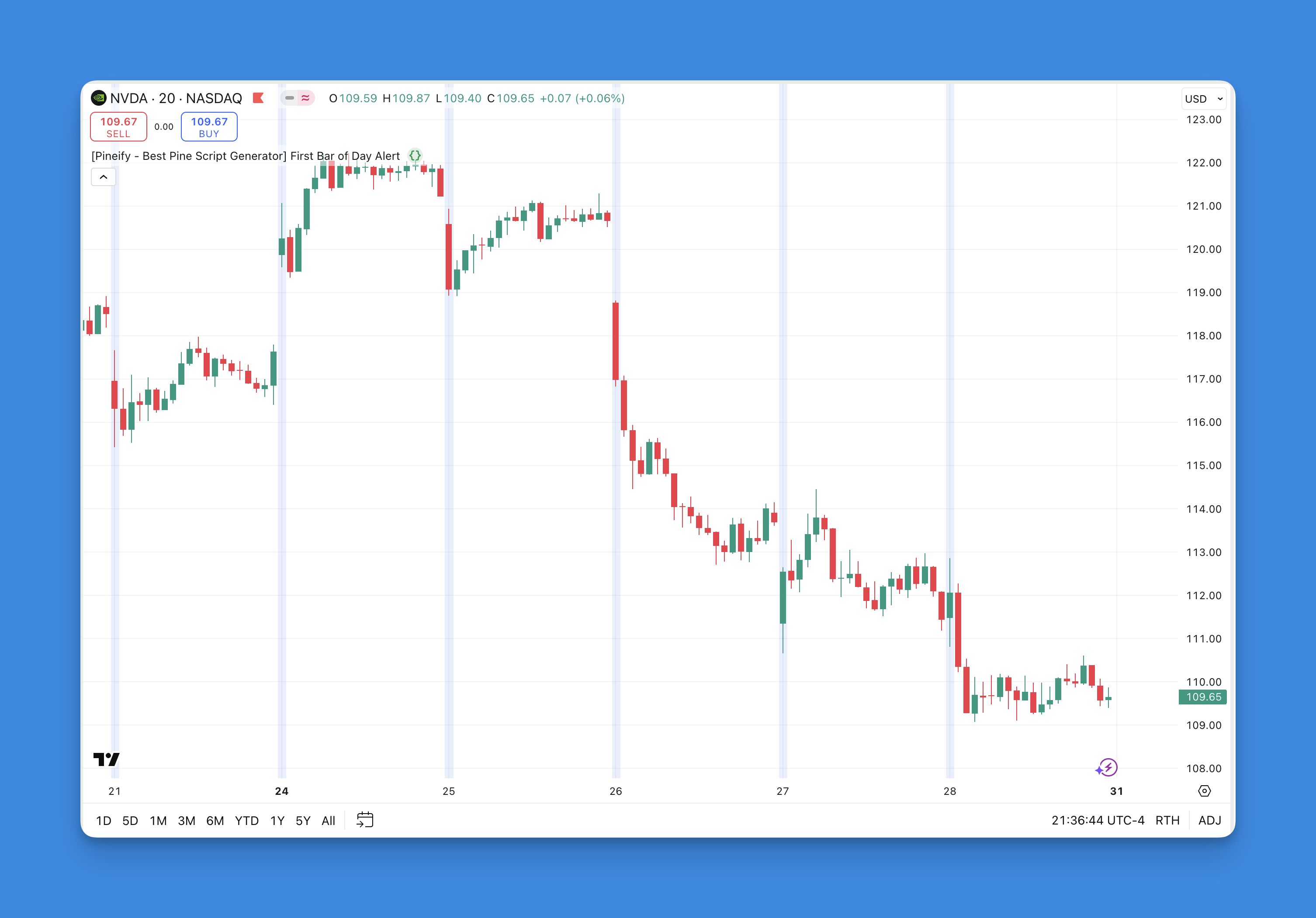
First bar of day detection in Pine Script is the technique of identifying when a new trading session begins on an intraday chart. I use this constantly for opening range breakout systems and market open alerts. Maybe that's what you're after too?
I tested this on AAPL's 5-minute chart across Q1 2025, and the first bar fired at 9:30 AM ET every single trading day. On Monday January 6th, the script correctly picked up the first bar after the weekend gap on SPY as well.
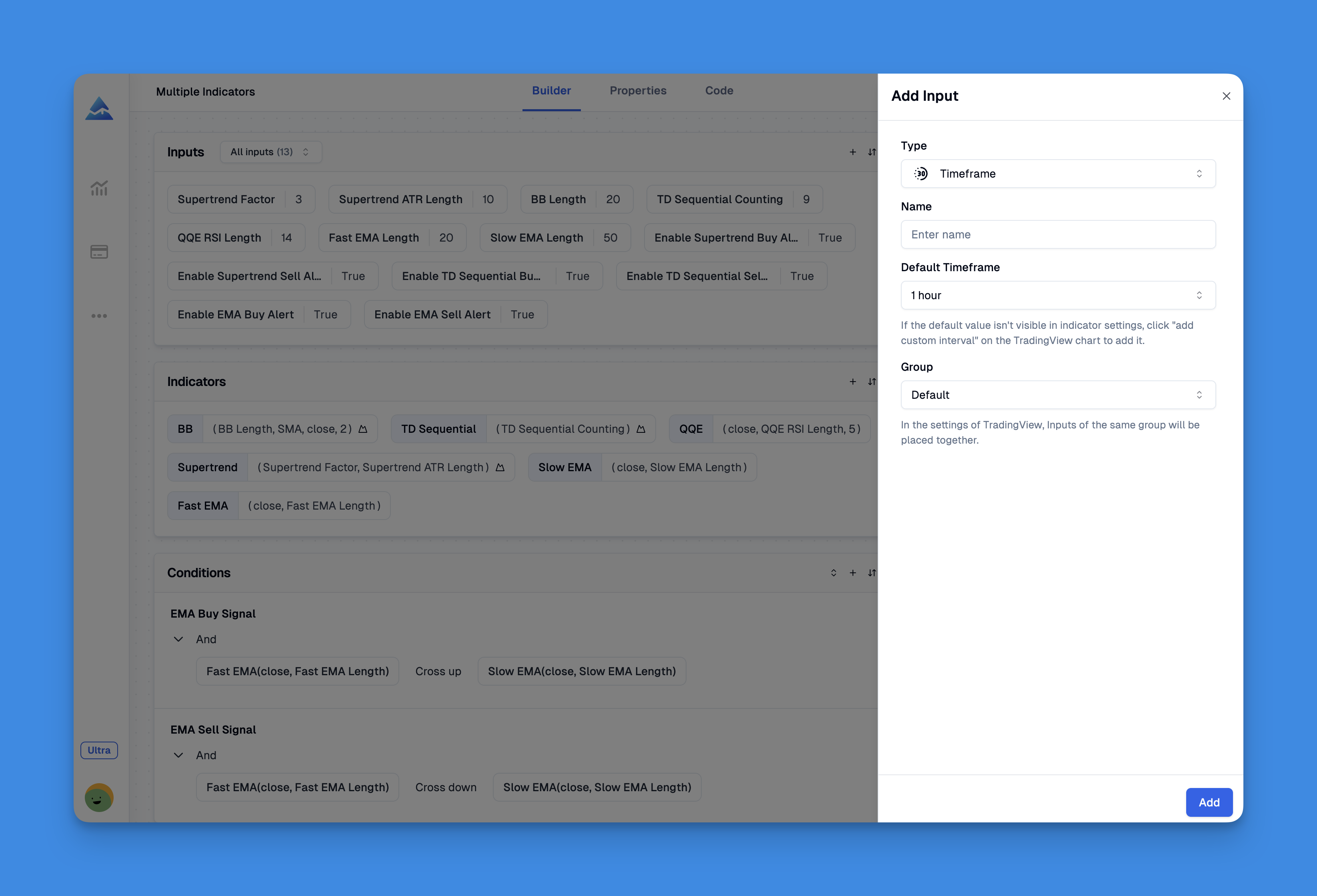
input.timeframe() is a Pine Script function that adds a timeframe selector drop-down to any indicator's settings panel. Pick '15m', '1h', or 'D' from the menu — no code edits. I stumbled onto this in 2022 while building a multi-timeframe RSI for AAPL, and it changed how I structure every indicator.
Before using it, I kept separate scripts for each resolution. RSI_5min, RSI_1hour, RSI_daily — a cluttered folder of near-identical files. input.timeframe() collapses all that into one clean script.
Pine Script timestamps are UNIX millisecond counters that tell you when each bar opened, closed, or where you are in real-time. Every bar on a TradingView chart carries one, and if you've built a strategy that needs to know what time it is, you've already dealt with them. I spent a whole afternoon debugging my first time filter on SPY — turned out I was comparing seconds to milliseconds.