Moving Average Channel: Pineify Settings, Calculation and Signals

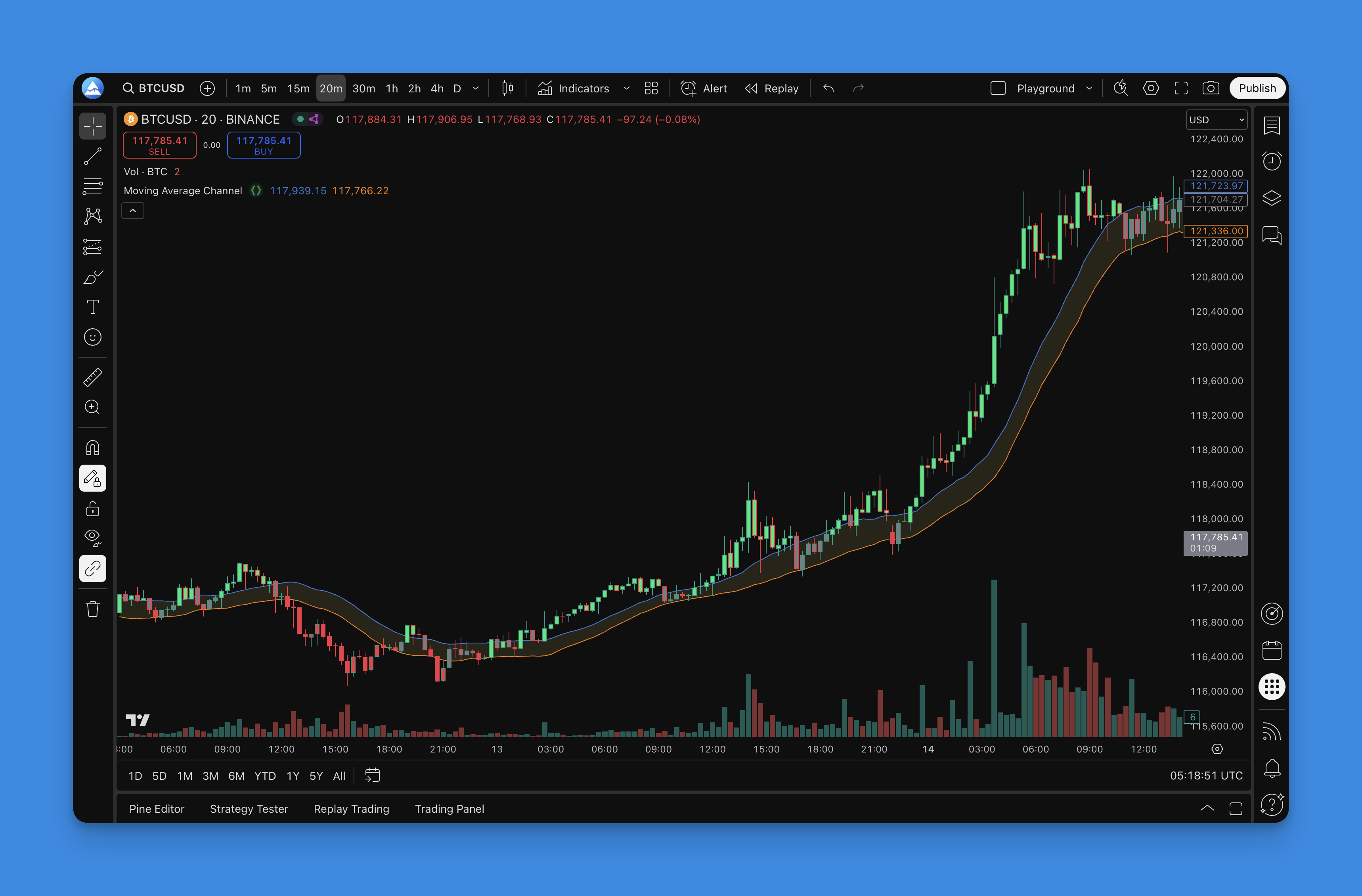
Pineify's Moving Average Channel plots two separate simple moving averages. By default, the upper line averages highs and the lower line averages lows, both over 20 bars. It is not an ATR envelope around a centerline, and its current component does not provide eight selectable moving-average types.
The Actual Channel Calculation
The upper output is the SMA of the selected Upper Source over Upper Length. The lower output is the SMA of Lower Source over Lower Length. With the default high/low sources and equal lengths, channel width equals the average high-low range over that window.
That range excludes the gap contribution included in true range. Therefore, this width is not ATR, and there is no ATR or percentage multiplier in the current component. Nor is the channel a statistical interval containing a known proportion of future prices.
If both lengths are equal and the default sources are used, each high is at least its matching low, so the upper average is at least the lower average. With different sources or lengths, that ordering is not guaranteed. Check the resulting outputs rather than assuming their names enforce a valid envelope.

Available Settings
| Setting | Current behavior |
|---|---|
| Upper Source / Lower Source | Default High and Low; change the series being averaged. |
| Upper Length / Lower Length | Default 20 each; independently control the averaging windows. |
| Upper Offset / Lower Offset | Default zero; shift the plotted lines horizontally. |
| Upper Line / Lower Line / Channel Fill | Control line styling and the fill between plots. |
| Show Bar Color | Colors bars according to close relative to the unshifted outputs. |
The calculation always uses SMA. The offsets affect drawing, not the calculated output series. A positive plot offset does not forecast a future channel, and a negative offset does not make a signal known earlier. Using displaced lines for visual decisions while a strategy uses current outputs can produce a mismatch.

Add the Component and Verify It
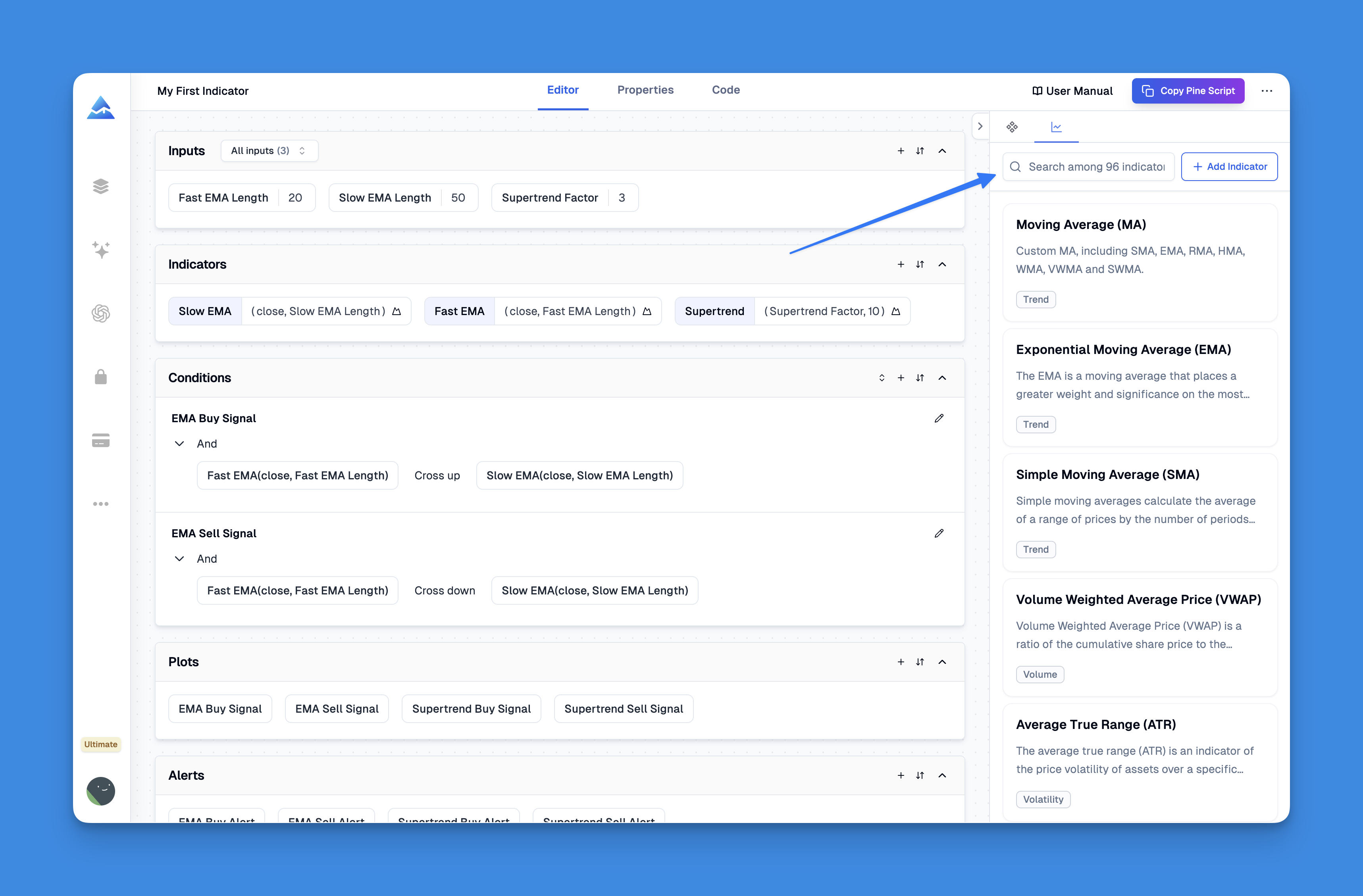
Open Pineify's editor, add Moving Average Channel, and begin with equal lengths and zero offsets. The component is marked as non-free in the current configuration, so check the current plan requirements. Generate the script, inspect it and add it to TradingView using the Pine Editor.
Compare an upper value with the arithmetic mean of the corresponding highs and a lower value with the mean of the lows. Inspect the Data Window as well as the drawn lines. The current drawing includes fill and optional bar colors; it does not add a separate support/resistance engine or automatic breakout arrows.
With bar coloring enabled, close above the unshifted upper output is lime, close below the lower output is red, and the remaining condition is gray. These colors describe price position, not measured buying pressure or a probability of continuation.
Distinguish Breakout and Pullback Hypotheses
A breakout experiment could require a confirmed close crossing above the upper output while flat. Define whether the comparison uses the current channel, which includes the signal bar's high, or the preceding completed channel. These are different rules and should not be mixed between the chart explanation and the strategy.
A pullback experiment might require an existing trend condition, a touch of a band and a later close back inside or above the channel. Specify each event and the maximum time between them. A touch alone is not evidence that the line will function as support.
Contraction can be studied by comparing width with its own prior distribution using only past observations. A narrow channel does not guarantee a larger subsequent move. Static price levels also do not become irrelevant merely because a moving channel is present; they describe different references.
Build a Test with Explicit Exits
Start with one unvalidated rule set and one position at a time. Record symbol, timeframe, source choices, lengths, fill timing, position size, fees and slippage. If exiting below the lower channel, choose between a confirmed-close exit and a resting stop; they have different intrabar behavior.
If the lower line supplies a trailing stop, specify whether the stop may loosen when that line falls. A fixed target, a time exit and an opposite-band exit are separate experiments. Compare them without selecting the best result from repeated tests and presenting it as expected performance.
Use TradingView's strategy documentation to check broker-emulator assumptions. Pineify generates the rules; TradingView executes the generated Pine strategy in its test environment. A visually convincing channel is not a backtest.