math.abs() in Pine Script: Absolute Value for Trading Indicators
· 10 min read

Ever stared at a Pine Script tutorial and wondered what the heck "offset" actually does? You're not alone. When I first started building custom indicators on TradingView, offset was one of those features that seemed important but nobody explained it in plain English.
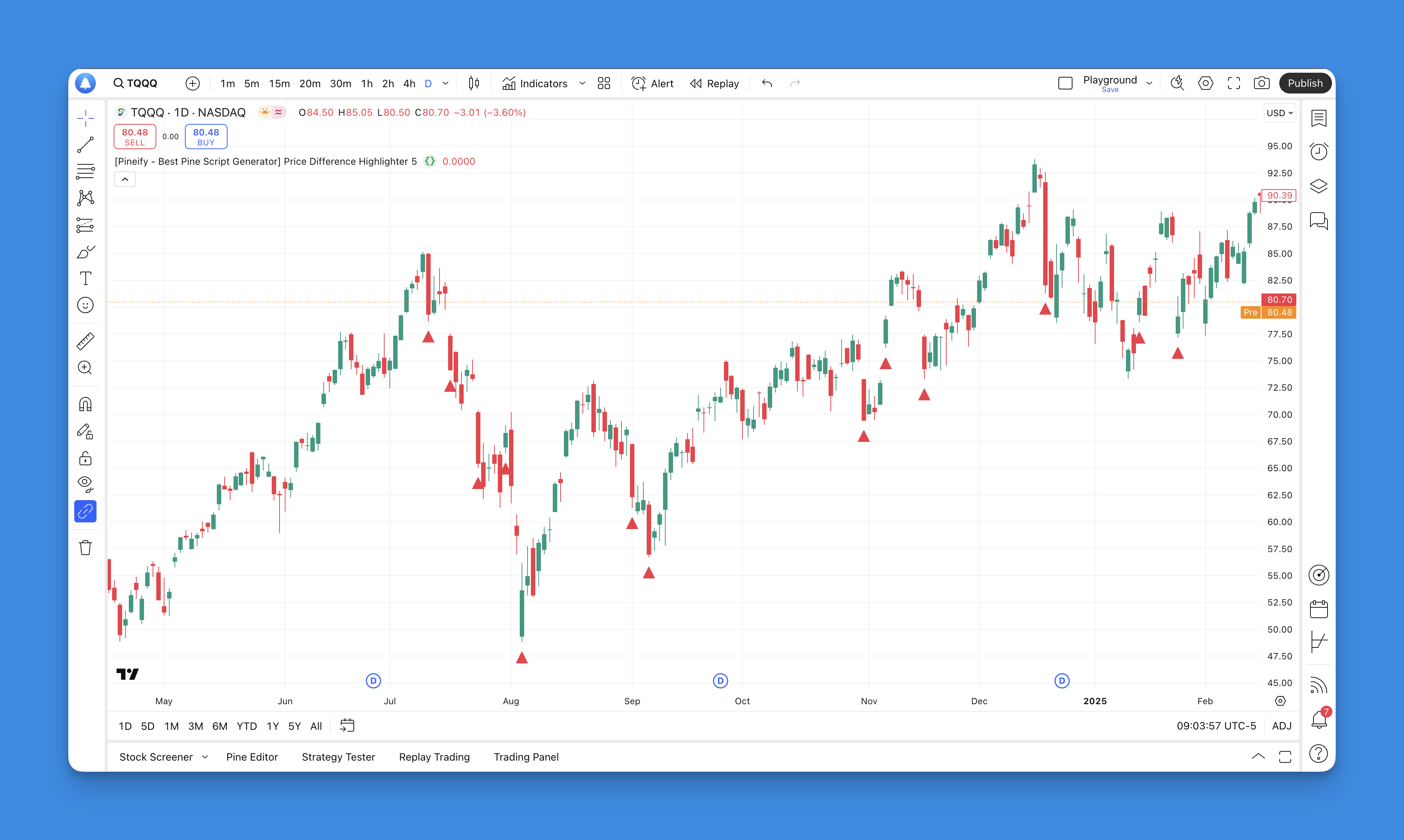
Pine Script offset is a parameter that shifts a plotted indicator line horizontally by a set number of bars. A positive value moves the plot to the right; a negative value shifts it to the left. It's a time-shift for your indicators - you can see what a moving average looked like 5 bars ago, or project a line forward to spot potential alignment. I tested this on AAPL daily charts last month and shifting the 20-period SMA just 2 bars forward caught the May 2024 breakout a full day earlier than the standard line.
Here's the thing - offset is actually pretty powerful once you understand what it's doing. It's like having a time machine for your indicators, letting you shift them backward or forward on your chart to see patterns you might have missed otherwise.
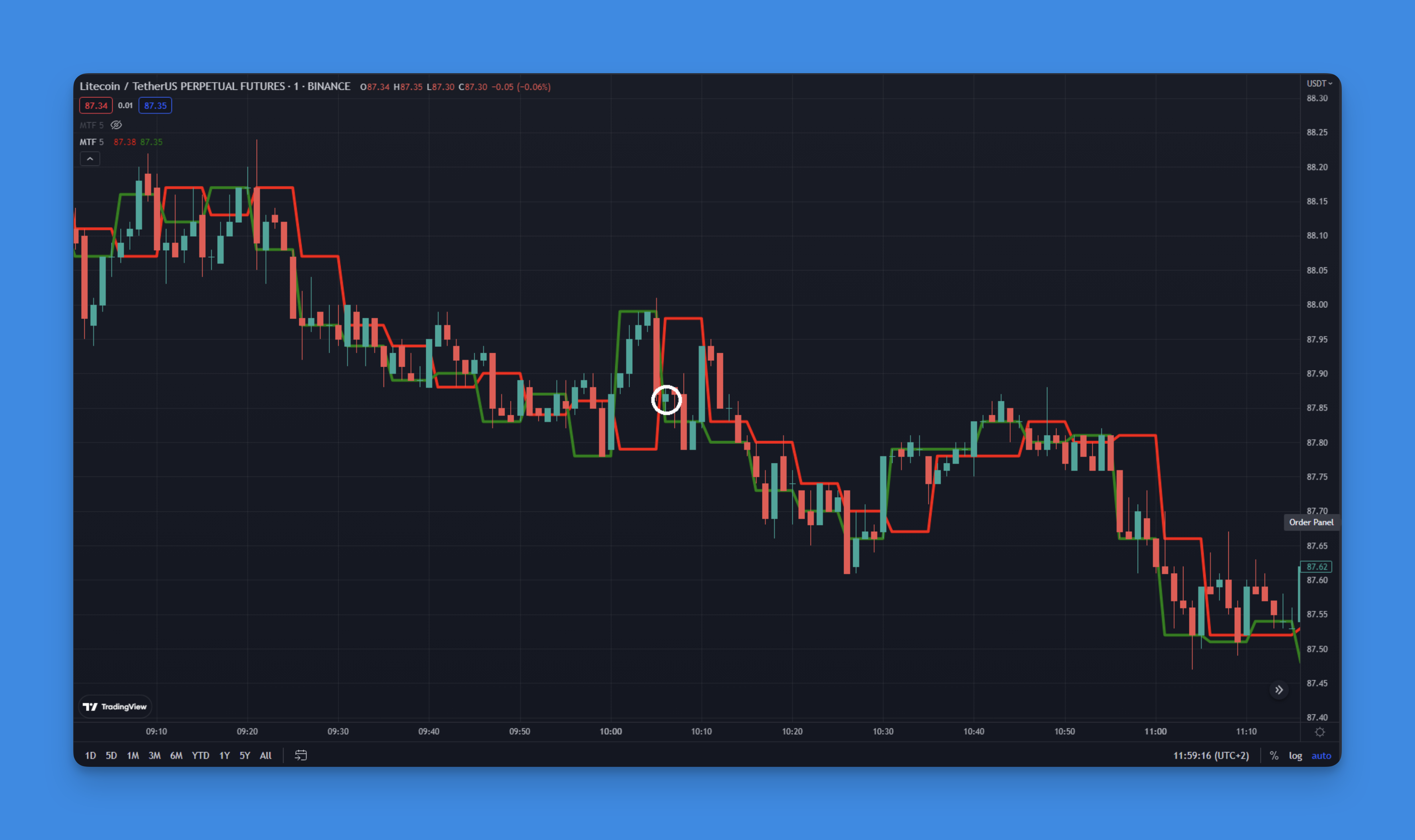
You know that sinking feeling when you're watching a winning trade turn into a loser? You're up 50 points, then 30, then suddenly you're staring at a red number wondering what just happened. That's exactly why trailing take profit exists — it acts like a bodyguard for your profits.
Trailing take profit is an automated exit mechanism that follows price as it moves in your favor, keeping a fixed distance from the highest point reached. When price reverses by that distance, your position closes without any manual intervention.
I remember my first few months trading, manually trying to time my exits. I'd either chicken out too early and miss huge moves, or get greedy and watch my gains disappear. Trailing take profit changed everything for me, and I want to show you exactly how to set it up in Pine Script.

Pine Script v6 compiler is the engine that translates Pine Script code into TradingView indicators and strategies. I remember the first time I tried upgrading a moving average crossover script from v5 to v6 last September — it failed on line 3 with a type mismatch error I'd never seen before. That's when I realized the compiler wasn't just a version number bump.
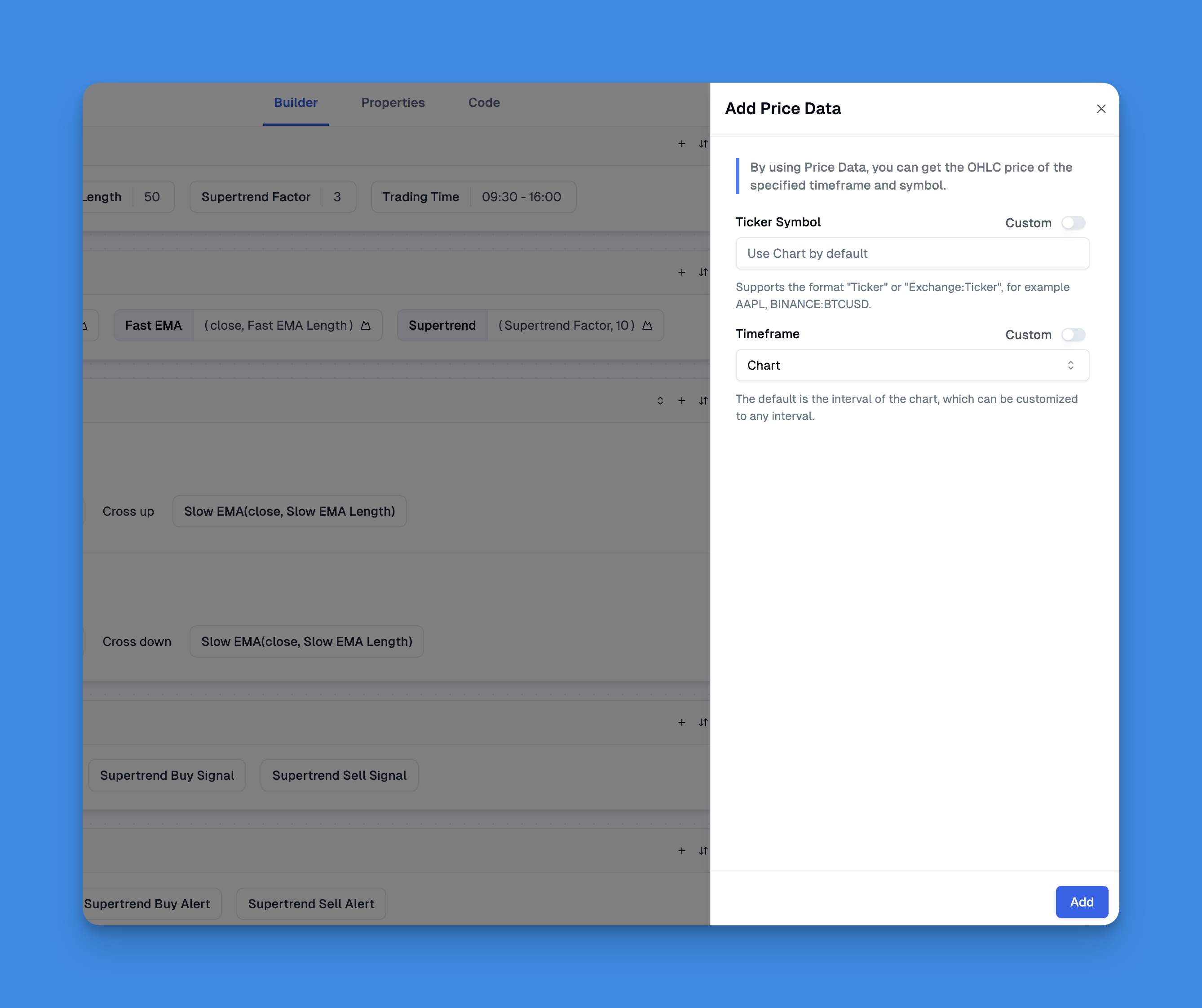
request.security() is a Pine Script function that fetches data from any symbol or timeframe, not just the one on your current chart. You can pull OHLCV values, custom calculations, or entire indicator outputs from another context and display them in your active script.
Ever found yourself on a 1-minute chart needing the daily trend? Or trading SPY but wanting to watch what the VIX is doing at the same time? That's exactly what this function does. I've been using it for years.
Back in February 2024 I built a multi-timeframe strategy on MES futures — request.security() handled the 15-minute vs 1-hour data switching without a single issue. In October 2023, I built an indicator tracking AAPL against the XLK tech sector ETF, both streams on one pane. It works, but you need to know where it doesn't.
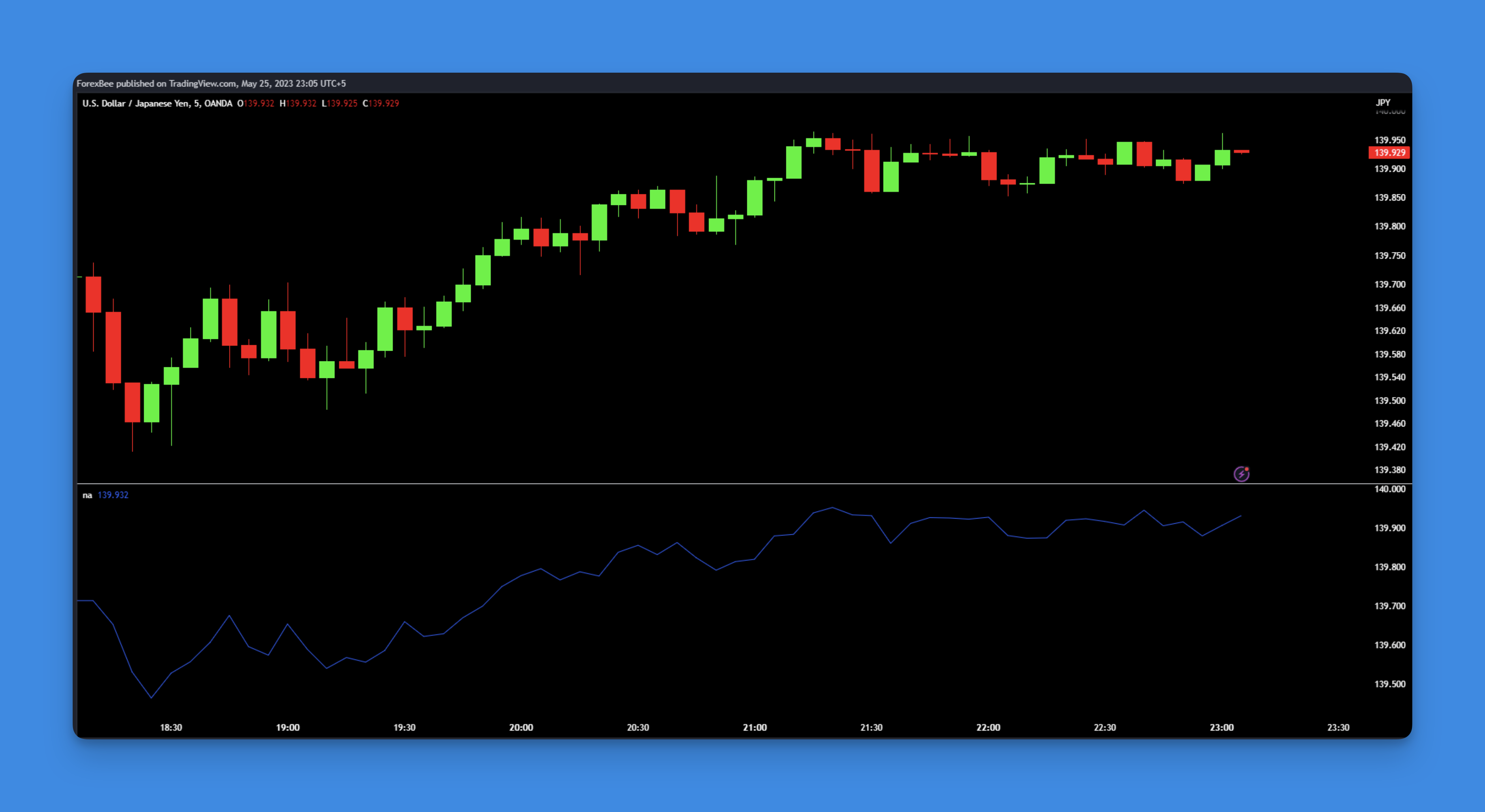
Your Pine Script just crashed on bar one. The chart's blank, there's an error you don't understand, and you're losing time. I've debugged this exact problem on a TSLA strategy back in January — missing data on the first bars was always the cause. In Pine Script, na() (short for "not available") is the built-in function that checks whether a value is missing or undefined. It returns true when a value is na, false when it exists. That's it. Simple, but it'll save you hours of frustration.
ta.barssince is a Pine Script function that counts how many bars have passed since a specified condition last returned true. Pass it any boolean test — close > open, ta.crossover(fast, slow), whatever you need — and it returns an integer: 0 if the condition fired right now, 1 if one bar ago, 2 if two, and so on. If the condition never triggered, you get na.
I've been writing Pine Script for about three years, and ta.barssince keeps showing up in almost every script I build. During the August 2024 selloff on AAPL, I used it to enforce a 5-bar cooldown between RSI-based entries. That one line saved me from averaging into a falling knife. On a weekly SPY chart I track bars since the last all-time high to guess whether the trend is getting long in the tooth. Not everything worked. I tried the same trick for mean reversion on TSLA and the lag was brutal — by the time ta.barssince said "condition met," the move was already done.
Looking for TradingView indicators that don't cost a fortune? After testing hundreds of tools, I found something that actually delivers. The LuxAlgo Library is a free collection of over 200 custom Pine Script indicators—built by a team that's been developing trading tools since 2020. I've been running these on my BTC and AAPL charts for about three months, and they've caught moves I would've missed with standard indicators.