Compare TradingView Plans
TradingView is like a Swiss Army knife for anyone interested in markets, packed with incredible charts, real-time data, and a community where you can share ideas. Figuring out which plan is for you can feel a bit overwhelming, but it's all about matching the tools to your needs so you don't pay for stuff you won't use. Let's walk through the options, from the free starter kit to the top-tier power tools, to help you find the one that's worth every penny for you.
TradingView 80 Off: Complete Guide to Black Friday's Biggest Charting Platform Discount
TradingView's Black Friday 2025 sale is the one to watch if you're looking for professional charting tools without the professional price tag. You can save up to 80% on annual plans and get an extra month free, making it their biggest discount event of the year. Let's walk through everything you need to know to get the best deal on the platform so many traders use every day.
How to Connect AMP to TradingView: Complete Setup, Troubleshooting, and Pro Tips
Looking for a straightforward way to link your AMP Futures account to TradingView, so you can trade futures directly from your charts? This guide will walk you through the entire process, from the initial account setup to choosing the right server. We'll also cover how to fix common hiccups and set up your TradingView workspace for a smooth experience with AMP. The goal is to get you connected without the usual first-time frustrations.
How to Get Historical Data from TradingView: A Complete Guide for Traders and Analysts
TradingView has become that go-to charting tool for so many traders, investors, and folks just trying to understand the markets. No matter what you're doing—testing out an old strategy, digging into market trends, or even building your own trading algorithms—knowing how to pull historical data from TradingView is a game-changer. It opens the door to so much analysis you can do on your own terms. This guide will walk you through all the different ways to get that data, from the simple built-in export button to more advanced methods that can grab thousands of data points for you.
Best Trade Copier for TradingView: Complete Guide to Automated Trading
A trade copier for TradingView is like having a helpful assistant that manages the busywork for you. It automatically copies your trades from a single 'master' account to any number of other accounts you have, all in real-time. This means no more manually entering the same trade over and over, which saves you from potential slip-ups and frees up your time, whether you're trading on your own or with a firm.
Best Fibonacci Settings TradingView: Master the Golden Ratio for Profitable Trading
Ever looked at a chart and wished you had a map showing where the price might pause or turn? That’s essentially what Fibonacci tools do. On TradingView, the retracement and extension tools are like that trusted map, helping you spot areas where a move is likely to reverse or where it might head next. To get the most out of them, it’s less about using every single line and more about fine-tuning your focus to the most reliable areas—especially that sweet spot between 50% and 61.8%, where some of the best trading setups often appear. For a comprehensive look at another powerful analysis tool that reads market psychology through price action, explore the Williams Accumulation Distribution Indicator: The Secret to Reading Market Psychology Through Price Action.
How to Turn TradingView to Dark Mode: Complete Guide for Traders
TradingView's dark mode turns your trading screen into a sleek, easy-on-the-eyes workspace, which is a real game-changer during those long hours of staring at charts. Whether you're catching moves late at night or just prefer the look of a darker theme, switching to dark mode on TradingView is simple and makes a noticeable difference in your daily routine.
The Ultimate 1 Minute Scalping Strategy TradingView Guide for Fast-Paced Traders
If you're fascinated by the fast-paced world of day trading, you've probably heard traders talk about the 1-minute scalping strategy on TradingView. It's a method that focuses on capturing those tiny, quick price moves that happen all day long. The idea is simple: make lots of small, quick trades to collect a series of small gains that can really add up over a single trading session. To do this effectively, you need a powerful platform, and TradingView provides all the charts, real-time data, and tools that scalpers rely on to move quickly.
Backtesting Software TradingView: Complete Guide to Testing Your Trading Strategies
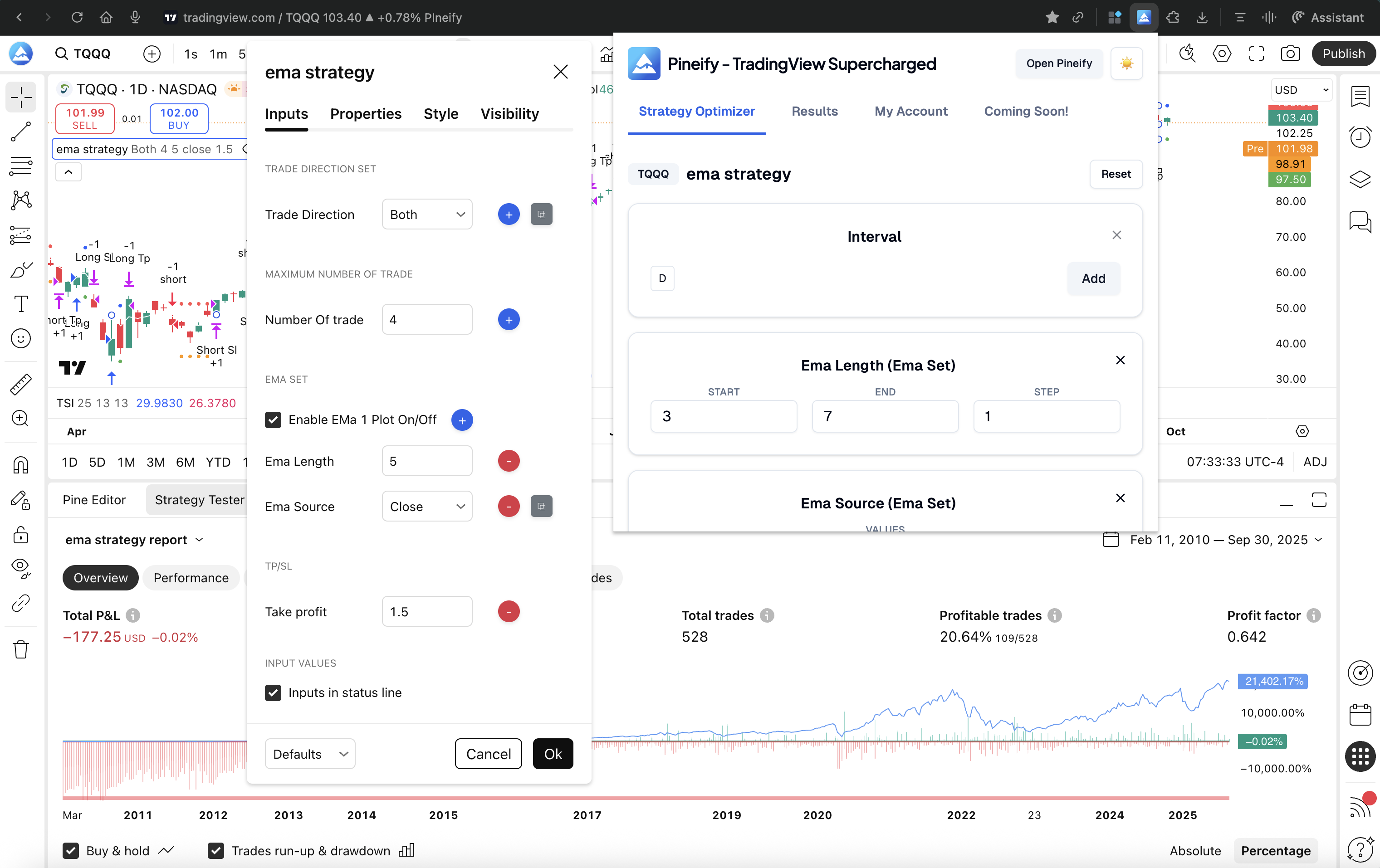
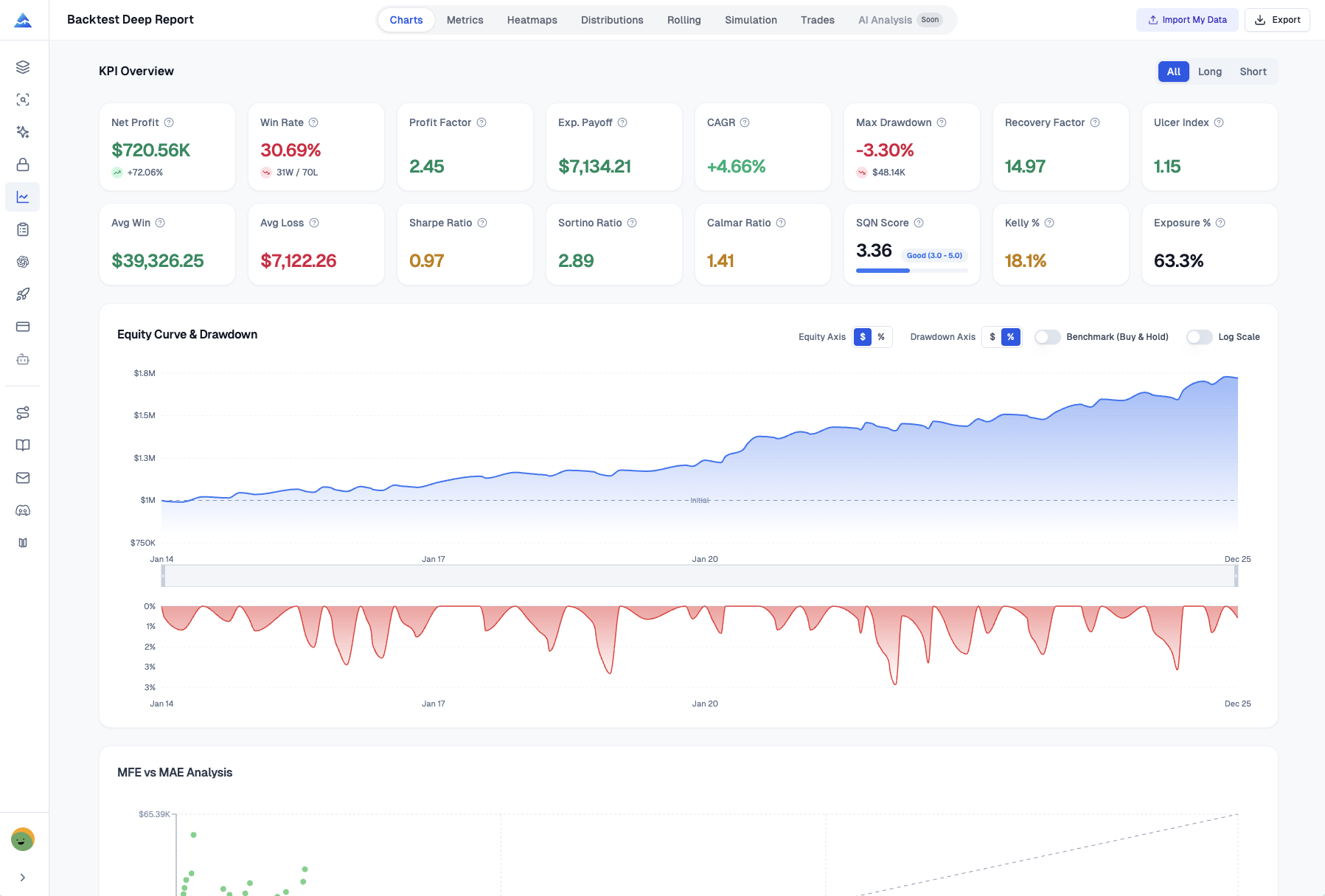
TradingView has grown into one of the most complete backtesting tools for traders. It lets you test your trading ideas manually or set them up to run automatically, so you can see how they might perform before you put any real money on the line. It's the blend of user-friendly features, deep historical data, and a supportive community that makes it such a go-to for anyone serious about improving their trading.