ChartPrime Indicators: Tools, Pricing, and Evaluation Guide

· 8 min read

Pineify Team
Pine Script and AI trading workflow research team

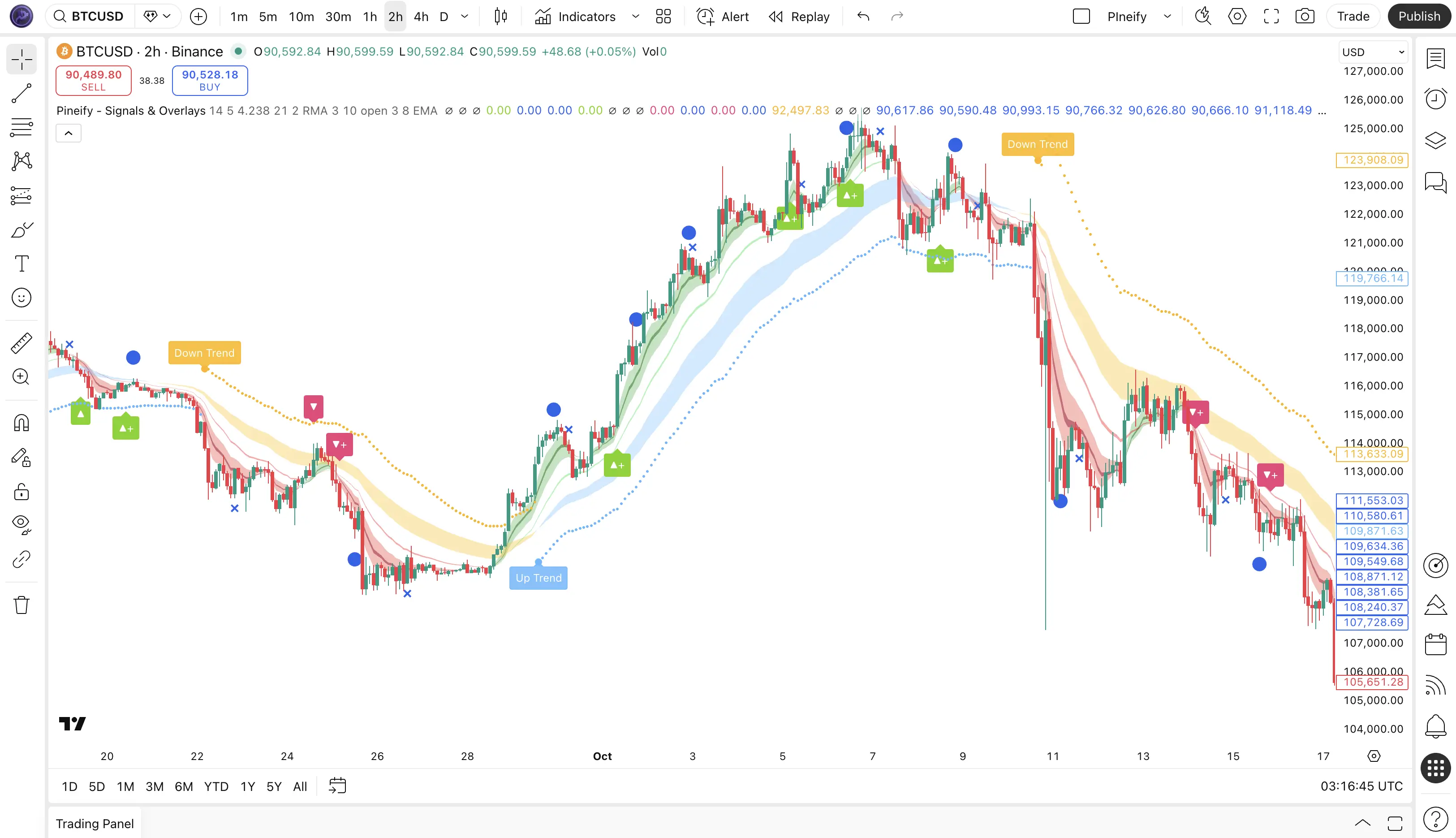
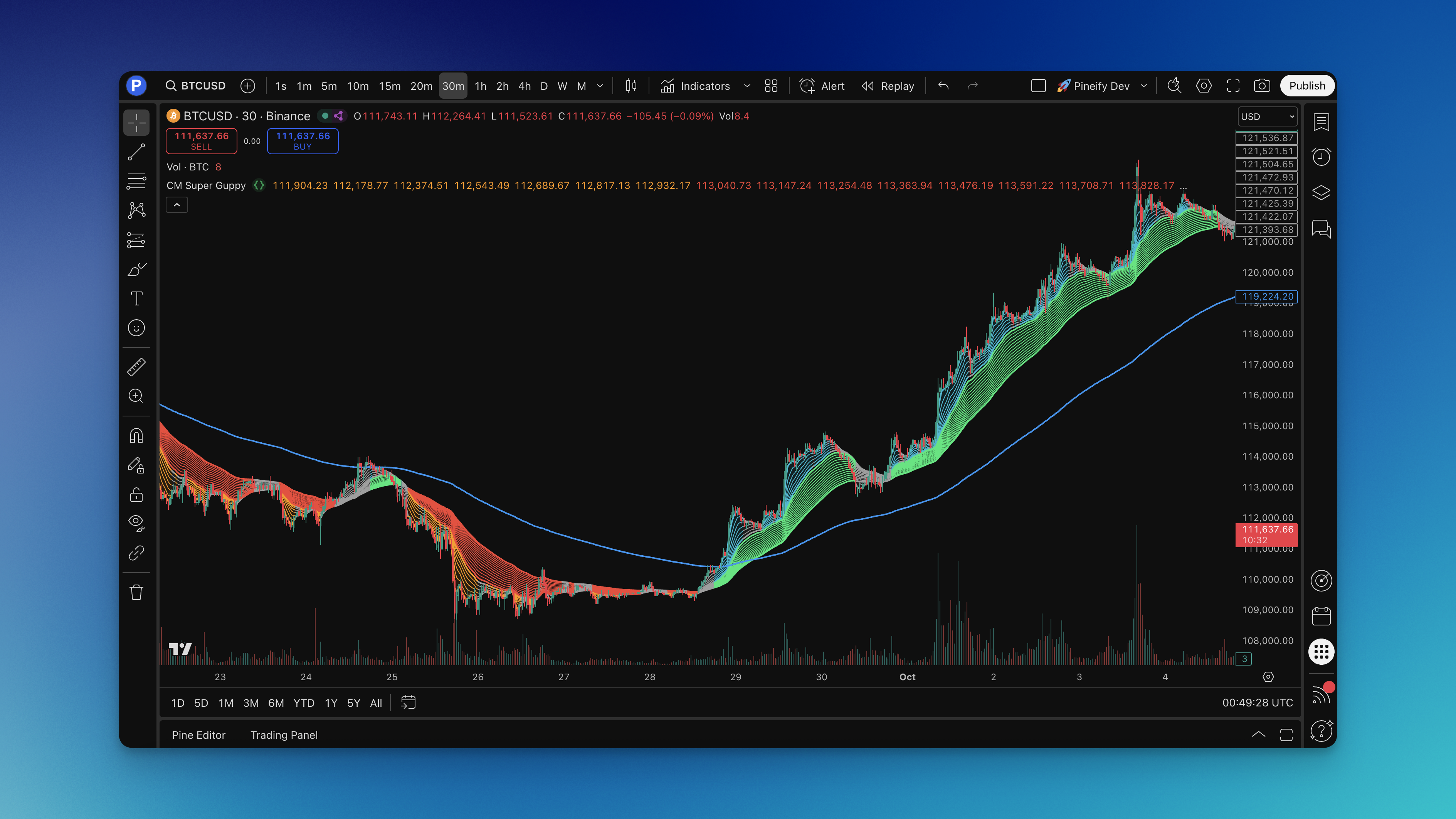
ChartPrime publishes TradingView indicators and sells access to indicator toolkits and related services. Its public indicator library and paid plans are different things: a useful public script is not proof that a paid package will improve a trading strategy. This guide explains several documented tools, the access workflow, and a practical way to evaluate whether the features fit your needs.
ChartPrime on Chart

CHoCH Indicator on TradingView: Swing Rules and Confirmation

· 7 min read
Pineify Team
Pine Script and AI trading workflow research team

A CHoCH indicator on TradingView labels a change in price structure according to its swing and breakout rules. The label describes what the script detected; it does not establish who traded, whether stops were taken, or whether a new trend will continue.

Before choosing settings, identify the exact script and its definition of a swing. Two indicators can label the same chart differently without either having a software error.

CHoCH Indicator TradingView: The Complete Guide to Smart Market Structure

Evaluating Pineify as a Bloomberg Alternative for Research Teams

· 6 min read
Pineify Team
Pine Script and AI trading workflow research team

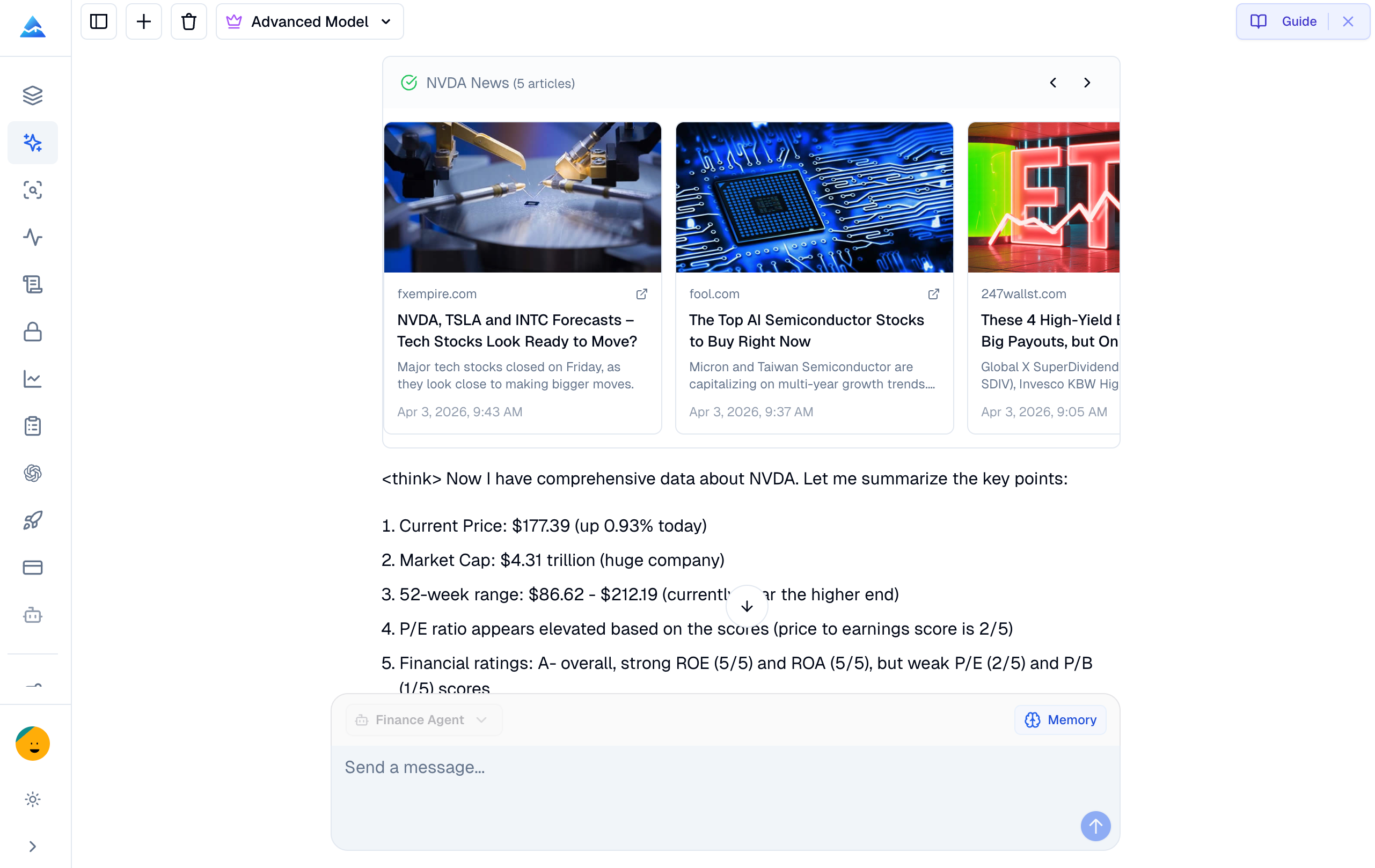
A research team needs more than a readable answer: it needs a result another analyst can reproduce, a record of the source, and access rights appropriate to the work. Evaluate Pineify Finance Agent against those requirements before treating it as a substitute for any Bloomberg workflow. A conversational interface does not establish equivalent coverage or operational controls.

This Pineify-authored guide offers a practical evaluation procedure. It contains no personal account of using Bloomberg for deal coordination and no comparative performance benchmark.

Bloomberg Terminal Alternatives: Discover Pineify's AI Finance Agent for Professional Research

Chop Zone Indicator: Formula, Colors and Pineify Settings

· 6 min read
Pineify Team
Pine Script and AI trading workflow research team

The Chop Zone indicator in Pineify colors columns according to a normalized moving-average angle. Its EMA length is fixed at 34. The editable Periods input defaults to 30 and controls the high/low range used for normalization; it does not change the EMA to a 30-period average.

That distinction matters when comparing settings. Changing Periods alters the scale of the angle, so a different color does not necessarily mean the underlying EMA slope changed.

LuxAlgo vs Pineify Signals: Access, Features, and Testing

· 7 min read
Pineify Team
Pine Script and AI trading workflow research team

LuxAlgo and Pineify Signals & Overlays can be compared by access, documented controls, and the workflow each enables. A defensible comparison does not rank their profitability without matching strategy rules and trade records. This guide distinguishes verified product access from private indicator calculations and provides a process for comparing signals under consistent assumptions.


LuxAlgo vs Pineify Signals: Complete TradingView Indicator Comparison

MQL5 Coding Best Practices: Build Cleaner, Safer EAs

· 6 min read
Pineify Team
Pine Script and AI trading workflow research team

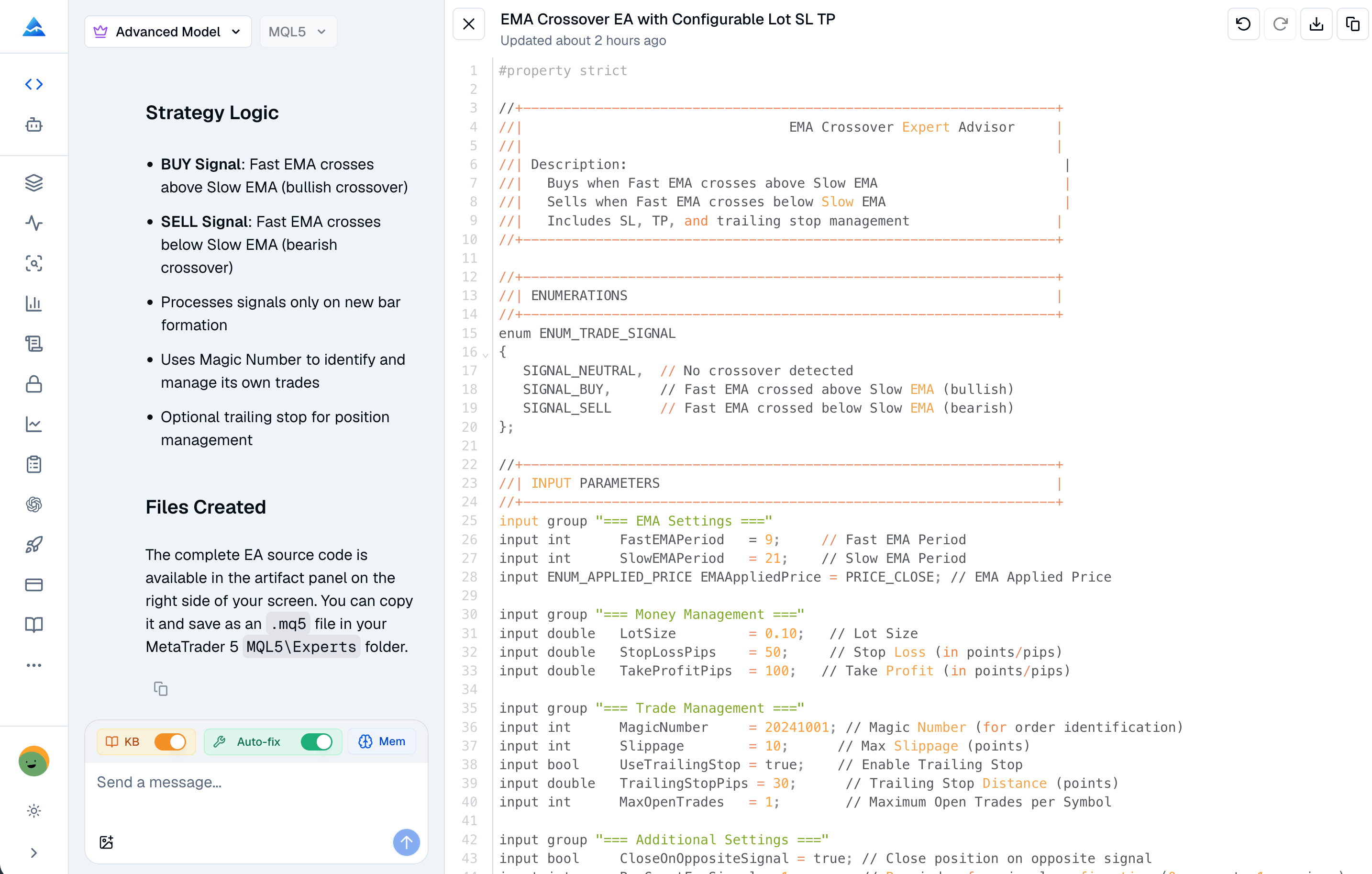
Reliable MQL5 development separates data acquisition, signal decisions, risk checks and execution state. Formatting helps review, but it cannot compensate for comparing indicator handles instead of values or treating an accepted request as a completed trade. The first task is to make the EA's behavior observable and testable.

MQL5 Coding Best Practices: Write Cleaner, Safer, Profitable Expert Advisors

Best MT5 Indicator: Compare Tools, Compatibility, and Signal Timing

· 9 min read
Pineify Team
Pine Script and AI trading workflow research team

An MT5 indicator is useful when its calculation, signal timing and required data fit the question you need to answer. Choosing one does not by itself separate profitable trading from losses. This guide compares built-in tools, verifies an MT5 scanner example, and explains how to assess commercial products without treating vendor claims or star ratings as trading results.

No independent live-trading or backtest dataset is presented here. The selection process therefore focuses on identifiable functionality, installation requirements and a repeatable evaluation.

Best MT5 Indicator: The Complete Guide for Smart Traders

Strategy Backtesting with Pineify's Deep Report Features

· 6 min read
Pineify Team
Pine Script and AI trading workflow research team

Pineify's Backtest Deep Report analyzes exported TradingView trades. It can help you inspect how results vary across trades and periods, but it does not rerun the strategy, verify its signals or establish that the strategy will remain profitable. The calculations depend on the exported fields, starting capital and the report's metric definitions.

Mastering Strategy Backtesting with Pineify's Deep Report Features