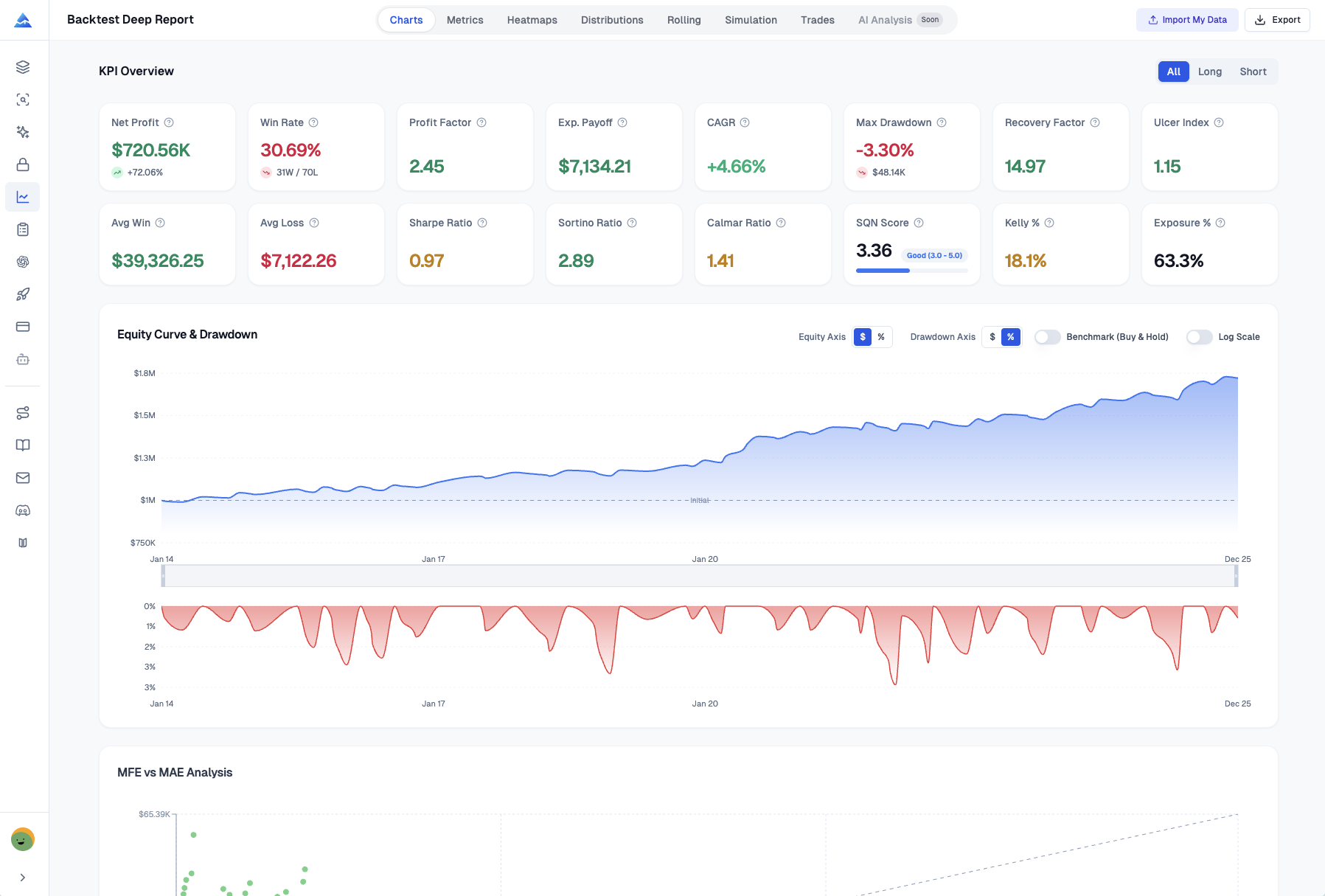
Pineify's backtest report analyzer for TradingView reads a trade-list CSV. Backtest Deep Report calculates trade summaries, equity views, distributions, rolling statistics, calendar results, and bootstrap simulations. It is a reporting layer over an existing backtest; it does not rerun the strategy or verify that its original signals and fills were realistic.
The basic CSV parsing and calculations run in the browser. Optional AI Analysis sends a summary of the report to a server. That distinction matters when deciding which features to use with proprietary results.
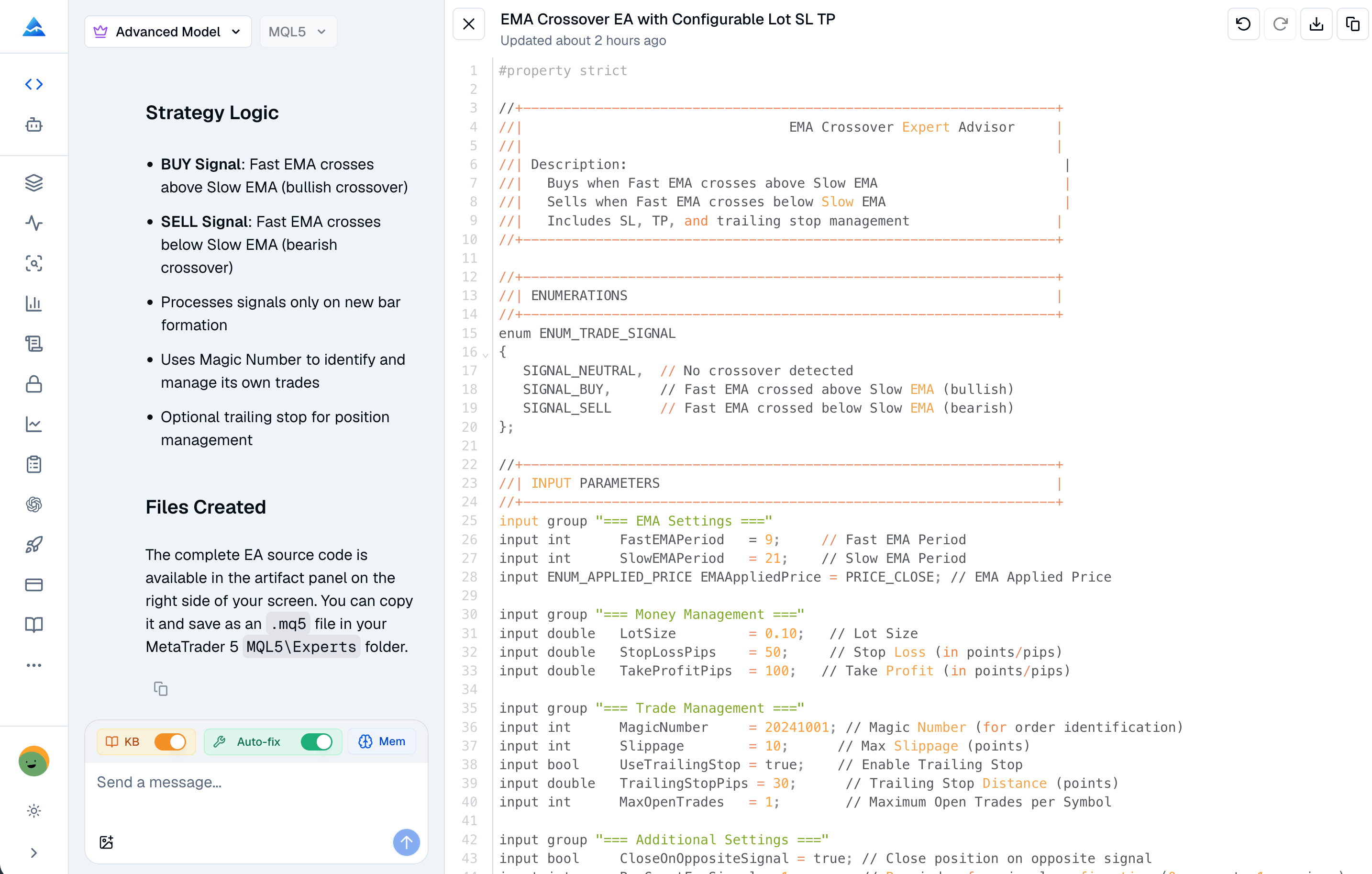
Expert Advisor builder MT5 tools can help turn specified rules into MQL5 source. They cannot infer every missing execution rule or establish that the resulting EA is safe to run unattended. The useful deliverable is reviewable code plus evidence that it behaves as specified.
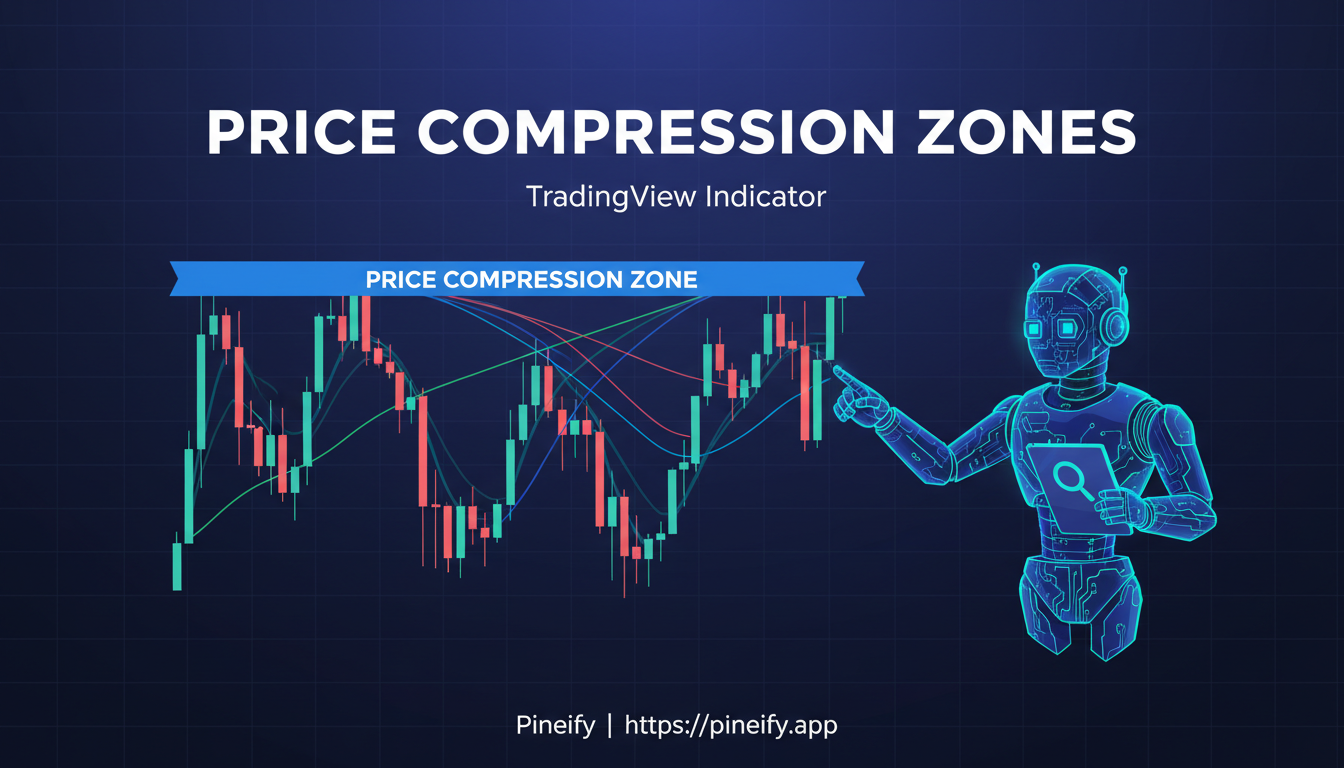
Consolidation indicators apply rules to identify bounded or relatively quiet price action. They can help define a range to monitor, but they do not establish when a breakout will occur, its direction, or whether trading it will be profitable. Compare the detection rule and signal timing before choosing a script.
Pineify's visual editor builds Pine Script from configured inputs, indicators, conditions, drawings, alerts, and strategy settings. It is useful when your rules fit those supported components. Custom code and AI-assisted coding offer additional routes, but none removes the need to verify what the generated script calculates and when its signals occur.
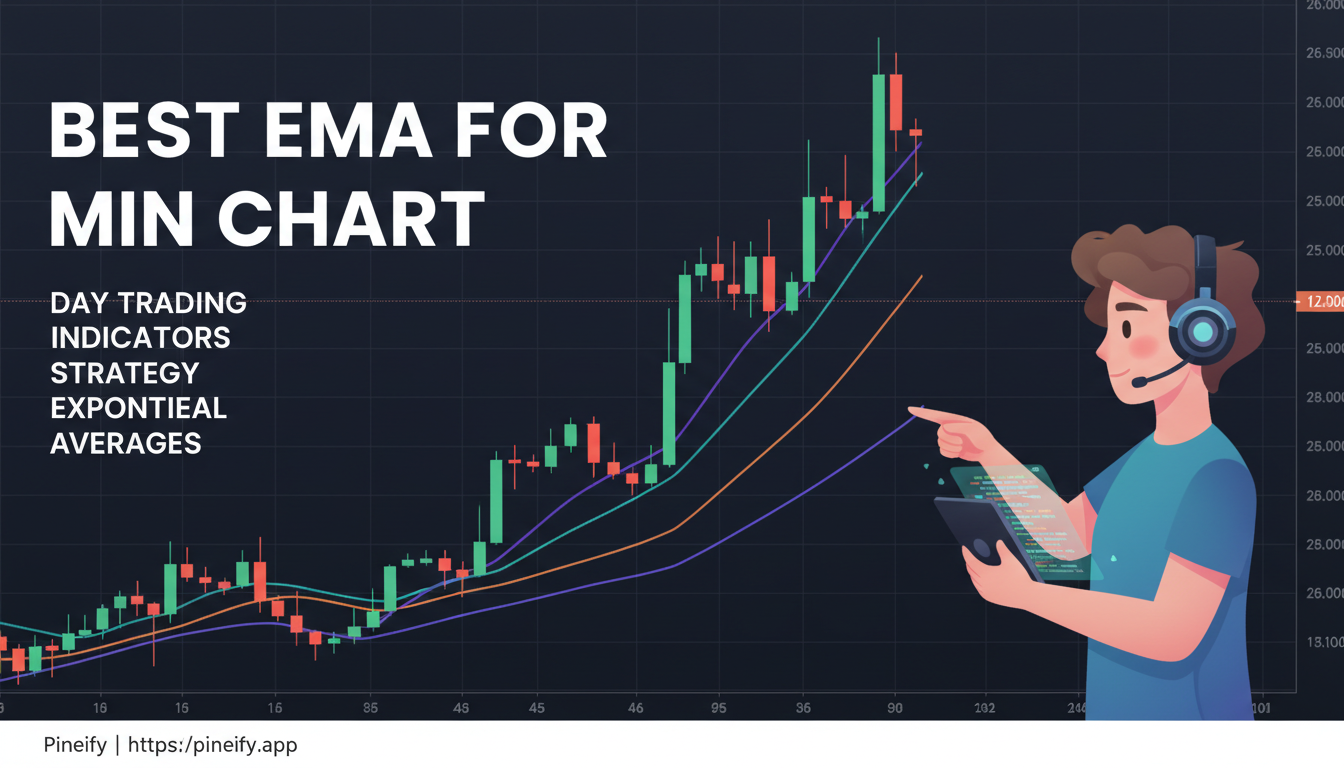
There is no verified best EMA length for every five-minute TradingView chart. A 9/20 pair, 5/8/13 ribbon, and longer 50/200 averages are different ways to summarize the same price history. Choose a small set of candidate rules, hold the data and execution assumptions constant, and compare results after costs before preferring one.
Fibonacci Bollinger Bands is a name used for different indicator implementations. Before interpreting a 0.618 or 1.618 band, identify the script's author, center line, volatility measure and multiplier. A shared name does not make two formulas interchangeable.
An exit indicator supplies a condition or reference level; it does not automatically close a broker position or guarantee a profit. On TradingView, useful choices include ATR-based levels, Chandelier Exit, Supertrend, moving-average rules, and momentum conditions. The right comparison holds entries constant and measures how each fully specified exit changes net results, drawdown, and exposure.
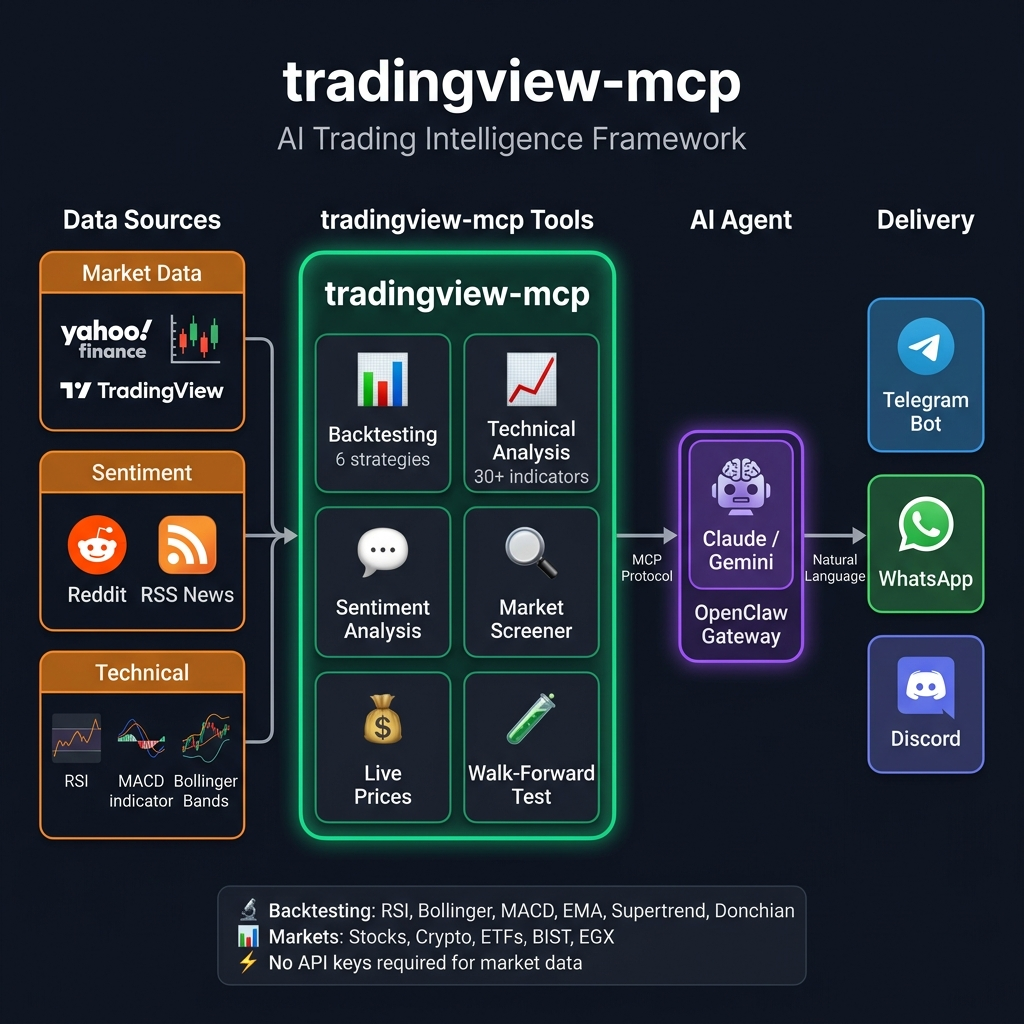
“TradingView MCP server” can refer to TradingView's official service or to an independent project using a similar name. Identify the operator before following installation instructions. These servers do not have interchangeable tools, authentication, data sources, or access terms.
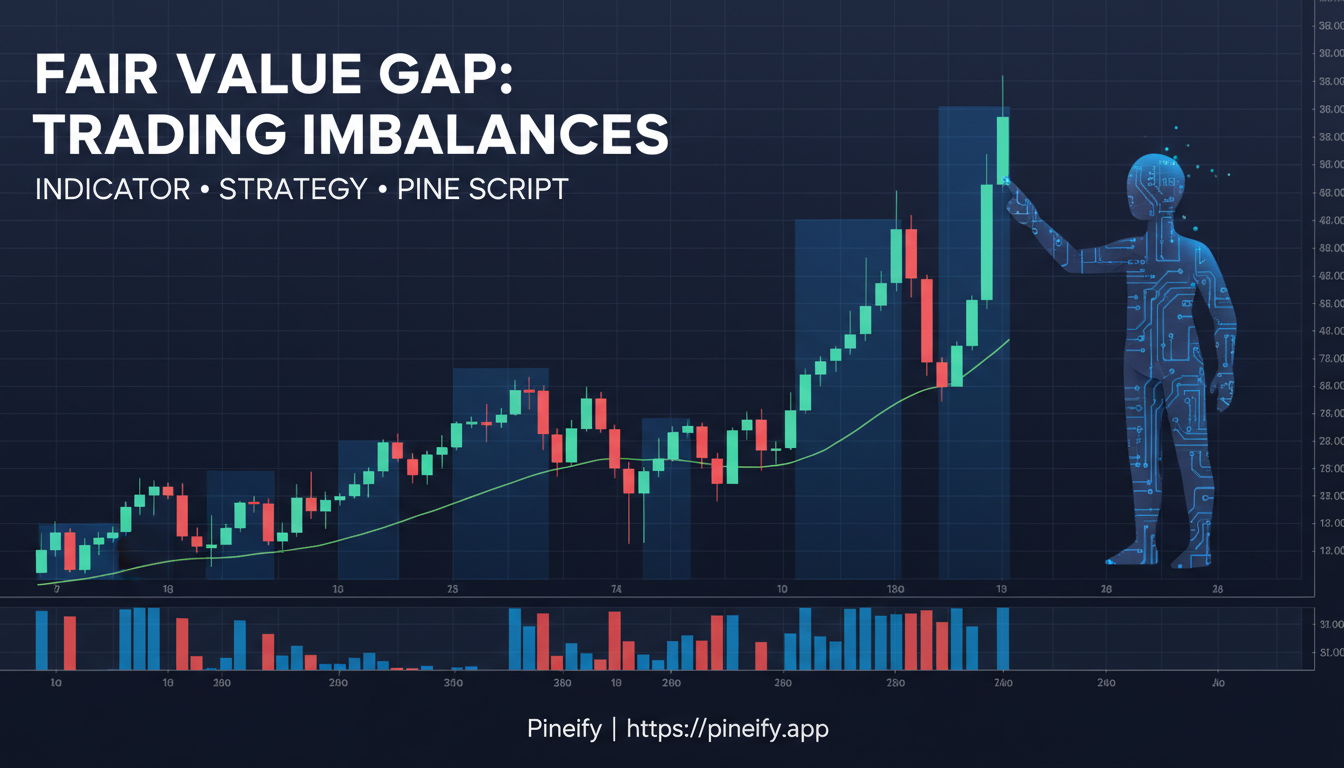
A fair value gap indicator marks a defined three-candle price pattern. The useful comparison is whether the script's detection, mitigation, timeframe, and history rules match your research question. A highlighted zone does not establish institutional activity, a required future fill, or a profitable entry. No independently verified success rate is presented here.
Free TradingView indicators can describe trend, momentum, volatility, and trading activity without a separate script subscription. That does not make every TradingView feature free, or establish that an indicator produces profitable trades. Start with a calculation you can explain, then check its timing and the account features it requires.
The selection below combines built-in studies with identifiable public scripts. It is a functional comparison, not a ranking based on an unpublished trading experiment.