Best Free Order Block Indicators for TradingView: Top Tools Compared

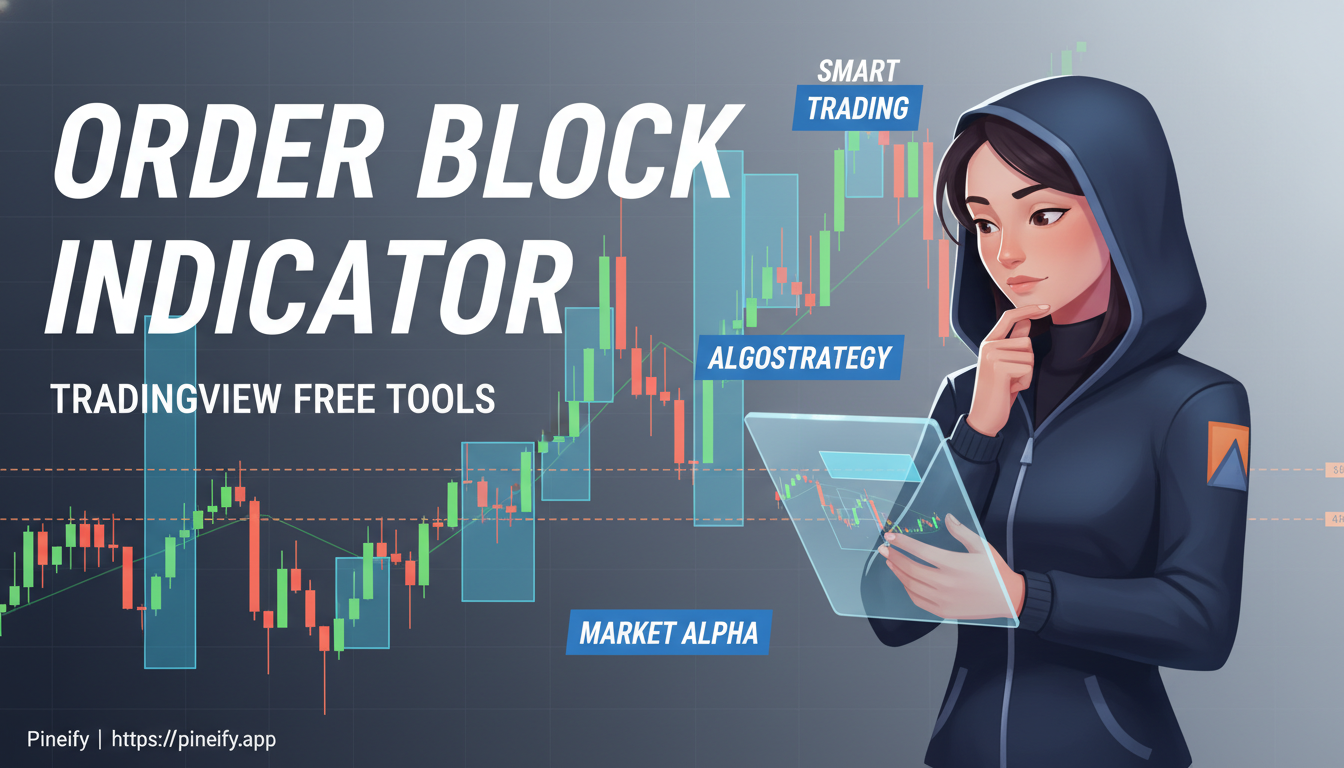
Order blocks are specific price zones where large financial institutions executed their trades. When price returns to these areas, it often reacts because unfilled institutional orders are still sitting there. My verdict after testing a dozen free options? Flux Charts Order Blocks gives you the most value for zero cost — it includes volumetric data, multi-asset scanning, and customizable invalidation logic that I haven't seen bundled in other free tools.
What Makes an Order Block Reliable
An order block forms right before a strong, impulsive price move. That gap between the block and the move is called displacement, and it often leaves a fair value gap behind — a sign of aggressive one-sided trading. I've watched TSLA bounce off the same order block on the 4-hour chart three times in a single week, and each time the volume came in higher than the 20-period average.
| Characteristic | Why It Matters |
|---|---|
| Decisive Momentum Move | A strong, clear price surge follows the block's formation, confirming institutional interest. |
| Forms at Key Market Structure | The block is created at a significant swing high or low, not in the middle of a range. |
| Clean Price Action | The candles forming the block have minimal wicks, showing conviction. |
| Visible on Multiple Timeframes | The zone holds importance whether you're looking at a 1-hour or a 4-hour chart. |
The tricky part is that not every box on your chart is a real order block. A valid one needs that momentum move right after it, and it should sit at a structural turning point. If the candles are messy with long wicks, or if the zone looks the same on the 5-minute as it does on the daily, you're probably looking at noise.
Top Free Order Block Indicators on TradingView
Flux Charts Order Blocks Indicator
If you want a powerful free option, start with Flux Charts Order Blocks. It's popular for good reason — it layers volumetric data on top of the block detection so you can see whether buyers or sellers dominated during formation.
It's open source, community-vetted, and marks both bullish and bearish blocks clearly. You can control how zones get detected and when they expire.
What stands out:
- Volumetric Insight: Shows the balance of buying and selling volume inside each block. On BTCUSD, I rely on this to check whether the volume at retest supports the trade direction.
- Adjustable Block Size: The swing length setting controls sensitivity. A lower number finds more frequent small blocks; a higher number filters for major zones only.
- Zone Invalidation: Pick whether price breaks the wick or the body to invalidate the block. I prefer wick-based — it gives the trade more room.
- Clean Charts: Toggle off older zones to reduce clutter.
- Multi-Asset Screener: Watch the latest block status, retests, and volume for up to five symbols at once. I've tested this with SPY, QQQ, TSLA, NVDA, and EURUSD simultaneously.
Most users find a swing length of 5 works well for daily charts. If you want additional support and resistance context, the Tirone Levels indicator is worth pairing with order blocks.

Free indicators are a solid starting point, but I've hit their limits. Flux Charts doesn't let you save custom detection logic, and the screener caps at five symbols. If you need more flexibility, Pineify lets you build custom order block scanners with your own parameters — no coding required.
LuxAlgo Order Block Detector
LuxAlgo's free order block detector fits into their price action toolkit. It automates detection, which helps if you're new to this, but also offers depth for experienced traders.
What works:
- Real-time Detection: Spots order block patterns as they form.
- Structure Shifts: Highlights market structure shifts (MSS) and breaks of structure (BOS) that align with order blocks.
- Clear Visuals: Bullish and bearish blocks are color-coded.
- Customizable Sensitivity: Adjust how far back the indicator scans for swing points.
- Fibonacci Integration: Works with Fibonacci retracement for confluence.
- Alerts: Get notified when a potential setup appears.
One limitation I've noticed: LuxAlgo's free version doesn't include volume data inside the blocks. You'll need to pull volume from a separate indicator, which adds another step.
Order Blocks Finder (OBF S&D)
OBF S&D keeps things simple. Green for buy blocks, red for sell blocks. It emphasizes "unconsumed" blocks — areas where price reacted strongly but has not returned to yet.
Customization is its strength:
- Choose your own colors for demand and supply zones.
- Full alert system with notification frequency and time zone settings.
- Alerts can include price and time details.
- Custom messages for long and short signals.
All Candlestick Patterns Indicator
This is a workaround rather than a dedicated tool. Hide the indicator, identify potential order blocks manually, then wait for the indicator to signal a strong engulfing pattern at that level. I've used this method on ES futures when I wanted a second opinion on a zone I spotted myself. It is less automated but gives you full control over the analysis.
Setting Up Free Order Block Indicators
Installation and Configuration
Open TradingView's indicator library, search for the indicator name, and add it. For Flux Charts Order Blocks, adjust these settings first:
- Swing Length:
5. This finds significant turning points without being too sensitive. - Zone Invalidation:
Wick. The block stays valid unless the candle's wick breaks through. Touching the body is not enough. - Volumetric Information:
On. You need to see buying versus selling pressure inside each block.
Building an Order Block Trading Strategy
An order block strategy comes down to finding where institutions entered and trading from those levels. Here is a step-by-step for a long trade:
- Find the Move: Look for a sharp upward price move.
- Locate the Origin: Find the candle or cluster that started that move. That is your bullish order block.
- Wait for the Retest: Let price come back to test the zone.
- Check the Volume: The volumetric data should show more buyers than sellers in the block. On NVDA's daily chart last month, I waited for three retests before the volume data confirmed the setup.
- Get Confirmation: Wait for the testing candle to close, then enter on the next candle.
- Manage Your Trade:
- Place your stop loss just below the block's low.
- Aim for a profit target with a 1 to 1.5 reward-to-risk ratio. Or take profit at the nearest bearish block.
For a short trade, reverse the logic: look for a bearish block, verify sellers dominate in volume, enter after the next candle closes, stop above the block.
Spotting Real Order Blocks vs. Fake-Outs
How to Tell a Good Setup from a Bad One
Not every block is worth trading. A valid order block often starts with a liquidity grab — price spikes beyond a prior high or low and snaps back, trapping traders who chased the move.
Strong hallmarks: price moves away with speed after the block forms, the block sits at a market turning point, the candles are clean with few wicks, and the zone holds across multiple timeframes.
Weak blocks look sloppy: choppy price action after formation, located in the middle of a range, candles with long wicks on both sides, only visible on a single low timeframe.
Watch volume closely. A spike during block formation signals institutional activity. When price retests a real block, you should see a clear rejection — a reversal candle or a long wick showing that the big players are still defending that level. I don't take the trade without that rejection.
Order Blocks vs. Supply and Demand Zones
| Feature | Order Blocks | Supply and Demand Zones |
|---|---|---|
| What It Is | The specific candle(s) where big players entered, causing a sharp price move. | A broader area where a strong imbalance between buyers and sellers occurred. |
| Precision | Very precise; the exact footprint of a major market order. | Less precise; a wider zone of interest. |
| Key Requirement | Must be "unmitigated" (not yet retested) and contain a "fair value gap." | Can still be valid even after price has passed through. A fair value gap is common but not required. |
| Analogy | The exact spot where the big players left their mark. | The general neighborhood where a battle took place. |
Think of an order block as the exact candle an institution filled. A supply or demand zone is the broader area where momentum shifted. An unmitigated order block has the highest chance of causing a reaction because those large orders have not been touched yet.
Using Order Blocks with Other Tools
Order blocks work best as part of a system. I combine them with support and resistance levels, trendlines, and volume analysis. Moving averages — 9, 20, 50, and 200-period — give context about momentum.
Before I enter, I wait for additional confirmation: a specific candlestick pattern, a volume spike, or a signal from a momentum indicator. Sometimes I zoom to a lower timeframe for a more precise entry. This layered approach filters out false signals.
Position Sizing and Risk Management
Precise entries make position sizing important. Starting with a smaller position lets you set a wider stop-loss that still fits within the order block. A scale-in approach — add to the position as the trade moves in your favor — works well with larger blocks. I don't risk more than 1-2% of my account on a single trade.
| Action | How to Do It |
|---|---|
| Set Entry Orders | Place a limit order inside the block, or use a market order after clear confirmation. |
| Define Your Risk | Stop-loss just beyond the opposite side of the block or at another logical level. |
| Manage the Trade | Take partial profits at multiple targets — previous swing highs or lows, or other key levels. |
Frequently Asked Questions
Are free order block indicators as effective as paid versions?
Most of the time, yes. Flux Charts and LuxAlgo do the job for free. They give you volume data and customization that covers what most traders need. The price tag does not determine effectiveness — your setup and understanding do. I've seen traders lose money with expensive suites and make money with free indicators.
How many order blocks should I display on my chart?
Keep it between three and five recent blocks. More than that clutters the chart and makes it hard to spot the best setups. Most free indicators have a "show last" setting to manage this.
Can order block indicators work on all timeframes?
Yes, but higher timeframes — 4-hour, daily, weekly — give the most reliable signals. A block visible on multiple timeframes is a strong signal. I use higher timeframe blocks for direction and lower timeframes to fine-tune entries.
What is the difference between mitigated and unmitigated order blocks?
An unmitigated block has not been revisited since formation. Institutional orders are still there, waiting to be filled, so these often produce stronger reactions. A mitigated block has already been tested. Some orders got filled, so less fuel remains. I still watch mitigated blocks but with lower expectations.
How do I avoid false signals from order block indicators?
Don't trade the block as soon as it appears. Wait for confirmation: a liquidity sweep, a fair value gap, or a volume spike. Wait for price to reach the block and show a clear rejection — a pin bar or a strong reversal candle. Skip blocks that form in sideways markets on low timeframes. Combining order blocks with support and resistance or moving averages improves accuracy.
Putting These Tools to Work
You've seen the top free options. Now it's about screen time.
Start with Flux Charts Order Blocks. Add it to TradingView and experiment with the swing length and invalidation settings on the assets you trade. Look for blocks with strong momentum, clean candles, and visibility across hourly, 4-hour, and daily charts.
Before you trade with real money, test everything. Use TradingView's paper trading or a demo account. Keep a journal — note which setups worked and which did not. That record is how you build a strategy that fits your style. If you want to upgrade your TradingView setup, check our guide on TradingView premium plans.
Join trading forums or Discord groups where people share charts and discuss order blocks. Experienced traders on YouTube and social media break down their analysis in real-time for free. Pairing LuxAlgo's toolkit with Flux Charts can also deepen your understanding.
Be patient. Focus on a few high-quality setups instead of chasing every potential trade. Start small, manage risk on every position, and scale up as your confidence grows. For more advanced options, our guide to best scripts for TradingView covers other tools that complement order block analysis.
The free indicators on TradingView give you the same foundation the pros use. What separates profitable traders is how consistently they apply the rules.