An undeclared identifier means Pine cannot resolve a name at the point where it is used. Check spelling, declaration order, scope, and the script's version before changing the calculation.
Know Sure Thing (KST), developed by Martin Pring, combines four smoothed rate-of-change measurements into one momentum oscillator. Its standard calculation uses several lookback lengths on the same chart series; that does not make it a multi-timeframe data request.
In Pine Script, series float combines a numeric type, float, with the strongest value qualifier, series. It describes a floating-point value that may vary across executions; it does not require the value to change on every bar.
ta.valuewhen(condition, source, occurrence) returns the source value from a selected occurrence of a true condition. Occurrence zero is the latest matching bar, including the current bar if its condition is true.
Pine Script is TradingView's domain-specific programming language for indicators, strategies, and reusable libraries. It is its own language, with a time-series execution model and APIs designed for TradingView data and charts.
A rejected order needs the exact broker or platform error message before it can be diagnosed. An order that remains open, expires, or is canceled has a different lifecycle from a rejected request, even when none produces a fill.
If TradingView appears ten minutes behind, check the data status for the exact symbol before changing your plan. An exchange-delayed feed, a candle labeled with its opening time, and a chart that has stopped refreshing can look similar. They require different fixes.
A paid TradingView plan does not automatically include paid exchange data. TradingView explicitly separates those charges in its market-data subscription guide.
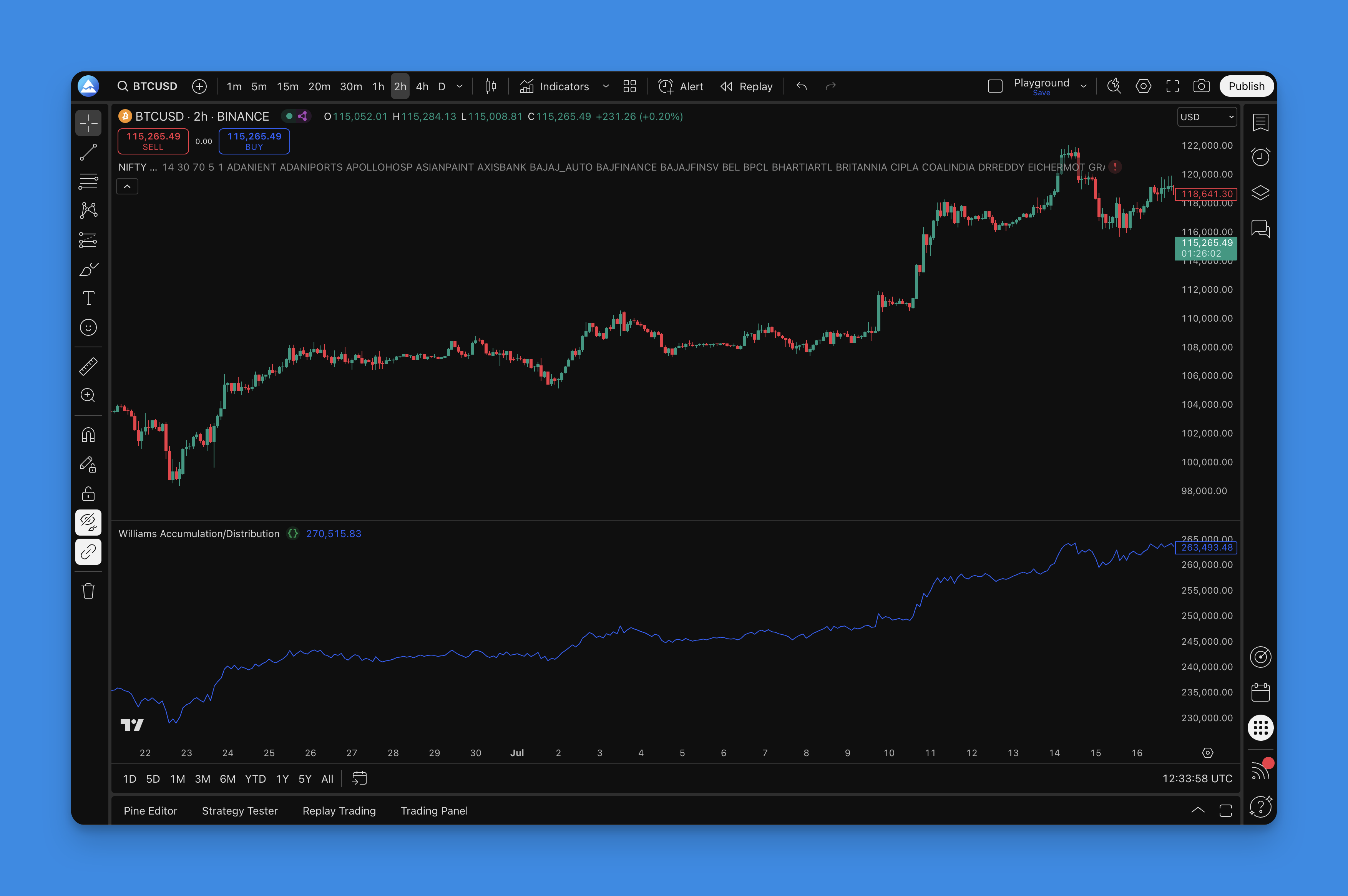
Williams Accumulation/Distribution (WAD) is a cumulative price-based indicator. It uses the current bar's high, low, and close together with the previous close. It does not use volume or identify which participants bought and sold.
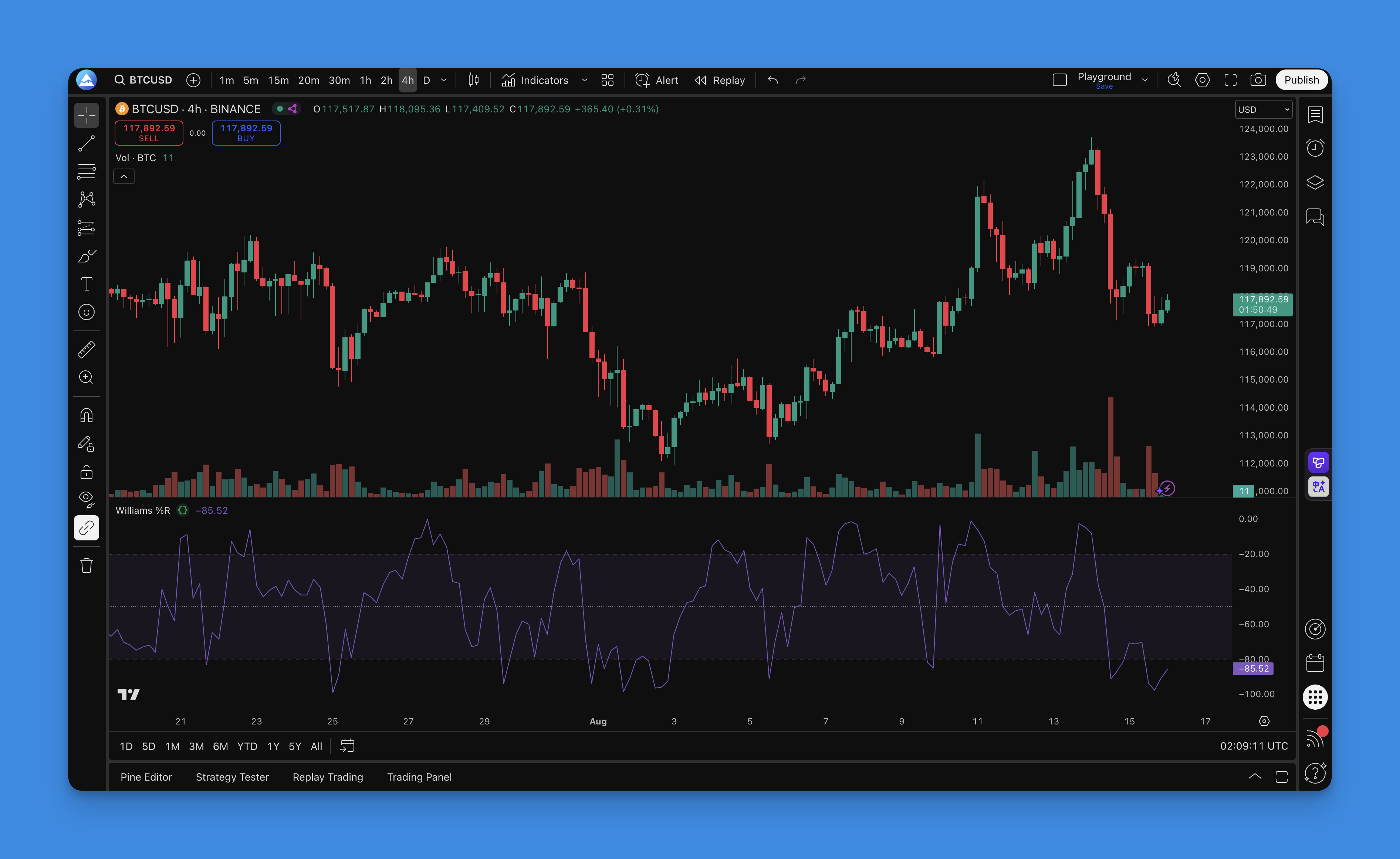
Williams %R measures where the current close lies within a recent high-low range. Values near zero place the close near the range high; values near −100 place it near the range low. Those positions do not by themselves predict a reversal.
Wisesheets and Pineify offer overlapping ways to research companies, but their workflows differ. Wisesheets supports spreadsheets, an API, and AI connectors; Pineify offers a conversational research workspace with financial-data tools and separate trading-code workflows.