1125 posts tagged with "TradingView"

Blog posts related to the TradingView

View All Tags

Accurate Swing Trading System TradingView: Complete Trading Guide for 2026

· 26 min read

Struggling to find the perfect entry and exit points in your swing trades? You're not alone. Every swing trader faces the challenge of knowing when trends are starting, ending, or where to place stops without getting shaken out by market noise. The Accurate Swing Trading System (ASTS) eliminates this guesswork by providing a dynamic trend line that adapts to market conditions in real-time.

Imagine having a personal trading assistant that constantly monitors price action and shows you exactly where the important support and resistance levels are right now. That's what ASTS does - when prices trend upward, it tracks the key support levels you should watch. When they trend downward, it reveals the resistance levels that demand respect. This visual simplicity removes the emotional decision-making that often leads to poor trading choices.

What truly sets ASTS apart from traditional indicators is its dynamic nature. Unlike static support/resistance lines or basic moving averages that lag behind price action, ASTS continuously recalculates based on recent swing highs and lows. You're always working with current, relevant levels that reflect what's actually happening in the market right now.

Traders who've incorporated ASTS into their strategy often describe it as having a clear roadmap for every trade. You can instantly see where trends are likely to continue, potential reversal zones, and optimal stop placement levels. The system automatically generates buy and sell signals when price crosses these critical levels, making it equally valuable for manual traders and those interested in automated trading approaches.

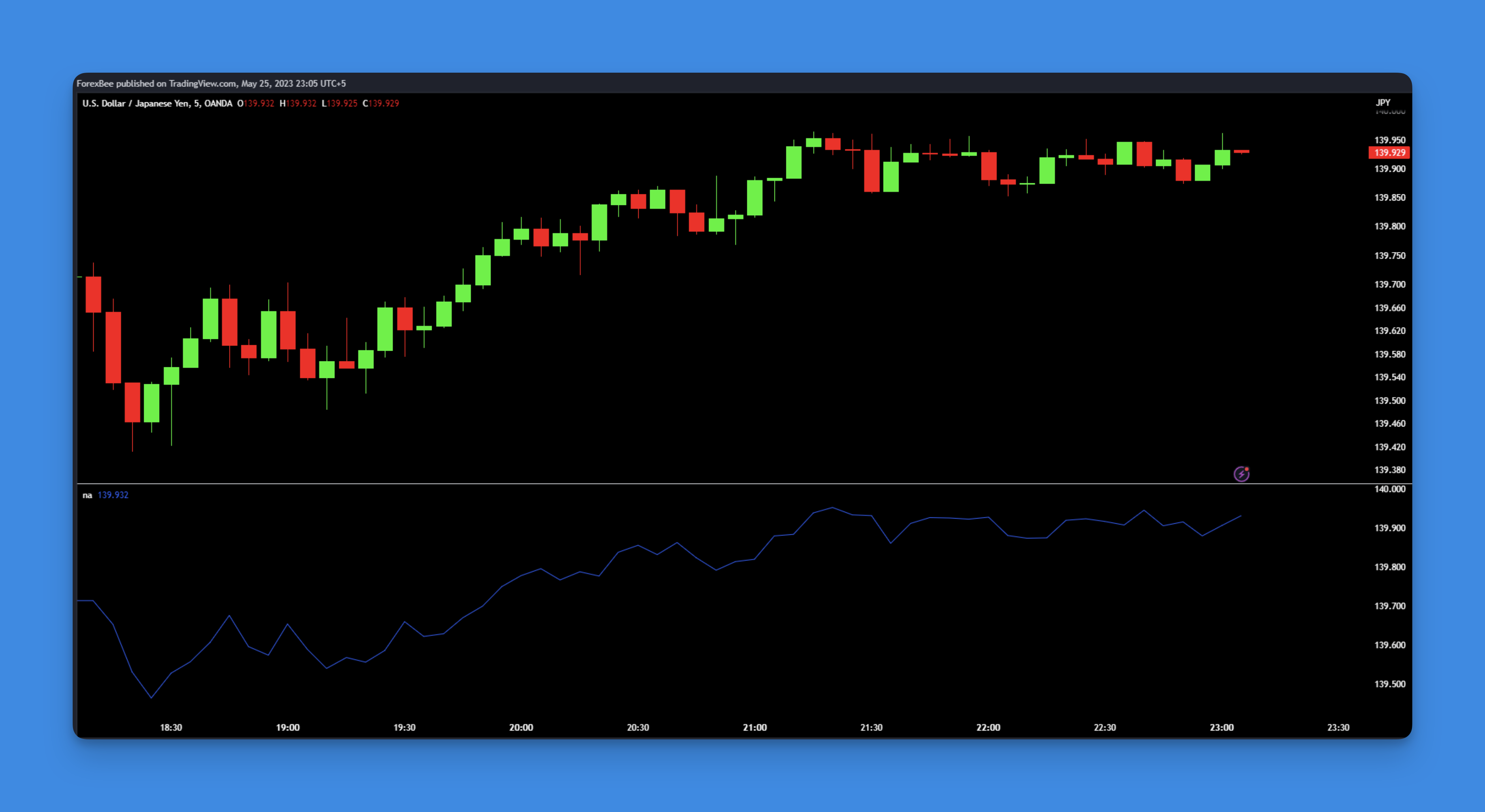
Accurate Swing Trading System showing dynamic support and resistance levels

Average Sentiment Oscillator TradingView: Complete Guide to Market Psychology Analysis

· 21 min read

Ever feel like you're missing something important when looking at price charts alone? The Average Sentiment Oscillator (ASO) might be exactly what you need to see the bigger picture. Instead of just following price movements, ASO shows you the psychological battle happening behind every candle - the push and pull between buyers and sellers that really drives market direction.

Picture having two expert traders whispering in your ear at all times. One tells you how strongly the bulls are pushing prices up, while the other warns you about bearish pressure pulling them down. That's essentially what ASO does with its two distinct lines. You get to see not just which side is winning, but how confident each team is about their position.

What makes ASO different from most indicators is how it looks at market psychology from two angles at once. It analyzes both what's happening inside individual candles and the overall sentiment across groups of candles. This dual approach gives you a much clearer sense of whether a trend has real momentum behind it or if it's running on fumes.

Traders who rely on ASO often say it feels like having x-ray vision for market sentiment. You can spot when a trend is gathering strength, when it's starting to weaken, and when the market is getting ready to change direction - sometimes before price action even hints at it.

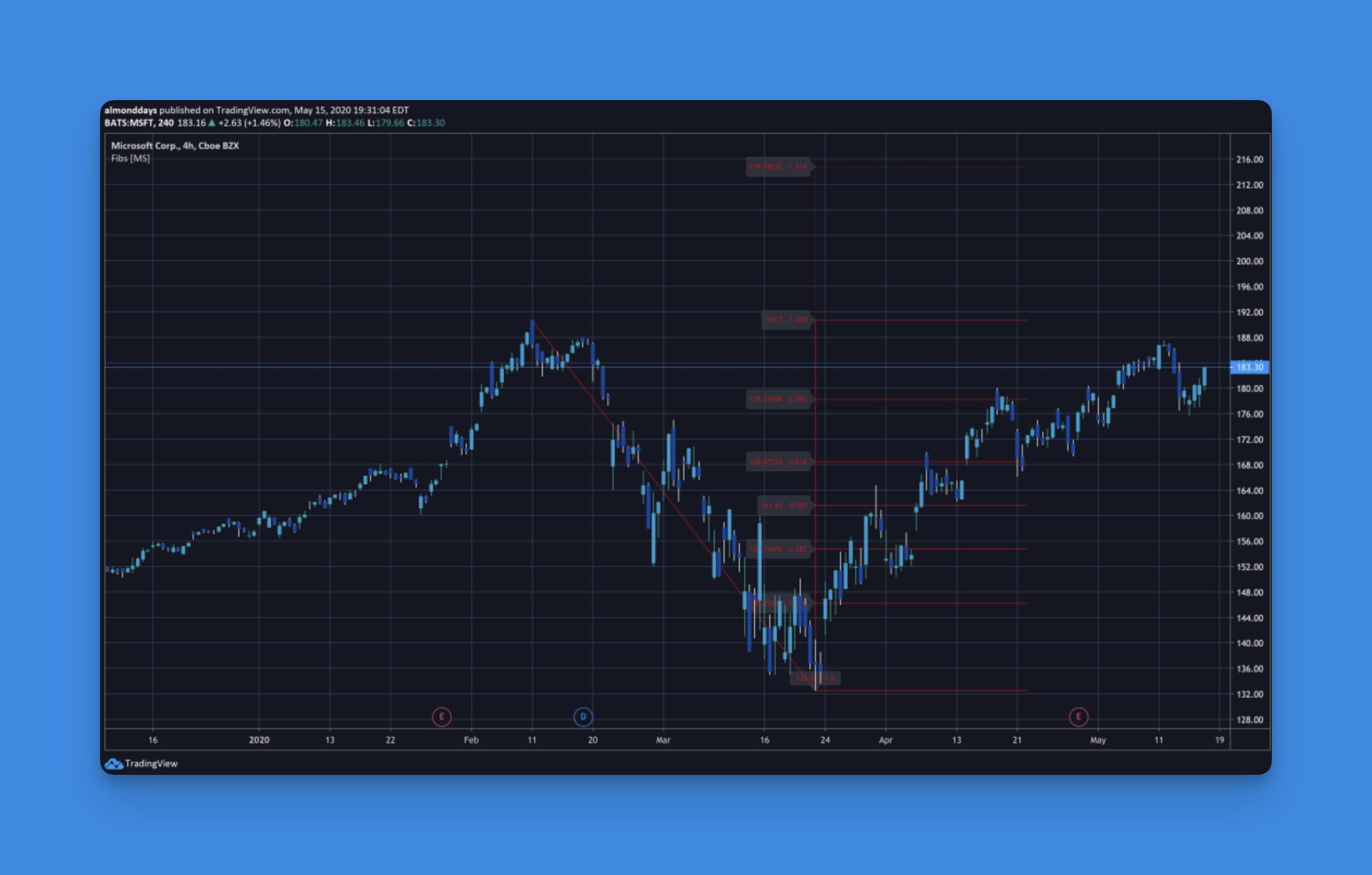
Average Sentiment Oscillator Indicator showing bullish and bearish sentiment analysis

TradingView Chart Color Ideas: Elevate Your Analysis and Trading Strategy

· 16 min read

TradingView has completely changed how we look at market data, and one of the simplest yet most powerful ways to improve your charts is by playing with the colors. Choosing the right TradingView chart color ideas isn't just about making things look pretty—it's about making your charts easier to read, reducing eye strain during long sessions, and helping you make clearer decisions when the market gets hectic.

Think about it: if you're a day trader glued to multiple screens, or a swing trader tracking long-term trends, the right colors can make key patterns and indicators jump out at you. We're going to talk about why color choice is so important, share some popular and effective color schemes, and walk through how to set them up. By the end, you'll have a handful of practical TradingView chart color ideas you can start using right away.

TradingView Chart Color Ideas: Elevate Your Analysis and Trading Strategy

How to Change Time Zone in TradingView: Step-by-Step Guide

· 13 min read

TradingView is an incredibly useful tool for anyone who trades or invests, giving you real-time charts, technical analysis features, and tons of ways to customize your setup. One of the most helpful tweaks you can make is adjusting the time zone. This makes sure the market data on your charts lines up with your own local time or the specific trading hours you follow, so you never get mixed up when you're analyzing price action.

In this straightforward guide, we'll walk through how to change the time zone in TradingView on both your computer and your phone. We'll also cover some common problems people run into and share a few tips to get your charts set up perfectly for making smarter, more timely decisions.

Whether you're just starting out and looking at your very first chart or you're a seasoned pro fine-tuning your workspace, getting your TradingView time zone settings right makes a big difference. It helps you accurately track when different markets around the world open and close. By the end of this, you'll be able to adjust these settings without a second thought and sidestep the usual hiccups that can throw off your trading rhythm.

How to Change Time Zone in TradingView: Step-by-Step Guide

How to Turn on Extended Hours on TradingView

· 10 min read

Ever notice that a stock makes a big move, but the market has been closed for hours? That's where extended trading hours come in. This guide will walk you through how to see this data on TradingView, whether you're on your computer or phone. We'll also cover how to adjust the settings to your liking, what to do if it's not working, and answer some common questions.

How to Turn on Extended Hours on TradingView

How to Find Invite Only Scripts on TradingView: Complete Guide for Traders

· 14 min read

TradingView's invite-only scripts are like the hidden gems of the platform. They're incredibly smart trading tools that aren't available to everyone; you need to be invited by the creator to use them.

Think of it like getting access to a private club. These tools are often built by seasoned traders who've spent countless hours perfecting their strategies. They've done the heavy lifting—the research, the testing, the tweaking—so you can get insights that go way beyond the standard, public indicators.

Learning how to find and get into these exclusive scripts can be a total game-changer for your trading, giving you a powerful edge. Let's break down exactly how you can discover, access, and make the most of them.

How to Find Invite Only Scripts on TradingView: Complete Guide for Traders

How to Backtest Trading Strategies with Pineify: The Complete 2026 Guide That Actually Works

· 10 min read

Look, I've been there—staring at charts for hours, convinced I've found the perfect trading setup, only to watch it fall apart the moment real money hits the table. That's exactly why learning how to backtest trading strategies properly can save you from those painful (and expensive) lessons.

Here's the thing: most traders skip backtesting or do it wrong, then wonder why their "foolproof" strategies don't work. This guide will show you exactly how to use Pineify Strategy Editor to test your ideas before risking a single dollar—and more importantly, how to avoid the sneaky mistakes that make backtests lie to you.

How to Backtest Trading Strategies with Pineify

Can I Trade on TradingView for Free?

· 11 min read

Yes, you can definitely place trades directly through TradingView without paying extra fees to them. You have two main paths to do this:

  1. Paper Trading: Use their free, simulated trading account to practice your strategies with virtual money. It's a fantastic, risk-free way to learn the ropes.
  2. Connecting a Broker: Link your account with one of their supported brokers. TradingView doesn't add any commissions on top; you'll just follow the fee structure of the broker you choose, many of which offer commission-free trading.
Can I Trade on TradingView for Free?

Bollinger Bands Fibonacci Ratios: Complete Guide to Trading with 7 Dynamic Support & Resistance Levels

· 10 min read

If you've ever found yourself frustrated with standard Bollinger Bands giving you just three reference points when the market is clearly respecting multiple levels, you're not alone. That's exactly why traders have been gravitating toward Bollinger Bands Fibonacci Ratios (FiBB) - an indicator that combines the adaptive nature of Bollinger Bands with the mathematical elegance of Fibonacci ratios.

The beauty of FiBB lies in its simplicity: instead of limiting yourself to upper, middle, and lower bands, you get seven distinct levels that expand and contract based on market volatility. It's like having seven support and resistance lines that automatically adjust to current market conditions.

Bollinger Bands Fibonacci Ratios Indicator

Donchian Trend Ribbon Indicator: Complete TradingView Guide for Trend Analysis

· 25 min read

If you've ever struggled to determine whether a trend has enough strength to continue, or found yourself guessing when momentum might shift, you're not alone. Many traders rely on basic trend indicators that only show direction but miss the crucial element of trend quality. This is where the Donchian Trend Ribbon (DTR) changes the game by transforming traditional Donchian channel analysis into an intuitive visual system.

Think of the DTR as having ten expert analysts watching different timeframes simultaneously, all voting on trend strength and displaying their consensus as a color-coded ribbon. When everyone agrees, you get a solid bright ribbon indicating a powerful trend worth trading. When opinions are divided, the ribbon shows mixed colors, warning you that momentum is weakening or changing direction.

The genius behind this approach lies in its simplicity: instead of overwhelming you with complex calculations or multiple chart overlays, DTR packages sophisticated multi-timeframe analysis into an easy-to-read visual format that instantly tells you whether to be aggressive, cautious, or stay out of the market entirely.

Donchian Trend Ribbon Indicator showing trend strength analysis