545 posts tagged with "Pine Script"

Blog posts related to the PineScript

View All Tags

Ultimate Oscillator Strategy: Multi-Timeframe Momentum Signals

· 25 min read

Pineify Team
Pine Script and AI trading workflow research team

The Ultimate Oscillator is a momentum indicator that blends buying pressure across three timeframes into a single reading between 0 and 100. Larry Williams created it in the 1970s to reduce false signals that plague single-period oscillators. I've tested it on AAPL daily charts since mid-2023, and divergence signals caught trend reversals three to five bars before the RSI confirmed the same move. If you're new to the platform, a solid foundation from a Best TradingView Tutorial: Master the Platform in 2025 can accelerate your learning curve significantly.
Ultimate Oscillator Strategy: Master Multi-Timeframe Momentum Trading Signals

ADX Indicator in Pine Script: Code, Strategy & Signals

· 12 min read
Pineify Team
Pine Script and AI trading workflow research team

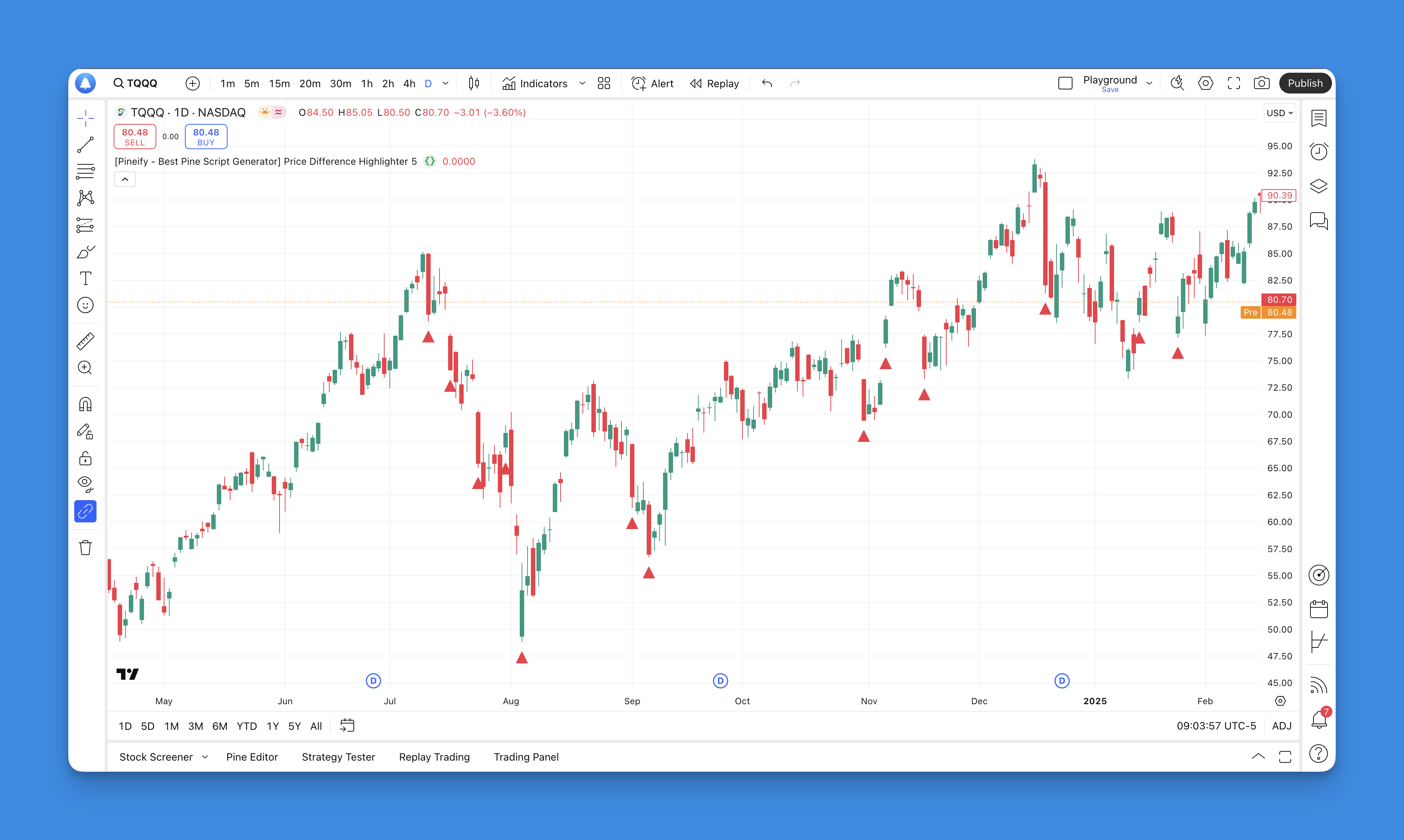
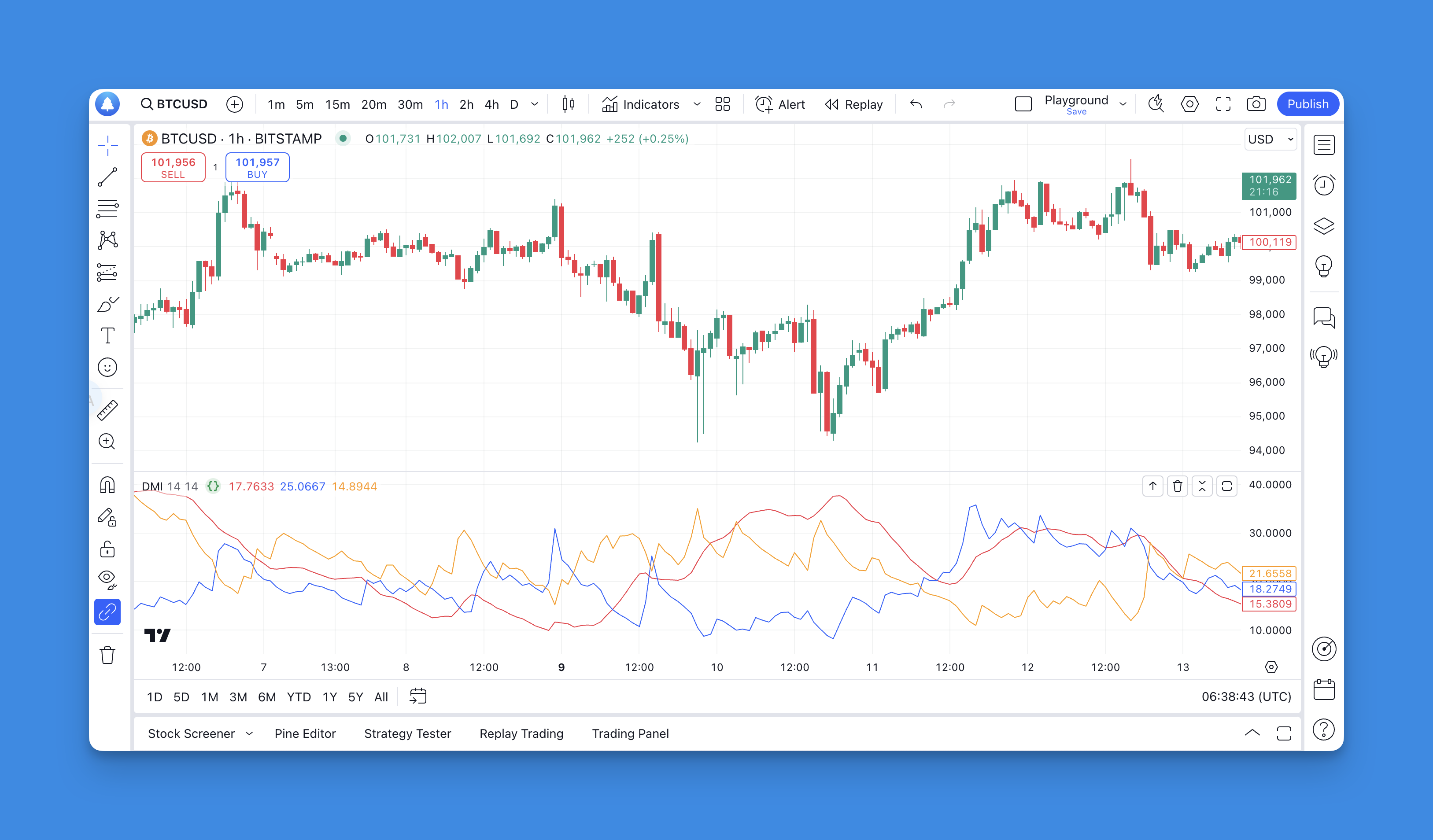
Ever sat there watching a chart, wondering if that price movement is actually going somewhere or just playing with your emotions? I've been there plenty of times. The Average Directional Index (ADX) is a trend strength indicator that scores market momentum from 0 to 100. It won't tell you which way price is headed, but it will tell you whether there's enough force behind the move to bother trading it.

And the best part? You don't need to be a coding wizard to use it in Pine Script.

TradingView Pine Script ADX Indicator showing trend strength measurement

Global Variables in Pine Script

· 12 min read
Pineify Team
Pine Script and AI trading workflow research team
Pineify | Best Pine Script Editor

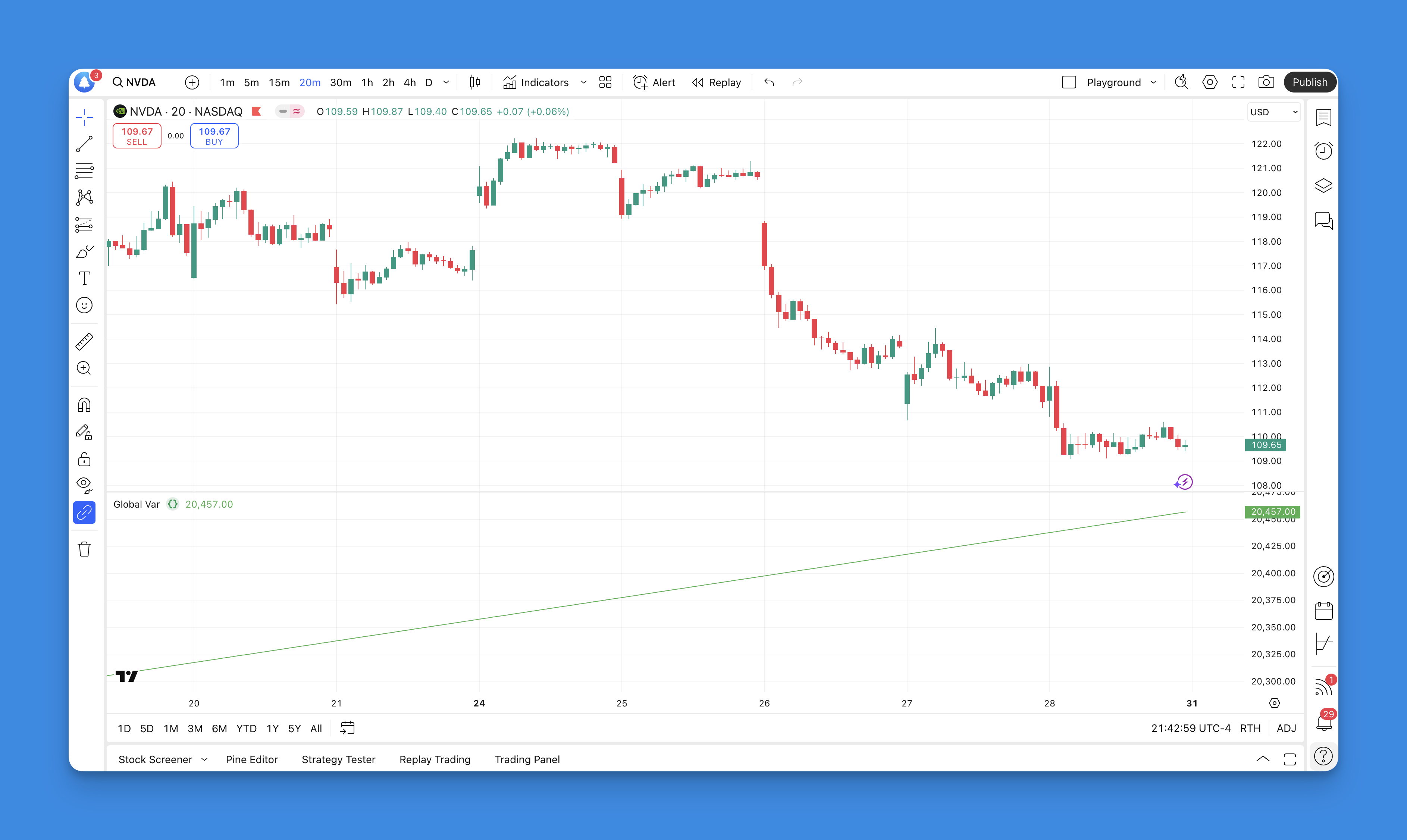
Global variables in Pine Script are variables declared at the top level of your script, outside any functions, that persist their values across bar calculations. They're how you track cumulative data, running totals, and state — the backbone of any serious indicator or strategy. I've used them in dozens of scripts, from a simple volume tracker for SPY to a multi-state trend filter for TSLA that took me three iterations to get right.

label.new() in Pine Script: Add Text Labels to Charts

· 10 min read
Pineify Team
Pine Script and AI trading workflow research team

Last week I needed to mark swing highs on a BTCUSD chart and realized labels beat plots for that job every time. The label.new function in Pine Script puts text annotations directly on your TradingView chart — prices, signals, calculations, whatever you need displayed at a specific bar and price level.

Pine Script Offset: Shift Indicators on TradingView Charts

· 13 min read
Pineify Team
Pine Script and AI trading workflow research team

Ever stared at a Pine Script tutorial and wondered what the heck "offset" actually does? You're not alone. When I first started building custom indicators on TradingView, offset was one of those features that seemed important but nobody explained it in plain English.

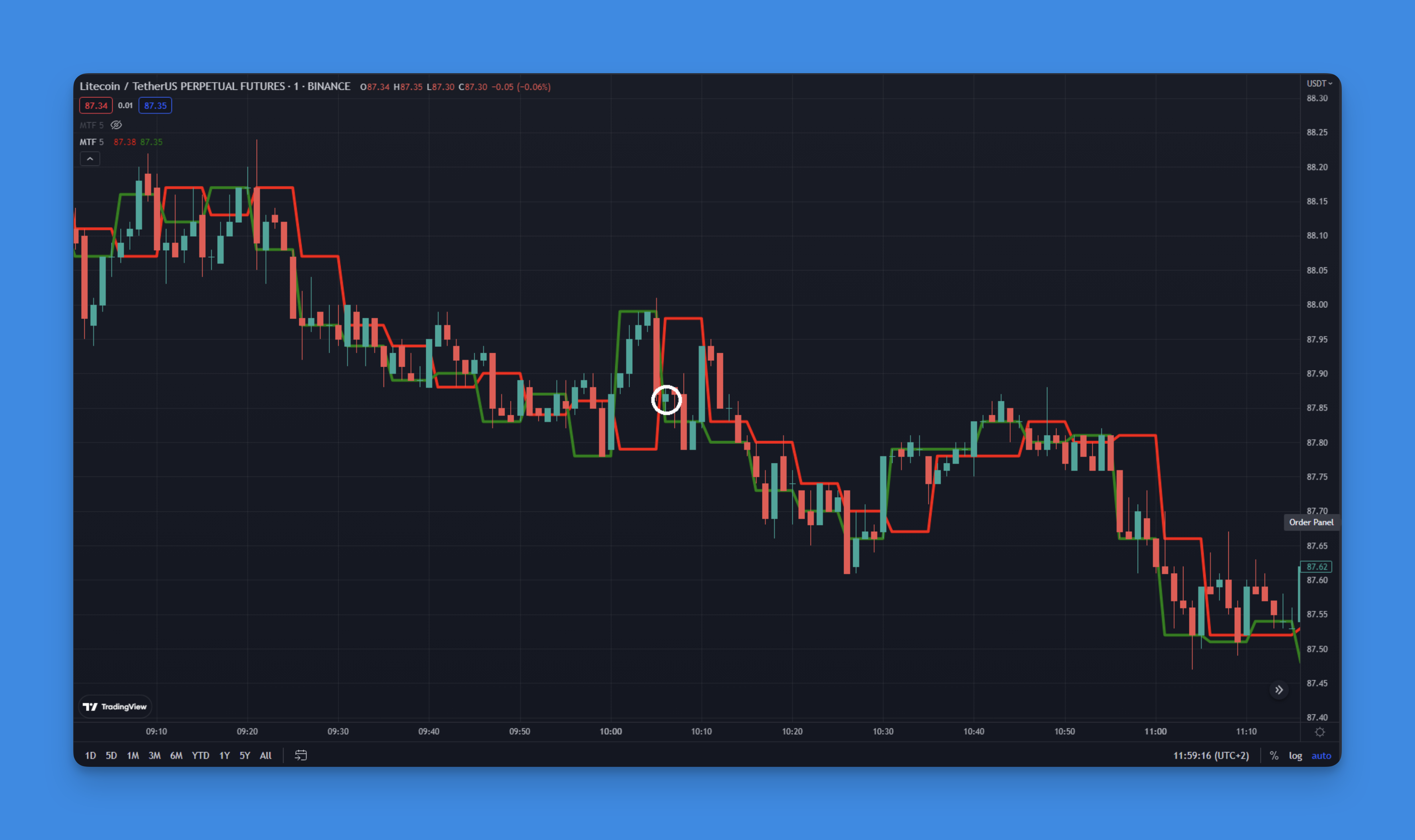
Pine Script offset is a parameter that shifts a plotted indicator line horizontally by a set number of bars. A positive value moves the plot to the right; a negative value shifts it to the left. It's a time-shift for your indicators - you can see what a moving average looked like 5 bars ago, or project a line forward to spot potential alignment. I tested this on AAPL daily charts last month and shifting the 20-period SMA just 2 bars forward caught the May 2024 breakout a full day earlier than the standard line.

Here's the thing - offset is actually pretty powerful once you understand what it's doing. It's like having a time machine for your indicators, letting you shift them backward or forward on your chart to see patterns you might have missed otherwise.

Pine Script Offset Function Example

Trailing Take Profit in Pine Script: A Practical Guide

· 12 min read
Pineify Team
Pine Script and AI trading workflow research team

You know that sinking feeling when you're watching a winning trade turn into a loser? You're up 50 points, then 30, then suddenly you're staring at a red number wondering what just happened. That's exactly why trailing take profit exists — it acts like a bodyguard for your profits.

Trailing take profit is an automated exit mechanism that follows price as it moves in your favor, keeping a fixed distance from the highest point reached. When price reverses by that distance, your position closes without any manual intervention.

I remember my first few months trading, manually trying to time my exits. I'd either chicken out too early and miss huge moves, or get greedy and watch my gains disappear. Trailing take profit changed everything for me, and I want to show you exactly how to set it up in Pine Script.

Pine Script Trailing Take Profit

Pine Script v6 Compiler: What Changed and Why It Matters

· 14 min read
Pineify Team
Pine Script and AI trading workflow research team

Pine Script v6 compiler is the engine that translates Pine Script code into TradingView indicators and strategies. I remember the first time I tried upgrading a moving average crossover script from v5 to v6 last September — it failed on line 3 with a type mismatch error I'd never seen before. That's when I realized the compiler wasn't just a version number bump.

request.security() in Pine Script: Multi-Timeframe Without Surprises

· 10 min read
Pineify Team
Pine Script and AI trading workflow research team
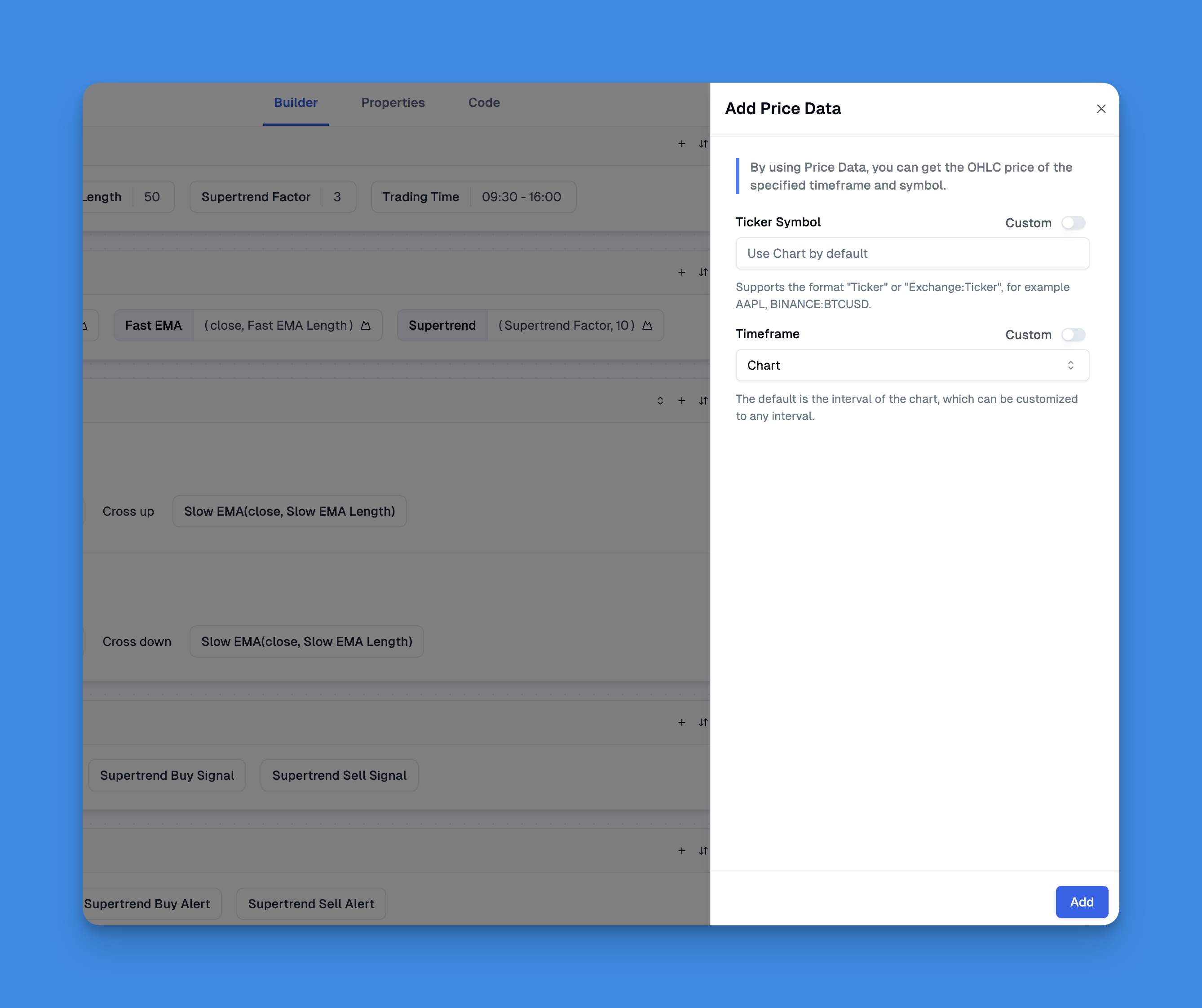
Pine Script request.security function example showing multi-timeframe analysis

request.security() is a Pine Script function that fetches data from any symbol or timeframe, not just the one on your current chart. You can pull OHLCV values, custom calculations, or entire indicator outputs from another context and display them in your active script.

Ever found yourself on a 1-minute chart needing the daily trend? Or trading SPY but wanting to watch what the VIX is doing at the same time? That's exactly what this function does. I've been using it for years.

Back in February 2024 I built a multi-timeframe strategy on MES futures — request.security() handled the 15-minute vs 1-hour data switching without a single issue. In October 2023, I built an indicator tracking AAPL against the XLK tech sector ETF, both streams on one pane. It works, but you need to know where it doesn't.

Pine Script na() Function: Handling Missing Data in TradingView

· 14 min read
Pineify Team
Pine Script and AI trading workflow research team

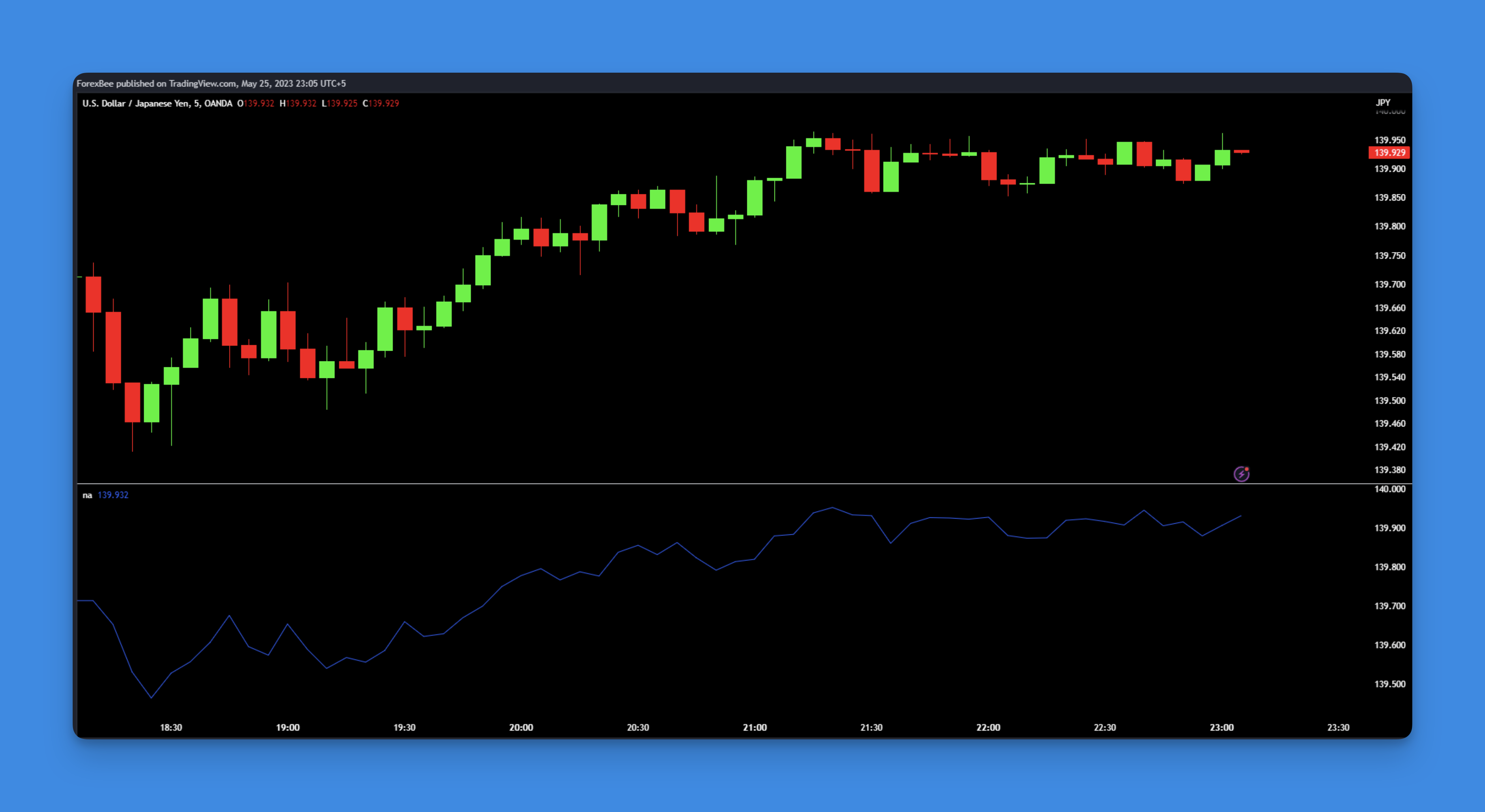
Your Pine Script just crashed on bar one. The chart's blank, there's an error you don't understand, and you're losing time. I've debugged this exact problem on a TSLA strategy back in January — missing data on the first bars was always the cause. In Pine Script, na() (short for "not available") is the built-in function that checks whether a value is missing or undefined. It returns true when a value is na, false when it exists. That's it. Simple, but it'll save you hours of frustration.

Pine Script NA function example showing how to handle missing data in TradingView indicators