545 posts tagged with "Pine Script"

Blog posts related to the PineScript

View All Tags

TradingView Backtest Alternative: Smarter Analysis with Pineify

· 14 min read
Pineify Team
Pine Script and AI trading workflow research team

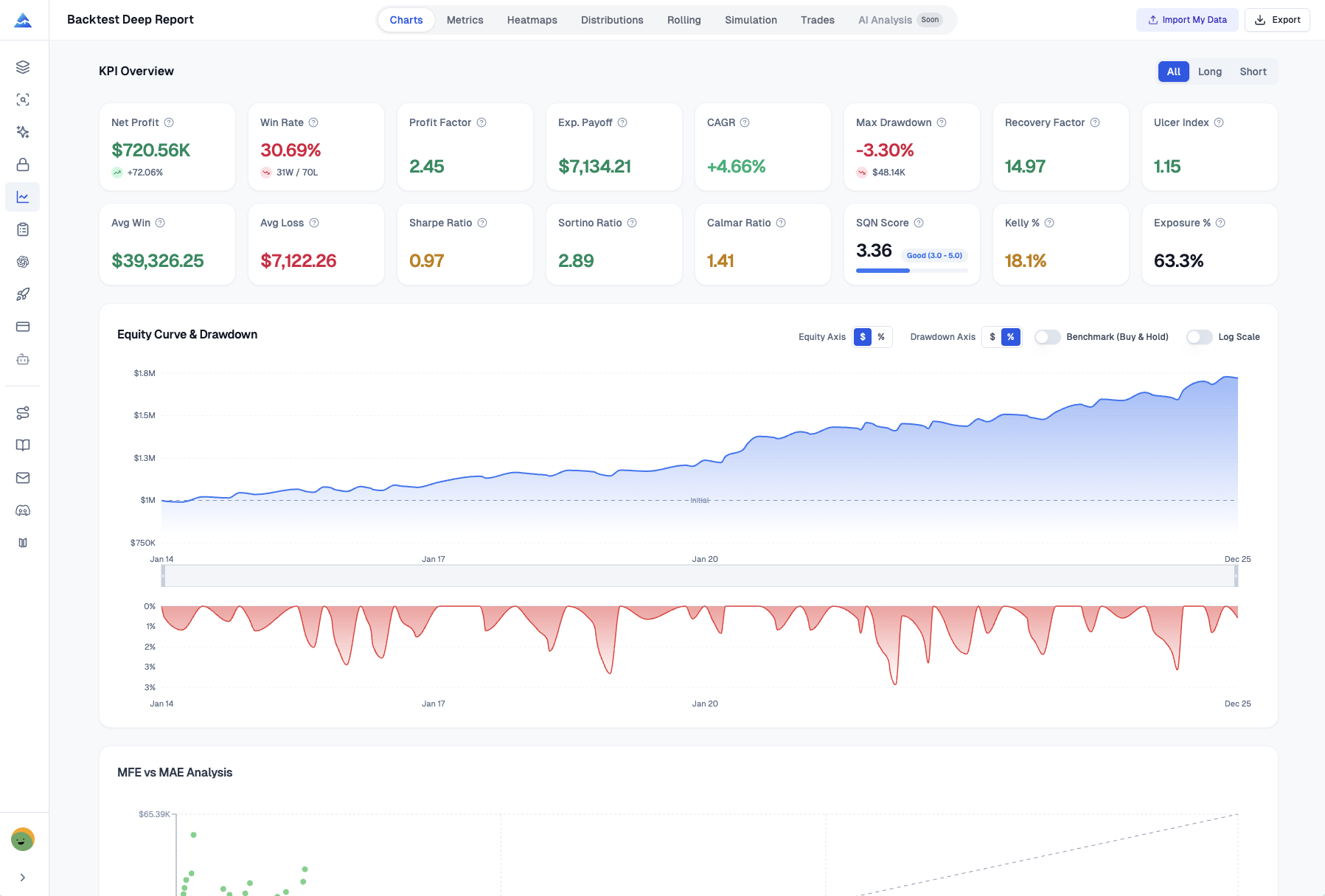
If you've ever downloaded your TradingView strategy results as a CSV and felt lost in a sea of numbers, I get it. Pineify Backtest Deep Report is a browser-based tool that turns that raw trade list into a full performance dashboard. You upload the CSV, and in seconds you get 16+ KPIs, Monte Carlo simulations, MFE/MAE analysis, rolling window stats, and time-based heatmaps — all processed on your own machine so your data never leaves your device. TradingView's built-in backtester is great for quick checks, but when you need real depth, it comes up short.

I've run into this myself testing a EUR/USD trend-following strategy earlier this year. The standard TradingView report showed a 62% win rate and a nice equity curve, but I had no way to tell if those returns would hold up if the market behaved differently. That's the gap Pineify fills.
TradingView Backtest Alternative: Superior Analysis with Pineify Deep Report

TradingView BigBeluga: Premium Indicators, Smart Money & Volume Tools

· 12 min read
Pineify Team
Pine Script and AI trading workflow research team

BigBeluga is a TradingView creator with over 51,800 followers and more than 128 published scripts focused on smart money concepts, algorithmic momentum, and volume-based analysis. I've been testing their premium toolkits across crypto, forex, and stock markets for the past few weeks, and there's a lot to unpack.

The person behind it started on TradingView in February 2018. The main offering, The Beluga Collection, is an elite toolkit designed to give you a clear market picture using adaptive analytics, smart money concepts, and volume-based analysis. It's useful whether you're trading Bitcoin, EUR/USD, or Apple stock.

TradingView BigBeluga: Complete Guide to Premium Trading Indicators and Tools

TradingView Black Friday Price: Save Up to 70%

· 12 min read
Pineify Team
Pine Script and AI trading workflow research team

TradingView Black Friday pricing is TradingView's steepest annual discount on Premium, Plus, and Essential subscriptions. I've tracked this sale since 2022, and the pattern is consistent: up to 70% off annual plans, bonus credits, and a short window to lock in multi-year rates. If you've been waiting for the right moment to upgrade, this is it.

TradingView Black Friday Price: Ultimate Guide to Save Up to 70%

TradingView 黑五:2025年促销折扣与省钱攻略

· 12 min read
Pineify Team
Pine Script and AI trading workflow research team

TradingView 黑五促销是平台每年黑色星期五推出的年度订阅限时折扣活动,年付方案最高能省80%。2025年促销从11月21日下午4:00到11月28日下午3:59。我去年等到黑五才升级到Premium,年费从599美元直接压到180美元,省下的钱够续好几年了。如果你也在考虑入手专业图表工具,现在下手最划算。

TradingView 黑五:最全优惠攻略与省钱指南

TradingView 买卖指标核心用法与实战策略详解

· 18 min read
Pineify Team
Pine Script and AI trading workflow research team

去年 11 月我盯了一整天的 AAPL 日线图,四个指标同时闪烁,结果三次假信号全吃进去了。问题不在指标本身,在我用它们的方式。TradingView 的买卖指标本质上是对价格和成交量的数学处理工具,通过算法解读市场数据,帮你筛选出高概率的入场和出场时机。

TradingView 买卖指标:完整指南助您提升交易成功率

TradingView Buy Sell Indicator Script: Signals, Setup, and Testing

· 13 min read
Pineify Team
Pine Script and AI trading workflow research team

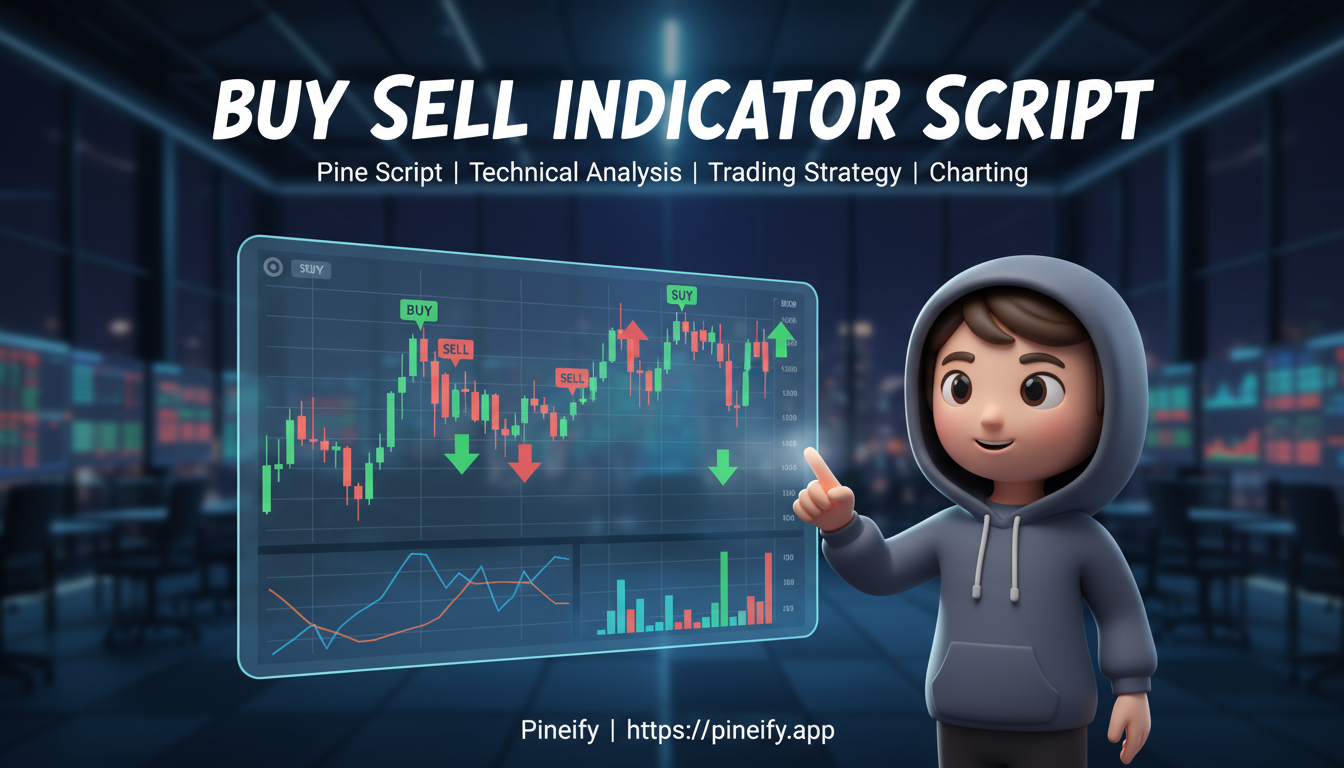
You drop a script on your TradingView chart and green arrows appear the moment a moving average crosses. That's a buy sell indicator script at work. A TradingView buy sell indicator script is a Pine Script program that scans price action and plots clear buy or sell signals on your chart when specific conditions are met -- like an RSI crossing below 30 or a fast MA crossing above a slow one.

TradingView Buy Sell Indicator Script: A complete Guide

How to Change Time Interval on TradingView Charts (Fast)

· 18 min read
Pineify Team
Pine Script and AI trading workflow research team

Getting comfortable with switching timeframes in TradingView is one of the first and most crucial skills you'll use every day. It doesn't matter if you're watching every tick on a one-minute chart or sizing up the big picture on a weekly view; knowing how to hop between time intervals quickly makes your analysis smoother and your decisions sharper.

I've been trading on TradingView since 2021, and the one thing I tell every new trader is to learn the shortcuts before anything else. Back when I was scalping SPY in the mornings, being able to switch from a 1-minute to a 5-minute chart in under a second saved me from missing entries more times than I can count. I still haven't found a faster way to jump between timeframes than those keyboard shortcuts.

TradingView Change Time Interval: Complete Guide to Mastering Chart Timeframes

TradingView Chart Color Ideas: Color Schemes for Smarter Trading

· 14 min read
Pineify Team
Pine Script and AI trading workflow research team

TradingView chart color ideas are the practical color schemes and customization settings traders use to improve readability, reduce eye fatigue, and make key price action stand out. I learned this the hard way: my first year trading AAPL options, I stuck with the default bright colors and ended each session with a headache. Switching to a dark, muted palette changed how I read candlestick patterns entirely.

Choosing the right colors isn't about making things look pretty. It's about making bullish versus bearish candles, support levels, and volume spikes instantly visible. If you're a day trader watching multiple timeframes or a swing trader scanning for entries on NVDA after earnings, the right scheme directly affects how fast you read the market.

TradingView Chart Color Ideas: Color Schemes for Smarter Trading

TradingView Charting Library: How to Embed Financial Charts

· 12 min read
Pineify Team
Pine Script and AI trading workflow research team

Say you're building a trading dashboard or a portfolio tracker. You need charts that load fast and don't look like they were designed in 2005. TradingView Charting Library is a client-side JavaScript widget that brings professional-grade, interactive financial charts to any web application. It powers platforms like Interactive Brokers and comes with over 100 technical indicators, multiple chart types, and a datafeed API for connecting your own market data.

I've used it in a few projects now, and the thing that stood out most was how quickly I got a basic chart running. The first time, I had an AAPL daily chart rendering in under five minutes with nothing more than a container div and a constructor call. That doesn't mean everything is smooth — the datafeed integration took me longer than I expected, especially the WebSocket reconnection logic.

TradingView Charting Library Tutorial: Mastering Interactive Charts for Your Applications