TradingView 除权调整实战:前复权后复权与ADJ按钮用法
· 11 min read

除权调整(Adjustment)是 TradingView 自动修正股票历史价格的功能,目的是消除分红和拆股这些公司行为造成的虚假价格缺口。我每次看一只长线股票之前,都会先确认图表右下角的 ADJ 按钮亮着蓝色——2019年我拿贵州茅台做回测那会儿没开复权,200日均线直接给出死叉信号,差点就跟着卖出了。

Blog posts related to the PineScript
View All Tags除权调整(Adjustment)是 TradingView 自动修正股票历史价格的功能,目的是消除分红和拆股这些公司行为造成的虚假价格缺口。我每次看一只长线股票之前,都会先确认图表右下角的 ADJ 按钮亮着蓝色——2019年我拿贵州茅台做回测那会儿没开复权,200日均线直接给出死叉信号,差点就跟着卖出了。
I've been using TradingView since 2022, and the $59.95/month Premium cost is something I plan around every renewal. A TradingView coupon code is a promotional code you enter at checkout on the TradingView pricing page to get a discount on any paid plan. Referral links give a steady 17% off, and seasonal sales like Black Friday can take 70-80% off the annual price. I've tested both approaches, and each has its trade-offs.

TradingView is a web-based charting platform used by over 50 million traders to analyze stocks, forex, and crypto markets. I signed up for a Pro plan in early 2024, and the extra alert slots and chart indicators changed how I track setups on SPY and BTCUSD. If you want those features without paying full price, here are the promo codes I've confirmed as working in 2026.

TradingView customer service is the official support system for the charting platform, and it doesn't work the way most people expect. There's no customer service telephone number you can call.
Instead, TradingView routes support through three channels: the Help Center, a live chat assistant, and a support ticket system. In my experience, this setup gets problems solved faster than a phone line. I've submitted tickets for billing issues on my Pro plan and gotten responses within 4 hours on more than one occasion. AAPL data acting up at 2 AM? The Help Center had the answer before I finished my coffee.
A TradingView discount code is a promotional coupon that reduces the price of a Pro, Pro+, or Premium subscription. I've spent more time than I'd like to admit hunting down codes that actually work, and most coupon sites are filled with expired junk. Here's what I've found about getting real savings on TradingView without wasting your time.
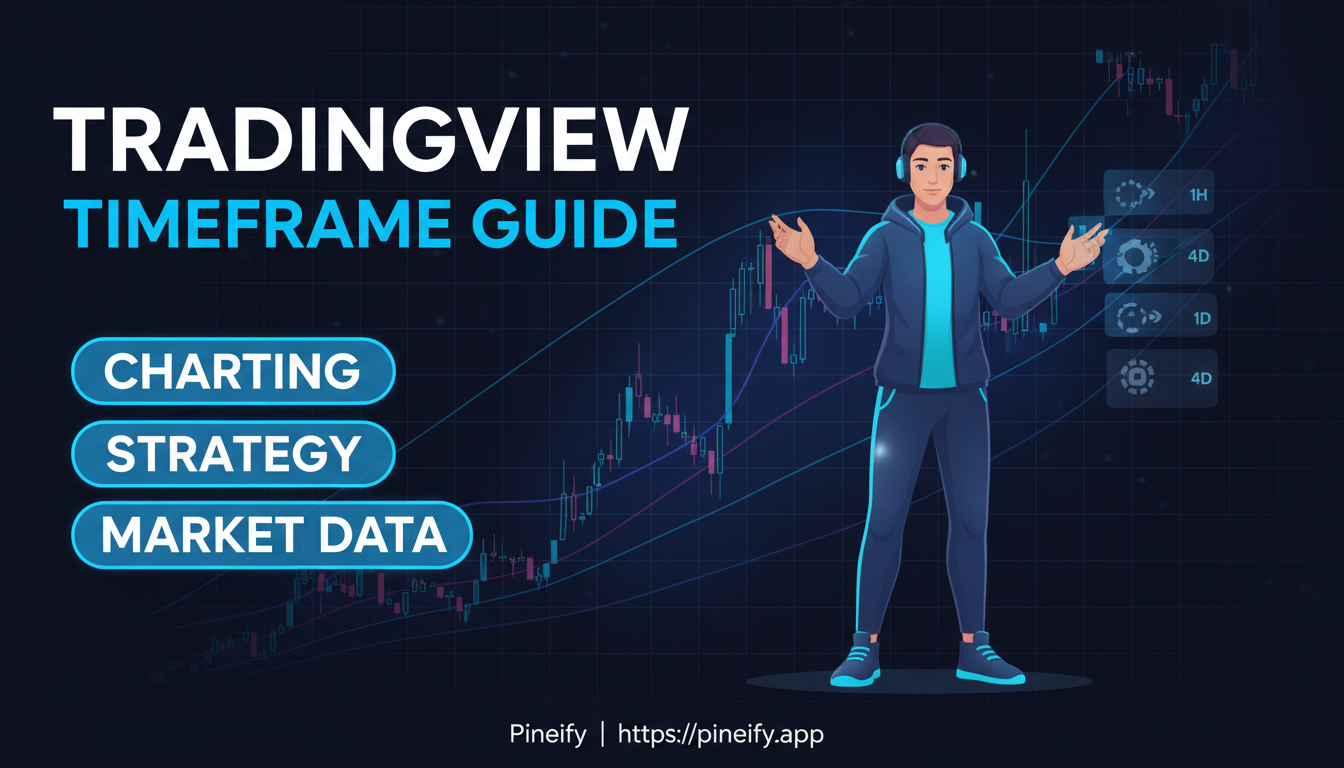
Jump between the wrong timeframes and you'll see noise when you need the trend. A timeframe in TradingView is the time interval each candlestick represents -- from 1 minute up to 1 month. Switch between them quickly and your analysis stays grounded in the right data. I use the 5-minute chart on SPY most mornings to check for early momentum, then zoom out to the 4-hour for the bigger direction.

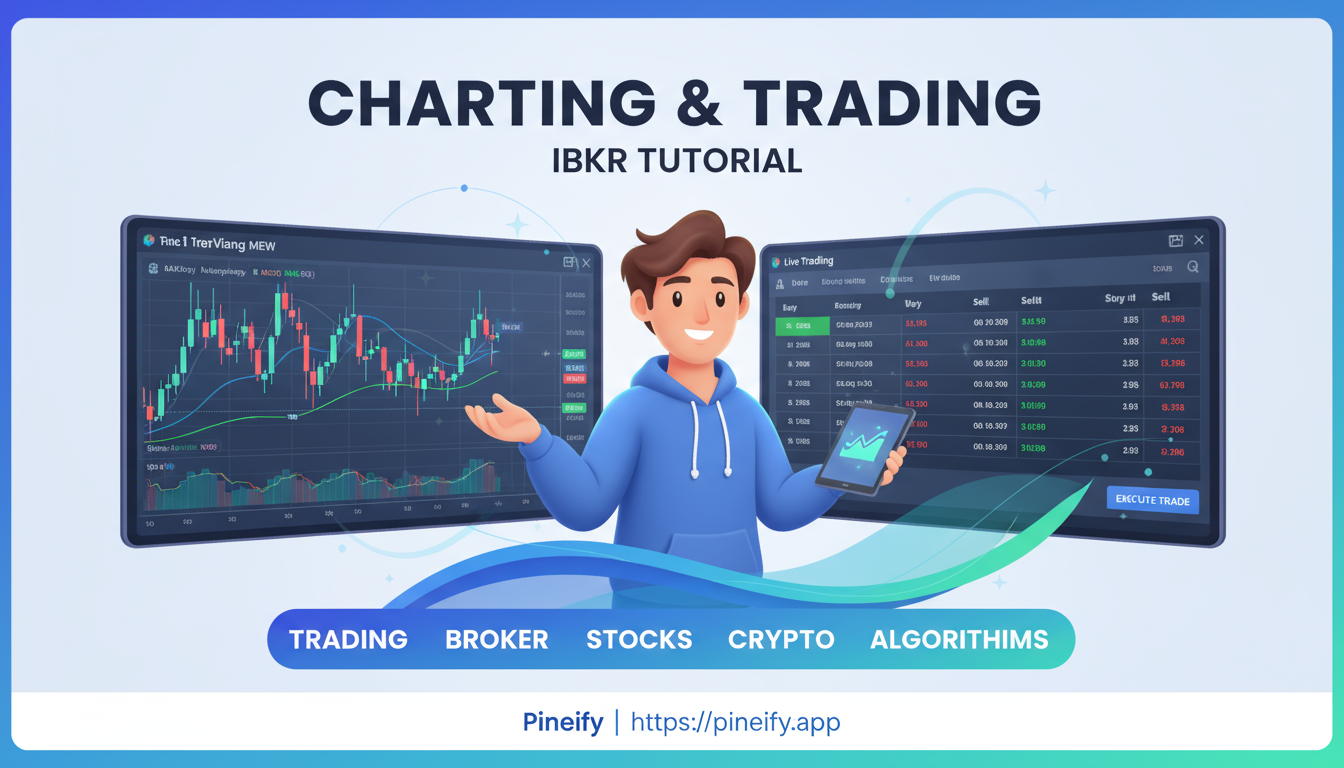
Interactive Brokers (IBKR) is one of the most widely used brokerage platforms for active traders, and TradingView offers a direct integration that lets you place live trades straight from your charts. I've been using this setup for about a year now, and it's changed how I manage my entries and exits — especially on MNQ futures.
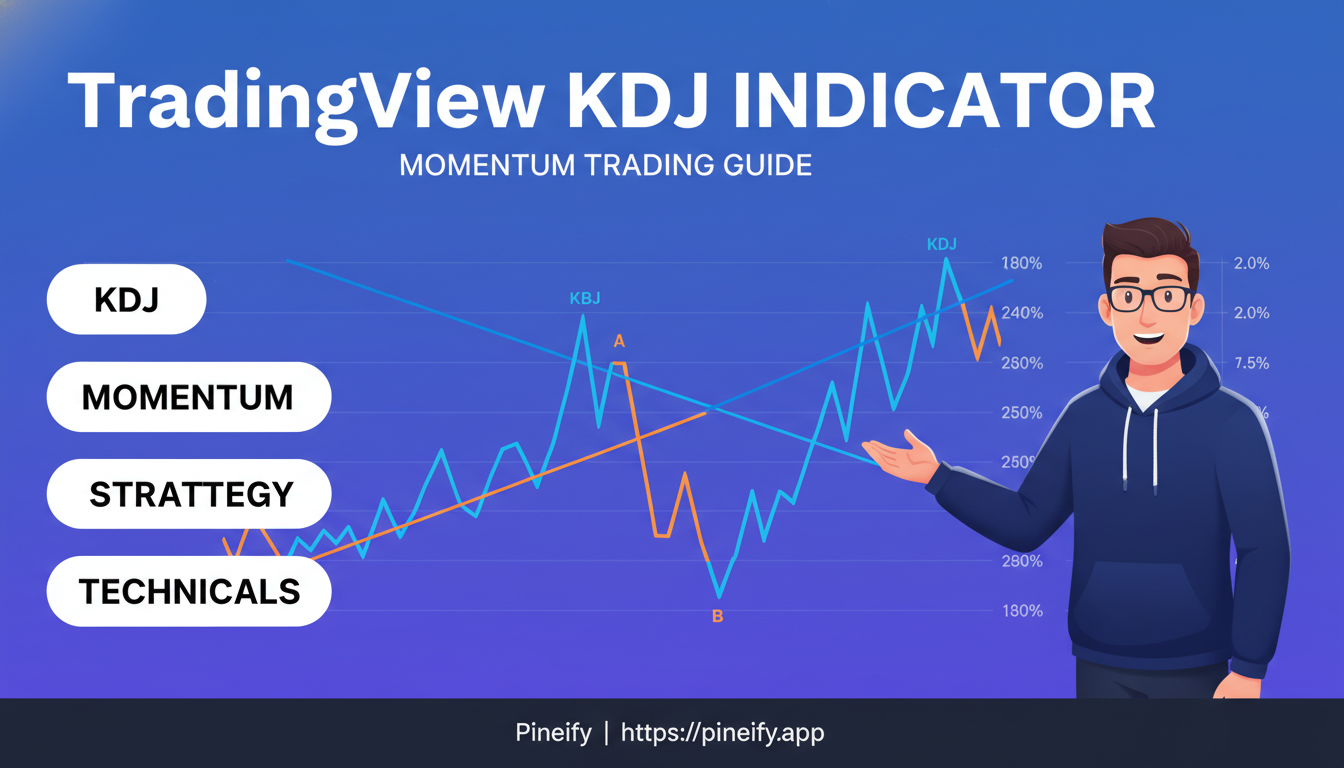
The KDJ indicator on TradingView is a momentum oscillator that measures how fast price is changing relative to recent highs and lows. It goes beyond the classic stochastic by adding a J line that tracks the rate of change in price momentum. Where the standard stochastic gives you two lines stuck between 0 and 100, KDJ gives you three: K, D, and J. The J line isn't bounded, so it reacts faster when price shifts direction. I've been running KDJ on BTCUSD hourly charts since January 2025, and the J line crossing above 100 predicted every major local top two to three hours ahead of the move.
Looking for a "tradingview mod apk" because premium features seem out of reach? I get it — trading tools are expensive, and a free hack sounds like the perfect shortcut. But here's what I've learned after years in this space: a TradingView mod APK is an unauthorized, modified version of the official Android app that promises premium features at zero cost. The catch is brutal. These mods regularly carry malware, steal login credentials, and get your account permanently banned. I've seen traders lose months of chart work because they took the cheap route.