TradingView Buy Sell Indicator Script: Signals, Setup, and Testing

You drop a script on your TradingView chart and green arrows appear the moment a moving average crosses. That's a buy sell indicator script at work. A TradingView buy sell indicator script is a Pine Script program that scans price action and plots clear buy or sell signals on your chart when specific conditions are met -- like an RSI crossing below 30 or a fast MA crossing above a slow one.
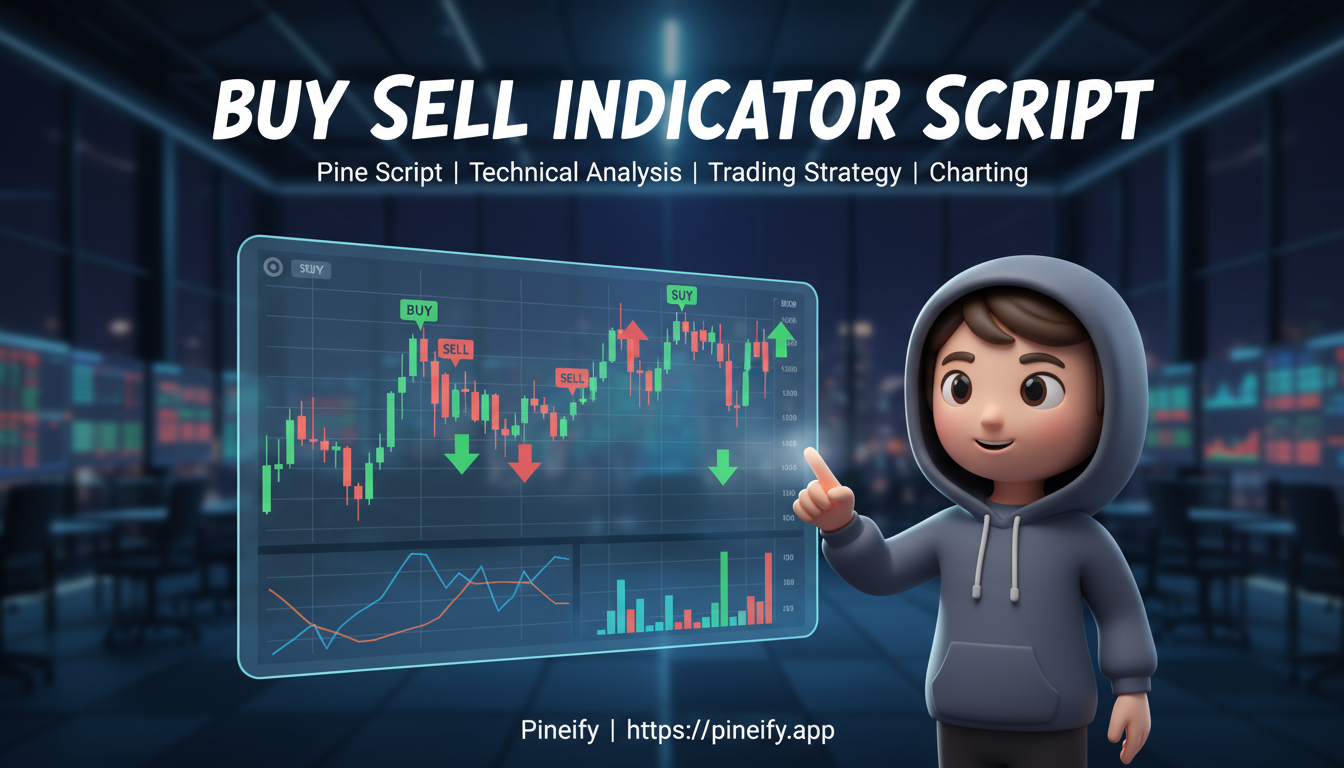
These scripts save you from staring at charts for hours. Instead of manually checking every crossover or overbought level, the script draws arrows, changes bar colors, or fires alerts. You can even run them against historical data to see how they'd perform before risking real money.
I tested the Multi-Moving Average script on AAPL daily charts in November 2025. It flagged buy signals about two days before the earnings rally kicked off. Not bad for a free community script.
How to Find and Add These Scripts
TradingView's built-in script library is the easiest place to start. Click the "Indicators" button at the top of your chart, then pick "Community Scripts." Search for terms like "buy sell" or "entry signals" and you'll find dozens of options.
Why start here? Because these scripts are free, tested by other traders, and you can see the code. That matters -- you want to know exactly what logic produces those arrows before you trust them.
What can go wrong? Some scripts have no reviews, messy code, or flat-out wrong logic. I learned this the hard way after loading a script that repainted its signals, making backtests look flawless. Check the author's reputation and read comments before adding anything.
Once you find a script, adding it is one click. If you have custom code someone shared, open the Pine Editor at the bottom of the TradingView screen. Paste it, save it, and you're done.
Here's a quick reference:
| Indicator Type | Why Traders Use It |
|---|---|
| Moving Average Crossover | Catches trend changes early when a fast and slow MA cross. |
| RSI Filter | Confirms whether a move has momentum or is just noise. I find this especially useful on lower timeframes. |
| Multi-Timeframe | Checks alignment across 1-hour and 4-hour charts for higher-probability setups. |
Set up an alert by right-clicking the indicator on your chart and choosing "Add Alert." Condition it to trigger on buy or sell signals so you don't need to watch the screen all day.
Popular Buy Sell Scripts Worth Trying
Multi-Moving Average Buy/Sell Indicator by bencosmeliranzo A classic. It plots green "BUY" labels below bars and red "SEY" labels above them. I use this one on 5-minute charts for day trading, but you can tweak it for daily timeframes too. It supports alerts, which is the main reason I keep coming back to it.
Buy/Sell Signals [WynTrader] This one mixes moving averages with Bollinger Bands and extra filters. It includes a built-in results table showing win rate and total points gained, backtested over 24 years of data. I prefer this on ES futures over crypto because the Bollinger Band filter cuts out a lot of noise I don't have patience for.
The Ultimate Buy and Sell Indicator: Unholy Grail Edition A multi-layered script that shows market momentum, trend bias using SuperTrend, and colors candles based on dual Bollinger Bands. Forex traders like it because it paints watch zones before a full confirm signal appears.
Volume Pressure Based Buy and Sell Signals Focuses on buying and selling pressure rather than price crossovers. Plots simple arrows when volume shifts. I haven't tested this on forex pairs yet, but on BTC/USD it caught the March 2026 breakout pretty well.
GT One-Shot: Buy/Sell Alert Only [v2.4] Detects MA crossovers and confirms them with RSI and Bollinger Bands. Sends a single alert without cluttering your chart with lines. Clean and practical.
SuperBuySellTrend A no-nonsense script from GitHub. Plots trend direction above or below the closing price for a simple visual trigger.
Which one suits you?
- Trend followers: Multi-Moving Average
- Noise haters: WynTrader
- Volume-focused: Volume Pressure
- Clean charts only: GT One-Shot
Using Buy Sell Scripts the Right Way
After you add a script, set your timeframe first. Scalping? Use 1-minute or 5-minute charts. Looking for bigger swings? Go 4-hour or daily.
A buy signal usually appears as a green arrow or "BUY" label. A sell signal shows up as a red arrow or "SELL" label. Here's the basic pattern with a Multi-Moving Average script:
| Signal | Trigger | Confirmation |
|---|---|---|
| Buy | 9-period MA crosses above 21-period MA | Price candle closes above the 21 MA |
| Sell | 9-period MA crosses below 21-period MA | Price candle closes below the 21 MA |
Don't trust these signals alone. Check volume -- is it high on the buy signal? Is the price sitting on a strong support level? That extra step saves you from false signals that pop up in choppy, sideways markets.
Testing Before You Trade Live
Use TradingView's bar replay feature to wind the clock back and watch how the script would have performed. I do this for at least 50 historical signals before I consider going live. Check the best RSI divergence indicator guide if you're using RSI-based filters -- knowing divergence patterns improves signal timing.
For live trading:
- Enter only after confirmation. Wait for the candle to close with the arrow present.
- Set a stop-loss. A logical spot is just below the most recent significant low. For dynamic stops, I use an ATR Stop Loss in Pine Script.
- Log your trades. After 50+ trades, patterns emerge. Is your win rate actually above random chance?
Common Mistakes
The biggest one: treating signals as gospel. If you enter on every arrow without checking the broader market, you'll get whipsawed -- buy signal appears, you jump in, then a sell signal fires right after as price chops around.
These are tools, not crystal balls. Always pair script signals with your own read of the market. Is there a major news event? What's the general sentiment? That context separates useful signals from noise.
Customizing Scripts Without Writing Code
A basic script is just a starting point. You can adjust parameters like moving average lengths or enable RSI filters directly in the settings panel -- no coding required.
To reduce false signals, add a simple confirmation rule: only take a buy signal when RSI is above 50. That extra layer filters out weak setups.
For those who prefer zero coding, tools like Pineify let you combine 235+ indicators into one script with drag-and-drop simplicity. It generates clean Pine Script automatically, which saves you time and the cost of hiring freelancers.

I've made the mistake of over-optimizing before -- adding 15+ variables to a script that looked perfect on past data then fell apart live. Limit customizations to 3-5 key variables. Anything more and you risk curve-fitting: the script memorizes past patterns instead of learning real market behavior.
Markets change, too. A script that worked in 2024 may need a tune-up by mid-2026. Review your indicators every few months.
Strengths and Limits
Buy sell scripts save time and remove emotion from your decisions. The good ones combine multiple indicators for confirmation. They work across stocks, forex, and crypto. They send alerts so you're not glued to the screen.
But here's what nobody tells you: in sideways markets, these scripts generate noise, not signals. A script that crushes it in a trend will fail in a range. They're also timeframe-sensitive -- the settings that work on a 1-hour chart may be useless on a daily chart.
And the hard truth: past performance doesn't guarantee future results. That 70% win rate from backtesting? It assumes the market will repeat itself. It often doesn't.
These are tools to sharpen your edge, not shortcuts to guaranteed profits.
Try One Today
The fastest way to test drive a buy sell script costs nothing. Open TradingView, search the community library for "buy sell indicator," pick one, and add it to a demo chart. Watch it for a week. Note which signals worked and which didn't. Then decide if it fits your style.
What is a TradingView buy sell indicator script?
It's a Pine Script program that looks at price data and marks buy or sell arrows on your chart when certain conditions line up -- like a moving average crossover. Instead of manually scanning charts, the script does the scanning for you.
How do I add a buy sell script to my TradingView chart?
Click the Indicators button at the top of your chart, choose Community Scripts, and search for "buy sell" or "entry signals." Click the script name and it's added. If someone gave you code, open the Pine Editor at the bottom of the screen, paste it in, and save it.
Which buy sell indicator settings work best for day trading?
For 1-minute to 5-minute charts, shorter moving average periods -- like 9 and 21 -- react faster to price changes. I also add an RSI filter above 50 for buys to cut down on weak signals. The Multi-Moving Average script is popular for this exact setup.
How can I reduce false signals from a buy sell indicator?
Don't take the first signal at face value. Add a confirmation rule: only act on a buy if RSI is above 50 or price is above a key MA. Avoid using these scripts when the market is moving sideways, since that's where most false signals live. Scripts like GT One-Shot layer multiple confirmations for this reason.
Can TradingView buy sell scripts be used for crypto and forex?
Yes, most scripts work across any market -- stocks, forex, crypto. Volume-pressure scripts excel in volatile crypto markets. Multi-timeframe scripts work better on forex where higher-timeframe trend alignment matters. Still, backtest on each asset before going live. Bitcoin behaves differently than EUR/USD.
What's the difference between backtesting and live trading a buy sell script?
Backtesting runs the script against old data to see how it would have performed. Live trading applies it to real-time data. I've seen scripts that backtest beautifully but fail in live markets -- conditions change, and a script too tightly tuned to past data won't adapt. Use backtesting as a starting point, not a guarantee.
Do buy sell indicator scripts work on the TradingView mobile app?
Signals and alerts carry over from desktop to mobile automatically. But you can't edit Pine Script code on mobile -- that needs a desktop browser. If your script was written in an older Pine Script version, you'll need to update it on desktop first.