Automated Trading TradingView: Your Complete Guide to Smart Trading in 2025

· 18 min read

Automated trading on TradingView is like setting up a helpful assistant for your trading. It lets you execute trades automatically based on rules you define, so you don't have to watch the charts every single minute. The key thing to know is that while TradingView itself isn't a fully automated trading platform out of the box, you can absolutely build a system that works for you by connecting a few tools.

People commonly use TradingView's own scripting language, called Pine Script, to create their trading rules. Then, they use alerts and connections to third-party services to bridge the gap and send those trading signals directly to their broker.

Automated Trading TradingView: Your Complete Guide to Smart Trading in 2025

How to Adjust for Contract Changes TradingView: The Complete Guide for Futures Traders

· 16 min read

Futures traders often run into a frustrating problem when looking at long-term charts: those weird price gaps that pop up when one contract expires and the next one begins. These aren't real market moves; they're just artifacts of how futures trading works, and they can totally throw off your technical analysis.

TradingView has a neat feature to fix this, called the B-ADJ (or back-adjustment) button. With one click, it cleans up your chart by mathematically smoothing out those historical gaps when contracts switch. This gives you a seamless price history, making it much easier to spot genuine support and resistance levels. Getting a handle on when and why to use it can be a game-changer for your strategy.

How to Adjust for Contract Changes TradingView: The Complete Guide for Futures Traders

TradingView Free vs Paid: The Complete Guide to Choosing Your Perfect Plan

· 15 min read

TradingView is set up with a "start free, grow from there" approach, which is great because it means you don't have to pay a dime to get your feet wet. The free Basic plan gives you the core tools you need to start charting, set price alerts, and practice with paper trading. If you find yourself needing more power, their paid plans open up a whole new world of features, from removing ads to using a ton of indicators and getting help faster.

The cool part is how they've structured it. They have plans for everyday traders and separate ones for professionals. This makes it easier to find a plan that actually fits what you need, without paying for stuff you'll never use.

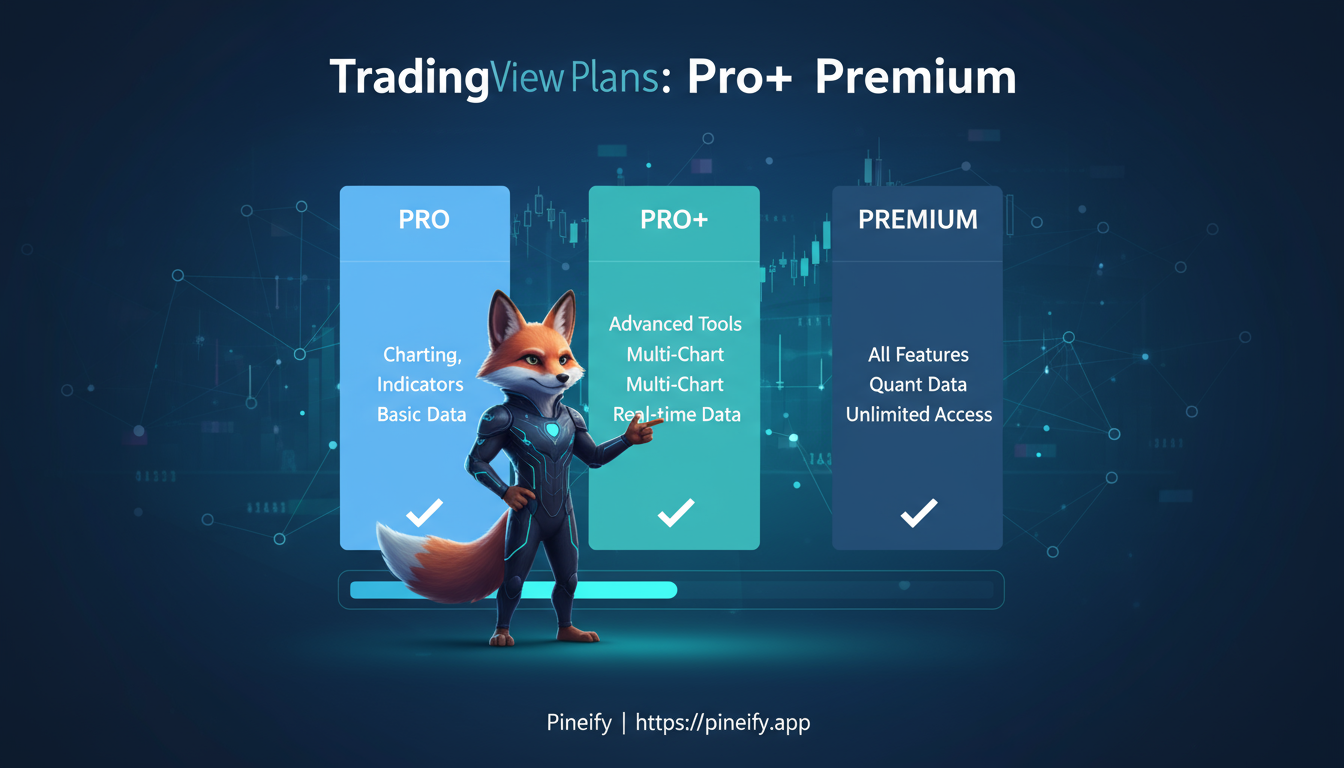
Here's a quick look at the main plans and their starting prices (when you pay annually):

PlanStarting Price (Monthly)
BasicFree
Essential$12.95
Plus$24.95
Premium$49.95

For professional traders who need the absolute most advanced tools, there are higher-tier plans (like the Expert, Elite, and Ultimate subscriptions) that go up to $599.95 per month. This tiered system really does help you match your budget to the features that will help you trade smarter.

TradingView Free vs Paid: The Complete Guide to Choosing Your Perfect Plan

How to Set Leverage in TradingView: A Complete Guide for Traders

· 14 min read

Setting leverage in TradingView is a fundamental skill for managing your trades effectively. It's a way to control larger positions without needing to put up the full value upfront, which can help you make the most of your available capital. Whether you're just starting out or have been trading for a while, understanding how to adjust your leverage is key to tailoring your strategy and keeping risk in check.

In this guide, we'll walk through how to set leverage directly in TradingView, explain how it impacts your trades, and what it means for your account.

How to Set Leverage in TradingView: A Complete Guide for Traders

TradingView Plus Plan Discount Code: Ultimate Guide to Saving Money on Your Subscription

· 15 min read

Looking for a way to get the powerful tools of TradingView's Plus plan without the full price tag? You're in the right place. Snagging a discount can make a real difference to your trading costs, and the good news is there are a few reliable ways to do it.

TradingView runs sales throughout the year, with their Black Friday event often being the biggest, sometimes offering up to 80% off. Another easy way to save is by referring a friend; you both get a credit. And don't forget the simplest discount of all: just by choosing an annual subscription instead of paying month-to-month, you automatically save a chunk of money. Knowing where to look can save you a lot, giving you access to advanced charts and analysis without the steep price.

TradingView Plus Plan Discount Code: Ultimate Guide to Saving Money on Your Subscription

Can You Copy Trade on TradingView?

· 19 min read

Copy trading has completely changed the game for both new and seasoned traders. It lets you automatically mirror the moves of proven, successful traders. While TradingView itself—an incredibly popular charting platform—doesn't have a built-in copy trading feature, there's a clever way to make it work. By using its alert system and connecting it to other tools, you can effectively set up a copy trading strategy. Let's break down how you can get this running smoothly to bring more automation to your trading.

Can You Copy Trade on TradingView?

TradingView Forex Screener: The Complete Guide to Finding Profitable Currency Pairs

· 15 min read

The TradingView Forex screener is like having a smart assistant that sifts through the chaos of the currency markets for you. It lets you filter through thousands of currency pairs in real-time to spot the ones that actually match what you're looking for. Instead of getting overwhelmed, you can use a whole range of technical indicators, performance stats, and your own custom filters to find potential trades that make sense for your strategy. It pulls in data from almost every Forex pair on TradingView, making it a central hub for anyone serious about streamlining their market analysis.

TradingView Forex Screener: The Complete Guide to Finding Profitable Currency Pairs

TradingView refund: the complete guide to get your money back

· 22 min read

If you just spotted a charge from TradingView for a plan you didn't mean to keep, you're in the right place. I'll walk you through exactly how to request a refund, whether the payment happened on their website, through an app, or after a free trial ended.

We'll cover who's typically eligible, the step-by-step process for different purchase types, how long it takes, and what you can do to make sure your request is approved.

TradingView refund: the complete guide to get your money back

How to Use NinjaTrader on TradingView: A Complete, Up-to-Date Guide

· 21 min read

If you're looking for the quick answer: you can absolutely use NinjaTrader directly inside TradingView. It's pretty straightforward. You just connect your NinjaTrader brokerage account in TradingView’s Trading Panel. Once that's done, you can place and manage all your trades right on TradingView's charts, but the actual trade executions happen through your NinjaTrader account. You can even send TradingView alerts over to NinjaTrader for semi-automated or fully automated trading using some handy third-party tools.

How to Use NinjaTrader on TradingView: A Complete, Up-to-Date Guide

TradingView Paid Space: The Ultimate Guide to Plans, Features & Maximizing Value

· 14 min read

Unlocking the full potential of your trading and analysis means having tools that are not only powerful but also reliable and adaptable. That's where TradingView's Paid Plans come in. They're widely regarded as a top choice for traders and investors, packing in features that genuinely change how you interact with the markets. This guide will walk you through how TradingView's paid options work, help you figure out which plan suits your style, and show you how to set things up for the best performance without overspending.


TradingView Paid Space: The Ultimate Guide to Plans, Features & Maximizing Value