TradingView Plans Compared: Basic vs Premium Pricing

TradingView plans are subscription tiers that determine how many charts, indicators, and alerts you can use on the platform. Here's the short version: if you trade actively, go Premium at about $56 a month annually. If you're just starting, the Essential plan at $14 a month removes ads without breaking the bank. Free works for browsing, but you'll hit the 3-alert limit fast.
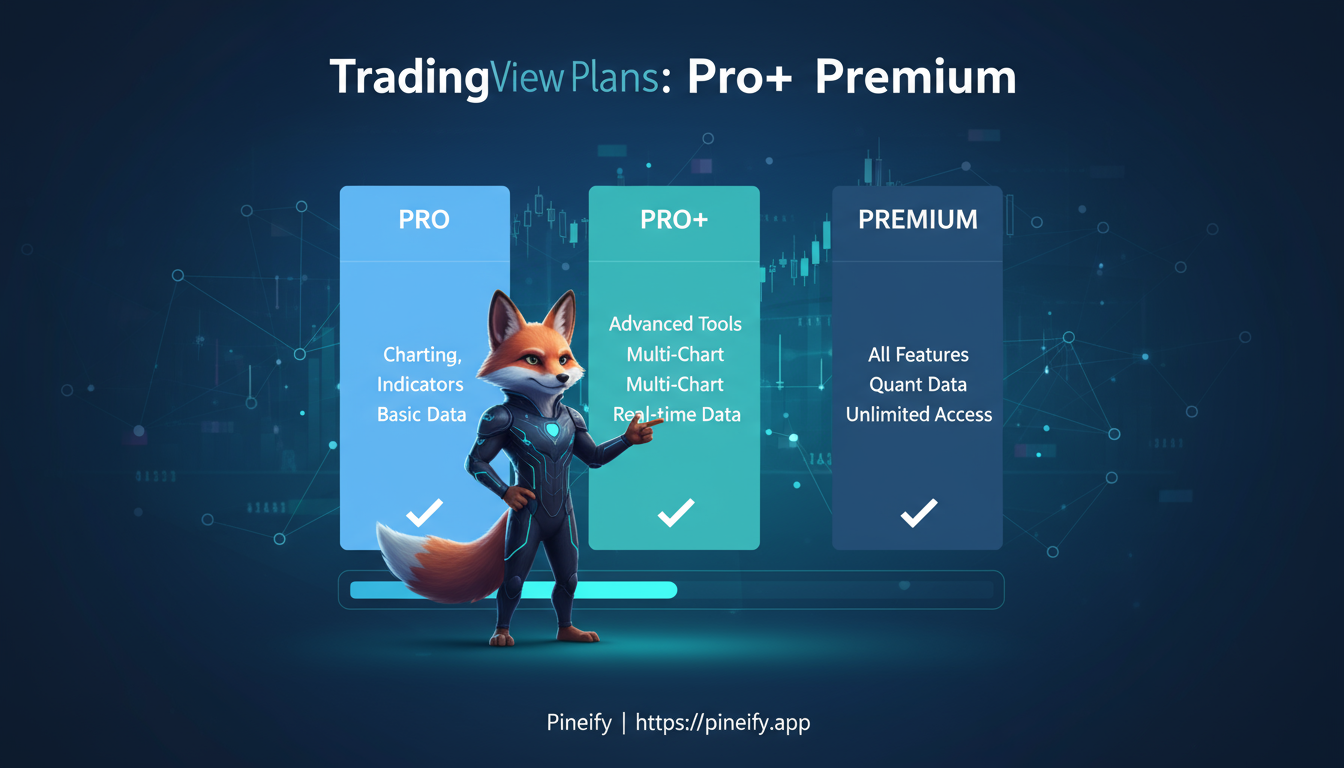
A Look at TradingView's Subscription Tiers
TradingView splits its offerings into non-professional and professional paths. The everyday user plans start with a free Basic option and layer on features as you move up.
Here's the annual pricing breakdown:
| Plan | Annual Cost |
|---|---|
| Basic | $0 |
| Essential | ~$177 |
| Plus | ~$336 |
| Premium | ~$678 |
The free Basic plan works as a starting point. You get solid charting tools and community access. I started here myself — it's a fine way to learn the interface. The major upgrades when you pay are removing ads, increasing indicator and alert limits, and getting backtesting.
For teams or high-frequency traders, professional plans (Expert, Elite, and Ultimate) add API access and team management. The Ultimate plan runs about $3,215 per year. I haven't tried those tiers, but from what I've read, they're overkill unless you're running a desk.
A few practical tips: paying annually saves roughly 17% versus monthly. Every paid plan includes a full 30-day free trial, so there's zero risk in testing.
I've been on Premium for about two years, tracking a portfolio that includes AAPL, BTC-USD, and ES futures. The difference between 100 alerts on Plus and 400 on Premium is real — I don't worry about missing a move anymore.
Detailed Comparison of Key Features
The right plan depends on what you actually watch and trade daily. Here's how the core features stack up.
Charts and Indicators
Charts are the heart of any trading platform. How many can you keep open, and how many indicators can you layer on each?
| Plan | Charts per Tab | Indicators per Chart | Best For |
|---|---|---|---|
| Basic (Free) | 1 | 2 | Getting started, simple chart looks. Ads are present. |
| Essential | 2 | 5 | Hobbyists tracking a few favorite stocks or currencies. No ads. |
| Plus | 4 | 10 | Intermediate traders managing a portfolio. Includes multi-monitor support. |
| Premium | 8 | 25 | Serious traders who need split-second moves and backtesting. |
| Professional | Up to 16 | Up to 50+ | Active and professional traders needing top-tier data and automated insights. |
Having eight charts open on Premium means I can watch the S&P 500, gold, bitcoin, and a few forex pairs side by side. On the free plan you'd be switching tabs constantly.

Speaking of indicators, if you've ever felt limited by TradingView's indicator restrictions on lower-tier plans, Pineify offers a practical workaround. Its visual editor lets you combine multiple indicators into a single script, bypassing the platform's per-chart limits. So even with a Basic plan, you can build multi-indicator setups that would normally require a higher tier.
Alerts and Notifications
Alerts are your safety net when you're away from the screen.
- Basic: 3 alerts that expire. It's barely enough to test the feature.
- Essential: 20 alerts that don't expire. I used this for a few months and found it adequate for tracking key levels on 3-4 tickers.
- Plus: 100 alerts. You can set notifications for unusual volume, pattern breakouts, or complex price conditions.
- Premium: 400 alerts with custom script support. This is where I live now — it covers my full watchlist across crypto, equities, and futures.
- Professional: Up to 1,000 alerts that integrate with external trading apps.
With 400 alerts I keep tabs on everything from TSLA to EURUSD without checking charts constantly. Alert speed depends on your real-time data subscription, which varies by plan. Our guide to TradingView's real-time data covers the details.
Additional Tools and Support
All plans include community idea sharing. Paid tiers build on that:
- Essential gets you faster data and basic support.
- Plus adds priority support and data export.
- Premium includes precision charting, deep strategy testing, and an ad-free community feed. I use the backtesting features constantly — they saved me from a bad EMA crossover strategy I was testing on EURJPY last quarter.
- Professional plans include team management, custom branding, and institutional-grade data.
The mobile app works across all plans, though higher tiers add offline syncing and more powerful stock screeners. Watch for Black Friday sales — last year they offered a decent discount on annual plans.
Pricing Breakdown: Monthly vs. Annual
The monthly versus annual decision comes down to how committed you are. Monthly gives flexibility; annual saves roughly 17%.
| Plan | Monthly Price | Annual Price (Effective Monthly) | Best For |
|---|---|---|---|
| Basic (Free) | $0 | $0 | Beginners, casual users |
| Essential | $14.95 | $167.88 ($13.99) | Ad-free basics |
| Plus | $29.95 | $339.48 ($28.29) | Intermediate analysis |
| Premium | $59.95 | $677.88 ($56.49) | Advanced retail trading |
| Expert | $239.95 | $2,879.40 ($239.95) | Professional teams |
| Elite | $449.95 | $5,399.40 ($449.95) | High-volume pros |
| Ultimate | $599.95 | $7,199.40 ($599.95) | Institutional use |
Prices are in USD. Your local currency may vary slightly. The 30-day trial covers any paid plan, so you can test before committing.
I prefer the annual Premium plan. At roughly $56 a month, it's the best value for active traders. The Essential plan at $14 a month works if you're new and want to ditch ads without spending much.
Who Should Pick Which Plan?
Matching the plan to your trading style is the quickest way to avoid overpaying or outgrowing your tier too fast.
| Your Profile | The Plan For You | Why It's a Good Fit |
|---|---|---|
| New to Trading | Essential or Plus | Foundational tools without the overwhelm. |
| Experienced Retail Trader | Premium | Active trading in fast-moving markets like crypto or forex. The backtesting feature helps refine strategies. Learn more about coding custom strategies in Pine Script. |
| Professional or Brokerage | Expert+ | High-frequency data, custom solutions, beyond standard retail tools. |
A lot of traders find that Plus or Premium gives the fastest return on investment through better alerts and analytical features. I've seen this echoed in r/TradingView and other trading communities — many people upgrade after the trial when they discover a feature they didn't know they needed.
FAQ: Common Questions on TradingView Plans
Is TradingView Premium Worth the Cost?
If you backtest strategies regularly or need specific alert conditions, yes. I've been on Premium for two years and the 400 alerts alone justify the price for my setup. For casual check-ins, Essential or Basic is enough.
Can I Switch Plans Anytime?
Yes, right from your account settings. Upgrades take effect immediately. If you downgrade from an annual plan, you get a prorated refund for the unused portion. The free trial is a solid way to test features before committing.
Are There Discounts for Students or Long-Term Users?
Annual billing saves about 17%. They run site-wide promotions occasionally — Black Friday last year had a deal. No formal student discount exists, but the free trial covers the learning period.
How Does TradingView Compare to Competitors Like Thinkorswim?
TradingView's community and ease of use are its main advantages. Subscription costs are generally lower than broker-tied platforms. Being cloud-based means you access charts from any machine without installation, which beats desktop-only software hands down.
What If I Cancel During the Trial?
You keep premium access until the trial period ends, and you won't be charged. Subscriptions auto-renew, so mark your calendar if you decide it's not for you.
What is the cheapest paid TradingView plan?
Essential, at $14.95 per month or about $167.88 annually. It removes ads, gives you 20 alerts, and allows two charts per tab.
Does TradingView offer a free trial on paid plans?
Yes. Every paid plan includes a 30-day free trial for Essential, Plus, or Premium. Cancel anytime during the trial at no cost.
How many alerts do I get on TradingView Premium?
400 alerts that don't expire, plus custom script triggers. Ideal for automating monitoring across many assets.
Your Next Steps
Start with the 30-day free trial of Essential or Plus. Get a feel for the features without commitment.
Look at your typical trading day. How many charts are you actually watching? If you're tracking more than four assets regularly, Premium will save you time by keeping everything organized.
The TradingView forums and its subreddit are worth browsing — real traders share what works for them on each plan.
After a month, check whether your analysis feels clearer. For me, upgrading to Premium made a noticeable difference in how quickly I could scan my watchlist. Our article on backtesting Pine Script strategies explains how to get the most out of the backtesting features available on Plus and above.
| If you... | Then consider... | Why it might be a good fit |
|---|---|---|
| Are new and want to test core features | 30-day Essential Trial | No-risk feel for the platform. |
| Monitor a handful of assets regularly | Plus Plan | More indicators and charts without going all-in. |
| Actively track many assets and need efficiency | Premium Plan | Multiple layouts and advanced features save time. |
| Want to act on ideas directly from charts | Broker Integrations | Connect analysis with trades directly. |
Which plan fits your style? The best approach is to try one and adjust. Happy trading.