Pineify AI Finance Agent: A Smarter ChatFin Alternative
· 15 min read

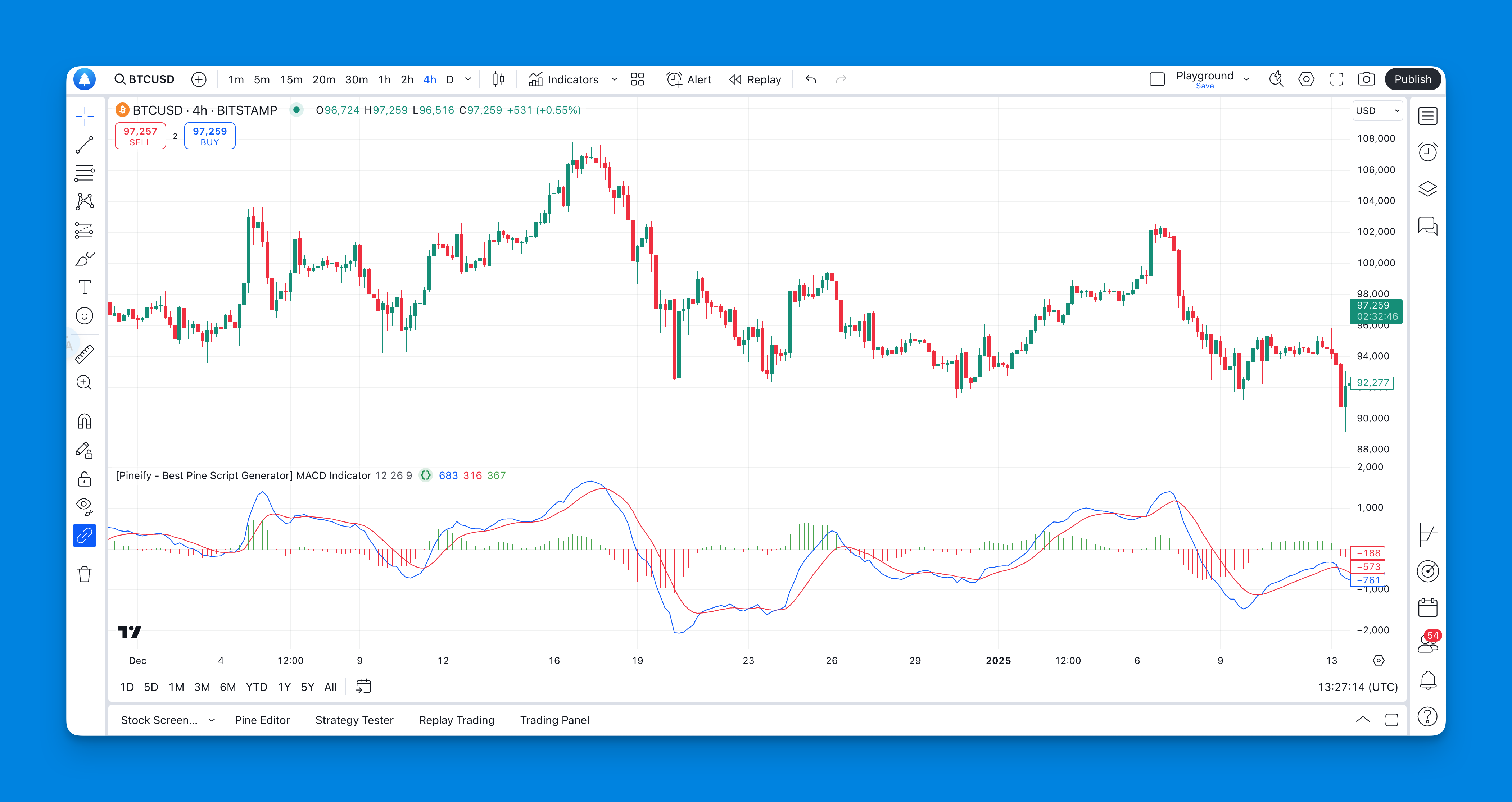
If you've been using ChatFin and realizing it's not built for trading or investing — most traders I know hit that wall pretty fast. What you actually need is a tool that delivers live market intelligence, not accounting automation. Pineify AI Finance Agent is an AI-powered research platform specifically designed for traders, investors, and analysts. It connects directly to live market data — stock quotes, SEC filings, earnings transcripts, analyst estimates — so you get answers based on what's happening now, not stale training data. To truly master your market analysis, understanding tools like the ADX and DI indicator for trend strength analysis is crucial, and Pineify helps bridge the gap between raw data and actionable strategy.