Pine Script v5 remains relevant when maintaining an older project or converting v4 code on the way to v6. Its specialized inputs, expanded namespaces, libraries, and control structures changed how scripts are organized. They do not establish that every converted script runs faster or produces better trading results.
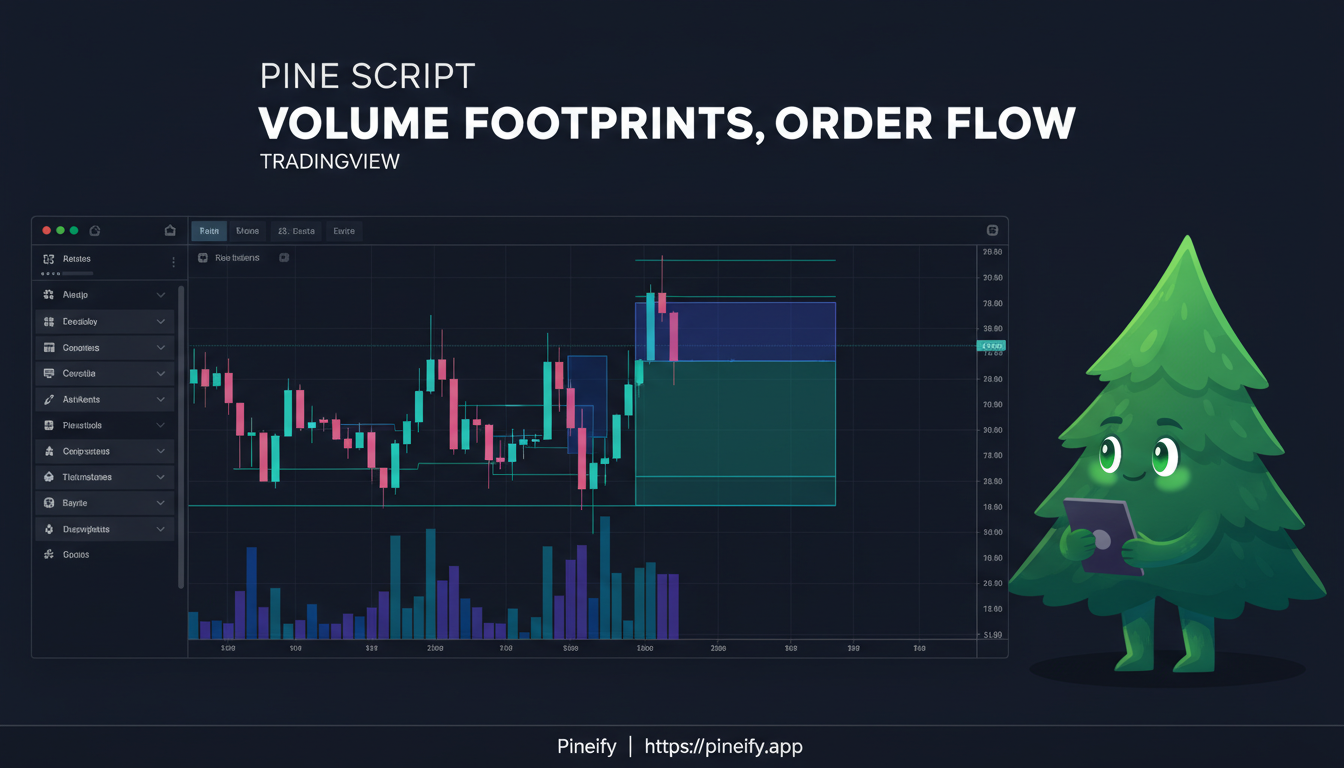
Pine Script's request.footprint() provides bar-level footprint objects and price-row data. TradingView classifies the underlying lower-timeframe volume as buying or selling from intrabar price movement. Treat these values according to that method; they are not proof that every transaction was independently identified as an execution at the bid or ask.
Pineify's Finance Chatbot is the conversational interface to its Finance Agent. You can ask it to retrieve supported company and market data, explain a metric, and develop follow-up research questions. Start with a question that has a checkable answer, then expand the analysis after inspecting the evidence.
The assistant can help organize research, but a confident answer is not proof that a number is current or that an investment suits your circumstances.
A volume profile groups volume by price over a chosen window. In a custom Pine Script implementation, the result depends on the source data, row boundaries, and how bar volume is allocated. Defining those choices is more useful than presenting a profile as exact trade-by-trade information or guaranteed support and resistance.
Pineify is worth evaluating alongside Perplexity Finance when your research also leads to Pine Script development. Both products can retrieve information beyond a model's training data. The decision depends on your required datasets, research outputs, usage limits, and the work needed to turn an idea into a testable rule.
This article is published by Pineify. It does not report a controlled comparison, private testing results, or a proven accuracy advantage.
Pine Script exposes bar-level activity through volume, but its meaning depends on the symbol and feed. It can represent traded shares, contracts, other units, or tick activity, and some symbols do not supply it. A useful volume indicator checks availability before interpreting a large number as a signal.
Pine Script Wizard and Pineify both help create Pine Script from a description. Pineify also provides a visual workflow for supported indicator and strategy configurations. The choice depends on the task, revision workflow, and plan allowances; there is no reproducible head-to-head benchmark here establishing a universal code-quality winner.
A PineConnector webhook carries a TradingView alert to a configured execution connection. A delivered alert is not yet a broker fill: message validation, connection state, order rules, and broker acceptance are separate steps. Use PineConnector's documented command format rather than assuming that an arbitrary JSON payload will be accepted.
Pineify links to its Discord community from the website footer. You can use that entry point to find current discussions and community instructions. For a Pine Script question, the most useful preparation is a small reproducible example with the exact error and chart context.
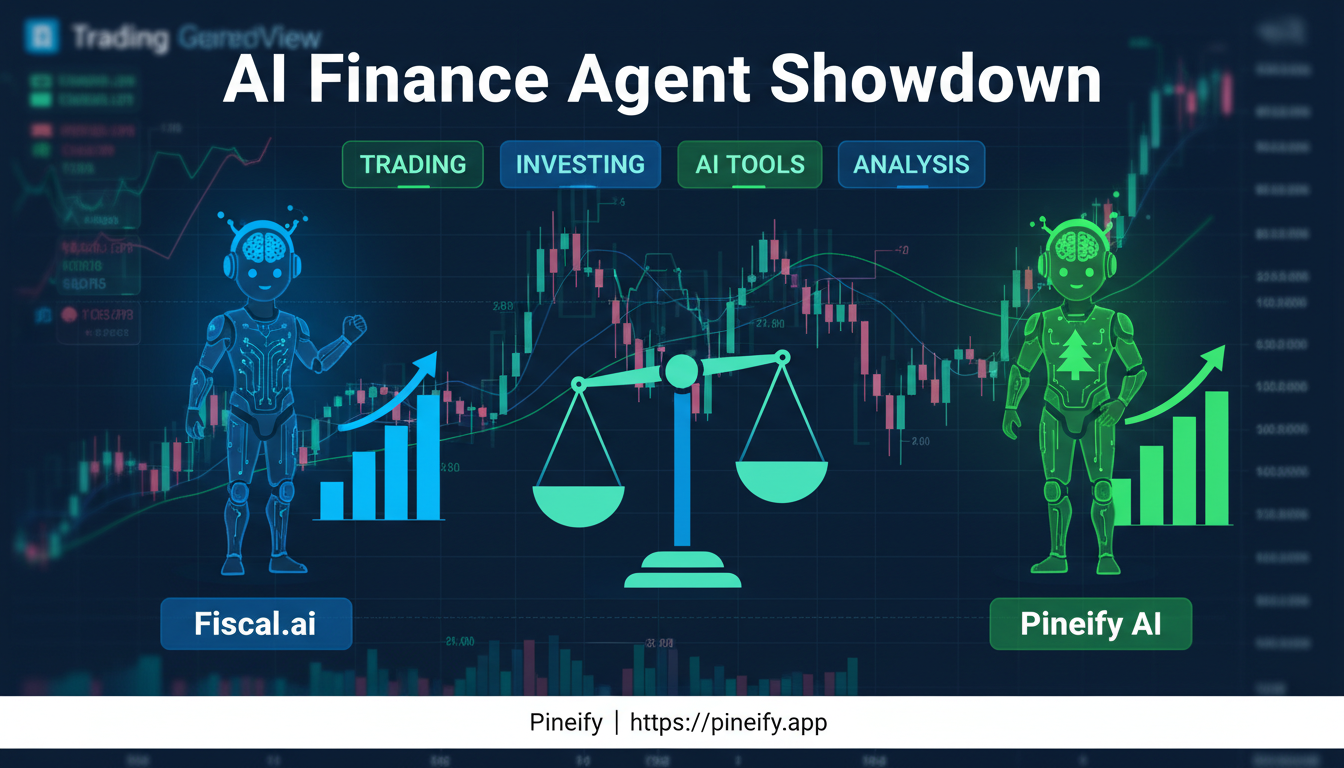
Fiscal.ai and Pineify overlap in company research, but a useful comparison depends on the task and evidence available for each product. This article compares documented capabilities; it does not report a hands-on accuracy contest or establish a universal winner.