ChatFin Alternative for AI Market Research: Pineify Compared

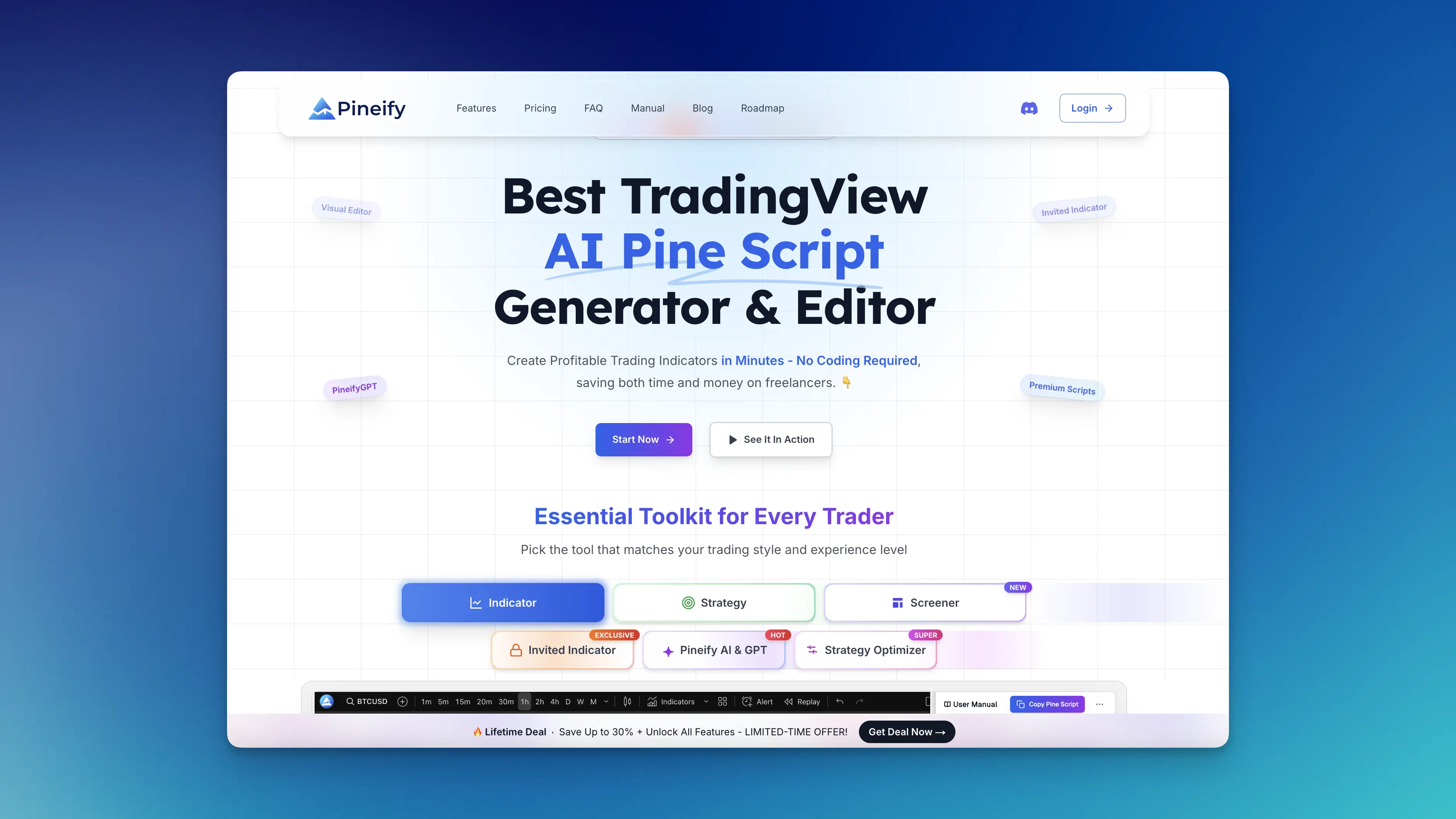
Pineify and ChatFin address different finance workflows. Pineify's Finance Agent retrieves supported public-market and company research data. ChatFin describes an enterprise finance platform that works with a company's ERP and accounting processes. Choosing between them starts with which records and actions your task requires.
This comparison is published by Pineify. It does not establish that either product is universally smarter, faster, or more accurate.

Identify the data you need
A question about your company's overdue invoices depends on internal accounting records and authorization to access them. A question about a listed company's reported revenue depends on public reports and market data. The word "finance" covers both, but the required integrations and checks differ.
ChatFin's official overview describes work across ERP systems, including reconciliation, payables, receivables, close, and reporting. It states that a named person approves postings. Confirm supported systems, permissions, implementation requirements, and approval behavior for your own deployment.
Pineify's Finance Agent provides tools for supported quotes, company statements, estimates, news, screening, and other investment research. Its market-research tools do not demonstrate ERP posting, invoice reconciliation, or a replacement for a corporate accounting system.
| Your task | Product direction to investigate | Acceptance check |
|---|---|---|
| Explain an internal expense variance | Corporate finance and ERP workflow | Reconcile the answer with the authorized ledger records |
| Prepare invoice matching or accounting entries | ERP automation with approval controls | Inspect evidence, permissions, approvals, and audit records |
| Compare listed-company revenue and margins | Public-company research tools | Match fiscal periods and verify original reports |
| Find stocks meeting basic market filters | Market screener and follow-up research | Inspect supported criteria, returned count, and missing data |
| Build a TradingView indicator | Pineify's separate coding or visual workflow | Compile and verify the resulting script in TradingView |
What a Pineify market-research workflow looks like
Start with a ticker, exchange, period, and question. For instance, ask for the most recent annual revenue and operating profit, comparable prior periods, and links to the original reports. Require the agent to distinguish facts, forecasts, calculations, and its interpretation.
The basic asset screener supports attributes such as sector, exchange, market capitalization, price, volume, and beta. If you also ask for positive free cash flow or a valuation threshold, require the agent to explain the additional data checks. Those criteria are not all direct parameters of the basic screener.
Quote tools retrieve provider data; they do not make every asset real-time. Preserve the timestamp and trading session. Options snapshot tools can return contract data and Greeks where available, but a limited result set is not necessarily a full chain.
For a deeper company workflow, see building a stock research note with the Finance Agent.
Where an apparent comparison can mislead
Live data means different things. A current ERP query reflects internal business records. A recently fetched market quote can still be delayed. Neither label establishes universal freshness or accuracy.
An assistant's conclusion is not the source record. Public financial analysis needs verification against reports and data timestamps. Accounting work needs reconciliation to the system of record and appropriate controls.
A research idea is not an executable strategy. Pineify's Coding Agent and Visual Editor are separate workflows. TradingView compilation and backtesting still require explicit rules, costs, and fill assumptions. A Backtest Report Analyzer examines supplied report data; it does not make a chat idea into a validated trading system.
Evaluate with one representative task
Choose a task with a known, checkable answer. For public-company research, save the source report and compare the agent's figures, periods, and explanation with it. For an internal finance workflow, use an approved environment and the organization's acceptance criteria for record access, proposed changes, and auditability.
Record unsupported steps and manual corrections as well as successful ones. A product demo or a plausible answer does not establish accuracy across your full workflow. This article provides an evaluation method rather than a measured performance ranking.
Check commercial and data terms separately
Review Pineify's current pricing for Finance Agent availability, AI usage, and feature limits. Confirm ChatFin's commercial and implementation terms directly for the systems and workflow you need. Do not compare a historical consumer price with an unspecified enterprise deployment or assume a lifetime plan includes all future features.
If your need is market research, try a specific question in the Pineify Finance Agent. If your need is internal accounting automation, evaluate the ERP integration and approval process before treating another finance chatbot as a substitute.
Is Pineify a replacement for ChatFin inside NetSuite?
This article does not establish a Pineify ERP integration or accounting-posting workflow. Evaluate the actual internal records and actions required before replacing an enterprise finance system.
Can Pineify help research a listed company?
Yes, through supported company-data and research tools. Check the company identifier, reporting periods, source records, and missing fields before relying on the output.
Does this comparison show which product is more accurate?
No. It distinguishes their documented workflow focus and provides acceptance checks. It does not report a controlled benchmark or private testing experience.