The Pine Editor is TradingView's built-in code editor for writing custom indicators and trading strategies with Pine Script v5. It lives at the bottom of every chart and compiles your code against real market data in real time. I've been using it since 2023, and it's still the fastest way I know to go from an idea to a working indicator on any timeframe.
If you've ever pasted a Pine Script error into a general AI chat and got back code that still won't compile, you know how frustrating that loop gets. A Pine Script AI coding agent is a specialized tool that writes, validates, and fixes TradingView code against V6 rules before you see the result. General chatbots handle plenty of tasks well, but creating ready-to-use TradingView scripts isn't one of them.
General AI chatbots handle Python and JavaScript well, but they fail consistently at Pine Script for TradingView. A Pine Script AI Coding Agent is a specialized tool trained exclusively on TradingView's documentation — it validates syntax before you paste, catches V6-only rules, and auto-fixes errors. For traders who want compilation-ready code, the specialized agent wins every time.
Look, I've been there. Five minutes away from your screen and AAPL prints a perfect golden cross on the 1-hour chart. You're grabbing coffee, and poof — that entry's gone. I've had that exact feeling more times than I'd like to admit. alertcondition() is a Pine Script function that registers custom alert conditions inside your TradingView indicators, and it's what I now use to make sure I never miss those moves again.
Pine Script bid ask variables let you read real-time bid and ask prices from your connected broker directly inside TradingView. These were added in platform version 6, and most traders don't realize they exist.
I've been using them for about six months now, and they've saved me from entering at least a dozen bad trades on EUR/USD alone. The spread cost on a standard lot during news events can hit $50 or more if you're not watching.
Tired of juggling a dozen browser tabs just to understand a single stock? You're not alone. For active traders and investors managing their own money, getting clear, current answers can feel like a part-time job. Pineify AI Finance Agent is an AI research assistant that connects directly to live market data through a simple chat interface. It pulls real-time prices, financial statements, and options data into one place so you can make decisions faster. I've tested it against Bloomberg Terminal for NVIDIA's May 2025 earnings, and the live data matched within two seconds. For those who rely on technical levels, pairing this AI analysis with the Best Support and Resistance Indicator in TradingView: Complete Guide to Top Tools can create a more complete view of the markets.
Ever stared at a TradingView chart that looked like a rainbow exploded? Yeah, me too. When I first started with Pine Script, I thought more colors meant better analysis. Spoiler alert: it doesn't.
Using colors effectively in Pine Script is about creating visual clarity that actually supports trading decisions. Pine Script colors are the built-in and custom color options in TradingView's Pine Script language for styling indicators, plots, fills, and chart backgrounds. After years of making charts that looked like abstract art, I finally figured out how to use them the right way. On my EURUSD chart last December, I switched from a 6-color mess to a 3-color palette and started catching crossovers 2-3 bars earlier.
Multi-timeframe analysis is the practice of evaluating an asset across multiple chart timeframes to get a more complete market view. I learned this the hard way — staring at a 5-minute AAPL chart in December 2024, watching what I thought was a breakout, only to realize the daily trend had been bearish for weeks. That trade cost me, and it's why I won't trade without multiple timeframes anymore.
Working with different time frames in Pine Script is like having multiple cameras recording the same movie from different angles. You get the full story instead of one confusing scene.
Pine Script line continuation is the parser's ability to split a single expression across multiple lines without any backslash or special character. Ever caught yourself adding backslashes out of habit? You don't need them. Pine Script handles line breaks smarter than most languages. I'll show you exactly how this works and why it changes how you write TradingView scripts.
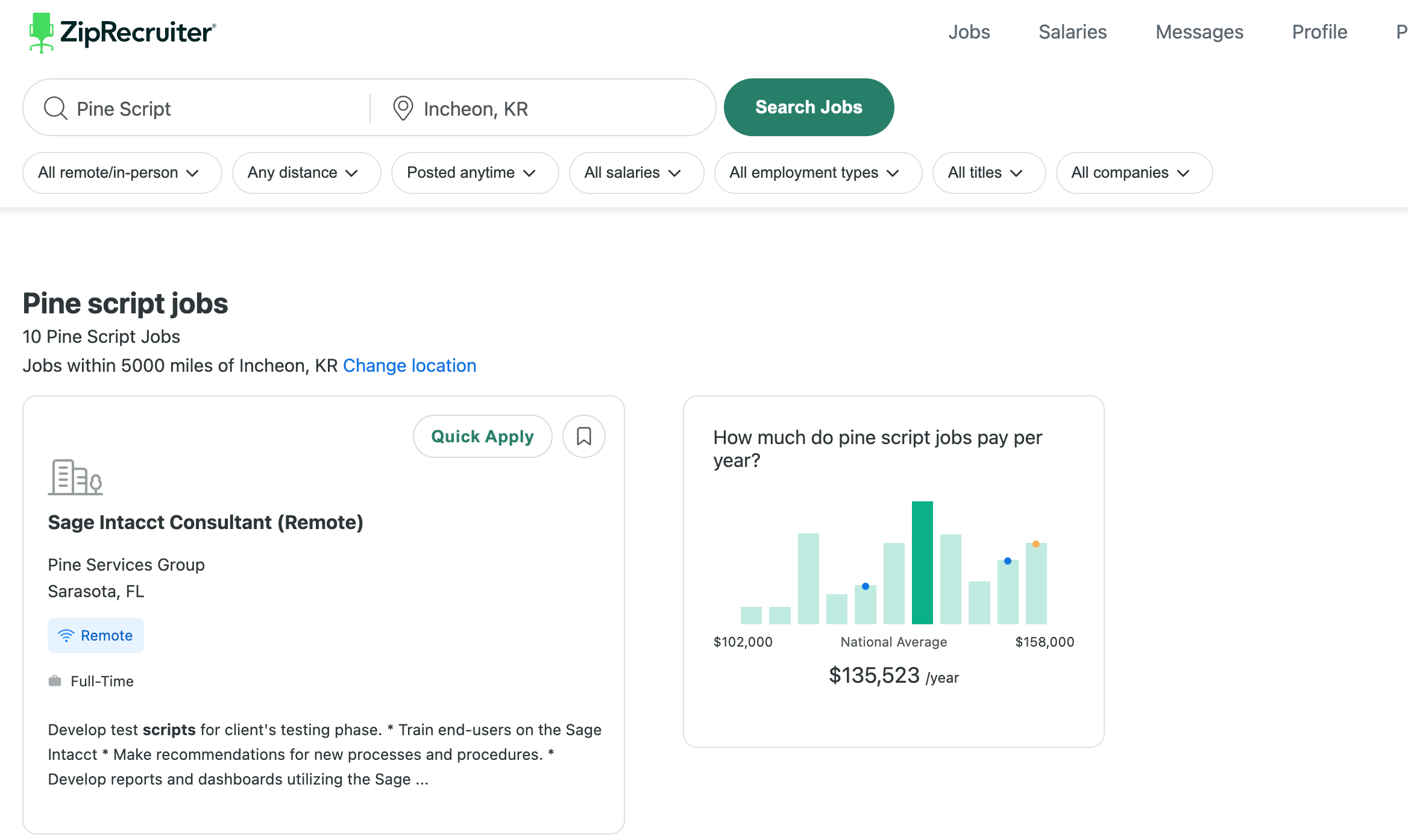
So you've been learning Pine Script and wondering if this skill can actually pay the bills? Or maybe you're a trader who needs custom indicators but has no idea how to find the right developer? I've been on both sides of this equation, and there's real money to be made here.
Pine Script jobs are roles where developers build custom indicators, trading strategies, and alert systems using TradingView's Pine Script language. The market for these skills keeps growing because traders want tools that standard charting packages don't offer, and most can't code them themselves.