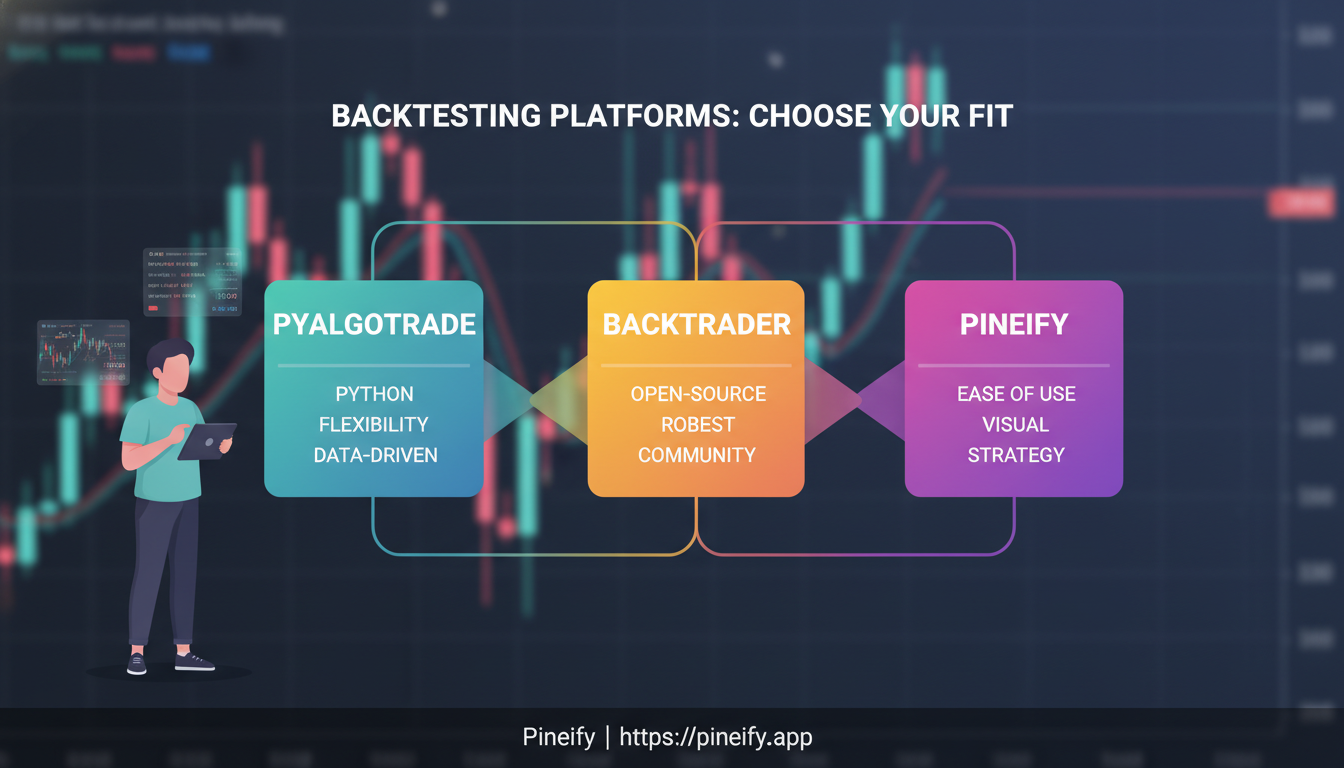
PyAlgoTrade vs Backtrader vs Pineify Comparison: Which Backtesting Platform Fits Your Trading Needs?

· 16 min read

Picking the right tool to test your trading ideas is crucial. Get it wrong, and you might trust a flawed strategy. Get it right, and you can refine your edge with confidence. PyAlgoTrade, Backtrader, and Pineify are three popular choices, but they couldn't be more different. This isn't about which one is "best"—it's about which one is best for you, based on how you like to work and what you know.

Let's break them down to see where each one shines.

PyAlgoTrade vs Backtrader vs Pineify Comparison: Which Backtesting Platform Fits Your Trading Needs?

PyAlgoTrade: The Straightforward Starter

Think of PyAlgoTrade as the quick and friendly option. It's a lightweight, open-source Python library built for speed and simplicity. If you're new to coding or just want to test an idea without getting bogged down in complex setup, this is a great place to start.

Its event-driven design lets you run tests quickly, so you can try out lots of variations. While it's simple, it's not rigid. You can add your own custom indicators, analyzers, and data sources. It even handles tick data, which is great if your strategy depends on very precise timing.

Good for: Python beginners, or anyone who wants a no-fuss tool to validate ideas rapidly.

Backtrader: The Feature-Packed Powerhouse

If PyAlgoTrade is a reliable sedan, Backtrader is a fully-loaded workshop on wheels. Created by Daniel Rodriguez, it's a comprehensive framework that grows with you. Beginners can use it, but its real strength is serving advanced users who need deep control.

It comes packed with a huge library of built-in indicators and tools. Its superpower is handling multiple data feeds (like stock and forex data) and different timeframes (like 1-hour and 1-day) all inside a single strategy. This lets you build sophisticated, multi-layered systems. It also has direct connections to many broker APIs, helping you move a tested strategy into live trading. Plus, it has a big, active community constantly improving it.

Good for: Serious coders and quants building complex, institutional-grade strategies.

Pineify: The No-Code Visual Builder

Pineify 2.0 is a whole different animal. It's not a library you install; it's a web-based, AI-powered platform for TradingView users. Its biggest draw? You don't need to write a single line of code. For traders evaluating their tools, it's worth considering the comprehensive analysis in Is TradingView Worth It in 2025? to understand the broader ecosystem.

Instead, you use a drag-and-drop Visual Editor to set your trading rules by connecting blocks. Behind the scenes, its AI (using models like Google Gemini and OpenAI GPT-4o) writes flawless Pine Script code for you. This lets you combine many indicators into one script, bypassing TradingView's free plan limits, and create complex strategies in minutes instead of days.

Good for: Traders who have strategy ideas but don't know how to code, or who want to prototype on TradingView incredibly fast.

FrameworkApproachBest ForKey Differentiator
PyAlgoTradeLightweight Python LibraryBeginners & quick prototypingSimplicity and speed of testing
BacktraderComprehensive Python FrameworkAdvanced coders & complex systemsExtreme flexibility & multi-data feed support
PineifyAI-Powered No-Code SaaSNon-coders & TradingView usersVisual drag-and-drop builder & AI code generation

How Do These Trading Tools Really Compare?

Getting Started: Which is Easiest to Learn?

If you're new to coding and algo trading, PyAlgoTrade is the most straightforward to pick up. It's designed to be simple, so you can get a strategy running quickly. The trade-off is that it might not have every advanced feature built-in, so you could feel boxed in later if your ideas get more complex.

Backtrader is a powerhouse, and that means there's more to learn upfront. It can feel a bit overwhelming at first because there are so many options and ways to customize things. But if you already have some programming experience, you'll likely love the level of control it gives you. Plus, its detailed docs and big community are great for working through the initial learning phase.

With Pineify, you skip the programming learning curve entirely. You build strategies by connecting blocks on a screen, not by writing code. This makes it a fantastic choice if you have trading knowledge but don't want to learn to program, yet still want access to pretty sophisticated tools. If you're looking to understand the code it generates, a resource like Understanding bar_index in Pine Script: Complete Guide for TradingView Traders (2025) can be invaluable for decoding script logic.

How Fast and Efficient Are They?

PyAlgoTrade is built for speed in backtesting. You can test ideas and get performance results back very quickly, which is perfect when you're in the early stages of validating a strategy.

Backtrader is also built to handle backtesting efficiently, even for complex strategies and larger sets of historical data. It's robust, but if you start testing a strategy with loads of indicators on many years of data, be prepared for it to take some time and computing power.

Pineify shows you performance stats—like win rate, profit factor, and drawdown—in real-time as you build. All the heavy number-crunching happens on their servers, so you don't need to worry about whether your own computer is fast enough.

A Look at Their Advanced Features

FeaturePyAlgoTradeBacktraderPineify
Multiple timeframesLimitedYesYes
Live trading supportBasicExtensive broker APIsTradingView integration
Custom indicatorsYesYesVisual builder
Multi-symbol testingBasicYesYes
Risk managementManual implementationBuilt-in toolsDynamic features
Portfolio-level testingLimitedYesYes

Working with Data and Understanding Markets

PyAlgoTrade has some limits on how much historical data you can use for backtests on certain timeframes (sometimes around three years), which might not be enough for everyone. On the plus side, it does support tick data, letting you model trades with high precision.

Backtrader really shines here. You can pull in data from many different sources, and even incorporate things like company fundamentals or news. A particularly strong feature is its multi-timeframe analysis, letting you mix signals from a weekly chart with a daily chart, for example.

Pineify is built for deep market analysis. You can create indicators that look across different timeframes and symbols at once. It also has smart features like walk-forward optimization, which automatically tweaks your strategy settings as new data comes in, and market regime detection that adjusts parameters based on whether the market is trending, ranging, or in a high-volatility period.

Which Trading Framework Fits You Best?

Picking the right backtesting tool can feel overwhelming. It's not about finding the "best" one, but the one that best fits your current situation, skills, and goals. Here’s a straightforward breakdown to help you decide.

When PyAlgoTrade Might Be Your Best Bet

Think of PyAlgoTrade as your friendly starter kit. It’s a great choice if:

  • You're just getting started. If terms like "backtesting" and "algorithmic trading" are new, this framework offers a gentle introduction without the overwhelming complexity.
  • You need to move fast. It's designed for quick strategy iteration. You can test simple ideas and see results rapidly, which is perfect for learning the ropes.
  • Your strategies are straightforward. If you're not building multi-asset, ultra-complex systems yet, its simplicity is a feature, not a limitation.
  • You live in Python. It keeps things firmly in the familiar Python ecosystem, so you can focus on your trading logic rather than learning a whole new system.

You can see it in action here: youtube

When to Consider Using Backtrader

Choose Backtrader when you're ready to graduate to a professional workshop. It’s powerful and detailed, ideal for:

  • You need serious firepower and customization. It comes packed with features for advanced strategy development, including complex order types and performance analytics.
  • Your strategy uses multiple data feeds or timeframes. It handles blending different data sources (stocks, forex, crypto on different charts) with ease.
  • Live trading is a key goal. It has built-in integrations and patterns for connecting to broker APIs, making the jump from backtest to live trading smoother.
  • You value a strong community. There's a large user base, which means more shared code, strategies, and help when you get stuck.
  • You're willing to climb a learning curve. Its power comes with more complexity. The time you invest in learning it pays off for long-term, sophisticated projects.

For a deeper look at its capabilities, check this out: mondfx

When Pineify Could Be the Perfect Fit

Pineify is a clever solution for a specific set of needs. It shines if:

  • You don't know how to code (or don't want to). It lets you build sophisticated TradingView strategies using a visual builder or plain English, which it then turns into code. To explore another powerful, user-friendly indicator that simplifies complex analysis, check out the EZAlgo: The Ultimate Algorithmic Trading Indicator.
  • You already live on TradingView. If your charting, analysis, and idea generation happen there, Pineify integrates seamlessly to extend what you can do.
  • You think visually. The drag-and-drop approach to strategy building can feel more intuitive than writing lines of code.
  • You want to overcome Pine Script limits. It uses AI to help generate complex Pine Script code, potentially bypassing the need for higher-tier TradingView subscriptions for more indicators.

See how it works here: devhub

Things to Keep in Mind: Choosing the Right Tool for Your Journey

Each of these tools is fantastic in its own right, but they come with different trade-offs. Picking the right one often depends on where you are in your trading strategy journey and what you ultimately want to build.

Here’s a straightforward look at some considerations:

PyAlgoTrade is like a great starter toolkit. Its simplicity is its strength, but that can also become a limitation. If your strategies start needing very specific data feeds or highly customized logic, you might find yourself wanting more flexibility. It’s common for traders to start here and then graduate to a more powerful framework as their ideas get more complex.

Backtrader is the powerhouse. With great power comes a bit of a learning curve—it takes time to get comfortable with all its features. Also, if you’re running incredibly complex backtests with years of data and dozens of indicators, be prepared for it to use a good chunk of your computer's memory and processing power. And while Python is plenty fast for most trading, if you're diving into ultra-high-frequency strategies, you’d typically look to languages like C++ for that speed edge.

Pineify lives entirely within the TradingView world. This is its biggest advantage and its main constraint. You get an amazing, integrated experience with charting and data, but you’re also tied to Pine Script and TradingView's data. Want to connect it directly to your Python machine learning model or use a proprietary data feed? That's not really possible here. Also, while you can do a lot for free, unlocking unlimited scripts and premium features requires a paid TradingView plan.

Think of it this way: you're choosing between a focused beginner tool, a professional-grade workshop, and a brilliant but walled garden. The best choice depends entirely on what you're trying to build.

When you're learning a new trading library or platform, knowing you've got somewhere to turn for help is a huge relief. It’s not just about fixing bugs; it’s about connecting with others who are on the same journey. Here’s how the community and support stack up for these tools.

PyAlgoTrade is like having a direct line to the developers. Support is primarily handled through GitHub, where you can report issues, and a Slack community for discussions. The library is actively maintained and receives updates. While the community isn't the largest, it's focused and knowledgeable—perfect if you prefer a more specialized, development-oriented environment.

Backtrader takes the crown for the most lively and helpful community. It feels like a bustling marketplace of ideas. Traders are constantly sharing custom strategies, offering insights, and collaboratively solving problems. This active participation means you can often find solutions, get feedback on your code, and learn new techniques just by engaging with the community. It's a massive asset for both beginners and experienced coders.

Pineify structures its support around its plans. Paid users get priority support, ensuring quicker responses to questions. Everyone benefits from their thorough manual and resource section, which is great for self-learning. The platform itself is consistently updated, with regular improvements to its AI models and features to keep everything running smoothly and powerfully. For real-time collaboration and discussion with other users, many find value in the Pineify Discord Group: The Best Pine Script Discord for TradingView Enthusiasts.

ToolSupport ChannelsCommunity Vibe & Notes
PyAlgoTradeGitHub (bugs), Slack (discussion)Active maintenance. Focused, developer-oriented community.
BacktraderCommunity forums, shared code repositoriesThe most vibrant and collaborative community. Ideal for sharing and learning.
PineifyPriority support for paid plans, comprehensive documentationRegular platform & AI updates. Structured support tied to your plan.

Ultimately, your choice might come down to how you like to learn. Do you thrive in a big, collaborative crowd, prefer a direct dev connection, or value structured, priority help?

Your Questions Answered

Q: Is it possible to switch from PyAlgoTrade to Backtrader later on?
A: Absolutely. Since both are built in Python and work on a similar event-driven principle, the core ideas behind your strategy will move right over with you. You can't copy and paste the code directly, but your hard-won knowledge about how to structure a strategy is what really matters. You'll be able to apply that understanding to Backtrader's broader set of tools.

Q: Do I need to know how to code to use Pineify?
A: Not at all. Pineify's main draw is its Visual Editor, which lets you build strategies entirely by dragging, dropping, and connecting blocks. You won't write a single line of code. Of course, you still need a solid grasp of basic trading concepts and what you want your strategy to do for it to be effective.

Q: Which one is strongest for actually trading live with real money?
A: For live trading, Backtrader is the most robust option. It has built-in connections for a wide range of brokers and APIs. PyAlgoTrade can handle live trading but in a more basic way. Pineify enables live trading by plugging into TradingView's own systems, so it works where TradingView does.

Q: Can I use these for high-frequency trading (HFT)?
A: PyAlgoTrade and Backtrader can manage strategies at higher frequencies. However, because they're written in Python, there's a natural speed limit. If your strategy depends on executing trades in under a millisecond, Python probably isn't the right tool. Pineify's speed is tied to the TradingView platform it runs on.

Q: How much do these platforms cost?
A: PyAlgoTrade and Backtrader are completely free and open-source—no hidden fees. Pineify uses a freemium model. You can start with a free plan, but to unlock all its advanced features, you'd need one of their paid lifetime access plans.

Q: I want to test crypto strategies. Which platform is best?
A: For testing crypto strategies, Backtrader is often the top choice because it easily pulls data from and connects to many different cryptocurrency exchanges. Pineify is also a great fit for crypto, as long as the exchange you're interested in is one that TradingView supports.

Your Next Steps

Now that you’ve seen how PyAlgoTrade, Backtrader, and Pineify stack up, here’s how to actually get started. Think of this as your friendly roadmap.

1. Just Dive In and Experiment The best way to learn is by doing. Go ahead and download PyAlgoTrade or Backtrader from their official websites. Or, if Pineify’s visual approach caught your eye, sign up for their free plan and click around. Spending even 30 minutes building a simple test will tell you more than any article can about which tool feels right for you. For a truly frictionless start, Pineify's platform lets you go from an idea to a working TradingView indicator in minutes, with no setup required.

Pineify Website

2. Don't Go It Alone – Find Your People These platforms have great communities behind them. Hop into the Backtrader forums, look for PyAlgoTrade’s Slack channel, or join Pineify’s user group. You’ll pick up tips, see how others solve problems, and save yourself a ton of time by learning from their mistakes.

3. Start Simple, Really Simple No matter which platform you pick, resist the urge to build a complex strategy right away. Start with a classic, like a moving average crossover or a basic RSI strategy. Getting the fundamentals down on a simple idea will make everything else easier later. Tools like Pineify's Visual Editor are perfect for this, offering a drag-and-drop interface to assemble these classic strategies without writing a single line of code.

4. Try the Same Idea on Different Platforms If you have the time, this is a game-changer. Take that simple moving average strategy and code it in two different platforms. You’ll quickly see the practical differences in speed, how you write the logic, and how you view results. It’s the best way to understand each tool's real strengths. You might find that what takes an hour to code manually can be built and backtested visually in just a few minutes.

5. Keep Notes as You Go This might sound tedious, but trust me, it’s a lifesaver. Keep a simple journal or a document. Note what worked, what broke, and how you fixed it. Six months from now, when you’re tweaking your strategy, you’ll be so glad you have this log of your own learning. Consider using an integrated tool like Pineify's Trading Journal to seamlessly track your live trades alongside your strategy development.

6. Pick for the Future, Not Just Today Ask yourself: Where do I want to be with this in a year? If you’re just testing simple ideas, a lighter tool is perfect. But if you know you’ll eventually want to backtest complex, multi-asset strategies, putting in the upfront time to learn a more powerful framework like Backtrader could be worth the effort. Alternatively, a platform like Pineify grows with you—starting with simple visual builders and scaling up to AI-powered coding agents and professional backtest analytics for complex, institutional-grade strategy development.


So, which one feels like the best fit for your style? Have you tried any of them yet? Share what you’ve found in the comments—your experience could help someone else figure out their first step.