747 posts tagged with "Pine Script"

Blog posts related to the PineScript

View All Tags

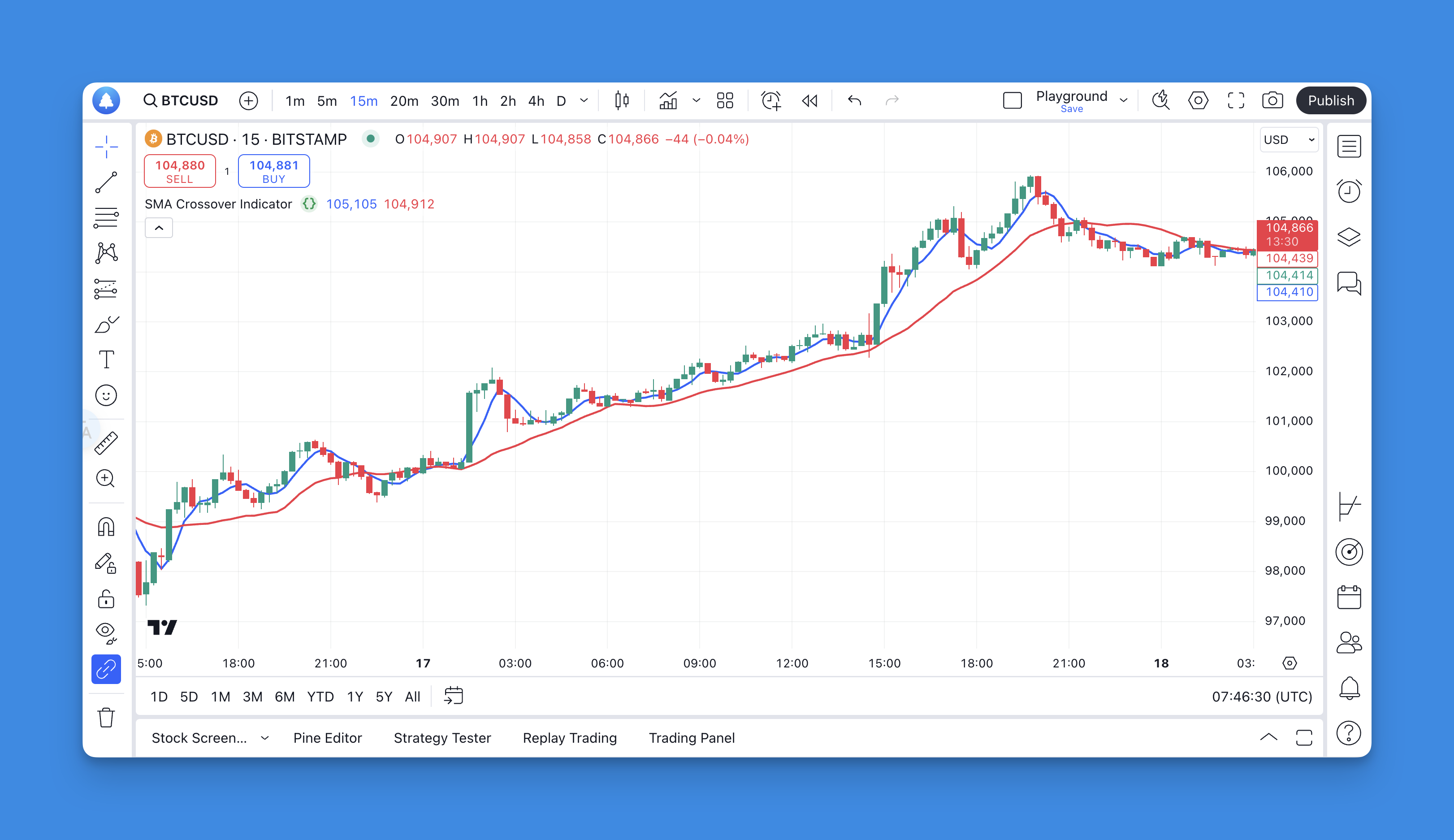
Average Day Range Indicator: The Simple Tool That'll Transform Your Trading Risk Management

· 11 min read

Look, I'll be straight with you—most traders struggle with position sizing and risk management because they're flying blind when it comes to volatility. That's where the Average Day Range (ADR) indicator comes in. It's not some fancy algorithm or complex formula; it's just a simple way to understand how much your stock, crypto, or forex pair typically moves in a day.

Think of ADR as your trading GPS for volatility. Instead of guessing whether a 2% move is normal or extreme, you'll know exactly what to expect. This isn't just theory—understanding daily ranges can literally save your account from those surprise moves that wipe out weeks of gains.

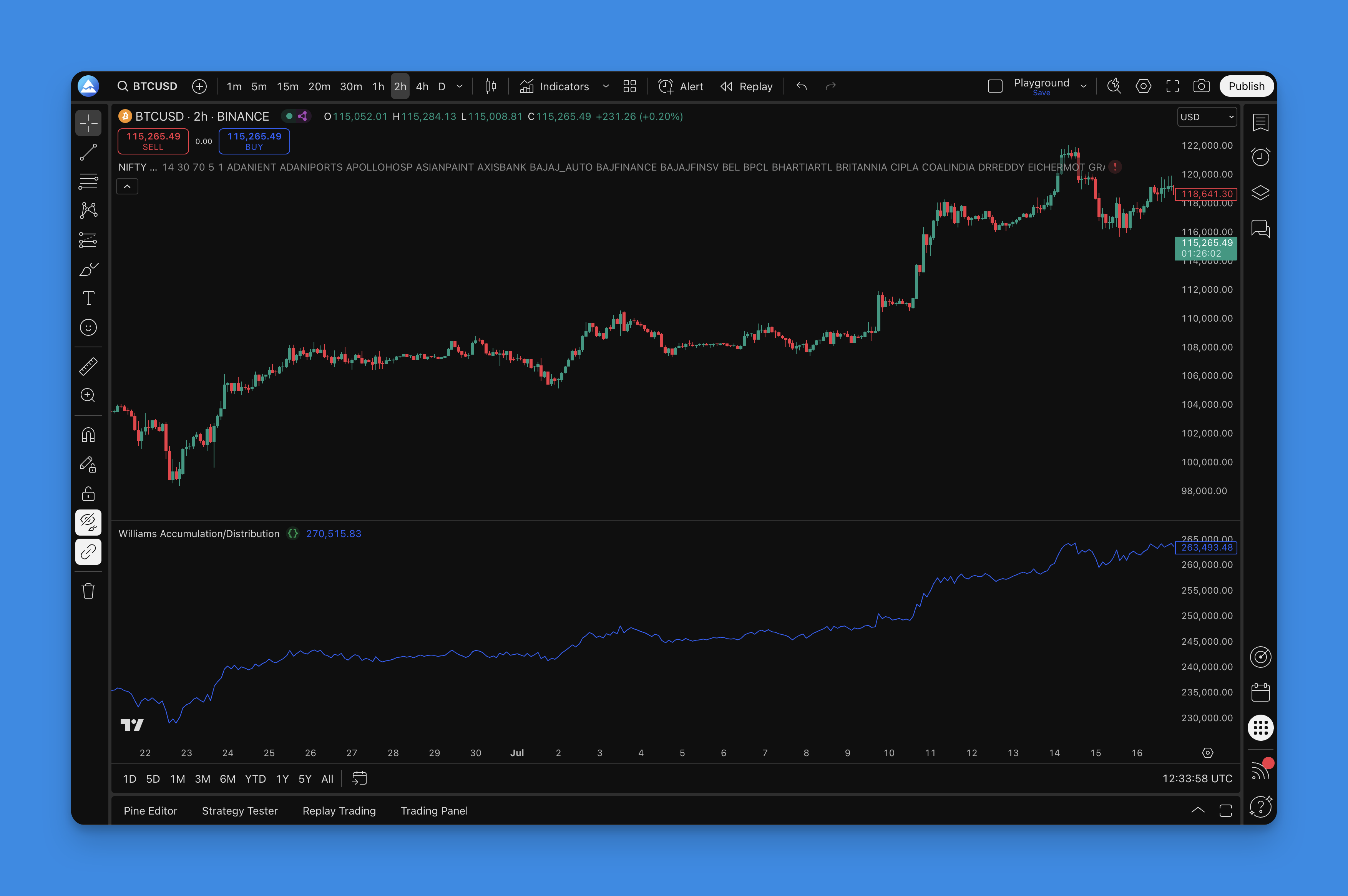
Williams Accumulation Distribution Indicator: The Secret to Reading Market Psychology Through Price Action

· 10 min read

Here's something most traders don't realize: you can spot institutional buying and selling without looking at a single volume bar. The Williams Accumulation Distribution (WAD) indicator does exactly that—it reads market psychology through pure price action.

Created by Larry Williams (yes, the same guy who turned $10,000 into over $1 million in the World Cup Trading Championship), WAD strips away all the noise and focuses on one simple question: are smart money players accumulating or distributing?

Unlike traditional volume-based indicators that can be manipulated or unreliable in certain markets, WAD works everywhere—forex, crypto, stocks, futures. It doesn't matter if you're trading Bitcoin at 3 AM or blue-chip stocks during market hours. Price tells the real story, and WAD knows how to listen.

Acceleration Bands: Complete Guide to Price Channel Trading in TradingView

· 8 min read

Ever notice how some days the market goes crazy and other days it barely moves? Acceleration Bands basically draw lines around the price that get wider when things get wild and tighter when the market's being boring.

What's cool about these bands is they don't just look at closing prices like most indicators. They actually pay attention to how far apart the daily highs and lows are. So when you're trying to figure out where the price might bounce or break through, they give you a much better picture of what's actually happening.

If you're familiar with Bollinger Bands, you'll notice some similarities, but Acceleration Bands take a different approach to measuring volatility.

Volume Flow Indicator (VFI) Guide: Master Money Flow Analysis in TradingView

· 8 min read

You know that feeling when price starts moving but you can't tell if it's real or just noise? That's exactly why I fell in love with the Volume Flow Indicator (VFI). This thing doesn't just look at price action—it peeks behind the curtain to see what institutional money is actually doing.

Think of VFI as your market detective. While everyone else is staring at candlesticks, you're watching the money trail. When big players start accumulating or distributing, VFI catches it before it shows up in obvious price movements.

Elliott Wave Oscillator: How to Use This Powerful Trading Indicator on TradingView

· 9 min read

Ever wondered how to spot market momentum shifts before everyone else catches on? The Elliott Wave Oscillator (EWO) might be exactly what you're looking for. I've been using this indicator for years, and honestly, it's one of those tools that just makes sense once you get the hang of it.

Think of the Elliott Wave Oscillator as your market momentum detective. It's built on Elliott Wave Theory principles, but don't worry—you don't need to be a wave counting expert to use it effectively. The indicator simply calculates the difference between two simple moving averages (SMAs), creating a histogram that oscillates above and below zero.

Here's the beautiful simplicity: when the oscillator sits above zero, you're looking at bullish momentum. When it dips below zero, bearish forces are taking control. It's like having a momentum meter for the market, showing you which direction the wind is blowing before the crowd notices.

Intraday Intensity Index Indicator: Master Volume-Based Trading Signals in TradingView

· 9 min read

Ever wondered why some price movements feel "real" while others seem fake? The Intraday Intensity Index (III) might just be the missing piece in your trading puzzle. This volume-based indicator doesn't just look at how much trading happened—it reveals whether that volume actually supports the price movement or fights against it.

QQE MOD Indicator: How to Get Better Trading Signals with This Enhanced QQE Version

· 11 min read

Ever felt like regular indicators keep giving you false signals? You're not alone. That's exactly why I got excited when I discovered the QQE MOD indicator. It's basically what happens when someone takes the already decent QQE indicator and decides to make it way smarter.

Think of it this way - if the regular QQE indicator is like having one friend give you trading advice, QQE MOD is like having three friends who all have to agree before you make a move. And honestly? That extra confirmation has saved me from more bad trades than I can count.

The beauty of QQE MOD is that it doesn't just rely on one calculation. Instead, it uses two different QQE setups working together, plus Bollinger Bands acting like a quality filter. The result? You get cleaner signals and way fewer of those annoying false breakouts that can mess up your day.