TradeSage and Pineify both appear in searches for AI-assisted Pine development, but the useful comparison is the workflow from a written rule to reviewed code and a controlled test. Neither a feature list nor a compiler success establishes that one tool produces more profitable strategies.
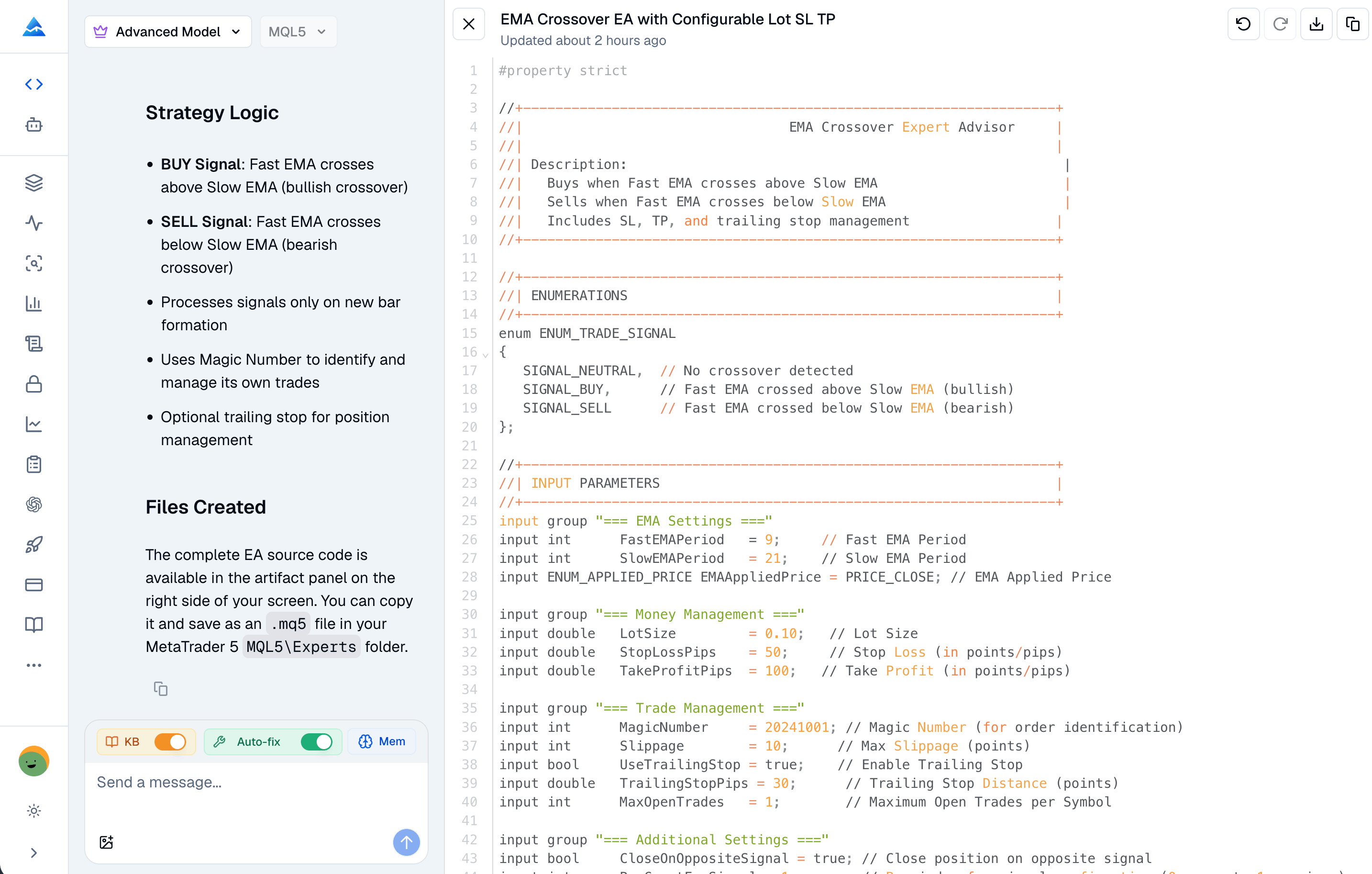
An MT5 indicator builder helps translate a calculation into an MQL5 indicator. Visual builders assemble supported components; AI coding tools draft source from a written specification; MetaEditor lets you edit and compile the result. Each route still needs a precise signal definition and a check that the chart behaves as intended.
Pineify supports MQL5 coding requests and compiler feedback. Its visual Pine Script editor targets TradingView, so it should not be mistaken for an MT5 visual editor. Generated source is a draft to verify, not a guarantee of error-free code or profitable signals.
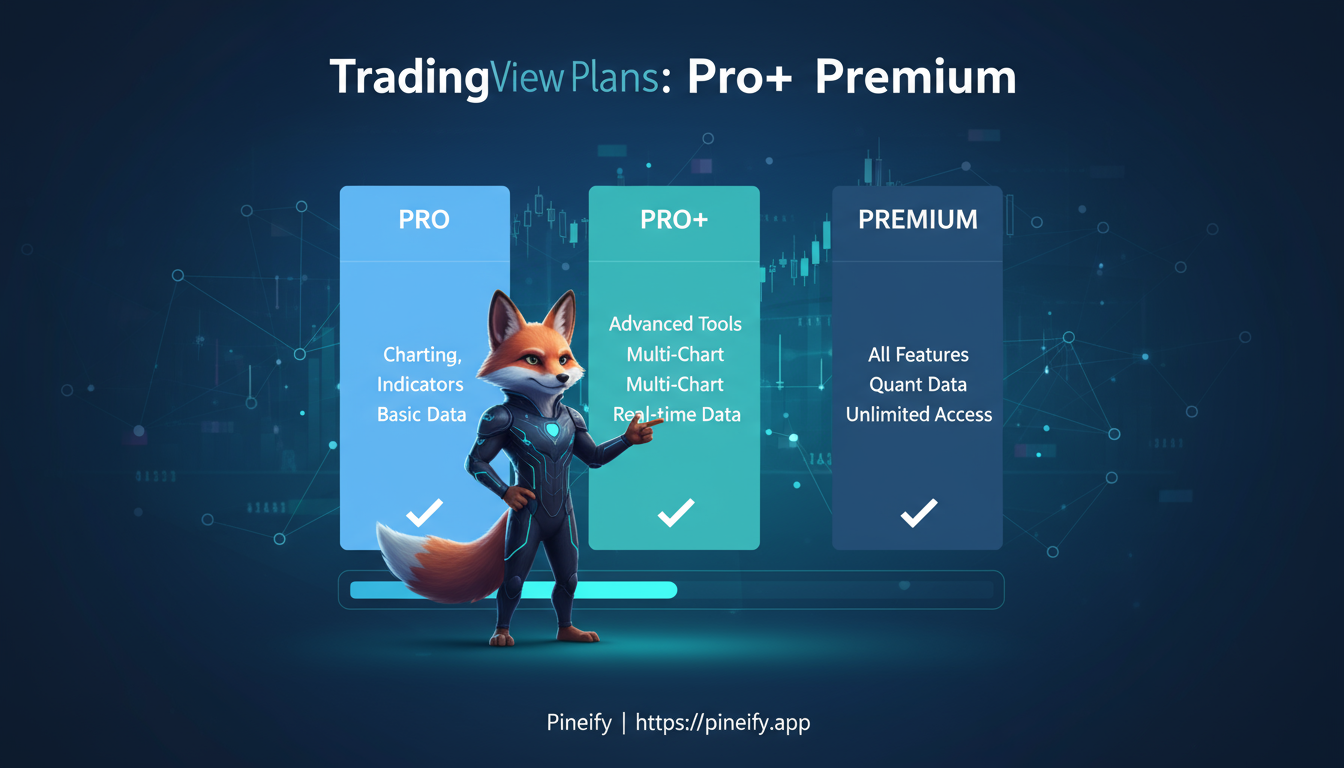
Choose a TradingView plan by the capacity and features your workflow needs. Paying for a higher tier does not establish better trading results, and the platform subscription is only one part of the possible cost.
This comparison was checked against official pages on October 20, 2026. Use the current checkout for prices, taxes, promotions and your account's trial eligibility. For seasonal offers, see the 2026 Black Friday dates and sale status and Black Friday price comparison.
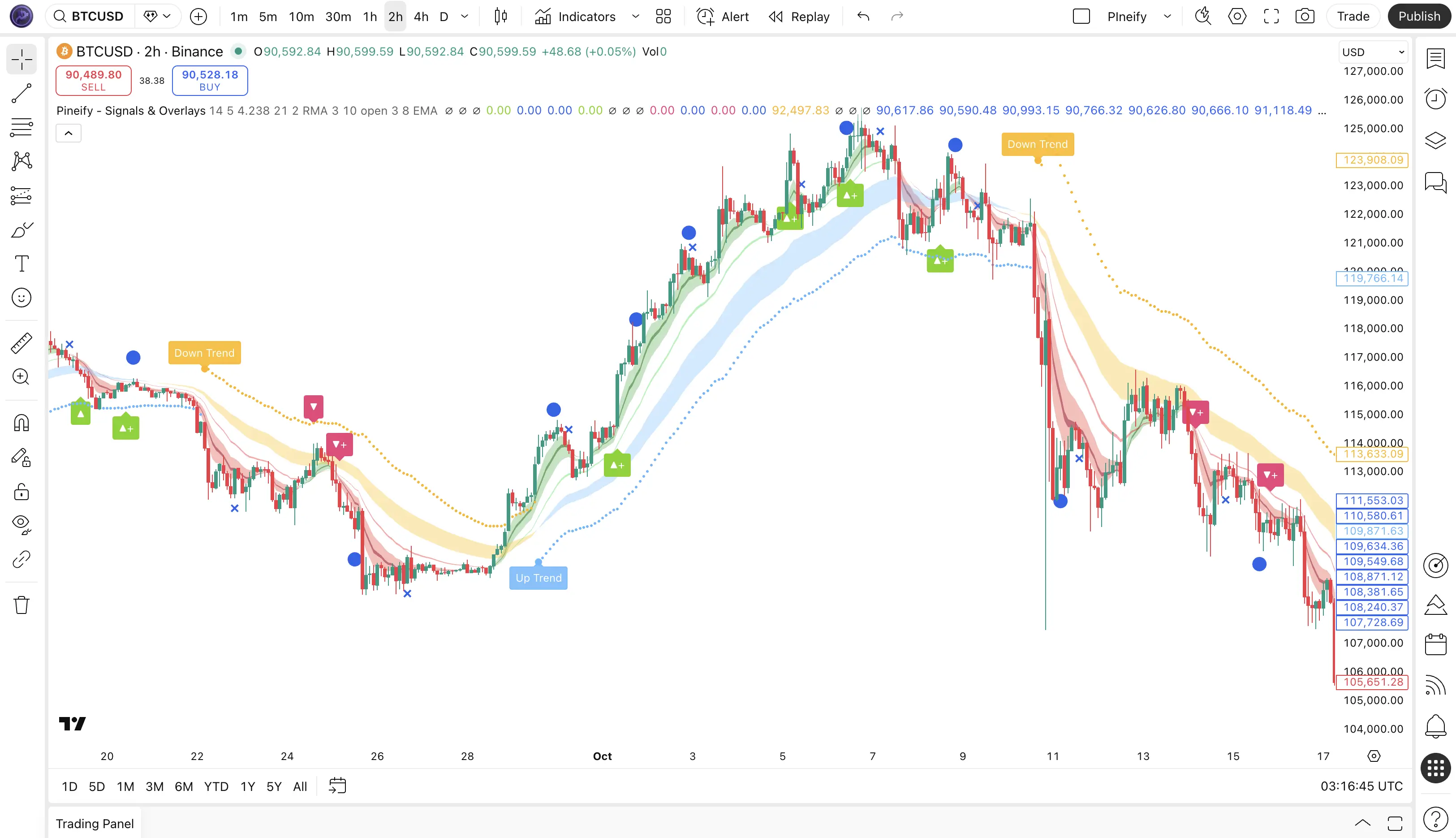
“ICT Concepts” describes a family of price-action overlays, not one standardized TradingView product. A useful comparison with Pineify Signals & Overlays therefore starts with the exact script, author, version and access terms. Neither a zone labeled “institutional” nor a buy arrow proves who traded or predicts a profitable entry.
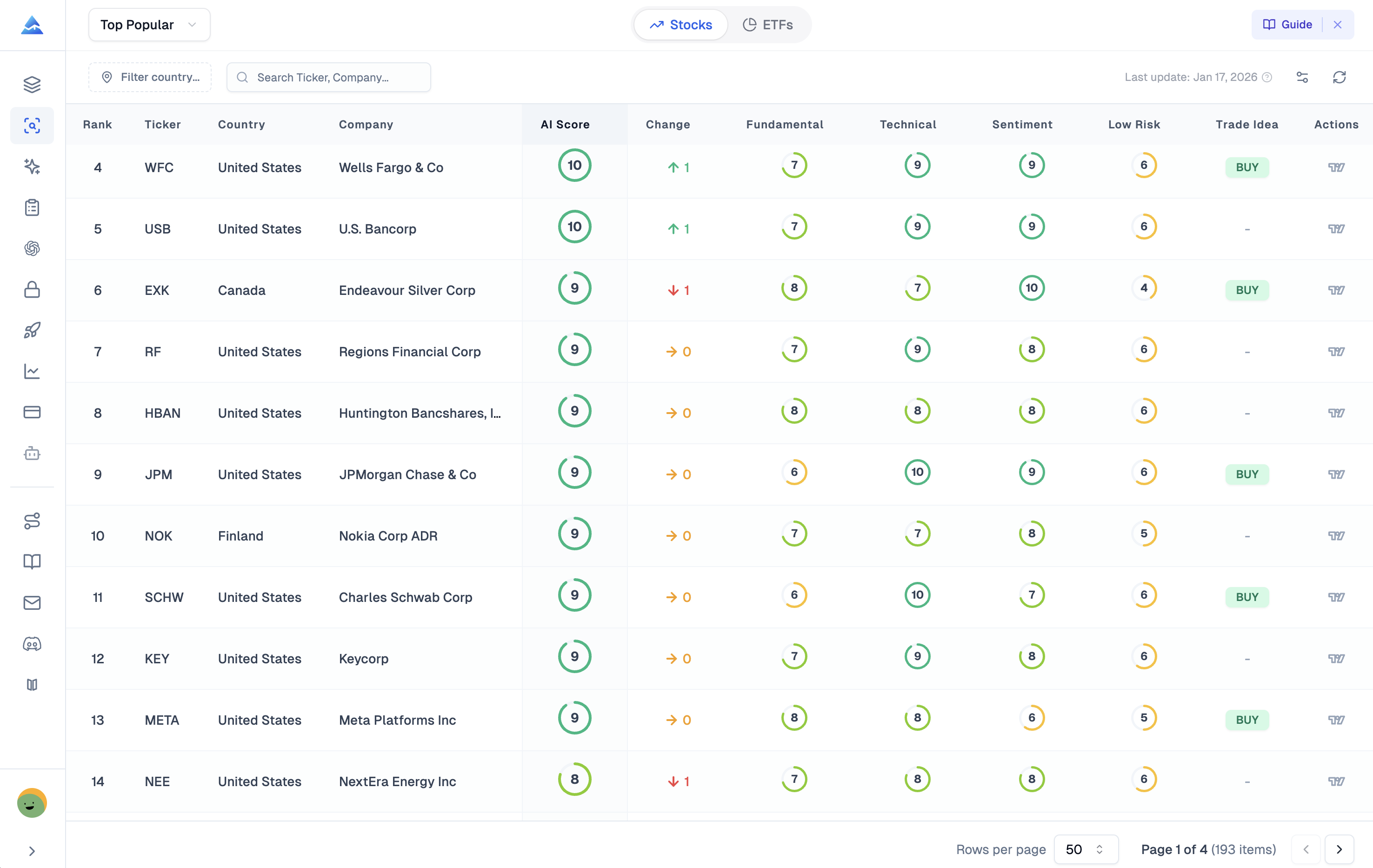
Pineify's AI Stocks & Options Picker brings a stock ranking and additional research views into one workflow. The ranking is Danelfin-sourced; it should not be read as a daily winning-trade signal, a predicted option return, or a calibrated probability that your next trade will profit.
A useful daily routine can review a score without treating its update frequency as its prediction horizon. Start with the score date, intended comparison period, and the evidence needed for your own decision.
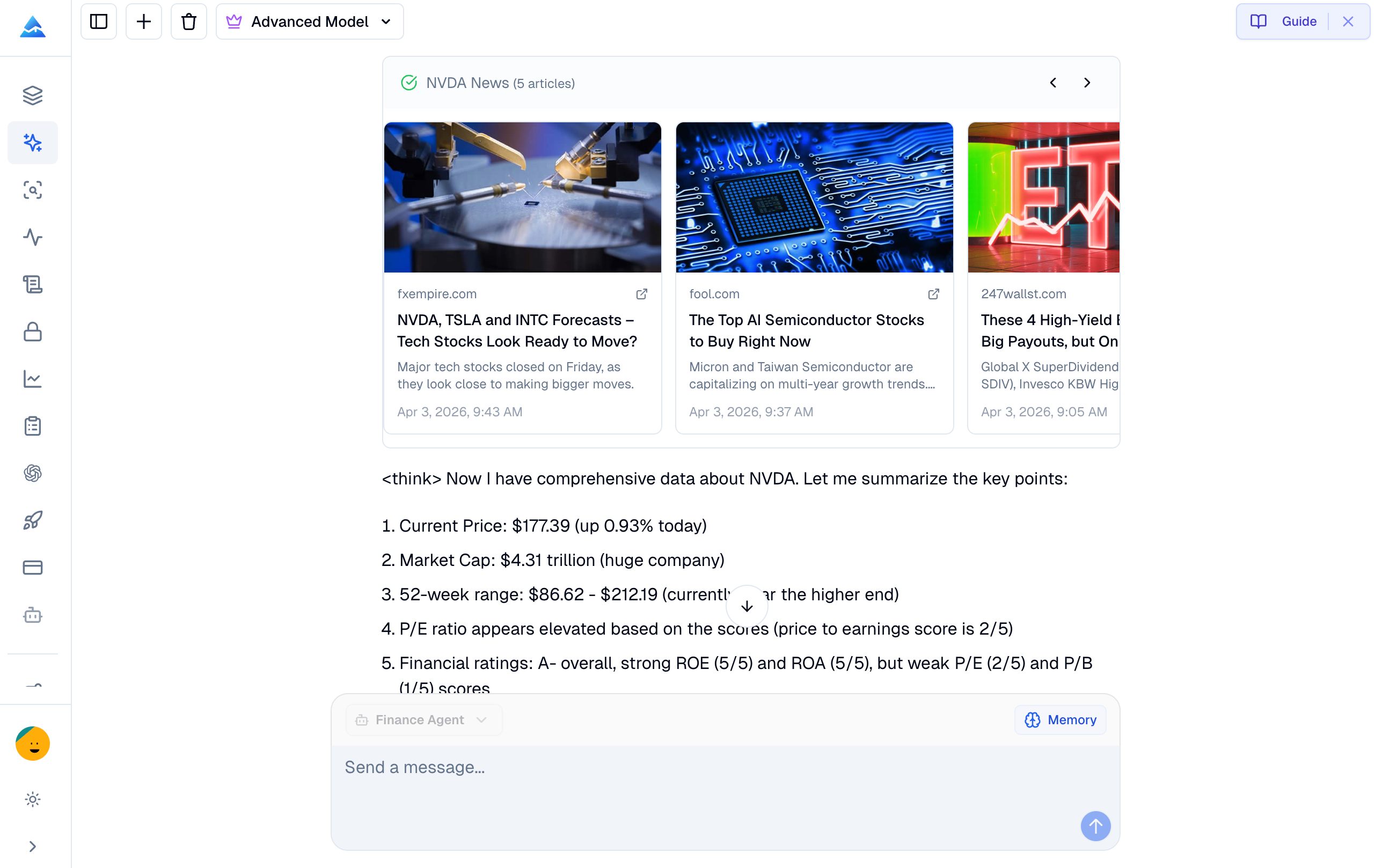
Pineify Finance Agent and ChatGPT can both assist financial research. Their usefulness depends on the tools available in the session, the data retrieved, and whether the answer preserves sources and dates. This comparison does not establish a measured accuracy or speed winner.
Conditional plotting controls which values or colors a Pine indicator displays. It changes the visualization, not the underlying market data, and does not by itself change strategy orders or alert conditions.
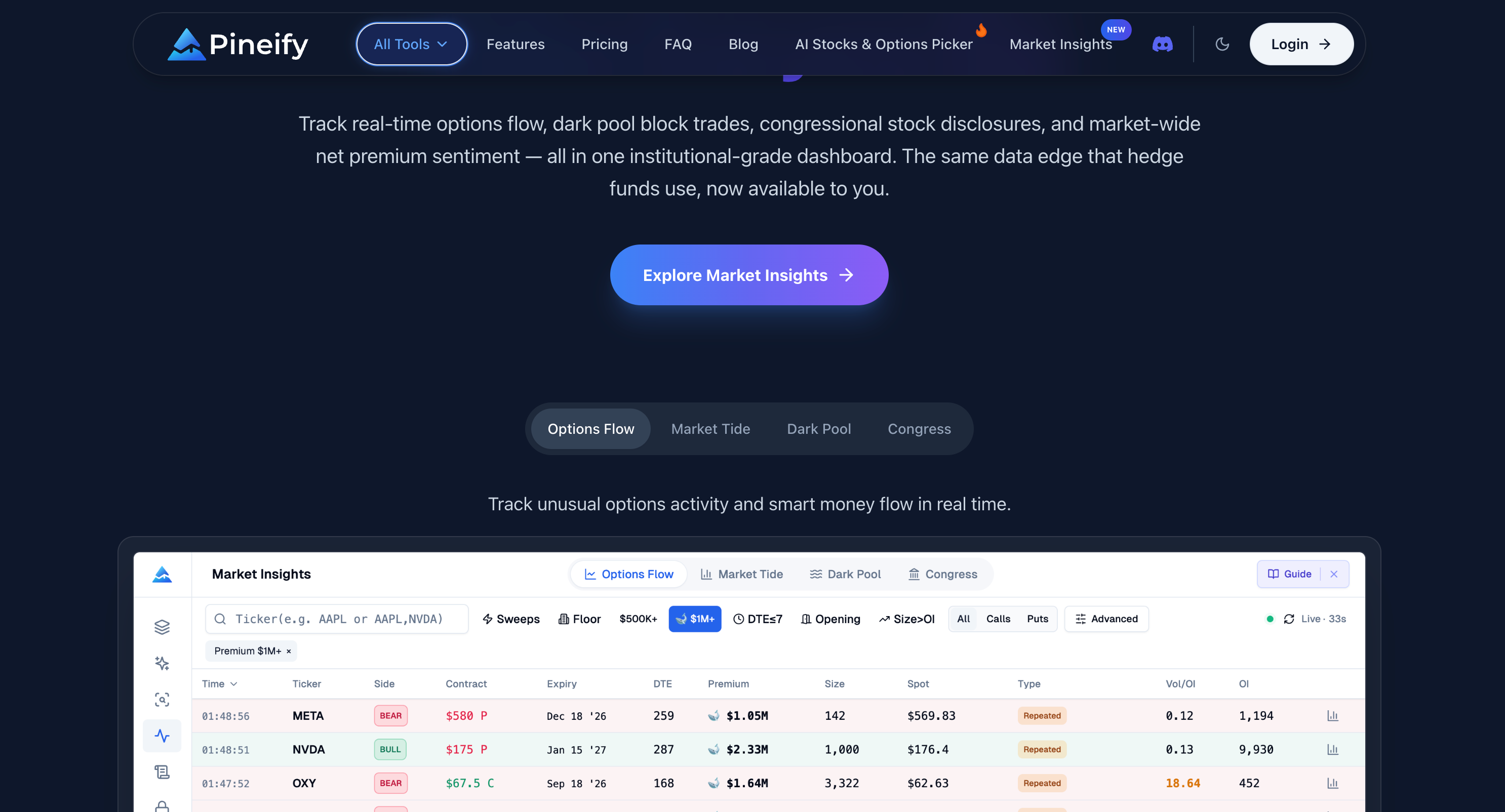
Pineify Market Insights combines Options Flow, Market Tide, Dark Pool, and Congress Trading research views. They help organize observations from different datasets. They do not reveal every institution's position, guarantee complete coverage, or establish that a signal should be traded.
A Pine Script to MQL5 conversion needs to preserve when information becomes available, when a decision is made and how an order is handled. Similar-looking moving-average expressions do not establish equivalent strategies.
The example below keeps the original Pine strategy as a baseline and provides an MQL5 signal-audit EA that places no orders. Its purpose is to compare completed-bar crossover decisions before implementing broker execution.
Searching for Xmaster Formula for MT5 can surface similarly named products for a different platform. The MQL5 Market listings verified for this review are labeled MetaTrader 4. This page does not establish an official MT5 download, a universal formula, or a no-repaint guarantee.