Choose a TradingView plan by a constraint you actually encounter: simultaneous charts, indicators, history, alerts, or a required tool. A more expensive plan provides different capacity and access; it does not establish better signals or trading returns. Compare the full recurring cost, including data and add-ons, before deciding.
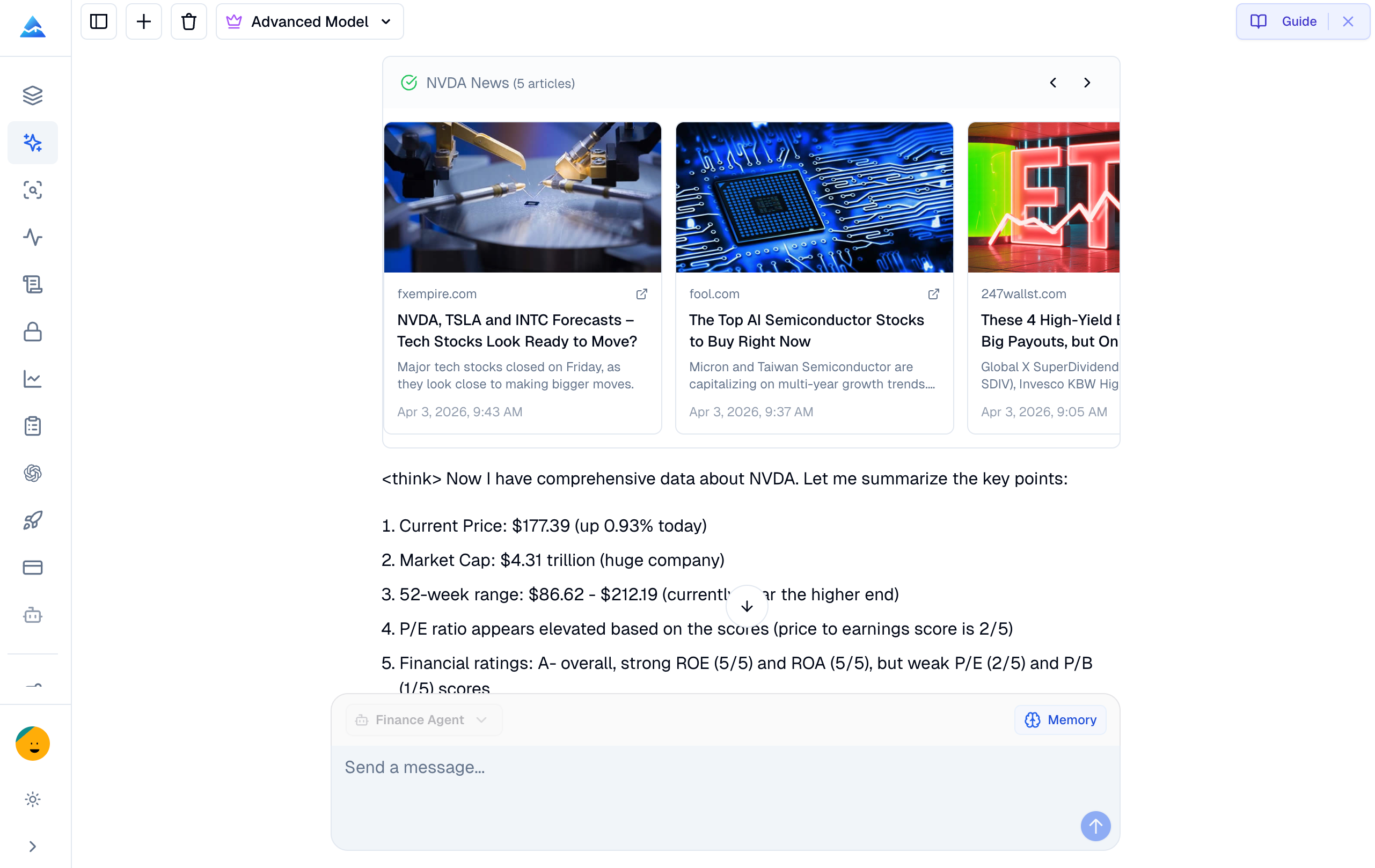
Looking for a TIKR or Wisesheets alternative? TIKR, Wisesheets, and Pineify support different ways to research a company: a structured research workspace, spreadsheet and data integrations, and an agent conversation using available tools. Choose according to the output you need to inspect and reuse. This Pineify-authored comparison does not establish a speed benchmark, a universal winner, or superior investment returns.
A lower-priced research tool is an alternative to a terminal only for the tasks it can actually complete. Pineify Finance Agent can assist with supported company-data queries and research summaries, but its tool list does not establish Bloomberg-equivalent data, execution, messaging, or service coverage. Start with a task inventory and a current quote for each required service.
This comparison is published by Pineify. It does not report a hands-on Bloomberg replacement trial or a measured savings result.
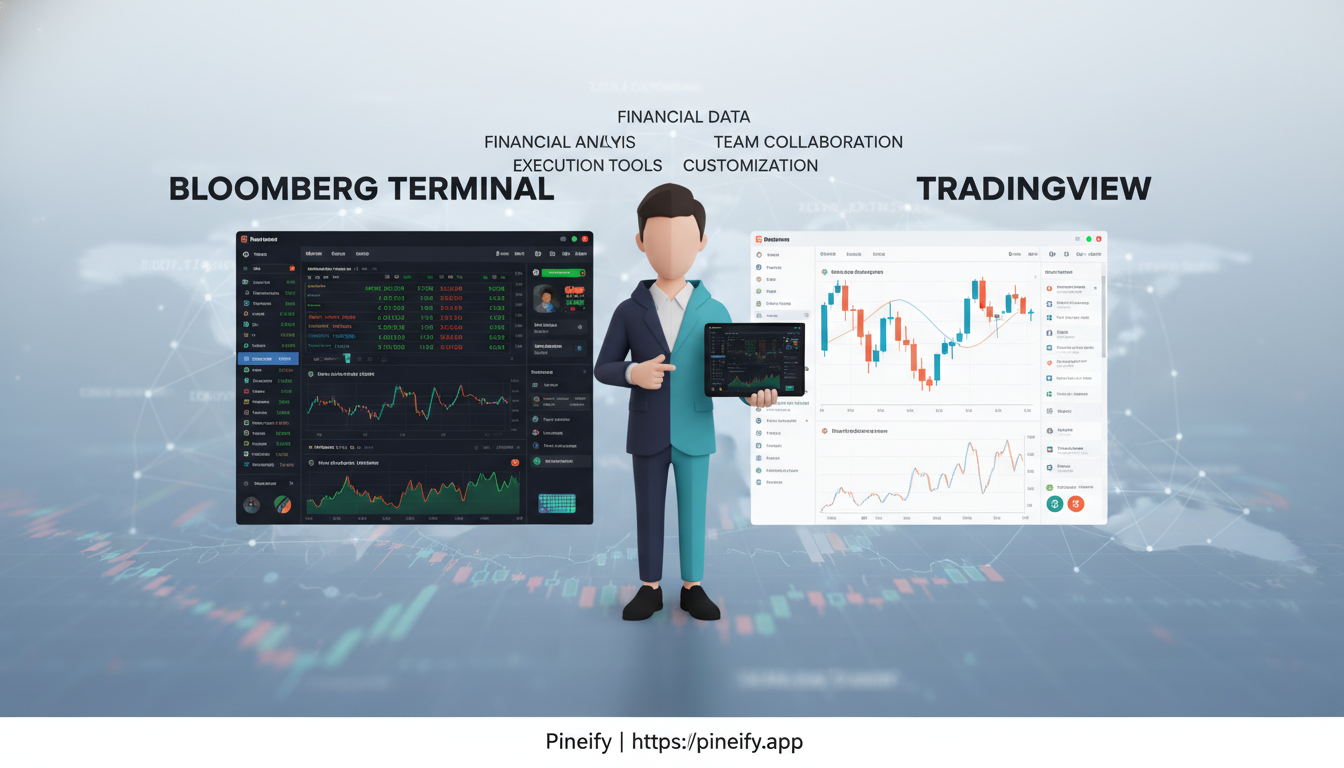
Bloomberg Terminal and TradingView overlap in market analysis but organize different workflows. Decide by the instruments, data rights, analytical outputs, and integrations you require. Neither a low subscription price nor an institutional label proves that one platform can replace the other for a particular task.
The comparison has been revised using current documentation. The historical URL remains unchanged; the content is not a frozen 2025 pricing table or a report of personal trading tests.
Bookmap visualizes order-book liquidity over time alongside executed volume. TradingView provides charting, indicators, strategy simulation, and other market tools. They can be used side by side, but this is a workflow choice, not proof of a native connection or a requirement that every trader needs both.
The useful distinction is between displayed resting orders, executed trades, and calculations derived from price bars. Those data types answer different questions and cannot be substituted without changing the interpretation.
Notepad++ can edit local Pine Script files on Windows and apply a community User Defined Language (UDL) for syntax coloring. It is a text-editing workflow, not an offline Pine compiler or backtesting engine. Use it when local files and offline drafting fit your process, then validate the complete script in TradingView.
A custom Backtrader indicator is a Python class that turns input data into one or more output lines. The useful first test is whether its values match a calculation you can check by hand. A profitable backtest cannot compensate for an inverted signal or a feature that uses information unavailable at the decision time.
What is the Bull Bear Power indicator on TradingView? Bull Bear Power (BBP) compares the high and low of a bar with a moving average. The built-in version adds the two distances into one value. A positive reading describes that calculation; it does not identify institutional buying or establish that a profitable trade is available.
You can use TradingView analysis alongside MetaTrader, but a broker's TradingView integration is not a universal login for its MT4 or MT5 accounts. There are two different workflows: connect an eligible broker account to TradingView, or forward TradingView alerts through a service that supports your MetaTrader setup.
Yes, you can trade forex through TradingView when an integrated broker supports your account, location and instrument. TradingView supplies the interface; the broker handles the trading account and execution. You can also use Paper Trading to practice without funding a live brokerage account.