Pineify Review: Seven Days Testing the No-Code Indicator Builder

· 12 min read
Pineify Team
Pine Script and AI trading workflow research team

My trading buddy wouldn't stop raving about Pineify. "Seriously, you can build any TradingView indicator without writing a single line of code!" he kept saying. Having been burned by overpromising no-code tools before, I was skeptical. But after weeks of him bugging me, I finally decided to give it a proper test drive with real tickers like AAPL and SPY.

I spent seven straight days building indicators, testing strategies, and pushing this thing to its limits. Here's my honest take on what Pineify actually delivers versus what it promises.

Pineify Strategy Optimizer: Automate TradingView Backtesting

· 19 min read
Pineify Team
Pine Script and AI trading workflow research team

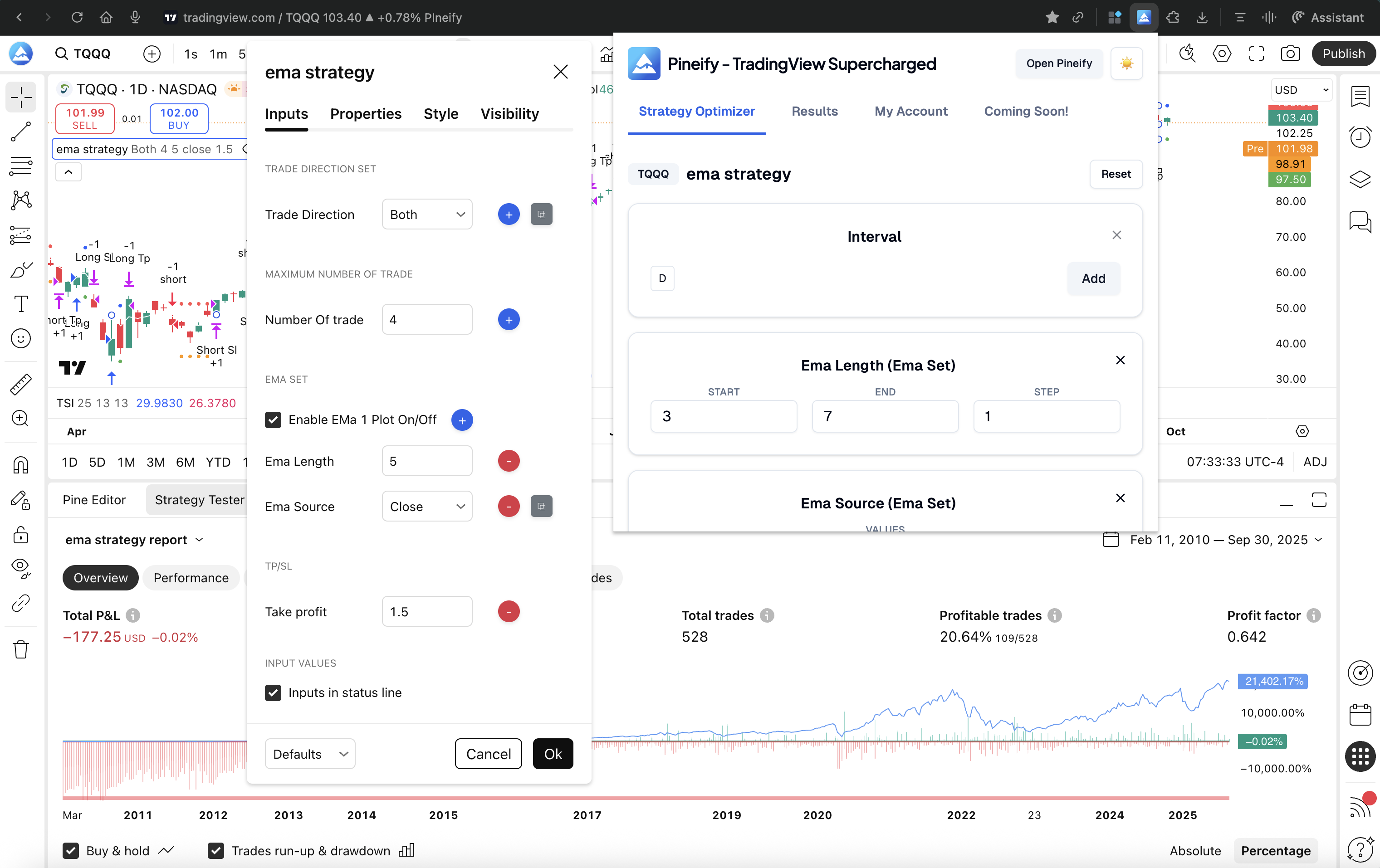
If you've ever spent hours manually adjusting RSI lengths, moving average periods, or stop-loss percentages in TradingView—only to feel like you're still just guessing—you're definitely not alone. Finding the best settings for a Pine Script strategy is one of the most tedious parts of building a trading system. The Pineify Strategy Optimizer is a Chrome extension that turns that manual, hit-or-miss process into something automatic and data-led.


Pineify Strategy Optimizer: Automate TradingView Parameter Testing & Backtesting

Pineify Strategy Optimizer: Tune TradingView Parameters Without Python

· 11 min read
Pineify Team
Pine Script and AI trading workflow research team

Parameter optimization in trading is the process of automatically testing thousands of parameter combinations against historical market data to find the best-performing settings. I've spent entire weekends doing this manually — changing a moving average length, running a backtest, writing down the result, changing it again. The Pineify Strategy Optimizer solves that. It's a Chrome extension that brings automated parameter tuning directly into TradingView, no Python setup required.


Pineify Strategy Optimizer: TradingView Parameter Tuning Without Code

Pineify vs Benzinga Pro: Which Options Platform Actually Delivers

· 15 min read
Pineify Team
Pine Script and AI trading workflow research team

Benzinga Pro gets you news fast. For options trading though, I've found it falls short where it counts most — deep analytics without extra fees. Pineify's AI Stocks & Options Picker delivers a full options chain with Greeks, Max Pain analysis, and an unusual activity scanner that's actually free. After testing both platforms side by side on SPY, AAPL, and TSLA last month, I can tell you the gap is bigger than most people realize. An options chain is a listing of every available call and put contract for a given stock — having it with live Greeks is the main reason I switched my daily workflow. I prefer Pineify's approach for my weekly scans, but I'll also admit Benzinga Pro's news alert speed is something Pineify doesn't try to match.


Pineify vs Benzinga Pro: Which Options Trading Platform Delivers Better Results?

Pineify vs. Freelance Developers: Cost, Speed, and the Best Pick

· 14 min read
Pineify Team
Pine Script and AI trading workflow research team

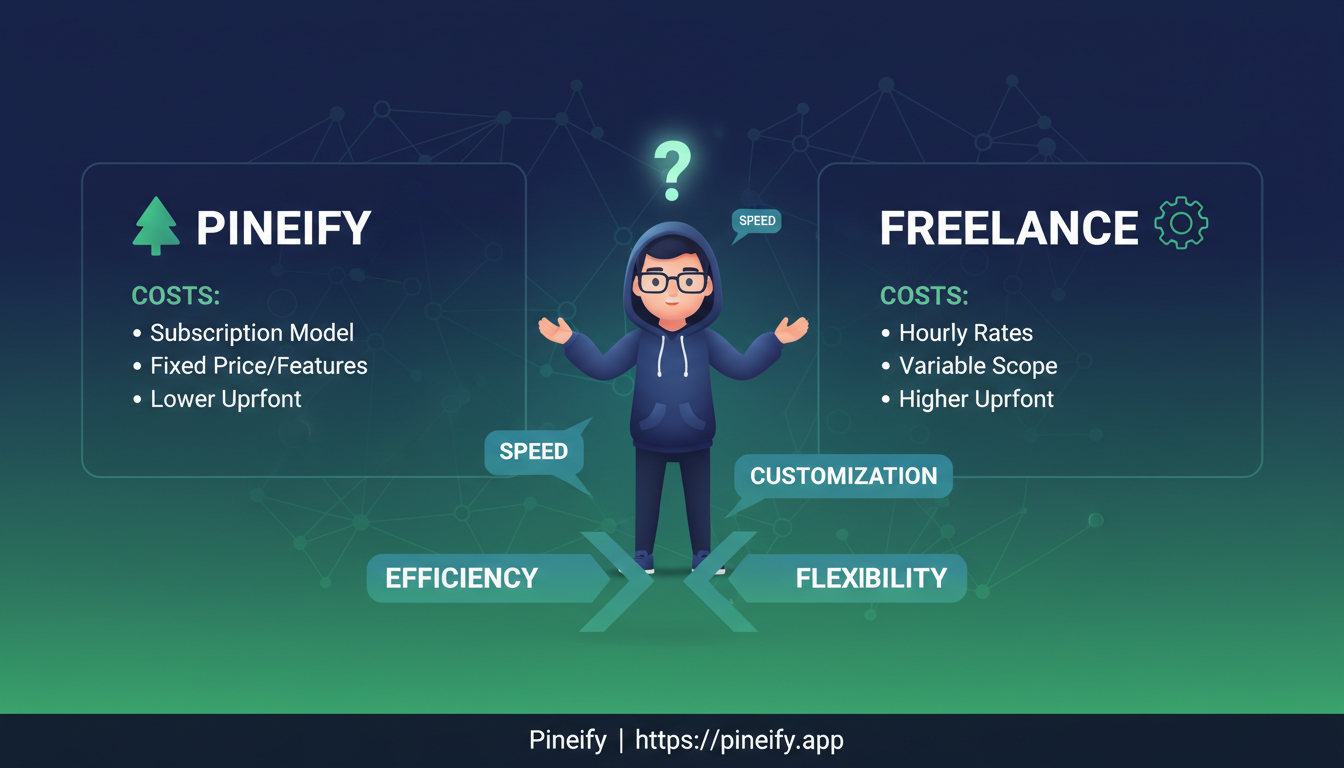
Pineify is an AI-powered code generator that creates custom Pine Script from plain English descriptions. For most traders who need indicators, alerts, or strategies, it's cheaper and faster than hiring a freelancer—minutes instead of days, flat subscription instead of $75 to $5,000 per project. Broker integrations and institutional-grade systems still need a human developer.


Pineify vs. Freelance Developers: Compare Costs & Choose Best Pine Script Solution

Pineify vs Gemini: Which AI Writes Better Pine Script?

· 19 min read
Pineify Team
Pine Script and AI trading workflow research team

Ever paste a block of AI-generated code into TradingView, only to get a cascade of error messages? That hour you lose debugging can feel especially frustrating when you're trying to test a market idea. Pineify wins hands-down for production-ready Pine Script code, while Gemini works better as a learning aid for the basics. I've tested both extensively since early 2025, and the gap in code quality is stark.

Both can spit out Pine Script code. But getting code that actually runs is a different story.


Pineify vs Gemini: Which AI Writes Better Pine Script for TradingView?

Pineify vs Manual Coding: Which Pine Script Method Wins?

· 11 min read
Pineify Team
Pine Script and AI trading workflow research team

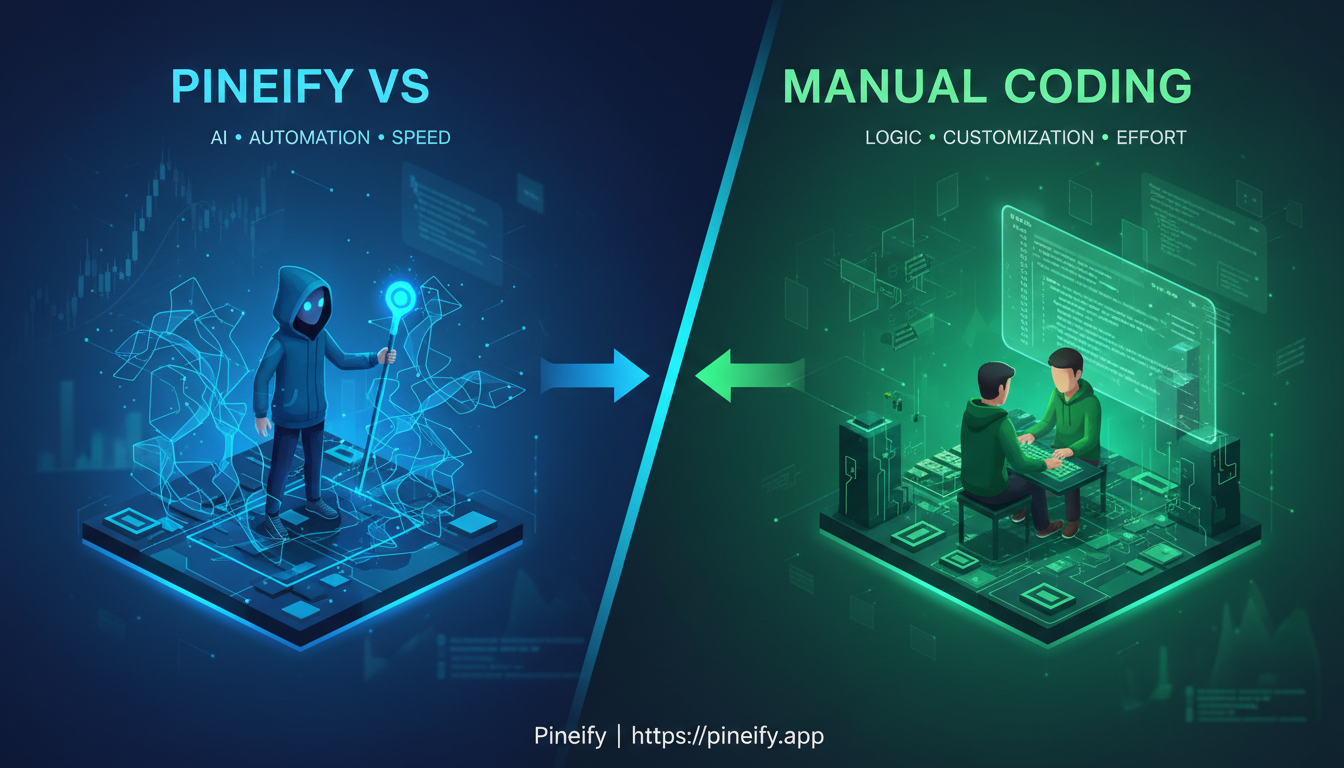
I've been writing Pine Script for about four years, and I've also tested every no-code trading tool I could find. My verdict: for 90% of TradingView users, a platform like Pineify will get indicators running faster and with fewer bugs than hand-coding. Manual code still wins when you need custom logic that no visual builder supports, but that's rarer than most traders think.


Pineify vs Manual Coding: Which Pine Script Method Works Best?

Pineify vs TradingView Pine Script Editor: Pick Your No-Code Tool

· 13 min read
Pineify Team
Pine Script and AI trading workflow research team

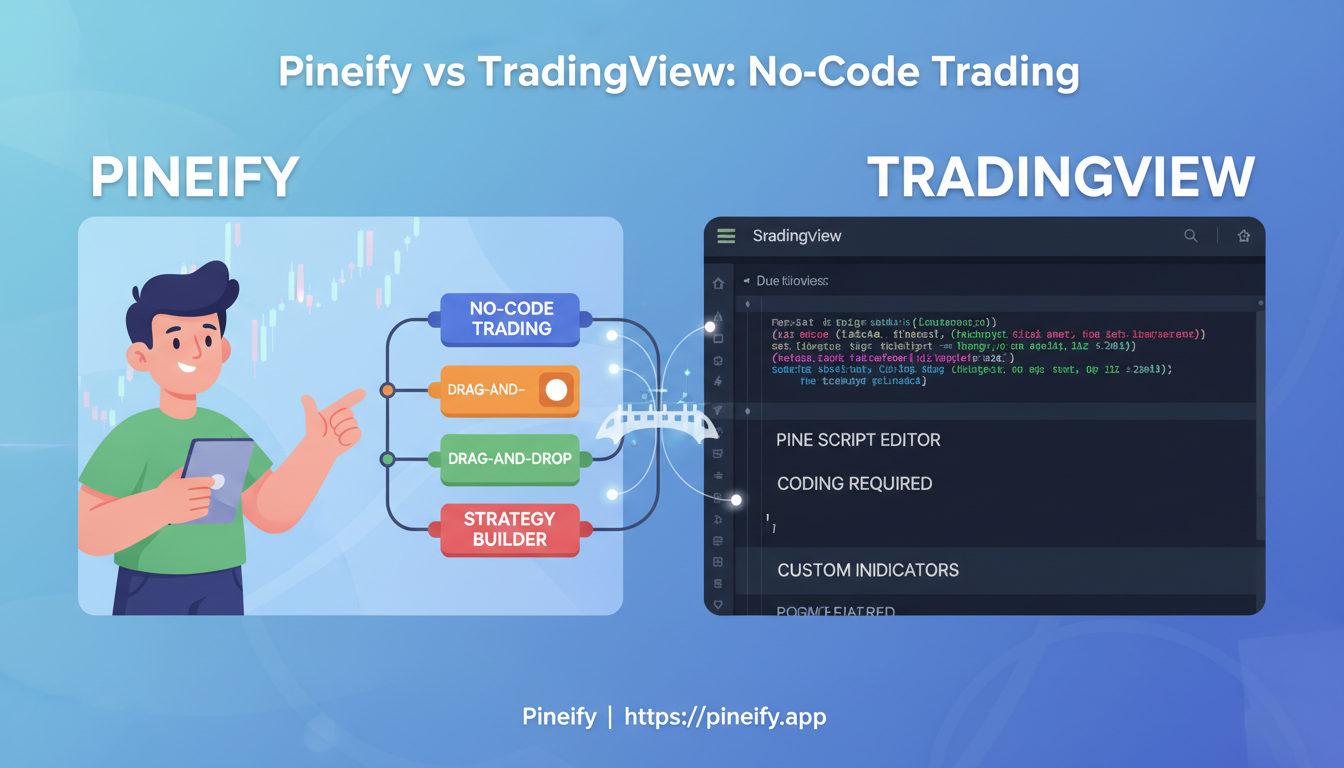
I've been building TradingView indicators for about two years, and I've used both TradingView's Pine Script Editor and Pineify across dozens of strategies. Here's my verdict up front: if you already write Pine Script, stick with the built-in editor — it's free, fast, and deeply integrated. If you don't code, or you want to build indicators faster without syntax errors, Pineify is the better pick. TradingView's Pine Script Editor is the platform's native coding environment where you write indicators and strategies using Pine Script. Pineify is a browser-based visual tool that generates clean Pine Script v5 and v6 code from drag-and-drop blocks. I used the Pine Editor almost exclusively for my first six months, and I can tell you the learning curve is steeper than most tutorials admit. Last month I built a multi-timeframe RSI screener for AAPL and TSLA in Pineify in about 15 minutes — doing that in raw Pine Script would have eaten my whole afternoon.


Pineify vs TradingView Pine Script Editor: Choose Your No-Code Trading Tool

Pineify Invite-Only vs TrendSpider: TradingView Comparison

· 19 min read
Pineify Team
Pine Script and AI trading workflow research team

I tested Pineify's invite-only indicator against TrendSpider on AAPL and BTC-USD last month. My take: Pineify wins for traders who already use TradingView. Its unified scoring system—trend, momentum, volatility all baked into one number—saves you from bouncing between tabs. TrendSpider automates chart patterns on its own platform, but you still have to connect the signals yourself. Pineify's invite-only indicator is a TradingView-native tool that condenses four analytical layers into a single actionable signal.


Pineify's Invite-Only Indicator vs TrendSpider: Superior TradingView Analysis

Pivot Points High Low: Spot Support and Resistance in TradingView

· 10 min read
Pineify Team
Pine Script and AI trading workflow research team

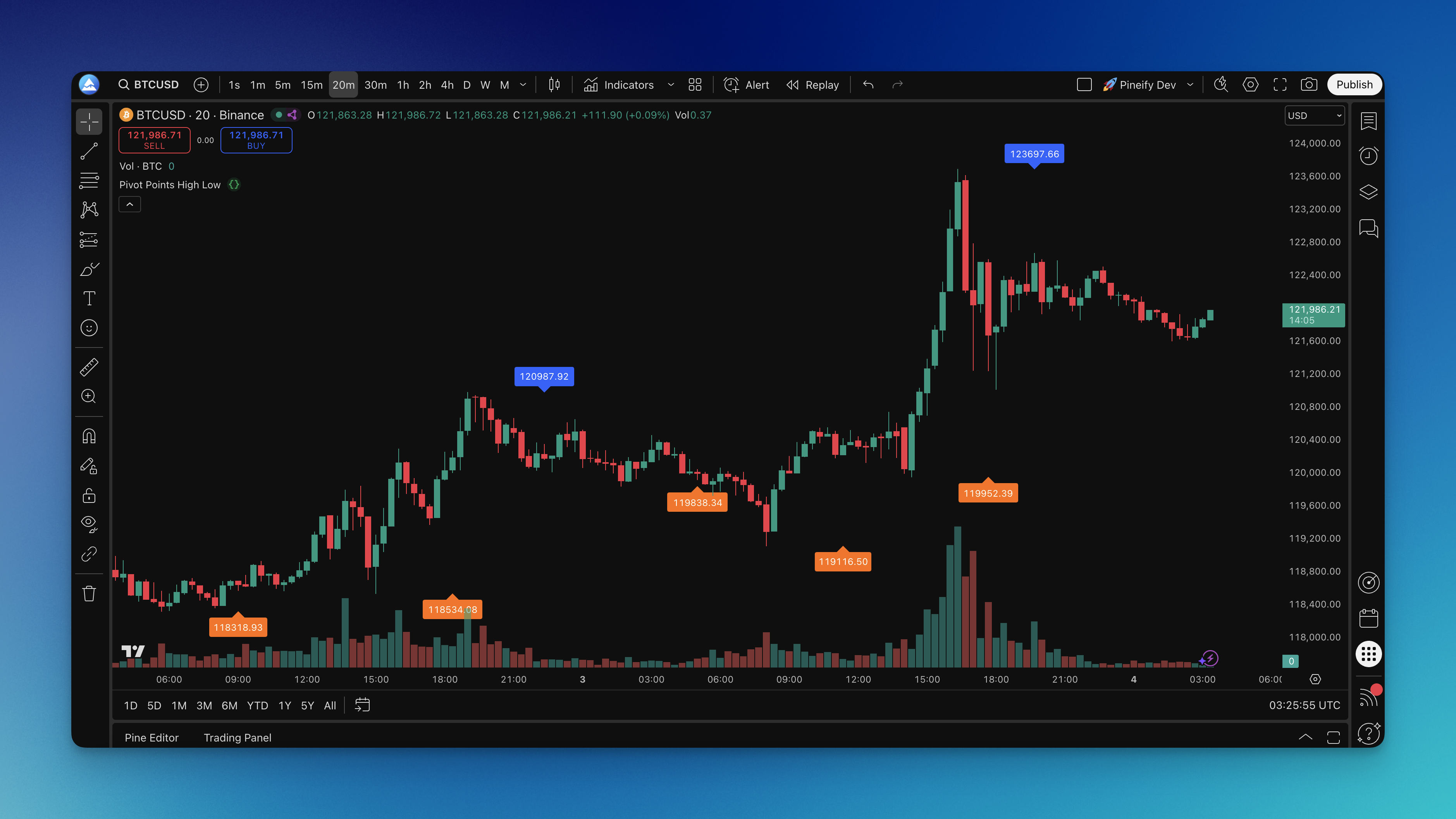
You know that moment when you're staring at a chart trying to figure out where price might bounce or break? I've been there more times than I care to count. The Pivot Points High Low indicator is a TradingView tool that automatically detects local highs and lows by scanning bars to the left and right of each turning point. It marks pivot highs with blue labels and pivot lows with orange labels, showing the exact price where buying or selling pressure took over.

This isn't about predicting the future. It's about seeing where price actually made its biggest decisions in the past — and using those levels to plan your next move.

Pivot Points High Low Indicator on Chart