Pineify vs. Freelance Developers: Cost, Speed, and the Best Pick

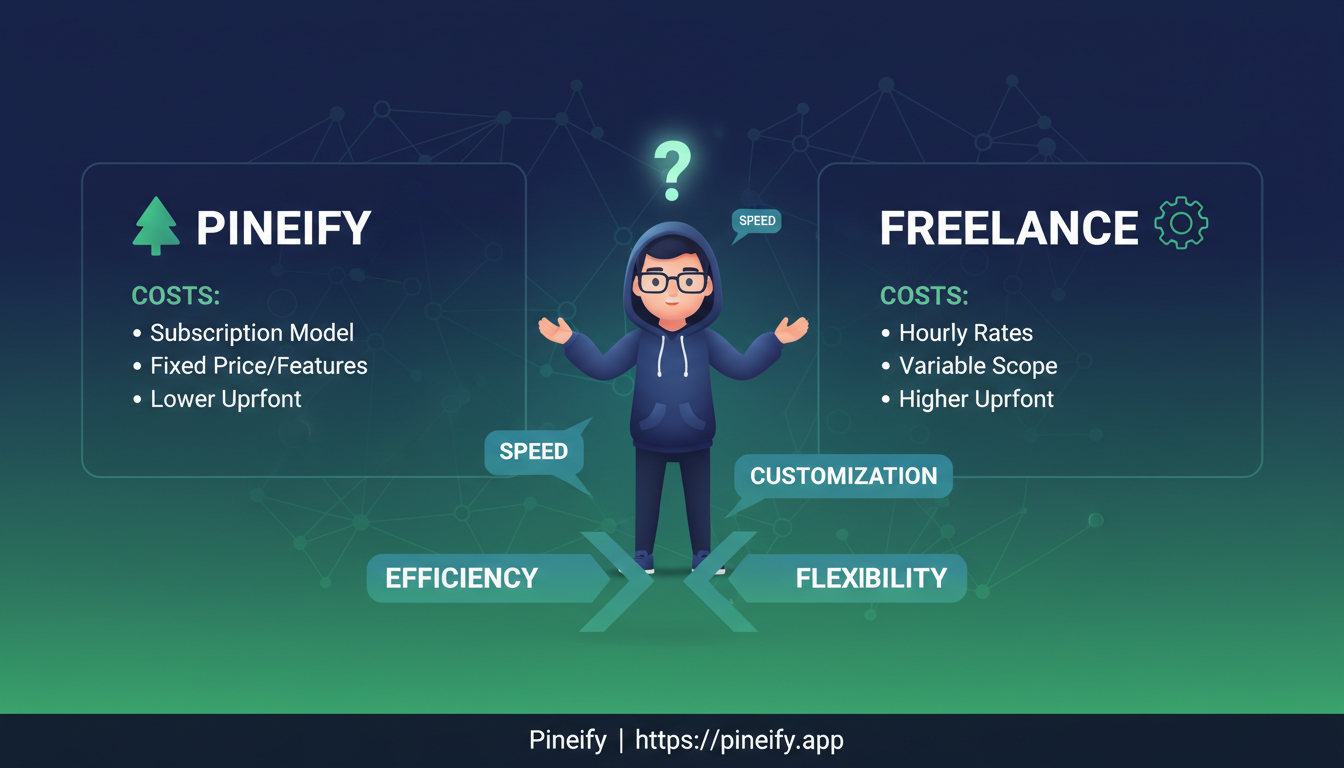
Pineify is an AI-powered code generator that creates custom Pine Script from plain English descriptions. For most traders who need indicators, alerts, or strategies, it's cheaper and faster than hiring a freelancer—minutes instead of days, flat subscription instead of $75 to $5,000 per project. Broker integrations and institutional-grade systems still need a human developer.
The Real Value of a Custom Pine Script
TradingView's built-in tools are fine for basic charting, but they rarely match your personal strategy. That's where Pine Script comes in—TradingView's own language for building custom indicators, strategies, or alerts. I've been writing Pine Script for about two years now, and even with a programming background, the quirks of v5 and v6 tripped me up more than once.
Want an RSI that reads across multiple timeframes? Or a custom order flow visualization? Pine Script makes both possible.
The learning curve is real though. Even experienced coders hit snags with Pine Script's unique rules. That's why most traders end up either hiring a freelancer or trying one of the newer AI-assisted code generators.
Thinking About Hiring a Pine Script Developer?
At first, hiring a pro sounds perfect. You explain your idea, they write the code, you get a working script. Simple. There's no shortage of freelancers on Upwork, Fiverr, and Freelancer.
I've been through this myself, and the reality is less clean than it looks.
What You'll Likely Pay
Prices vary wildly depending on experience and complexity. Here's a rough range:
| Project Type | Estimated Cost |
|---|---|
| Simple indicator (single logic) | $75 – $300 |
| Multi-condition indicator with alerts | $300 – $800 |
| Full trading strategy (entry/exit + risk management) | $500 – $5,000 |
| Hourly rate (entry-level) | $25 – $50/hr |
| Hourly rate (experienced specialist) | $75 – $150/hr |
| Hourly rate (expert consultant) | $150 – $300/hr |
On vetted platforms like Arc.dev, rates run $60–$100+ per hour. On mass marketplaces you'll see $10/hour offers—but in my experience, the quality matches the price.
The Hidden Costs Nobody Mentions
The quoted price is only the start. Here's what caught me off guard the first time I hired a Pine Script freelancer:
- Writing a detailed brief. Vague instructions produce vague code. Getting this right takes hours, not minutes.
- Revision loops. Almost every project needs 2–3 rounds of tweaks. Budget 20–30% extra time.
- Your own QA testing. The developer ships code. You're the one who has to verify it on live charts.
- Future maintenance. I had a custom script break when TradingView pushed the V6 update. Getting it fixed cost me another $150.
- Communication friction. Missed deadlines, dropped messages, code that doesn't compile—I've hit all of these.
In March 2025, I paid a freelancer $400 to build an SPY relative strength indicator. The first version didn't compile. Fixing it took two more rounds and another week of waiting.
Going in with open eyes helps. A good freelancer can be worth every dollar. Just don't expect a single payment to be the end of it.
If the freelancer route sounds like a lot of friction, you're not wrong. Platforms like Pineify let you generate professional Pine Script in minutes—no briefs, no revision cycles, no maintenance fees. You describe your idea or build it visually, and the code is ready to drop into TradingView.

Red Flags When Hiring a Pine Script Freelancer
Hiring a coder isn't a bad idea on its own. Sometimes it's the right move. But there are specific issues with Pine Script work that keep catching people out.
Think of it like hiring a contractor for your house: you want someone who shows past work, explains their approach, and doesn't make promises that sound too good to be true.
Here are the warning signs I've learned to watch for:
- "Guaranteed profitable" promises. No honest developer guarantees market returns.
- Suspiciously low prices. A $50 strategy is probably copied, rushed, or both.
- No public TradingView profile. If they can't show published scripts, there's no way to check quality.
- Code without comments. Good code explains why. Without comments, modifications become a nightmare.
- Can't explain the logic simply. If they only speak in jargon, they probably don't understand it well enough themselves.
There's also a structural risk: your script is tied to TradingView's platform. When Pine Script moved from V5 to V6, countless custom scripts broke. Traders who'd paid $500–$1,000 for a strategy had to pay again just to get it running on the new version.
I haven't tested every freelancer out there, but I've seen enough to know this pattern is common. If you do hire someone, ask how they structure code for future updates. It won't prevent platform changes, but it helps manage them. For a closer look at a platform that manages its own updates, check out this Flux Charts Review 2026.
How Pineify Changes the Equation
I've tried general AI chatbots for Pine Script before. They produce code that looks right but often fails to compile. Pineify is different—it's trained on TradingView's own documentation and understands V5 and V6 rules natively.
What Pineify Does Differently
You describe your idea in plain English—"show me a moving average crossover with RSI filtering"—and its AI writes the Pine Script. Before returning the code, the built-in Auto-Fix checks every line against V6 standards and catches errors automatically.
I've been using it for about six months now, mostly for quick indicator prototypes and strategy tests. The 85% first-compile rate is real in my experience. That's dramatically better than debugging a freelancer's delivered code or wrestling with a general AI's output.
| Capability | What It Means For You |
|---|---|
| High First-Try Success | About 85% of generated code compiles immediately—less time debugging. |
| Remembers Your Context | Say "add a stop-loss to that last strategy" without starting over. |
| Updates Old Scripts | Paste in a V5 script, and Pineify migrates it to modern V6. |
| Visual No-Code Builder | Drag and drop over 235 built-in indicators if you prefer not to type. |
| Iterate in Real-Time | Request changes and see the code update instantly. |
Pineify vs. Freelance Developer: Side-by-Side
| Factor | Hire a Pine Script Developer | Pineify AI |
|---|---|---|
| Time to first script | Days to weeks | Minutes |
| Cost | $75 – $5,000+ per project | Flat subscription |
| Revision process | Pay per round or negotiate scope | Unlimited prompts |
| Pine Script V6 support | Varies by developer | Native, always current |
| Ownership of code | Usually yes, but check contract | Yes, fully yours |
| Maintenance on updates | Additional cost | Covered by platform |
| Skill required | None (you just brief) | None (plain English) |
| Risk of project failure | Moderate to high | Low |
The core difference is speed and control. Waiting two weeks for a freelancer to go through briefing, revisions, and testing feels slow once you've experienced generating a working script in an afternoon. If you like to iterate on your trading ideas often, that shift changes how you work.
When Hiring a Developer Still Makes Sense
No single tool fits every situation. For most indicators and strategies, a code generator handles the job. But here are the specific scenarios where I'd still hire a human:
- Broker API integration. Connecting TradingView alerts directly to Interactive Brokers, OANDA, or Binance for auto-execution requires working with external APIs that Pineify doesn't touch.
- Massive custom systems. Multi-strategy infrastructure with custom backtesting and external data feeds—usually institutional-level work.
- Extreme secrecy for a proprietary strategy. If you need the code to never touch any cloud server, a human developer under NDA is the only option.
I prefer Pineify for my own day-to-day work because 90% of what I build falls outside those edge cases. If you need a custom RSI strategy, a multi-indicator dashboard, or a moving average crossover with alerts, Pineify handles it instantly—without the cost, delay, or uncertainty of a traditional dev project.
What is Pineify and how does it differ from hiring a freelance Pine Script developer?
Pineify is an AI-powered code generator purpose-built for Pine Script and TradingView. With a freelancer, you pay per project ($75–$5,000+), wait days or weeks, and negotiate each round of revisions. With Pineify, you describe your trading idea in plain English and get working code in minutes, all for a flat subscription. It also auto-fixes V6 errors before delivering the script.
How much does it cost to hire a freelance Pine Script developer?
That depends on what you need. A simple indicator like a custom moving average crossover alert runs $75 to $300. Full trading strategies with entries, exits, and risk management start around $500 and can hit $5,000 or more. Hourly rates range from $25 for newer developers to $300+ for recognized experts. Budget an extra 20–30% for revisions and future maintenance.
Can I use Pineify without any coding knowledge?
Yes. That's exactly what it's designed for. Describe your idea in plain words—"show an arrow when RSI crosses above 30 while price is above the 200-period moving average"—and Pineify turns that into working code. There's also a drag-and-drop builder with over 235 built-in indicators if you prefer clicking over typing.
Does Pineify support Pine Script V6, and what happens when TradingView releases updates?
Pineify natively supports V6 and stays current with TradingView platform changes. When TradingView releases an update that affects syntax or functions, the platform handles compatibility—no need to pay a developer for a maintenance fix. It can also migrate existing V5 scripts to modern V6 syntax. For a detailed example of a V6-compatible indicator, check out our guide on the Farey Sequence Weighted Moving Average.
When should I still hire a human Pine Script developer instead of using an AI tool?
Three cases: connecting TradingView alerts directly to a broker API for automated order execution, building institutional-grade multi-strategy systems with custom infrastructure, or protecting a proprietary strategy under a strict NDA where you can't use any cloud-based service. For most retail traders building indicators, alerts, or strategies, an AI code generator covers everything practical.
What are the red flags to watch out for when hiring a Pine Script freelancer?
Guarantees of profit, no public TradingView profile or scripts to review, prices that seem too good to be true, code delivered without inline comments, and an inability to explain the strategy logic in plain language. Start with a small paid test project—say $100 to $300—before committing to anything larger.
How does Pineify's Auto-Fix feature work?
Before delivering generated code, Pineify runs an automatic line-by-line check against Pine Script V6 standards. It catches syntax errors, deprecated functions, and version conflicts so the script compiles on the first try. That's how it hits roughly 85% first-compile success rate, cutting down debugging time significantly compared to manual coding or freelancer delivery.
Ready to build your own script?
Skip the freelancer briefs and revision cycles. Write down what you need, generate it in Pineify, and drop the code into TradingView in minutes. For the full automation pipeline, check out the AI Trading Bot for TradingView guide.