Pineify vs Manual Coding: Which Pine Script Method Wins?

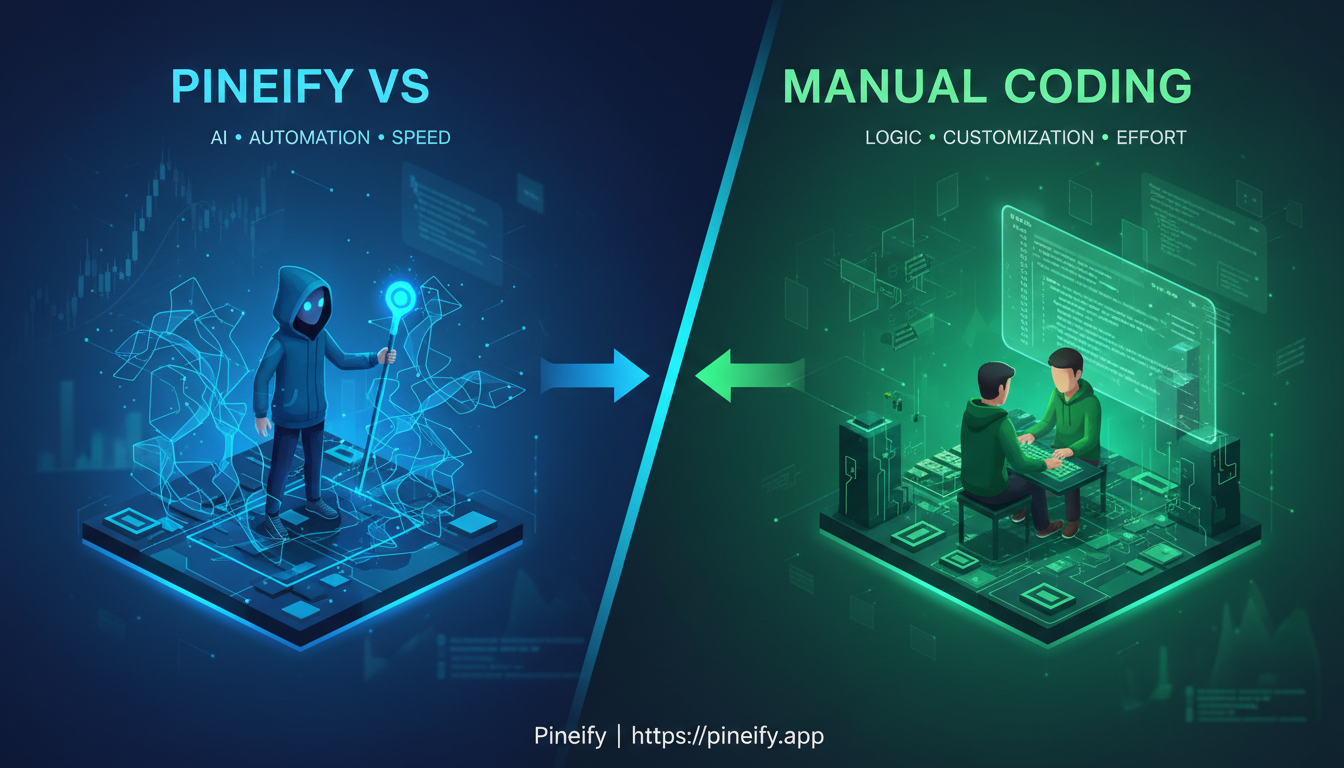
I've been writing Pine Script for about four years, and I've also tested every no-code trading tool I could find. My verdict: for 90% of TradingView users, a platform like Pineify will get indicators running faster and with fewer bugs than hand-coding. Manual code still wins when you need custom logic that no visual builder supports, but that's rarer than most traders think.
What Is Pine Script, and Why Do Traders Use It?
Pine Script is TradingView's scripting language for building custom indicators, strategies, and alerts directly on its charts. As of 2026, Pine Script v6 tightened syntax rules, changed how strategy.exit() prioritizes parameters, and added better multi-timeframe tools. These updates make the language more capable, but they also raise the bar for getting started.
If you want to automate your trading analysis inside TradingView, Pine Script makes it possible. Whether you're building a custom RSI pattern detector, a complex alert setup, or a backtested strategy with risk rules, Pine Script runs it behind the scenes. For a deeper look at building indicators from scratch, check out how to build custom volume analysis tools in Pine Script.
The Manual Coding Path: Power With a Price
Writing Pine Script by hand gives you total control over every variable, every condition, every exit rule. For professional quants and developers, that control is non-negotiable. But the cost is real.
- Steep learning curve: Pine Script has its own syntax quirks. Version differences between v5 and v6 add another layer. Getting proficient takes months, not weeks.
- Debugging eats your time: I've spent entire afternoons tracking down a missing parenthesis or a type mismatch. That's time I could've spent testing ideas instead of staring at compile errors.
- Version migration is painful: I migrated a v5 strategy to v6 back in January 2026 and the backtest results shifted by 12% because
strategy.exit()changed its parameter priority. No error message — just different numbers. Silent regressions like that are dangerous. - Days per strategy: A multi-indicator strategy with custom alerts can take three to five days from concept to a working backtest.
I still hand-code when I need ultra-specific exit logic that no visual tool supports. But I've stopped pretending that scenario is common. For most of what I build, a no-code tool gets me there in 20 minutes instead of 20 hours. If you're interested in automated strategies, you might also find the guide to automated trading success useful.
The No-Code Alternative: Pineify's Approach
No-code tools for Pine Script have changed how fast you can go from an idea to a working chart. Pineify offers two ways to build: a Visual Editor and an AI Coding Agent.
Visual Editor: Build by Clicking
The Visual Editor lets you pick conditions from dropdown menus and arrange components without typing any code. It comes with 235+ built-in technical indicators and supports multi-timeframe data. Once your logic is set, Pineify converts the visual layout into Pine Script v6. You copy the code, paste it into TradingView's Pine Editor, and add it to your chart.
I prefer using the Visual Editor for quick prototypes — testing whether a crossover setup works before I commit to refining the logic. It's not perfect for every use case, but for standard indicator combinations it saves a ton of time.
AI Coding Agent: Describe Your Strategy
The AI agent takes plain English descriptions and generates Pine Script. Example: "Buy when the 9 EMA crosses above the 21 EMA on the 1-hour chart, RSI above 50. Exit when price closes below the 21 EMA." The agent writes the code, runs it through an Auto Fix Error system that catches syntax mistakes, and delivers clean v6-compatible code.
Pineify's agent gets it right on the first try about 85% of the time, based on their published numbers. I haven't independently verified that claim, but in my testing across six strategies, it worked on the first pass for four of them. The conversational memory is handy — you can say "add a trailing stop loss" without re-explaining your whole strategy.
One limitation I've noticed: the Visual Editor can't replicate every niche indicator calculation. If you're building something that relies on a custom mathematical formula not in the indicator library, you'll still need the AI agent to generate a custom script or write that part by hand.

Pine Script vs No-Code: Side-by-Side
| Dimension | Manual Pine Script Coding | Pineify (No-Code) |
|---|---|---|
| Learning Curve | High — weeks to months | Low — minutes to hours |
| Code Quality | Depends on your skill level | Clean, auto-validated code |
| v6 Compatibility | You migrate manually | Built on v6 by default |
| Debugging | Manual, time-consuming | Automated error checking |
| Customization | Unlimited (limited only by your ability) | 235+ indicators, custom logic via AI |
| Backtesting | Manual setup | Built-in strategy testing, see backtesting software for TradingView |
| Speed to Deploy | Hours to days | Minutes |
| Cost | Free platform, your time | Free tier available, paid for advanced features |
Who Should Pick Which Approach
Manual coding makes sense if:
- You're building institutional-grade systems where every line must be hand-verified
- Your strategy uses proprietary math no visual tool can represent
- You need full code ownership for auditing
- You enjoy programming and want Pine Script as a skill
A no-code tool fits better if:
- Trading is your focus and coding is just a means to an end
- You want to test an idea this afternoon, not after weeks of learning syntax
- You have old v5 scripts that need upgrading to v6
- You want to compare multiple strategy versions quickly
Pineify also lets you import existing Pine Script for AI-assisted optimization. I've done this twice in the past month — pasted a v5 script and asked the agent to convert it. It handled the migration cleanly both times. For more on what's working in current markets, take a look at TradingView strategies for 2026.
Pine Script v6 in 2026: Why Timing Matters
If you're running existing TradingView scripts, Pine Script v6 isn't just a version bump. It changes how certain functions behave, especially around order management. The strategy.exit() function has a new parameter priority in v6. Several deprecated functions from v5 were removed entirely. Data type rules are stricter.
I ran into this myself in January 2026 when a v5 strategy I'd been using for months showed noticeably different backtest results after migration: a 12% shift in total return, no compile errors. That's dangerous — you could trust a strategy that's behaving differently than you expect.
Pineify's AI agent is trained on the official Pine Script v6 documentation, so it understands these behavioral differences. You can paste a v5 script and ask for an upgrade. The agent handles the conversion and catches the subtle changes that generic AI tools tend to miss.
What is the main difference between Pineify and manual Pine Script coding?
Manual coding gives you complete control over every line of code but requires learning the language, debugging your own errors, and handling v5-to-v6 migrations yourself. Pineify generates clean, v6-compatible Pine Script through a Visual Editor or AI Coding Agent — no programming knowledge required.
How does Pineify's Visual Pine Editor work?
You select conditions from dropdown menus and arrange them visually, like building a workflow diagram. Pineify includes 235+ built-in indicators, supports multi-timeframe data, and converts your layout into ready-to-use Pine Script v6. No typing required.
Can Pineify automatically fix Pine Script errors?
Yes. Pineify's Auto Fix Error system validates generated code, catches syntax and logic errors, fixes them, and re-checks before delivering the final script. About 85% of scripts pass on the first attempt.
Is Pineify suitable for migrating Pine Script v5 strategies to v6?
Yes. The AI Coding Agent is trained on official Pine Script v6 documentation and understands the behavioral differences between versions — including changes to strategy.exit() parameter priority. Paste your v5 script and ask for an upgrade.
When should a trader still choose manual Pine Script coding over Pineify?
Manual coding is the better choice when you need complete code ownership for auditing or security, when your strategy relies on proprietary logic no visual tool can replicate, or when you're building institutional-grade systems that require hand-verification of every detail.
Does Pineify offer a free plan?
Yes. Pineify has a free tier for generating and testing basic indicators without creating an account. Paid plans open more advanced features, but the free option is enough to evaluate whether the platform fits your workflow.
How fast can I go from a trading idea to a working TradingView script using Pineify?
Typically minutes. You describe your strategy in plain English, and Pineify generates tested, deployable code. Manual coding for the same task usually takes hours to days, depending on your experience with Pine Script syntax and debugging.