How to Connect Coinbase to TradingView? Complete Integration Guide 2025

· 13 min read

Yes, you can absolutely connect your Coinbase account to TradingView! It's done through a specific feature called the Coinbase Advanced integration. This link lets you trade cryptocurrencies directly from the TradingView charts you're already using.

Think of it like this: instead of analyzing a price chart on TradingView and then having to switch over to your Coinbase app to place a trade, you can now do it all in one place. This integration, which became available in April 2025, works for both simple spot trades and more advanced derivative trades. You get to use all of TradingView's drawing tools and indicators while having direct access to your Coinbase account to trade major coins like Bitcoin and Ethereum, as well as newer altcoins.

How to Connect Coinbase to TradingView? Complete Integration Guide 2025

How to Draw Trend Lines in TradingView

· 19 min read

Trend lines are like the trusty compass for navigating the markets. They help you see the general direction prices are moving and spot potential turning points. If you use TradingView, knowing how to draw them properly is a fundamental skill. Let's walk through how to draw trend lines on TradingView, from the simple basics to a few neat tricks, so you can use them confidently in your own analysis. Getting comfortable with this can really sharpen your ability to read charts and make more informed decisions.

How to Draw Trend Lines in TradingView

How to Overlay Two Charts in TradingView: A Complete Guide for Traders

· 16 min read

Want to see how two different stocks or cryptocurrencies move together without constantly flipping between charts? Overlaying charts in TradingView is like having X-ray vision for your portfolio, letting you compare the price action of two assets on a single screen.

It's a game-changer for spotting relationships. You can see if that tech stock you love actually moves in step with the NASDAQ, or if your favorite crypto pair is starting to drift apart. By layering one chart on top of another, you get a clear, visual story of correlation and relative strength, helping you make smarter, more informed decisions.

How to Overlay Two Charts in TradingView: A Complete Guide for Traders

Zeiierman Trading: The Ultimate Premium TradingView Indicator Suite

· 10 min read

If you're trying to navigate the markets, having the right tools can make all the difference between guessing and making informed decisions. That's where Zeiierman Trading comes in. They've built a massive library with more than 80 different TradingView indicators, smart algorithms, and even automated bots. Whether you're just starting out or have been trading for years, their toolkit is designed to help you understand market trends and spot opportunities more clearly. For traders who want to understand TradingView's pricing structure, it's important to know what platform features you're getting.

Zeiierman Trading: The Ultimate Premium TradingView Indicator Suite

Order Flow TradingView: A Complete, Practical Guide to DOM, Delta, Footprint, and Volume Profile

· 29 min read

Order flow trading with TradingView gives you a real-time look at where the market's momentum is actually coming from. Instead of just watching lagging indicators, you're seeing the raw battle between buyers and sellers as it happens. This guide will walk you through what order flow is, how to set up TradingView for it, and how to translate the live market activity into clear, risk-aware trading opportunities.

Order Flow TradingView: A Complete, Practical Guide to DOM, Delta, Footprint, and Volume Profile

How to Create Indicator in TradingView: A Complete Guide for Traders

· 12 min read

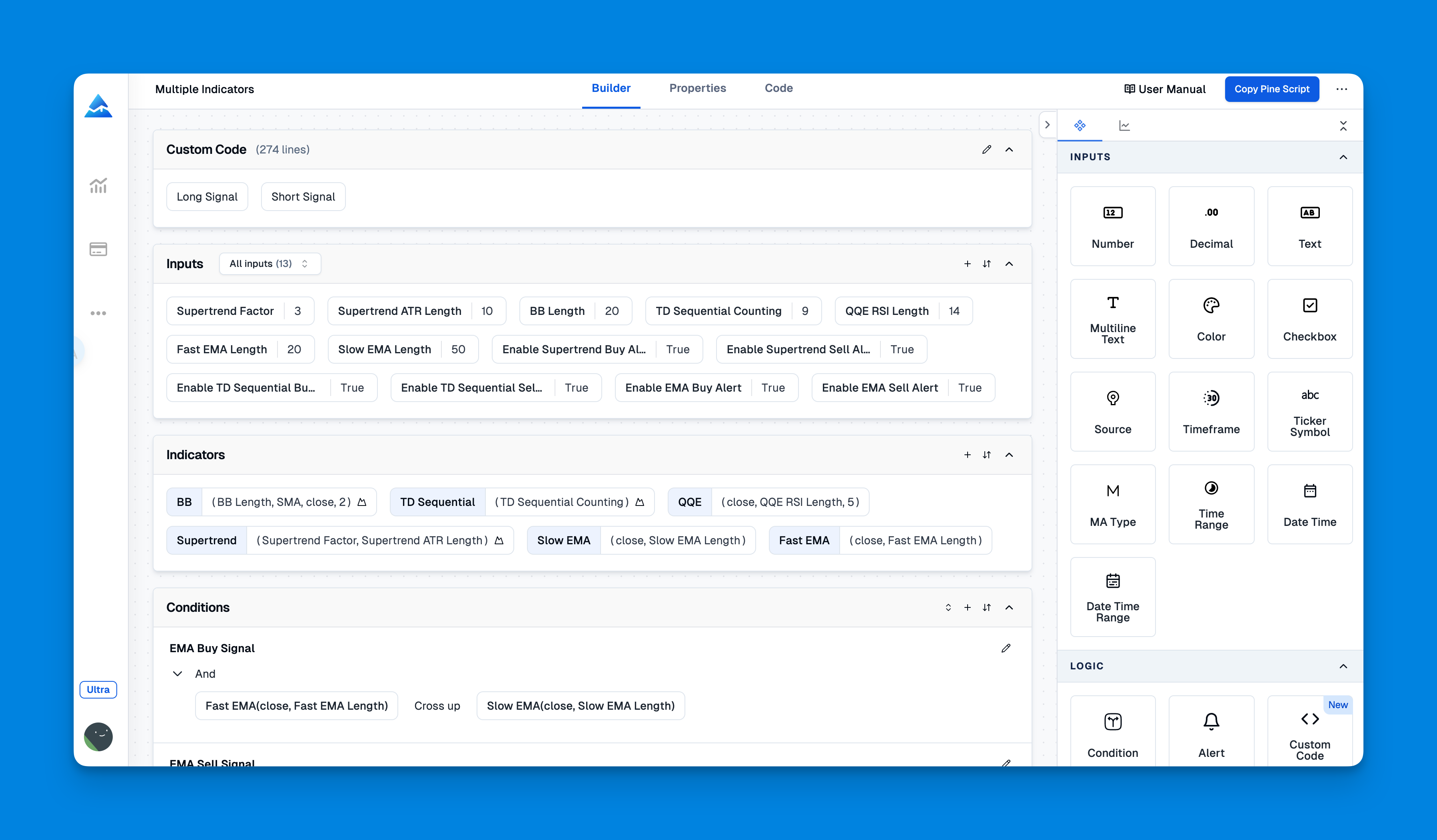
Creating your own custom indicators in TradingView is like having a secret weapon for your trading. It lets you build technical analysis tools that fit your specific style, moving beyond the standard options everyone else uses. The best part? You do it all with TradingView's own language, called Pine Script. It's designed to be surprisingly approachable, whether you're just starting out or you already have some coding experience.

This guide will walk you through the entire journey, from opening the Pine Script editor for the first time to seeing your very own creation light up on a live chart.

How to Create Indicator in TradingView: A Complete Guide for Traders

Mastering TradingView Chart Settings: Your Ultimate Guide

· 15 min read

TradingView is that go-to tool for so many traders and investors, and a big part of why it's so useful is how you can make the charts your own. Getting your chart settings just right can totally change how you see the market and make decisions. Whether you're just starting out and opening your first chart or you're a pro tweaking a complex layout, knowing your way around TradingView's settings is a game-changer.

I'm going to walk you through TradingView's chart settings, step-by-step. We'll cover the essentials and some neat tricks to help you build a charting workspace that feels like it was made just for you. When your charts are set up clearly, it's easier to spot trends, understand your indicators, and act with confidence. Let's get everything customized for your unique style.

Mastering TradingView Chart Settings: Your Ultimate Guide