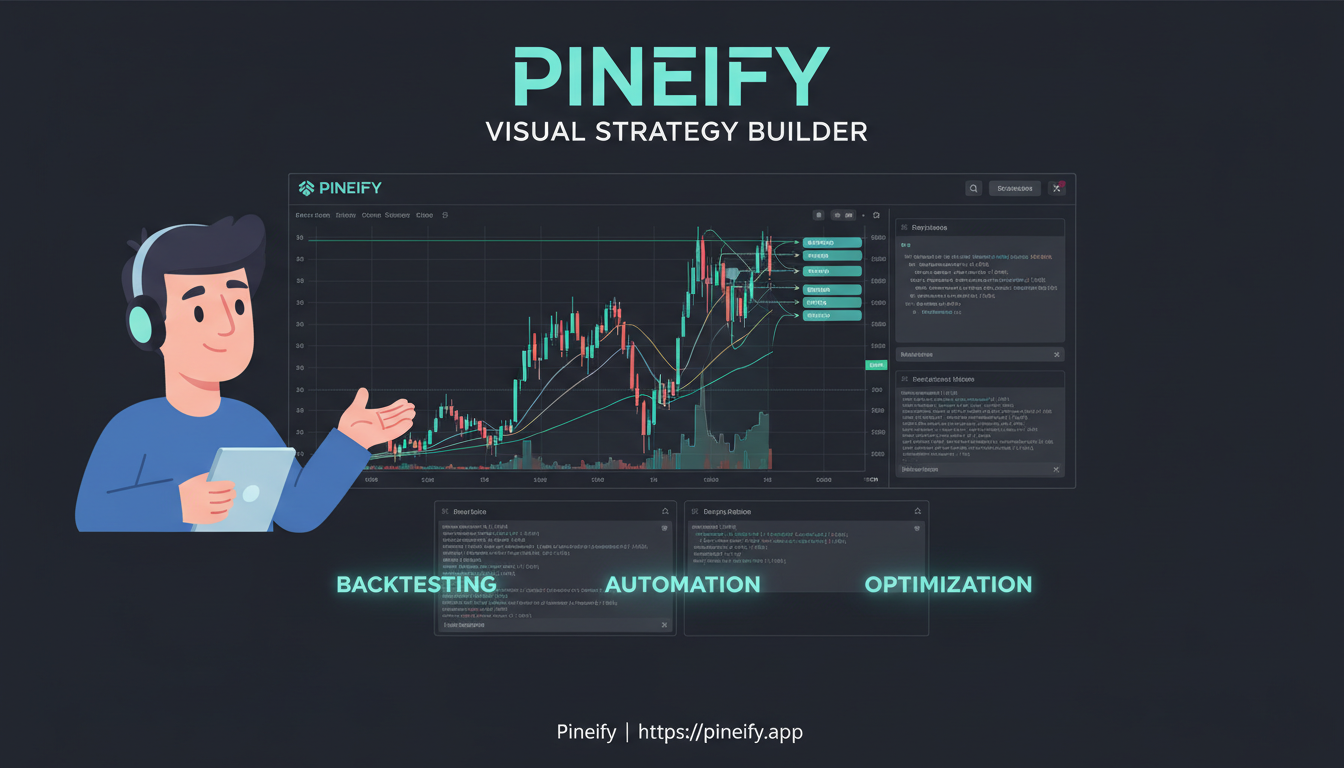
Pineify's backtesting workflow spans several tools: the Visual Editor or Coding Agent creates source, TradingView simulates the strategy, the Strategy Optimizer varies supported inputs, and Backtest Deep Report analyzes an exported trade file. Each stage answers a different question and needs its own checks.
Pineify's Visual Editor can reduce the amount of Pine syntax you write for supported indicator and strategy rules. Whether it fits your work depends on those rules, the need for custom code, and the TradingView testing workflow. This review describes product capabilities and an evaluation method; it is not a seven-day hands-on benchmark or a report of profitable trades.
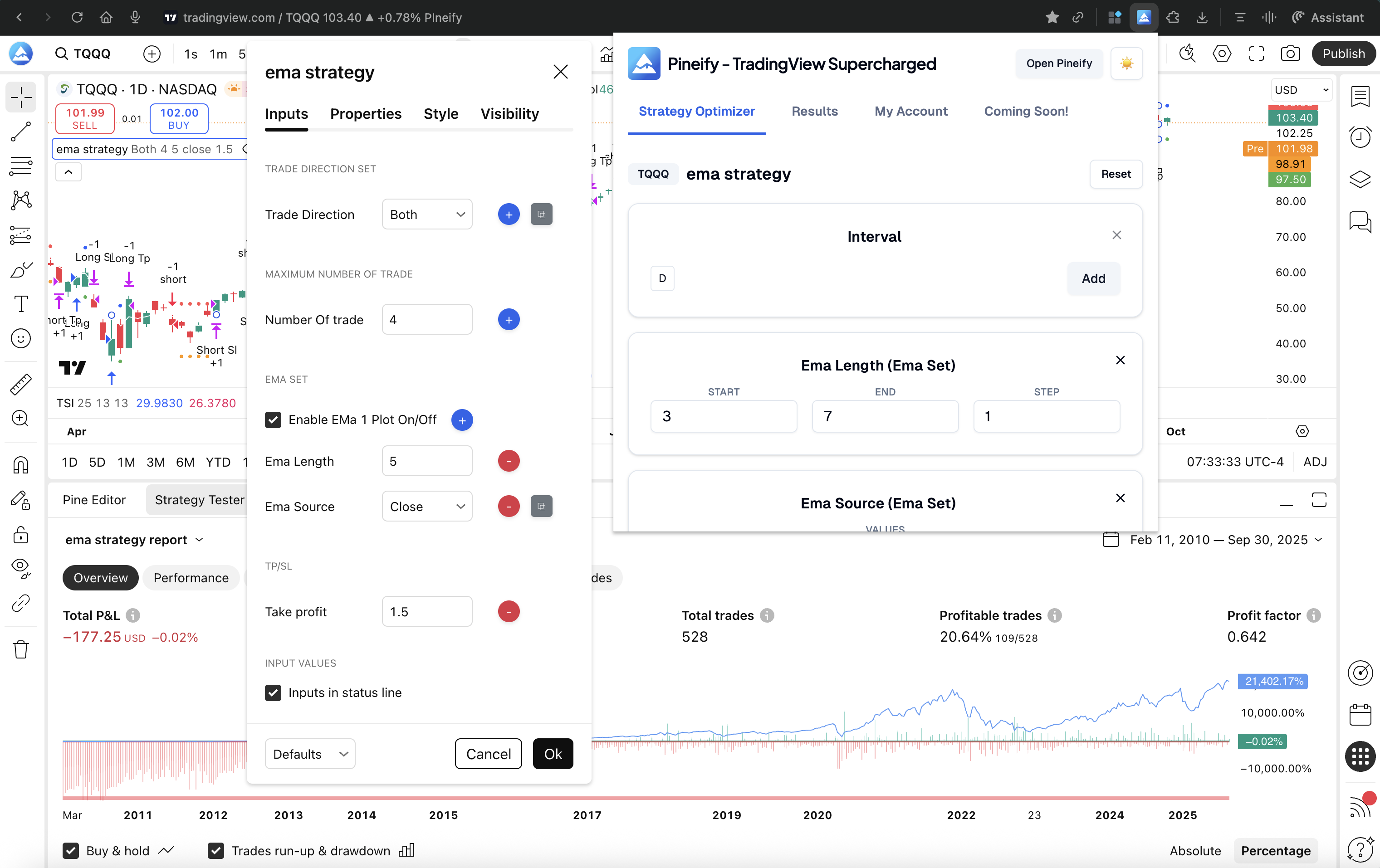
Pineify Strategy Optimizer automates changes to exposed strategy inputs in a TradingView browser tab, then collects the resulting Strategy Tester metrics. Its useful output is a comparison of specified parameter combinations on a specified dataset. It does not establish the best settings for future trading.
Pineify Strategy Optimizer and Optuna address different parts of a research workflow. Pineify changes supported inputs in a TradingView strategy and collects tester results. Optuna is a Python optimization framework that calls an objective function you supply. The first choice is therefore where the strategy can be evaluated correctly, not which tool promises better returns.
Benzinga Pro and Pineify offer overlapping research tools with different workflows. Benzinga Pro documents news, audio squawk, market events, screeners, and options-activity alerts. Pineify combines stock rankings, options snapshots, and market-data views in its app. There is no controlled evidence here that either produces better trading results.
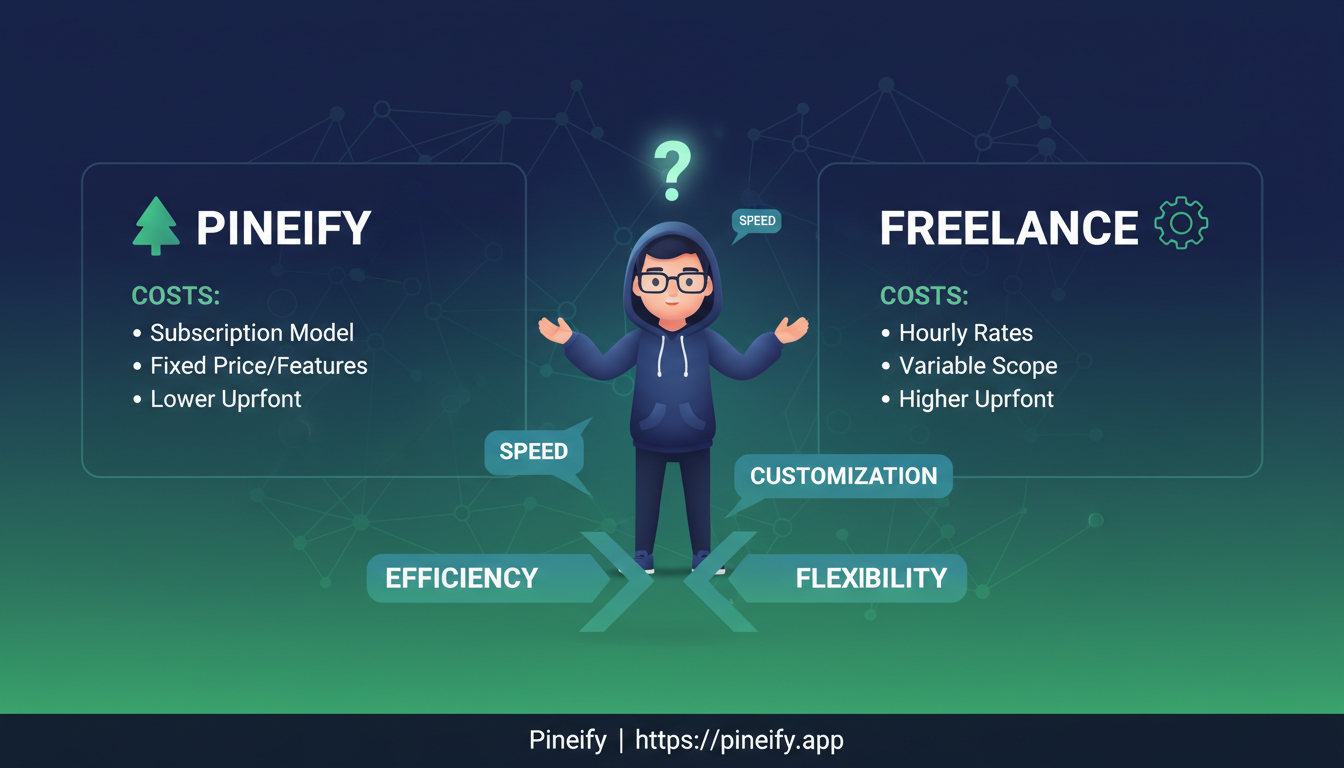
Choose between Pineify and a freelance Pine developer by the work that must be delivered and verified. Pineify offers AI-assisted source generation and a visual builder. A developer can take responsibility for implementation, explanation, testing, and maintenance under an agreed scope. Neither route removes the need for a precise specification.
A defensible Pineify-versus-Gemini comparison needs the same task, model configuration, revision budget, and acceptance tests. No reproducible head-to-head benchmark is supplied here, so an 85% first-compile rate or a claim that one tool always produces better Pine code is not justified. The useful comparison is how each workflow helps you create, check, and revise a script.
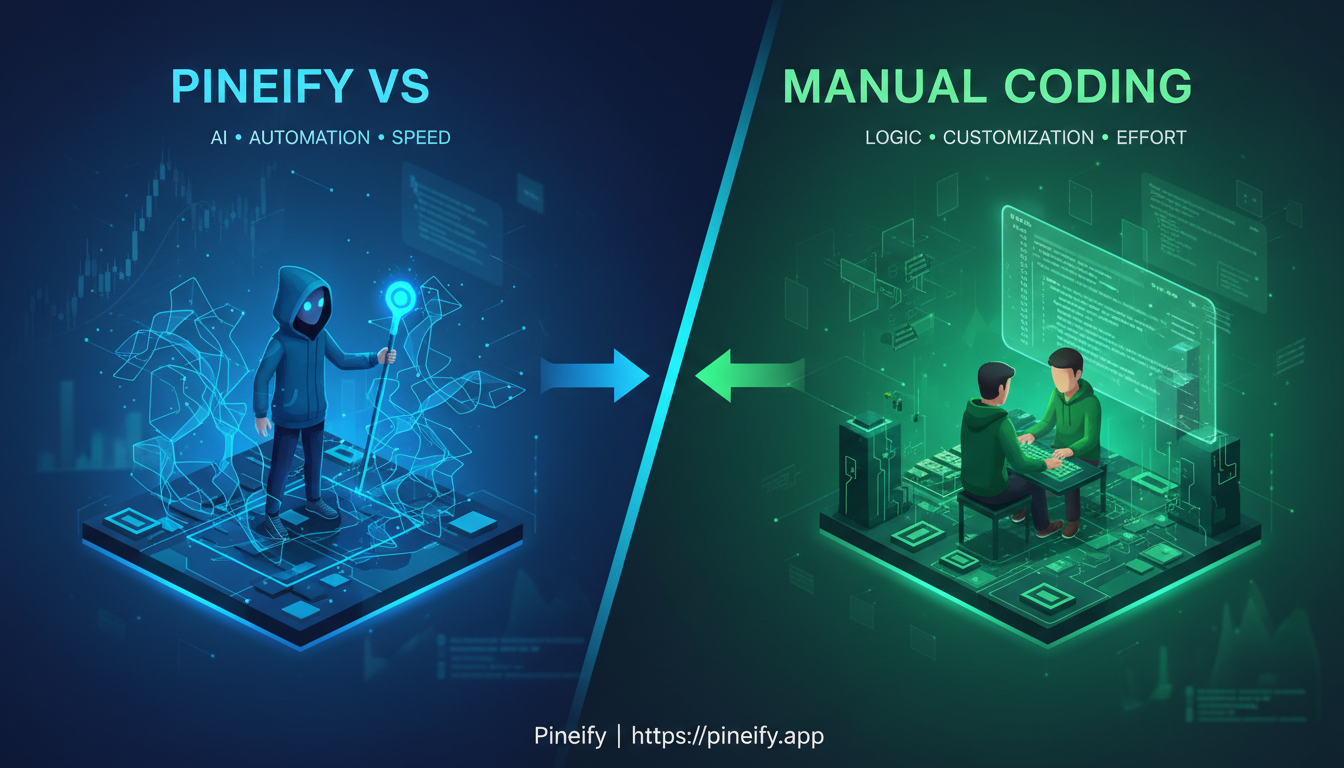
Manual Pine editing, Pineify's Visual Editor, and AI-assisted drafting are different ways to produce source code. They share the same final constraints: TradingView must accept the script, its behavior must match the rules, and any trading evaluation must use realistic assumptions. No measured 90%-of-users advantage or universal development-time saving is established here.
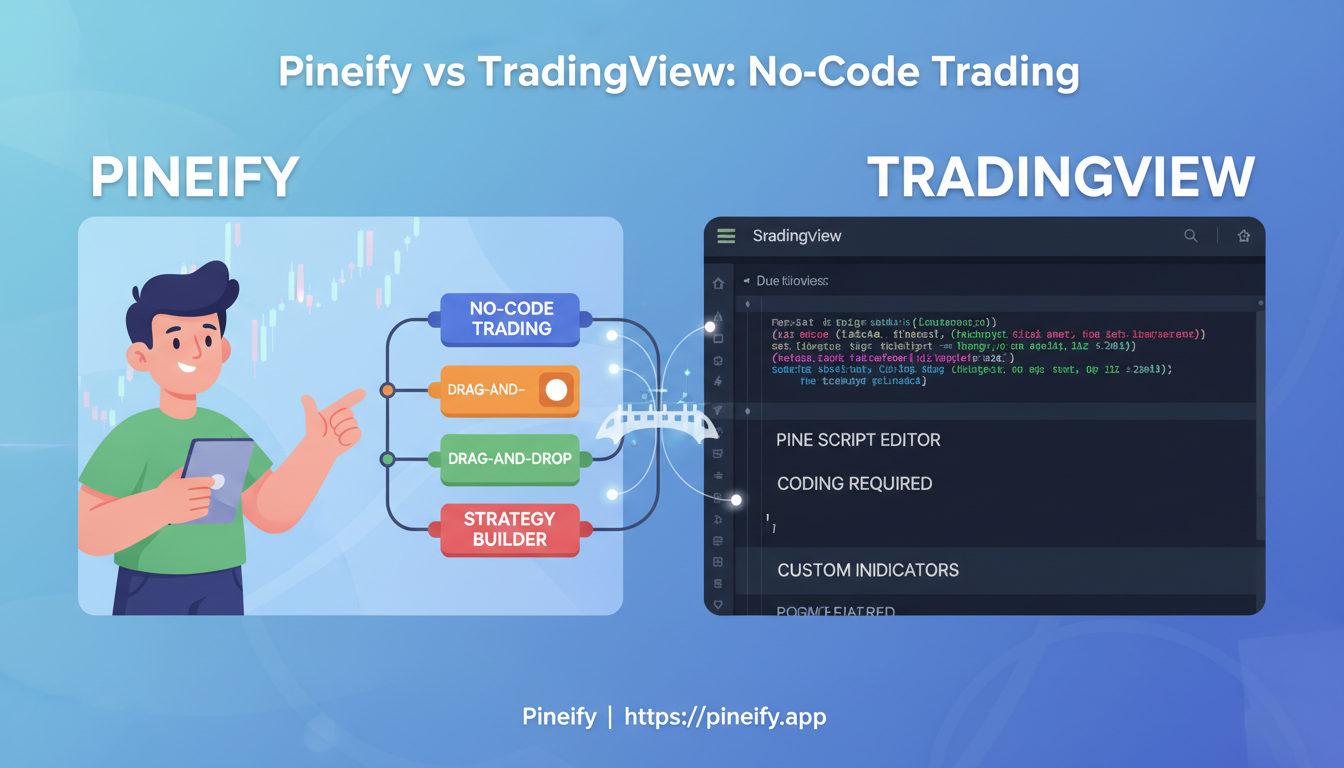
Pineify's Visual Editor produces Pine Script from supported configurations; TradingView's Pine Editor edits and runs source in the charting environment. TradingView also offers AI Copilot for creating scripts from plain language. The decision is about how you want to specify and review your rules, rather than whether TradingView requires every user to write code manually.
Pineify's invite-only indicators run on TradingView, while TrendSpider supplies its own charting, scanning, alerts, and strategy tools. An indicator and a complete analysis platform have different scopes. There is no documented head-to-head test here establishing that Pineify produces better trades, and a score-based display alone cannot establish that result.