An options order flow tool organizes reported options activity for investigation. It can show contract details and premium classifications, but it does not identify every investor, reveal a complete portfolio, or prove that a trade predicts the next price move. Pineify Market Insights provides filters and contextual views for reviewing that activity.
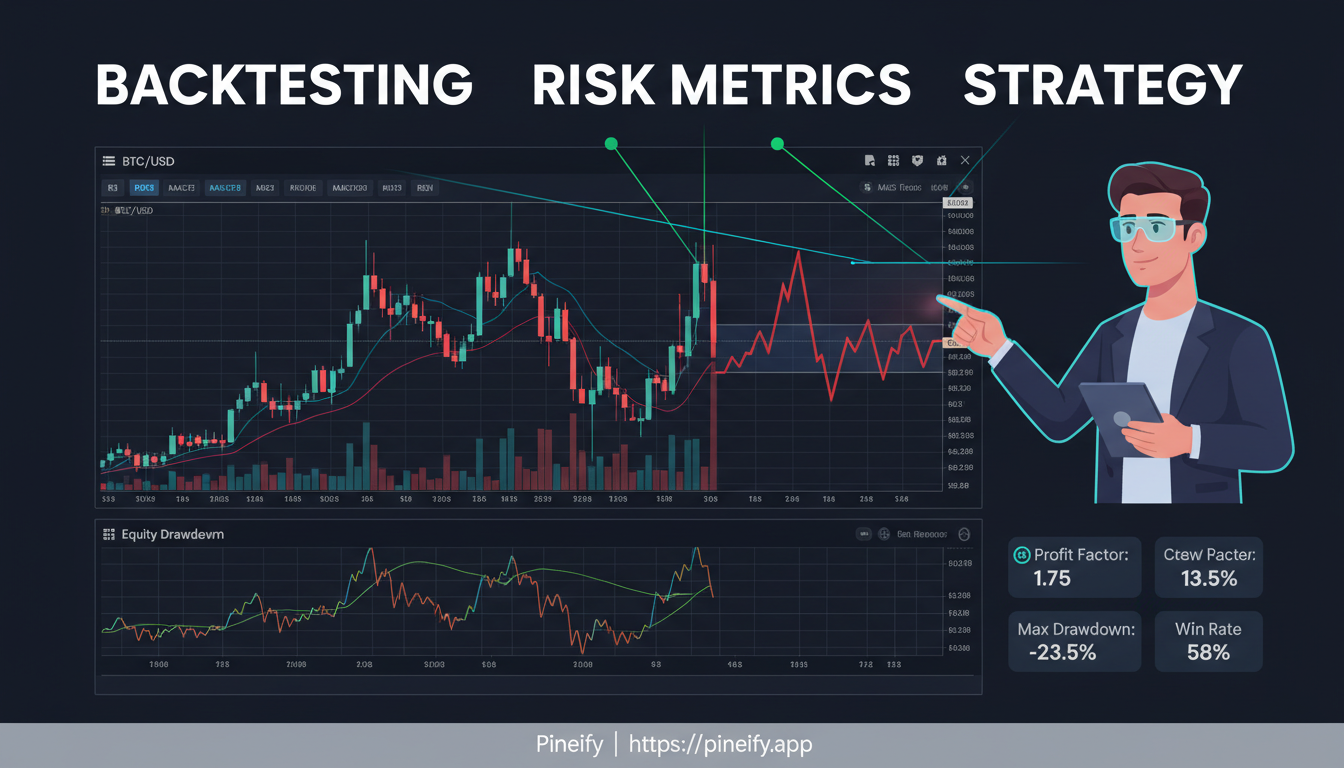
QuantConnect runs algorithms through LEAN. Pineify's Backtest Deep Dive analyzes supported trade reports produced elsewhere. These answer different questions: an engine evaluates the strategy against market data, while a report helps inspect the resulting trade sample.
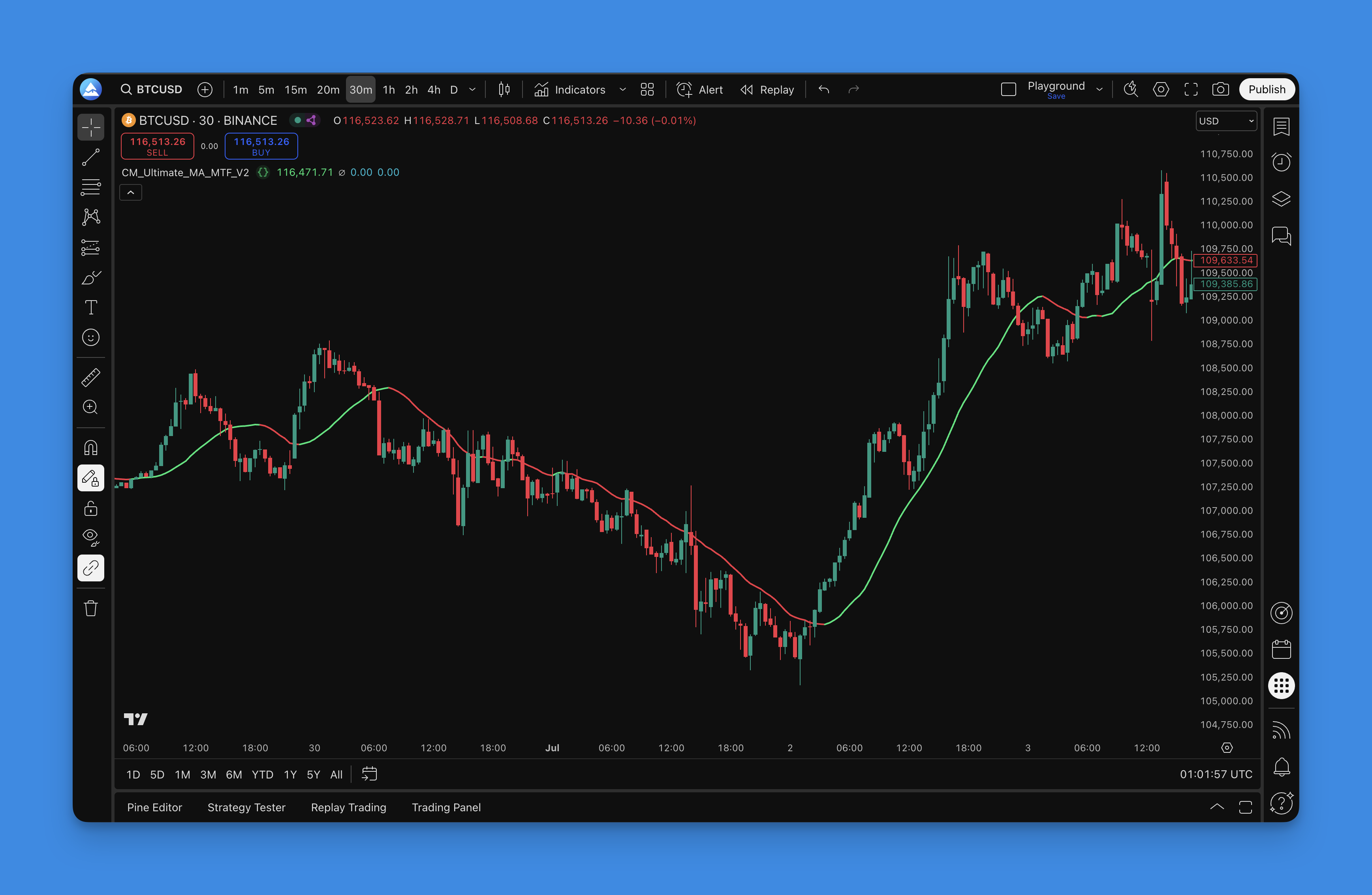
CM_Ultimate_MA_MTF_V2 is Chris Moody's multi-timeframe moving-average indicator. The original TradingView publication lists eight types: SMA, EMA, WMA, Hull MA, VWMA, RMA, TEMA and Tilson T3. SWMA and DEMA are not in that list.
Pineify provides a related Ultimate MA component. The setup below describes its current implementation; do not assume that every drawing option or alert in another version is identical.
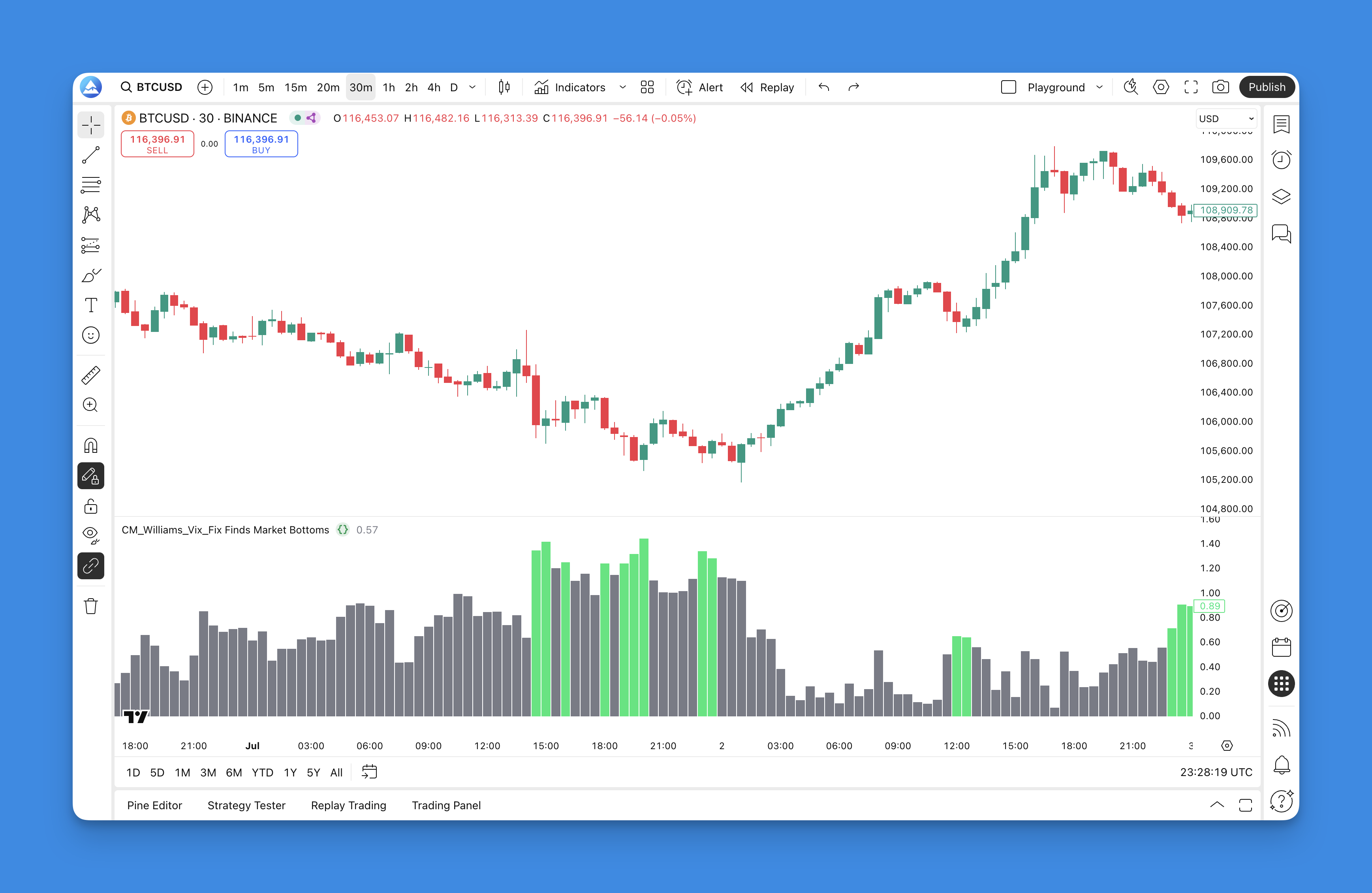
The Williams VIX Fix measures the distance between the current low and the highest recent close, as a percentage of that highest close. Chris Moody's CM_Williams_Vix_Fix publication attributes the idea to Larry Williams and adds threshold-based highlighting.
A large reading identifies a large downward price excursion relative to the selected reference. It does not establish that selling is exhausted or that the next trade will be profitable.
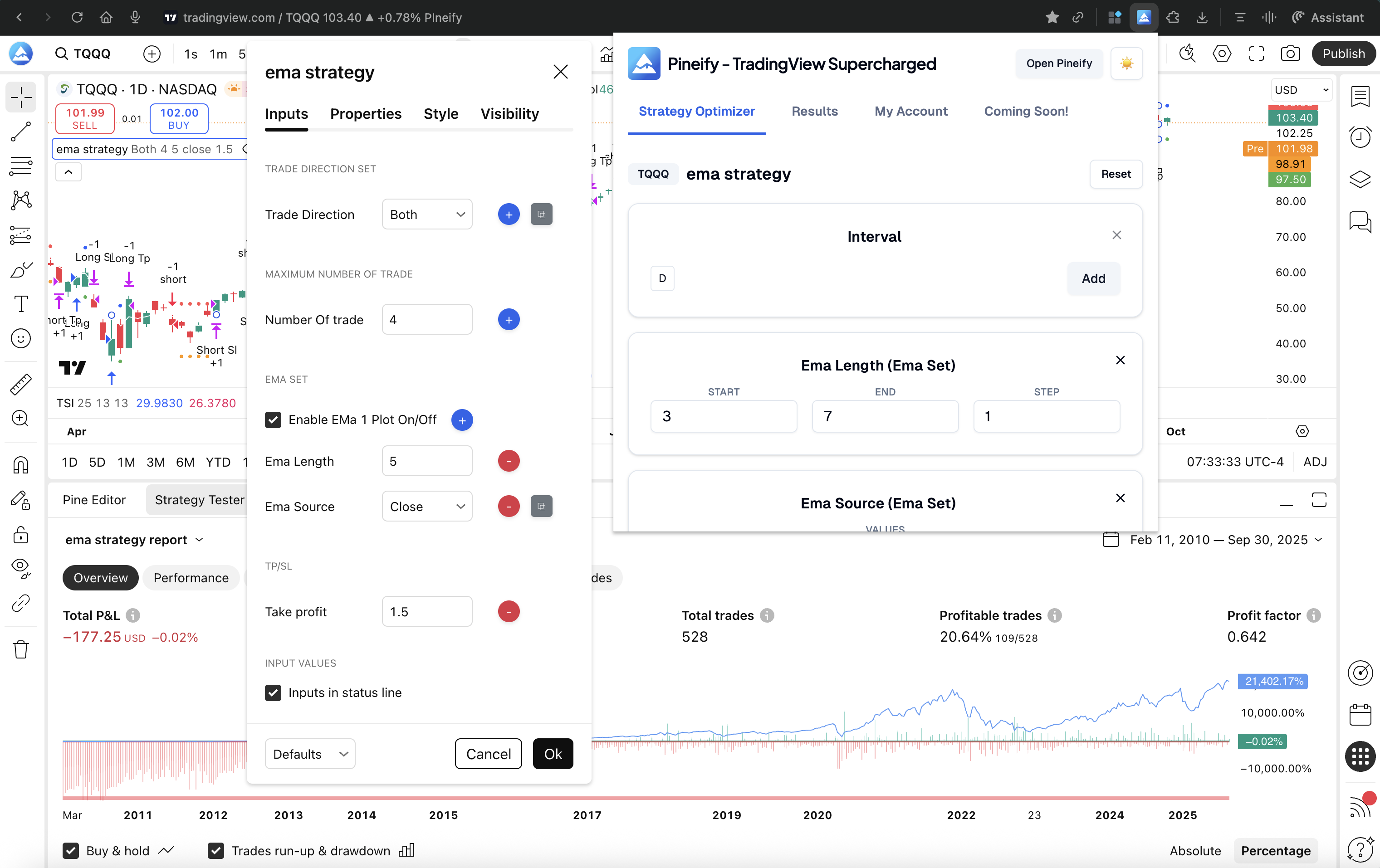
A parameter search, a walk-forward test and a heatmap answer different questions. A search compares settings on a specified dataset. Walk-forward testing evaluates a repeated selection process on later data. A heatmap displays how results vary across settings. You can use all three in one research workflow; none proves that a strategy will make money.
AmiBroker and Pineify Backtest Deep Report work at different stages of strategy evaluation. AmiBroker runs strategies and portfolio simulations in its own environment. Pineify analyzes an imported TradingView trade list. Both offer useful reporting, and AmiBroker has native Monte Carlo simulation. Neither a report nor a simulation proves that a strategy has a durable edge.
This comparison uses the vendors' documentation and Pineify's implemented report workflow. It does not report a controlled cross-platform performance test.
Advanced backtesting checks how a reported result depends on its data, execution assumptions and evaluation method. Sharpe and Sortino ratios summarize aspects of past returns; rolling analysis looks at changes within the sample; Monte Carlo resampling explores outcomes under a chosen model. None establishes the probability that a strategy will keep working.
TradingView already reports Sharpe and Sortino ratios. A separate analysis tool can help inspect a trade list, but it should not be sold on the claim that these metrics are absent from TradingView.
Use a demo account to connect MT5 to the provider's server, reveal an available synthetic symbol, inspect its contract, and verify one practice order. The instrument list comes from the account and server, not from installing MT5 alone. This walkthrough focuses on setup and troubleshooting; it does not assume a synthetic index is predictable or suitable for beginners.
Pineify Market Insights organizes options-flow alerts, market-tide data, off-exchange trade records, and congressional disclosures. These views support research into reported activity. They do not reveal every participant's identity, establish informed intent, or guarantee that a price move will follow.
An options-flow dataset can support a research question about reported activity. It does not, by itself, reveal institutional conviction or supply a proven trading edge. Before comparing scanners or testing a rule, establish what each row represents, which transactions are omitted, and when the information was available.