503 posts tagged with "Pine Script"

Blog posts related to the PineScript

View All Tags

Prop Firms That Use TradingView: Expert Guide for Fast, Clear Execution and Charting

· 20 min read
Pineify Team
Pine Script and AI trading workflow research team

It's no secret that more and more prop firms are embracing TradingView. The reason is simple: traders love it. They want those top-tier charts, the ability to jump from their laptop to their phone without missing a beat, and faster trade execution through an interface they already know inside and out.

Because of this demand, a growing list of firms now let you connect your funded account directly to TradingView or have built TradingView's charts right into their own platforms. When traders are looking for a challenge or a funded program, a big question on their mind is often, "Can I still use TradingView?" There's a real community preference for its powerful charts, customizable alerts, and overall ease of use.

Prop Firms That Use TradingView: Expert Guide for Fast, Clear Execution and Charting

PyAlgoTrade & Backtrader Alternatives: Discover Pineify's Simpler Trading Strategy Analysis

· 19 min read
Pineify Team
Pine Script and AI trading workflow research team

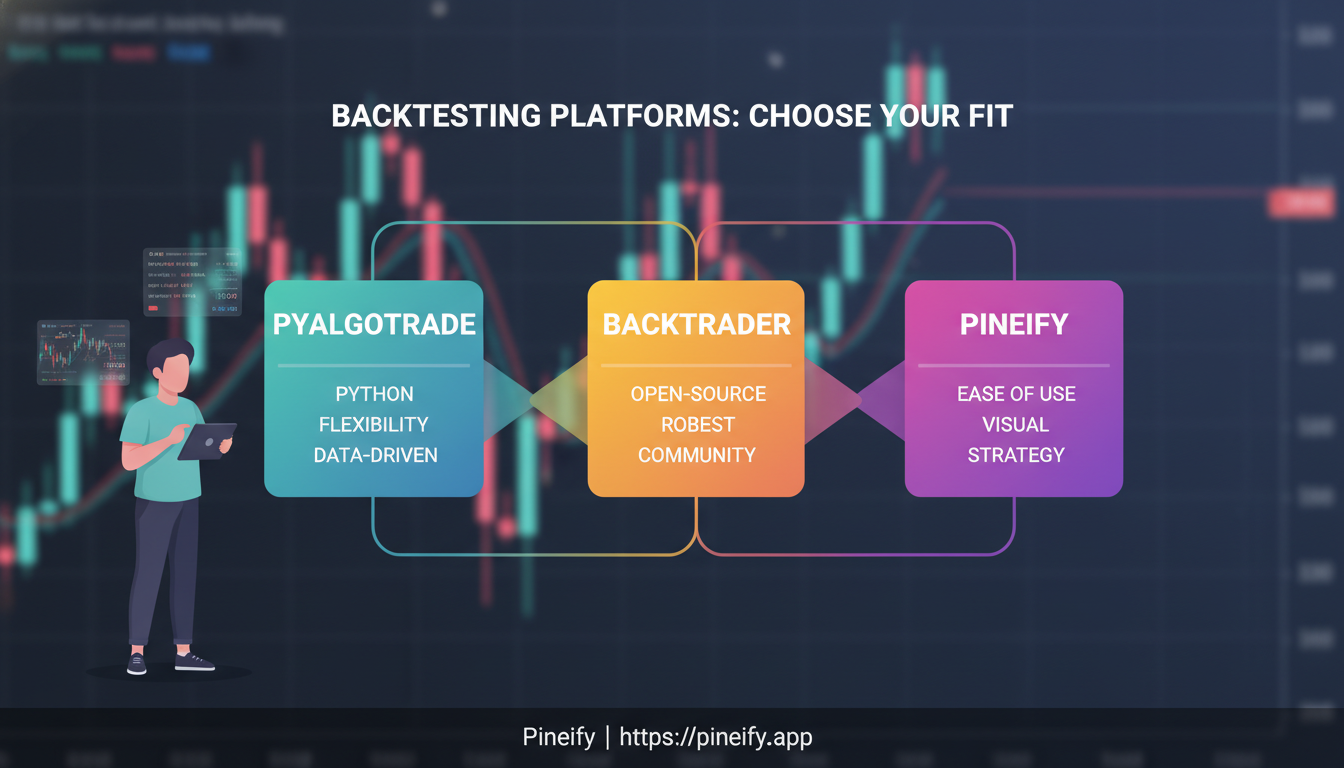
If you've ever lost a whole weekend to Python environment issues, confusing configuration files, and error messages you can't decipher just to run a simple strategy backtest, you know the struggle. PyAlgoTrade and Backtrader are two of the most talked-about Python backtesting frameworks out there—and for good reason. But for most people trying to test a trading idea, they add a layer of complexity that distracts from the real question: does my strategy actually make sense?

Let's break down both of these Python tools, their practical downsides, and see why many traders are now using Pineify's Backtest Deep Report for professional-level analysis without the setup stress. Instead of wrestling with Python code, you can simply paste your TradingView strategy test results into Pineify. It instantly transforms them into an institutional-grade report with 16+ KPIs, rolling analysis, and Monte Carlo simulations—no coding or environment setup required. For those developing scripts, mastering the latest syntax is crucial; our Mastering Pine Script 4: Concise Guide provides the essential foundation.

Pineify Website

PyAlgoTrade & Backtrader Alternatives: Discover Pineify's Simpler Trading Strategy Analysis

QuantConnect Backtesting: Complete Guide to Testing Algorithmic Trading Strategies

· 18 min read
Pineify Team
Pine Script and AI trading workflow research team

Algorithmic trading comes down to one big question: how do you know if your strategy really works before you risk any cash? QuantConnect backtesting is a go-to tool in quantitative finance for getting that answer. It lets you simulate your trading ideas against decades of historical data with a high degree of realism. Whether you're just starting out with your first bot or you're a seasoned pro stress-testing a complex strategy, this guide will walk you through what you need to know.


QuantConnect Backtesting: Complete Guide to Testing Algorithmic Trading Strategies

QuantConnect Optimization Alternatives: Pineify Strategy Optimizer for TradingView

· 14 min read
Pineify Team
Pine Script and AI trading workflow research team

If you've ever spent hours battling QuantConnect's complexity just to fine-tune a few strategy settings, you know the struggle. Many traders are now looking for a more straightforward path to optimization, especially if they already live in TradingView. One tool that's becoming a go-to solution is the Pineify Strategy Optimizer. Let's talk about why the shift is happening and how Pineify fits into a trader's existing workflow.


QuantConnect Optimization Alternatives: Pineify Strategy Optimizer for TradingView

QuantConnect vs Backtrader vs Pineify: Comprehensive Algorithmic Trading Platform Comparison

· 16 min read
Pineify Team
Pine Script and AI trading workflow research team

Picking the right tool is a big deal when you're building automated trading strategies. It can make the difference between a smooth process and a constant headache. You've got three very different paths you can take: the all-in-one cloud setup, a flexible open-source toolkit, or an AI assistant that writes the code for you.

Let's break down what QuantConnect, Backtrader, and Pineify really offer, so you can see which one fits your style, skills, and budget.

QuantConnect vs Backtrader vs Pineify: Comprehensive Algorithmic Trading Platform Comparison

Quantopian Backtesting: Complete Guide to Legacy, How It Worked & Best Alternatives

· 15 min read
Pineify Team
Pine Script and AI trading workflow research team

If you were learning about algorithmic trading in the last decade, chances are you stumbled upon Quantopian. It was the go-to playground for many—a free, online hub where you could build and test trading strategies right from your browser. By using Python and a massive library of historical stock data, you could see how your trading ideas would have played out over years of market history. While the platform itself closed down in 2020, the tools and community it sparked are still a big part of how people learn and validate trading strategies today.


Quantopian Backtesting: Complete Guide to Legacy, How It Worked & Best Alternatives

Quantpedia vs. Pineify Premium Scripts: Comparing Algorithmic Trading Tools

· 13 min read
Pineify Team
Pine Script and AI trading workflow research team

Algorithmic trading has come a long way. What was once only available to big institutions is now something you can build and use yourself. Two resources have become especially helpful, but they serve very different purposes. On one side, there’s Quantpedia, which is like a university library for trading strategies. On the other, Pineify Premium Scripts acts as a ready-made toolbox of professional indicators for TradingView. Knowing the difference between them—and how you might use both—can really sharpen your approach.

This guide looks at both through a practical lens, comparing what matters: depth of research, how fast you can go from idea to chart, options for tweaking things, cost, and which kind of trader each one is really for.


Quantpedia vs. Pineify Premium Scripts: Comparing Algorithmic Trading Tools

Rahul Mohindar Oscillator (RMO) - A Simple Guide

· 12 min read
Pineify Team
Pine Script and AI trading workflow research team

Ever felt like you're constantly second-guessing market direction? I used to stare at charts for hours, trying to figure out if the trend was about to reverse or keep going. That's when I discovered the Rahul Mohindar Oscillator (RMO) - a momentum indicator that actually helps cut through the noise and shows you what the market is really doing.

RCI Ribbon Indicator TradingView: How to Spot Momentum Changes Before Everyone Else (Complete 2026 Guide)

· 12 min read
Pineify Team
Pine Script and AI trading workflow research team

You know that feeling when you see a momentum shift happening, but by the time you act on it, half the move is already over? The RCI Ribbon indicator solves this problem by showing you momentum changes across three different timeframes simultaneously. Instead of guessing when momentum is shifting, you get a clear visual signal that helps you spot these changes before they become obvious to everyone else.

Here's what makes the RCI Ribbon special: it combines three Rank Correlation Index (RCI) calculations into one easy-to-read indicator. Think of it as having three different momentum detectors working together - one watching short-term moves, another tracking medium-term trends, and a third keeping an eye on longer-term momentum patterns.

RCI Ribbon Indicator on Chart

RSI Indicator: Master the Relative Strength Index for Smarter Trading Decisions in 2026

· 12 min read
Pineify Team
Pine Script and AI trading workflow research team

Here's the thing about the RSI indicator—it's probably sitting right there in your TradingView toolbar, but most traders are using it completely wrong. I've watched countless people blow through their accounts because they thought RSI was some magic crystal ball that would tell them exactly when to buy and sell.

The Relative Strength Index isn't magic, but when you understand how it actually works, it becomes one of the most reliable tools in your trading arsenal. Created by J. Welles Wilder Jr. back in 1978, this momentum oscillator has stood the test of time for good reason. It cuts through market noise and shows you what's really happening with price momentum.

What makes RSI special is its simplicity. It oscillates between 0 and 100, giving you clear visual cues about market conditions. When it climbs above 70, you're looking at potential overbought territory. When it dips below 30, the market might be oversold. But here's where most people mess up—they think these levels are automatic buy and sell signals. They're not.