TradingView Reset to Default: A Complete Guide

· 15 min read
Pineify Team
Pine Script and AI trading workflow research team

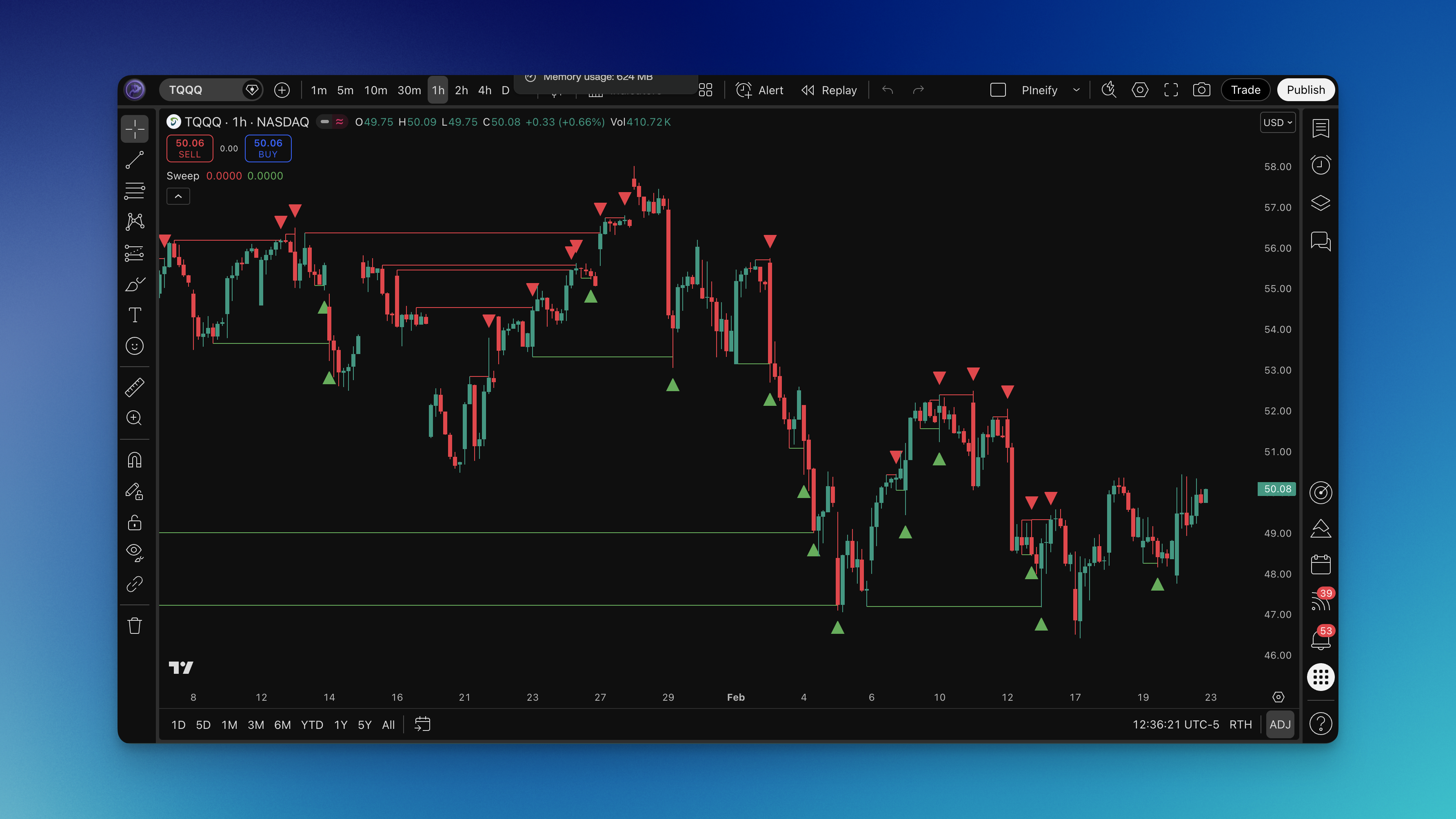
TradingView is an incredibly powerful tool for anyone watching the markets, packed with charting features, indicators, and ways to make it your own. But let's be honest, after a while, all that tweaking can leave your workspace feeling messy and distracting. That's when hitting the reset button to take TradingView back to its default setup becomes a lifesaver. It gives you a clean slate, bringing back that original, uncluttered view without losing any of the platform's core power.

In this guide, we'll walk through why you might want to reset your TradingView layout, show you exactly how to do it on different devices, and share some tips to make the most of your charts.

Whether you're new and feeling a bit overwhelmed, or a seasoned pro troubleshooting a glitch, a quick reset can breathe new life into your workflow. By the end, you'll know exactly how to smoothly reset TradingView to default, helping your platform run at its best.

TradingView Reset to Default: A Complete Guide

TradingView Running Slow: Complete Guide to Fix Lag and Performance Issues

· 13 min read
Pineify Team
Pine Script and AI trading workflow research team

Is TradingView starting to feel sluggish? That lag can be incredibly frustrating, especially when you're trying to make quick decisions in a fast-moving market. Let's walk through the common reasons why this happens and what you can actually do about it. Think of this as a friendly troubleshooting guide to get your charts running smoothly again.

TradingView Running Slow: Complete Guide to Fix Lag and Performance Issues

TradingView Screener Tutorial: Master Stock Screening for Smarter Trading

· 18 min read
Pineify Team
Pine Script and AI trading workflow research team

TradingView's screener is like having a super-powered search engine for stocks, crypto, and other markets. It helps you sift through the noise to find exactly what you're looking for, based on your own personal strategy. Figuring out how to use it can feel like a game-changer for your trading.

In this guide, we'll walk through the screener together, from the simple first steps to some of the more powerful tricks you can use to refine your searches. No matter your experience level, getting a handle on this tool can seriously speed up your analysis and help you feel more confident in your decisions.

TradingView Screener Tutorial: Master Stock Screening for Smarter Trading

TradingView Script Could Not Be Translated From Null – Causes, Fixes & Pro Tips

· 14 min read
Pineify Team
Pine Script and AI trading workflow research team

Learn how to fix TradingView's 'Script could not be translated from null' error with our complete guide. Discover common causes like missing study/strategy declarations, version mismatches, and syntax errors. Get proven solutions including version tags, syntax checking, and community support tips to keep your Pine Script indicators compiling properly.

TradingView Script Could Not Be Translated From Null – Causes, Fixes & Pro Tips

TradingView 策略测试器:完整指南与实战教程

· 21 min read
Pineify Team
Pine Script and AI trading workflow research team

TradingView 的策略测试器是一个超级实用的工具,能帮你验证和优化自己的交易策略。想象一下,在真正投入资金之前,你可以用历史数据来回测你的策略,看看它到底可不可行,有没有盈利的潜力。这个内置功能让你模拟交易过程,分析各种性能指标,然后根据实实在在的数据来调整和改进你的交易系统。

TradingView 策略测试器:完整指南与实战教程

TradingView Subscription Offers: Complete Guide to Plans, Pricing, and Discounts

· 15 min read
Pineify Team
Pine Script and AI trading workflow research team

TradingView has a subscription plan for every kind of trader, from someone just starting out to seasoned professionals. And right now, they're running their biggest sale of the year, with up to 80% off annual subscriptions if you sign up before November 28, 2025. This guide will walk you through all the different plans and promotions, helping you figure out how to get the most value for your money.

TradingView Subscription Offers: Complete Guide to Plans, Pricing, and Discounts

TradingView Thanksgiving Sale: Your Complete Guide to Saving Up to 80% on Premium Trading Tools

· 13 min read
Pineify Team
Pine Script and AI trading workflow research team

TradingView's big Thanksgiving sale is here, and it's the one many of us wait for all year. Think of it as their Black Friday event, and for 2025, the deals are seriously impressive—you can save up to 80% on annual plans and even get an extra month for free.

The sale runs from November 21st straight through to December 2nd, 2025. It's hands-down their biggest promotion, and it's the perfect chance to get professional-level charting tools without the usual high cost. Whether you're just starting to learn about charts or you're a seasoned trader who needs all the advanced features, this guide will help you navigate the sale and pick the plan that's right for you.

TradingView Thanksgiving Sale: Your Complete Guide to Saving Up to 80% on Premium Trading Tools

TradingView to MT4: The Complete Guide to Automated Trade Execution

· 17 min read
Pineify Team
Pine Script and AI trading workflow research team

Connecting TradingView to MetaTrader 4 (MT4) is a genuine game-changer for how you trade. It lets you pair TradingView's incredible charts with MT4's reliable trading platform. The best part? You can set up your TradingView alerts and strategies to automatically place trades in MT4, so you don't have to sit and manually enter every single order. This is a huge help in avoiding missed chances when the markets are moving quickly. No matter what kind of trader you are, getting these two platforms to talk to each other can seriously smooth out your whole process.

TradingView to MT4: The Complete Guide to Automated Trade Execution

TradingView Top 10 Indicators: Essential Tools for Technical Analysis Success

· 15 min read
Pineify Team
Pine Script and AI trading workflow research team

Getting a feel for the markets is key for any trader, and for many of us, TradingView is the place where that happens. It's packed with tools that help you see what's really going on. If you're just starting out or even if you've been at it a while, getting familiar with the top indicators on TradingView can really sharpen your ability to spot opportunities and protect your capital.

TradingView Top 10 Indicators: Essential Tools for Technical Analysis Success