Convert TOS Script to TradingView: A Step-by-Step Guide for Traders

· 15 min read

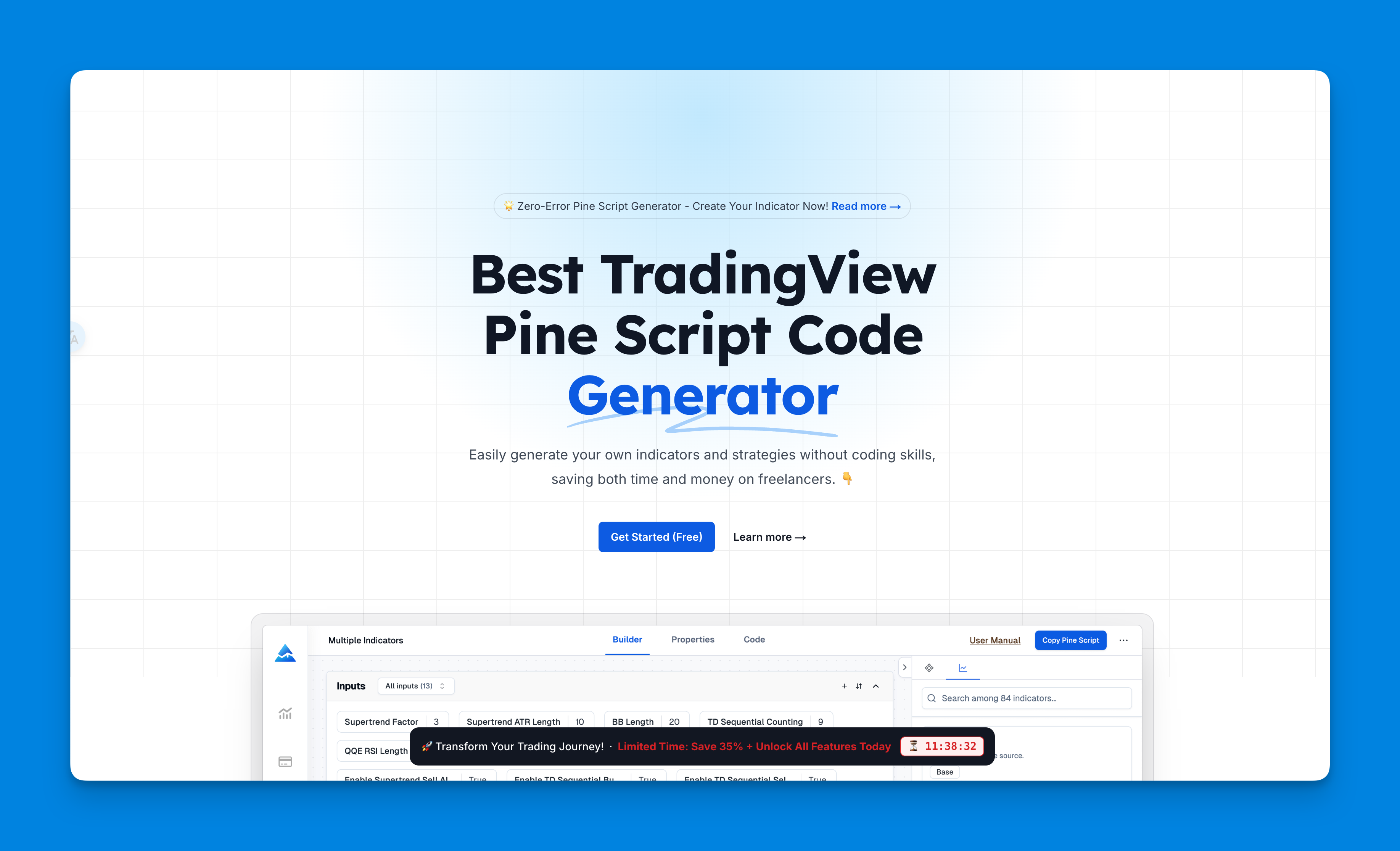
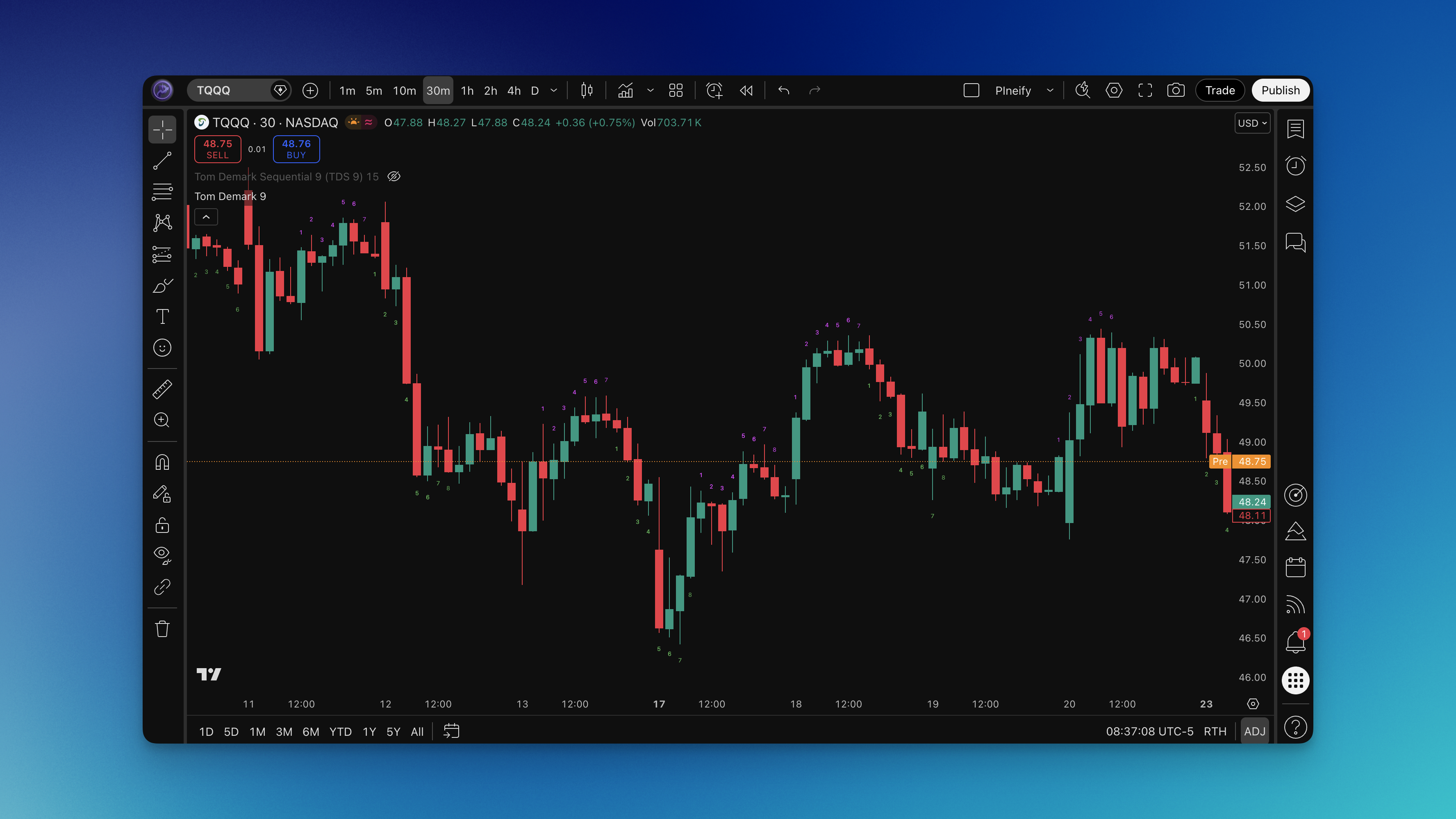
Converting your favorite ThinkOrSwim (TOS) indicator into TradingView's language can feel like giving a trusted tool a new, sleek home. If you've ever found an amazing script on TOS but prefer TradingView's clean charts and social features, this process is for you. It's all about translating ThinkScript code into Pine Script, and while it might seem tricky at first, getting the hang of the key differences makes it a smooth ride.

Many traders are doing this to simplify their lives, especially if they're using multiple platforms or have moved from TD Ameritrade to a new broker. TradingView is fantastic for its ease of use and community ideas, while TOS is a powerhouse for deep options and futures analysis. Bringing your TOS scripts over lets you get the best of both worlds.

Convert TOS Script to TradingView: A Step-by-Step Guide for Traders

TradingView Desktop vs Web: Which Platform Is Right for Your Trading Style?

· 17 min read

Choosing between TradingView's desktop and web versions really comes down to how you like to work. It's like deciding between a dedicated home office and a mobile laptop setup—both let you do the job, but the experience is totally different. They share the same powerful charts and indicators, but one gives you a focused, high-performance environment, while the other is all about flexibility and accessing your work from anywhere.

TradingView Desktop vs Web: Which Platform Is Right for Your Trading Style?

ATR Pips Indicator: How to Actually Set Stop Losses That Work in Forex Trading (2025 Guide)

· 11 min read

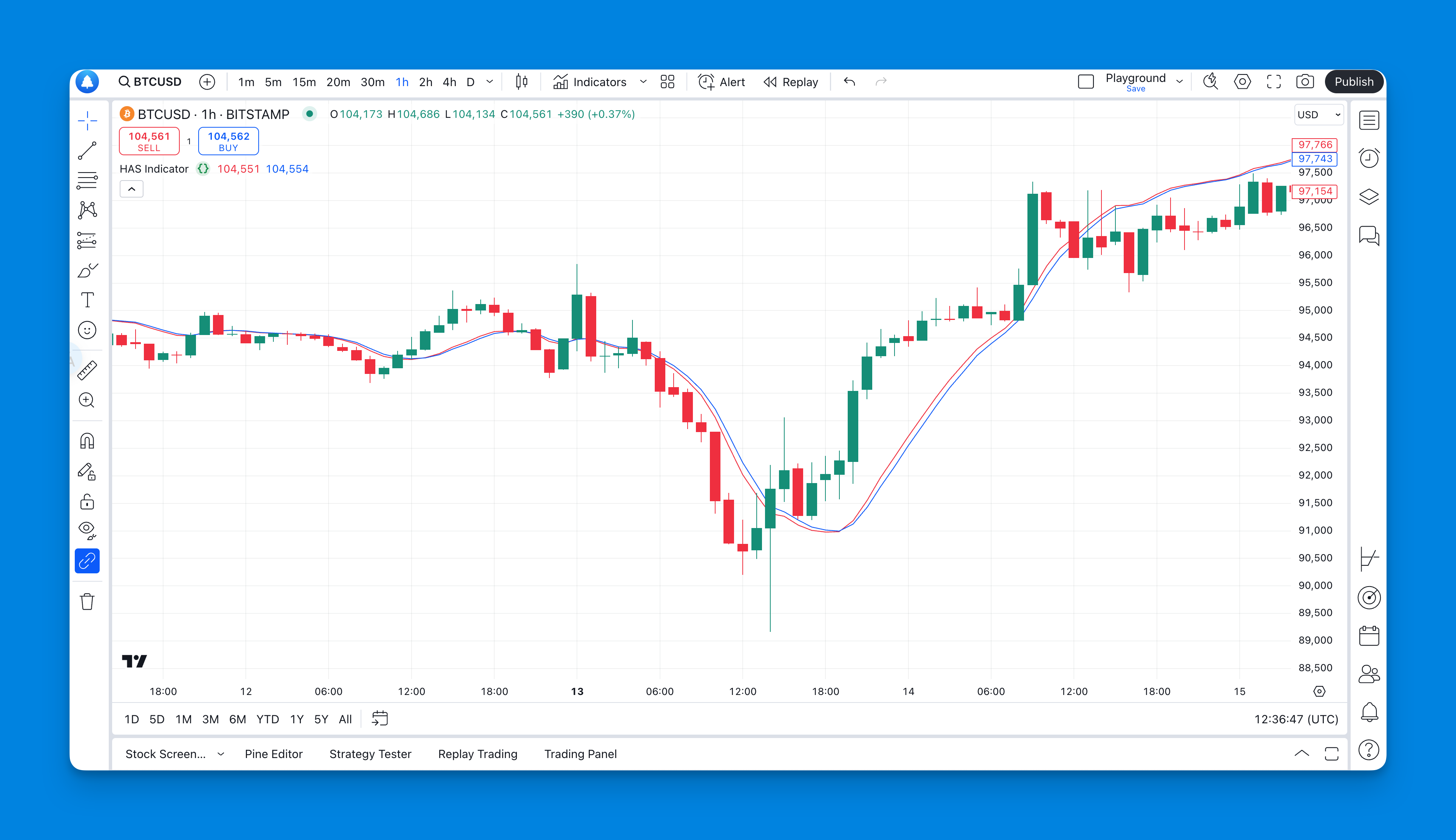
Ever stared at your ATR indicator wondering what the heck 0.00125 means for your EUR/USD trade? You're not alone. Your broker talks in pips, your risk calculator needs pips, but your volatility indicator speaks in decimals that make no sense at 2 AM when you're trying to set a stop loss.

Here's the thing—ATR is brilliant for measuring market volatility, but it's useless for forex traders who think in pips. That's exactly why the ATR Pips indicator exists. It takes that confusing decimal and turns it into something you can actually use: real pip values that make sense for your trading decisions.

ATR Pips Indicator

How to Set Time in TradingView Chart: A Comprehensive Guide

· 17 min read

Getting your TradingView chart's time settings right is like setting your watch before a big trip—it makes sure everything you're looking at is accurate and in sync. It's all about aligning the chart's timezone, intervals, and sessions with the markets you're tracking or your own personal schedule. When your chart's clock matches the real-world market data, your analysis becomes sharper and more reliable, which is a game-changer for making informed decisions.

How to Set Time in TradingView Chart: A Comprehensive Guide

TradingView Chart Color Schemes: Enhance Your Trading Visuals

· 15 min read

Ever find yourself squinting at your trading charts after a few hours? The right TradingView chart color scheme can make a world of difference. It's not just about making things look pretty—it's about setting up your workspace so you can spot trends and make decisions without straining your eyes.

This guide will walk through some of the best color schemes for TradingView, how to tweak them to your liking, and simple tips to set up your charts for success.

TradingView Chart Color Schemes: Enhance Your Trading Visuals

TradingView Fibonacci: Settings, Drawing, and Strategies That Work

· 25 min read

TradingView's Fibonacci retracement tool is like having a map for price pullbacks. It helps you spot areas where a stock, crypto pair, or forex currency might pause or reverse, acting as potential support or resistance. These aren't magic lines, but they are levels that many traders watch, making them a key part of understanding trends and managing your risk.

The most common levels you'll use are:

Retracement Level
23.6%
38.2%
50%
61.8%
78.6%

The beauty is that on TradingView, it's super simple to draw. You just click from a significant swing low to a swing high (in an uptrend) or vice versa, and the tool instantly plots these levels for you. Think of them as guide rails on a chart.

TradingView Fibonacci: Settings, Drawing, and Strategies That Work

How to Make Your Own Strategy in TradingView

· 12 min read

Creating your own custom strategy in TradingView is like giving your trading ideas a superpower. It lets you automate your approach, test it against years of past market data, and fine-tune it, all right on the chart. It's one of the best ways to see if a hunch actually holds up before you risk any real money.

How to Make Your Own Strategy in TradingView

Does TradingView Have Level 2 Market Data?

· 12 min read

Yes, absolutely. TradingView gives you access to Level 2 market data. It does this through a feature called the Depth of Market (DOM), which pulls in the live order book directly from your broker and displays it right on your chart.

When you're connected to a supported broker, you can see more than just the top price. The DOM shows you multiple layers of bids and asks, along with how many orders are sitting at each price level. It's like getting a behind-the-scenes look at the market's supply and demand, helping you see where the real buying and selling pressure is.

Does TradingView Have Level 2 Market Data?