How to Hire a Pine Script Developer

· 12 min read
Pineify Team
Pine Script and AI trading workflow research team

So I was chatting with my buddy Jake last week, and he's been diving deep into TradingView. He keeps seeing all these custom indicators and thinking "man, I wish I could build something like that for my trading strategy."

Pine Script is TradingView's proprietary programming language for creating custom technical indicators, strategies, and alerts. Jake knows his way around the markets but coding? Not so much. And honestly, learning Pine Script from scratch when you just need to test a trading idea can take weeks.

That got me thinking - there are probably thousands of traders in the same spot. You've got solid trading concepts, you know what you need, but you need someone who can turn those ideas into code. After helping several friends hire developers (and watching them burn cash on bad hires), here's what I've learned.

Pine Script Developer

Import Chart Data in TradingView: Quandl, CSV, and API Methods

· 10 min read
Pineify Team
Pine Script and AI trading workflow research team

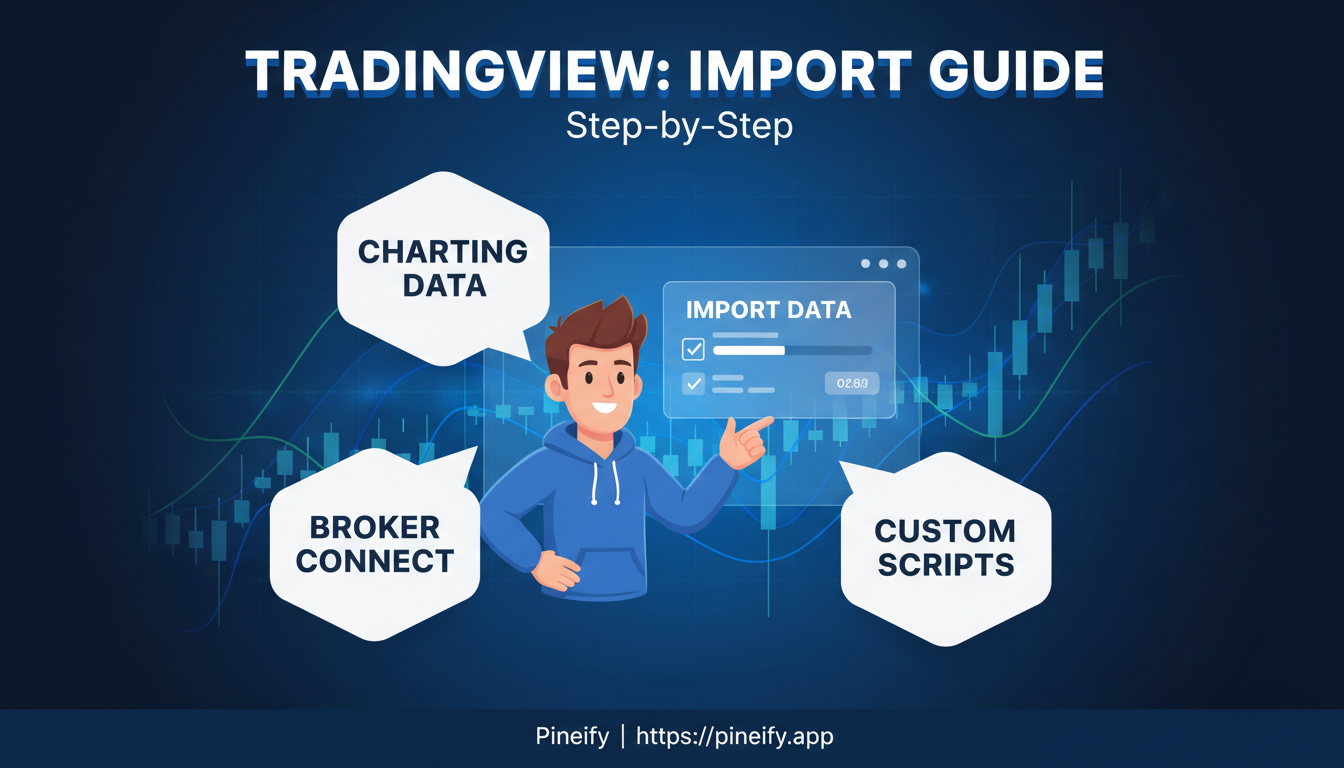
Importing chart data in TradingView is the process of bringing external datasets into your charts for custom analysis. TradingView comes with a lot of built-in market data, but you can also pull in specific external datasets. You can't just upload any random CSV file directly into the main chart or Pine Script, but there are clever ways to get custom data in there.

How to Import Chart Data in TradingView: A Step-by-Step Guide

How to Build Your Own TradingView Strategy

· 10 min read
Pineify Team
Pine Script and AI trading workflow research team

A TradingView strategy is a set of automated rules written in Pine Script that simulates buying and selling on historical data. Instead of just drawing lines like an indicator, it places trades, moves stops, and reports performance in the Strategy Tester tab. I've used this approach to validate dozens of ideas without risking a dollar.

How to Make Your Own Strategy in TradingView

Bollinger Band Squeeze: Trade Breakouts With Higher Win Rates

· 11 min read
Pineify Team
Pine Script and AI trading workflow research team

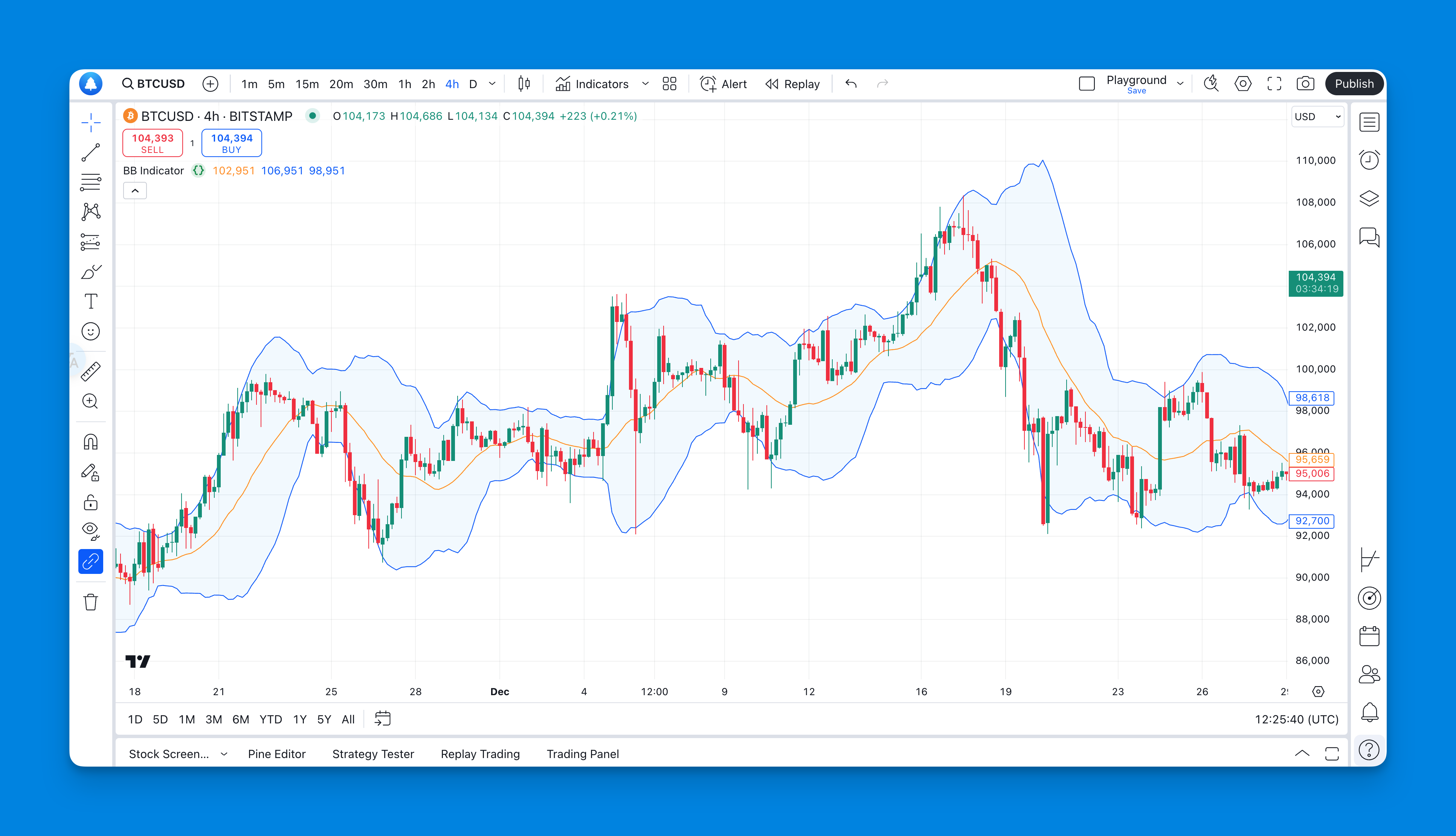
Ever watched the market just... sit there? Like it's holding its breath before something big happens? A Bollinger Band squeeze is exactly that — a volatility compression pattern where the upper and lower bands contract tightly around price, signaling that a sharp move is coming. I've been trading this setup for years, and it's one of the few patterns that actually delivers when you get the timing right.

The trick is most traders either overcomplicate this indicator or skip the confirmation steps. I've made both mistakes. Here's what I've learned from catching a TSLA breakout in January 2025 and missing a BTC move in March because I ignored volume.

Bollinger Bands Squeeze Indicator

How to Overlay Two Charts in TradingView for Correlation Analysis

· 12 min read
Pineify Team
Pine Script and AI trading workflow research team

Every time I open a new TradingView chart, I'm looking for relationships. Which asset is leading, which is lagging, and where the divergence might signal a trade. Flipping between tabs wastes time and buries patterns. A chart overlay solves that.

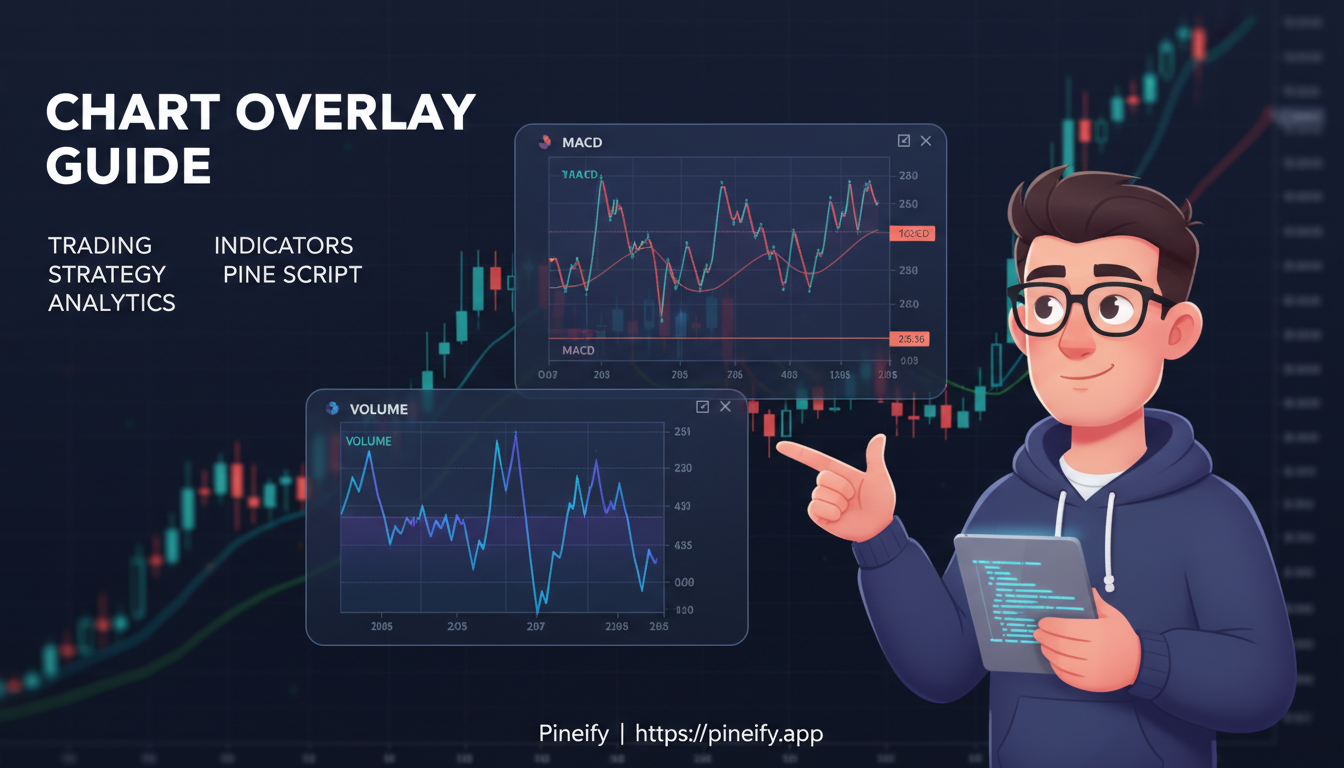
A chart overlay is exactly what it sounds like: a feature that places one asset's price chart directly on top of another's. It lets you compare two instruments on a single screen and spot correlation or relative strength at a glance. I've been using this daily for years, and it changed how I track sector rotation.

In October 2025, I overlayed SPY with XLK during a market pullback. The divergence told me tech was holding support better than the broad market — a signal that turned into a 4% swing over the next two weeks.

How to Overlay Two Charts in TradingView: A Complete Guide for Traders

Plot Lines with Text in Pine Script: Complete Guide

· 14 min read
Pineify Team
Pine Script and AI trading workflow research team

Plotting lines with text in Pine Script means drawing visual line segments with line.new() and attaching descriptive labels using label.new(). It's how traders mark support, resistance, trend changes, and entry or exit signals directly on the chart. I've used this on AAPL and SPY daily charts to track swing levels, and it beats trying to remember why you drew a line three hours ago.

Sometimes a simple line isn't enough — you need to say what it means right there on the chart.

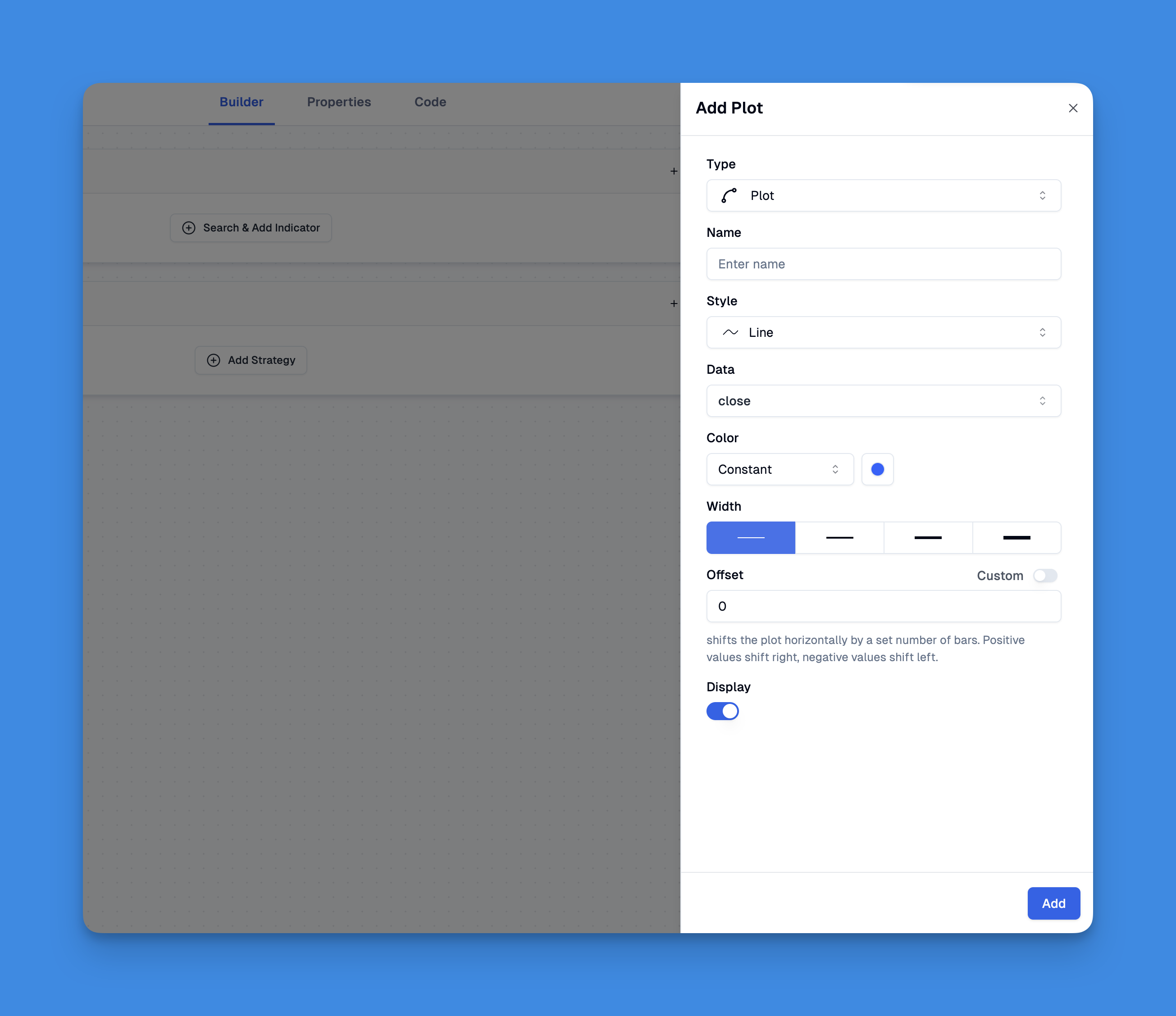
Pine Script Chart with Text Labels on Lines

How to Reset Paper Trading TradingView

· 10 min read
Pineify Team
Pine Script and AI trading workflow research team

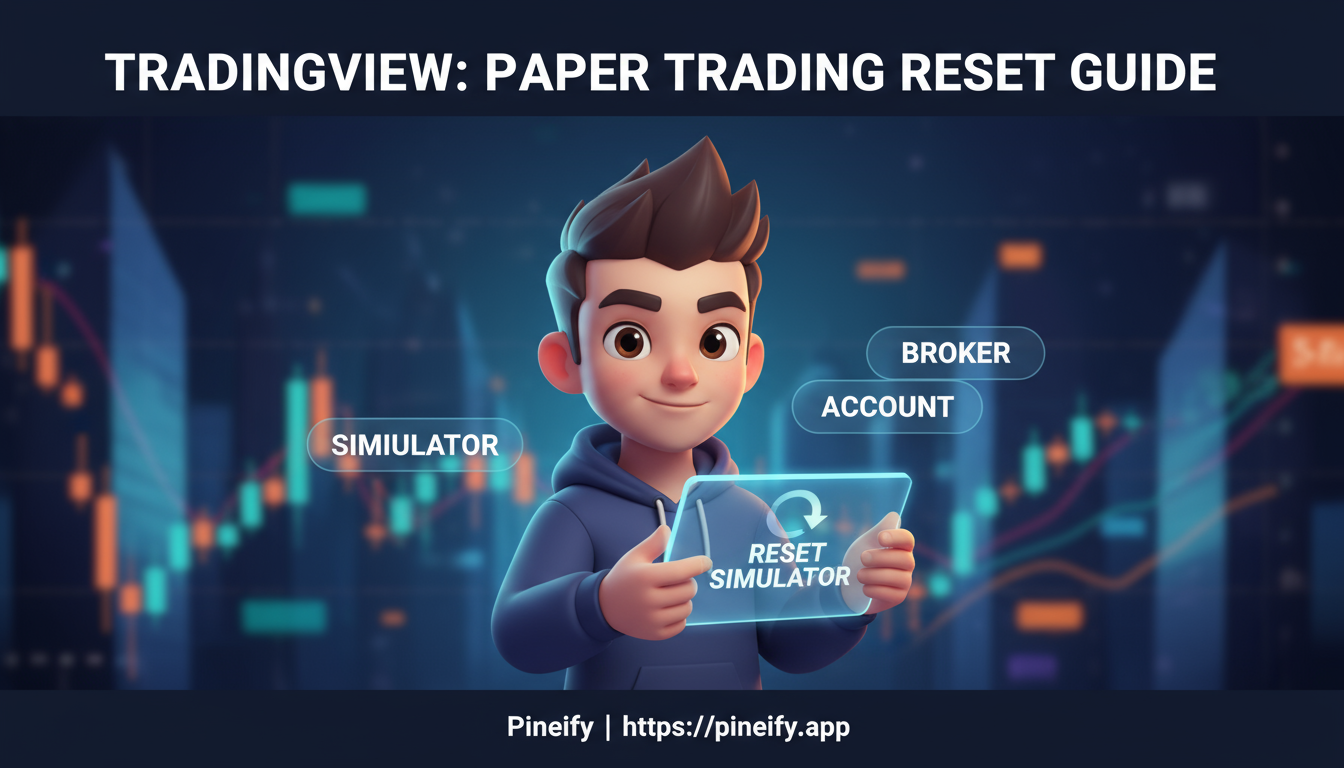
Paper Trading is TradingView's virtual account feature that lets you trade stocks, forex, and crypto with fake money. No real capital at risk, no broker connection needed. I use mine for testing ideas I'd never try with live funds — like a 3x leveraged ETH position or a mean-reversion setup that looked promising but needed real chart time.

After running a week-long scalping test on AAPL and TSLA, I had 40+ trade entries cluttering my history. Resetting wiped everything clean in seconds.

Here's the fast version:

  1. Connect to Paper Trading via the Trading Panel on your chart.
  2. Open account settings (gear icon or dropdown menu).
  3. Click "Reset account."
  4. Pick your new balance, currency, and leverage. Confirm.

That's it. All positions, orders, and history disappear, and you're back to a fresh demo account.

One thing to know: this action is permanent. No undo. So double-check before you click.


How to Reset Paper Trading TradingView

How to Run Pine Script in TradingView: Beginner's Step-by-Step

· 14 min read
Pineify Team
Pine Script and AI trading workflow research team

Ever stared at TradingView's charts and wished you could create your own indicators? I was in the same spot back in early 2023 when I was trading SPY options and none of the default oscillators clicked with my setup. I've since written over a dozen scripts, and running Pine Script in TradingView is way simpler than most people expect.

Pine Script is TradingView's programming language for building custom indicators, strategies, and trading tools directly on the platform. With more than 150,000 community scripts already published, this is the easiest route to automating your analysis without leaving your chart setup. I'll walk you through opening the editor, writing your first code, and adding it to a chart.

How to Set TradingView Alerts: Step-by-Step Guide

· 13 min read
Pineify Team
Pine Script and AI trading workflow research team

Ever missed a trade because you stepped away from your desk for five minutes? I sure have. That's why TradingView alerts exist—they watch the markets so you don't have to stare at charts all day.

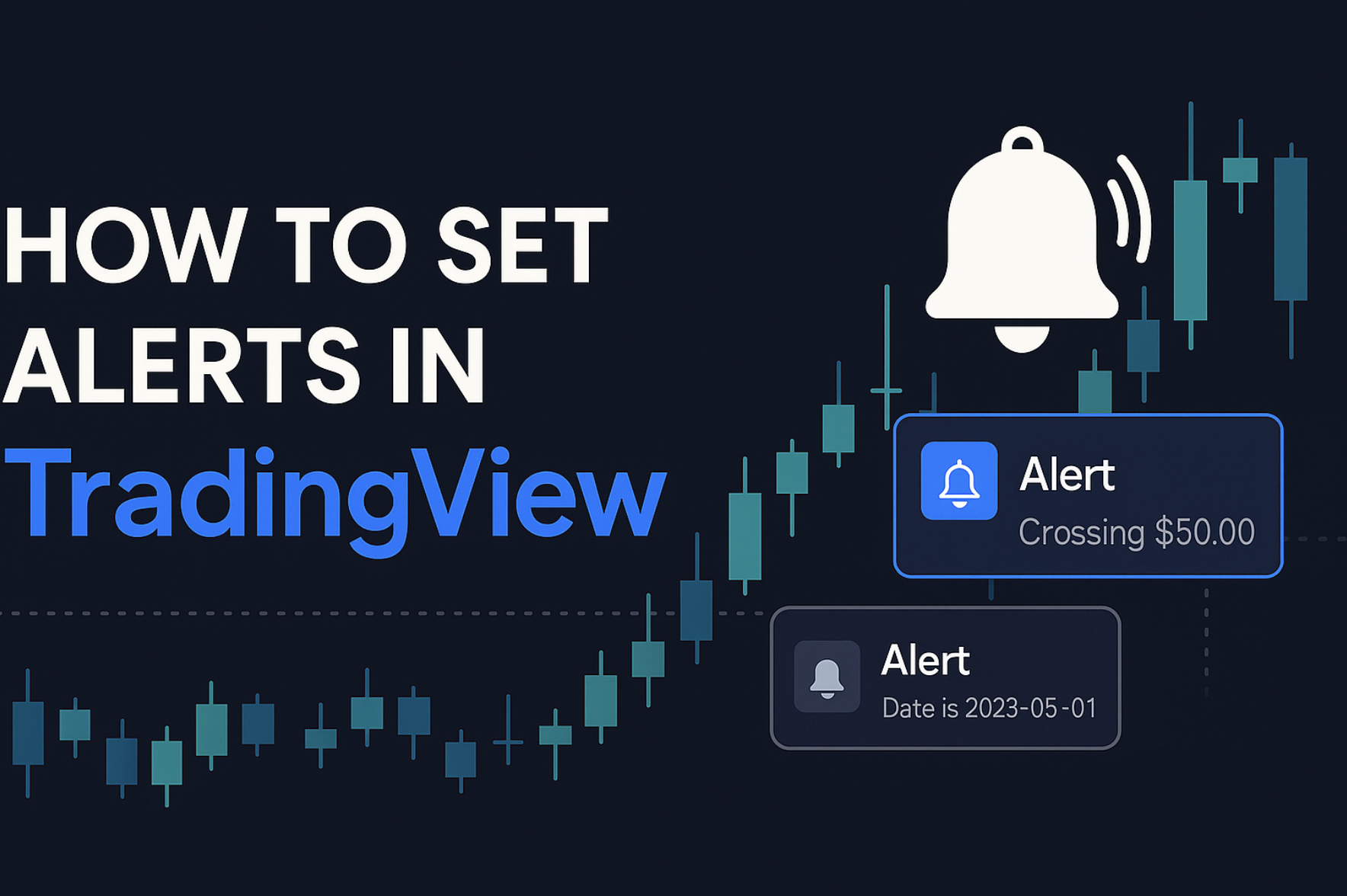
TradingView alerts are smart notifications that fire when specific market conditions hit your charts. Instead of manually watching price levels or indicator signals, alerts do the monitoring for you.

How to Set Alerts in TradingView

How to Set Trailing Stop Loss in TradingView: A Step-by-Step Guide

· 9 min read
Pineify Team
Pine Script and AI trading workflow research team

Ever watched a winning trade turn into a loser right before your eyes? Yeah, me too. That sinking feeling when you see profits evaporate is something every trader knows way too well.

A trailing stop loss is an automated order type that adjusts its trigger price as the market moves in your favor, locking in gains along the way. It only moves in one direction — toward profit protection. In TradingView, you can set one up in a few clicks.

I'm going to show you exactly how to do it, because this is one of those features that separates traders who sleep well at night from those waking up at 3 AM to check their phones.