564 posts tagged with "TradingView"

Blog posts related to the TradingView

View All Tags

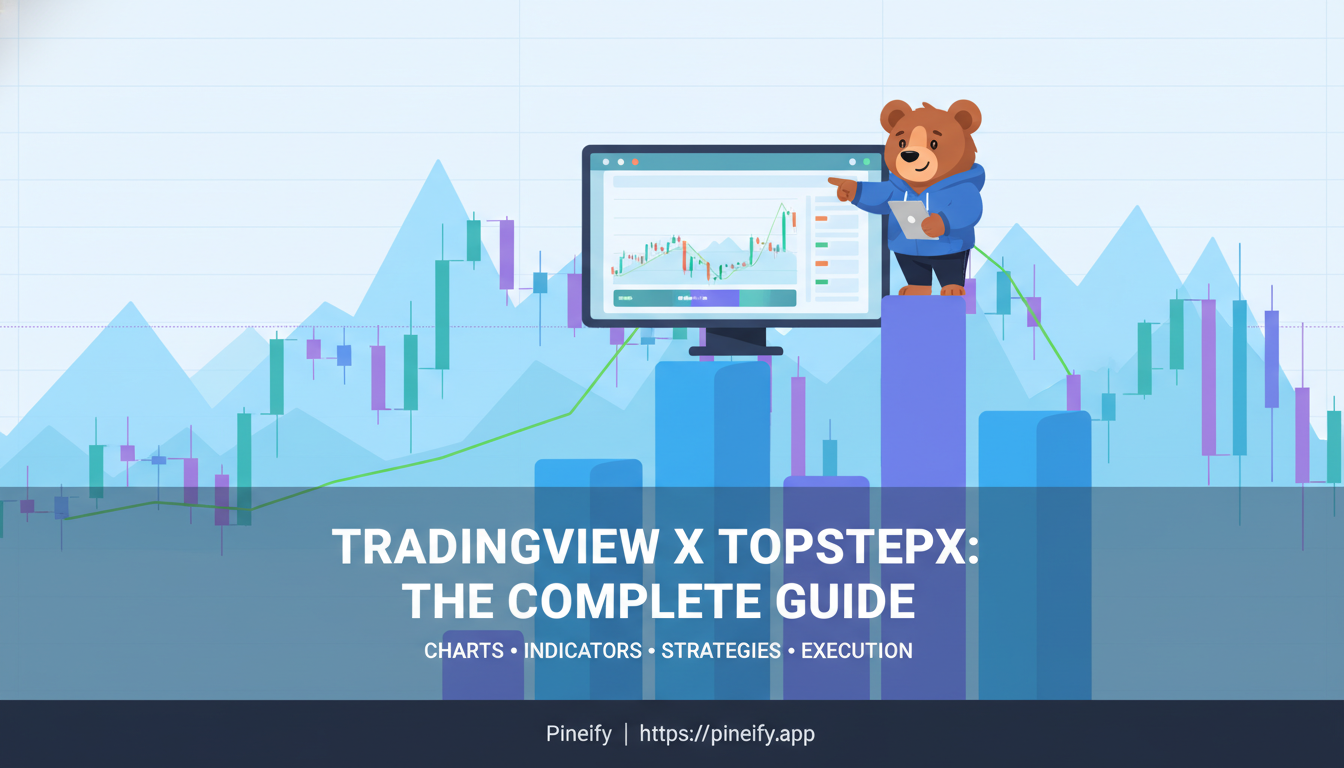
TopstepX TradingView Charts: Funded Futures Trading Guide

· 16 min read
Pineify Team
Pine Script and AI trading workflow research team

I opened TopstepX for the first time during a live ES session and found TradingView charts running inside a prop firm platform. No tab switching, no separate login. TopStepX is Topstep's browser-based trading platform for funded futures accounts, with TradingView's charting engine embedded directly. You trade, analyze, and manage risk — all from one window.

Top Step TradingView: The Complete Guide to Trading with TradingView-Powered Charts on TopstepX

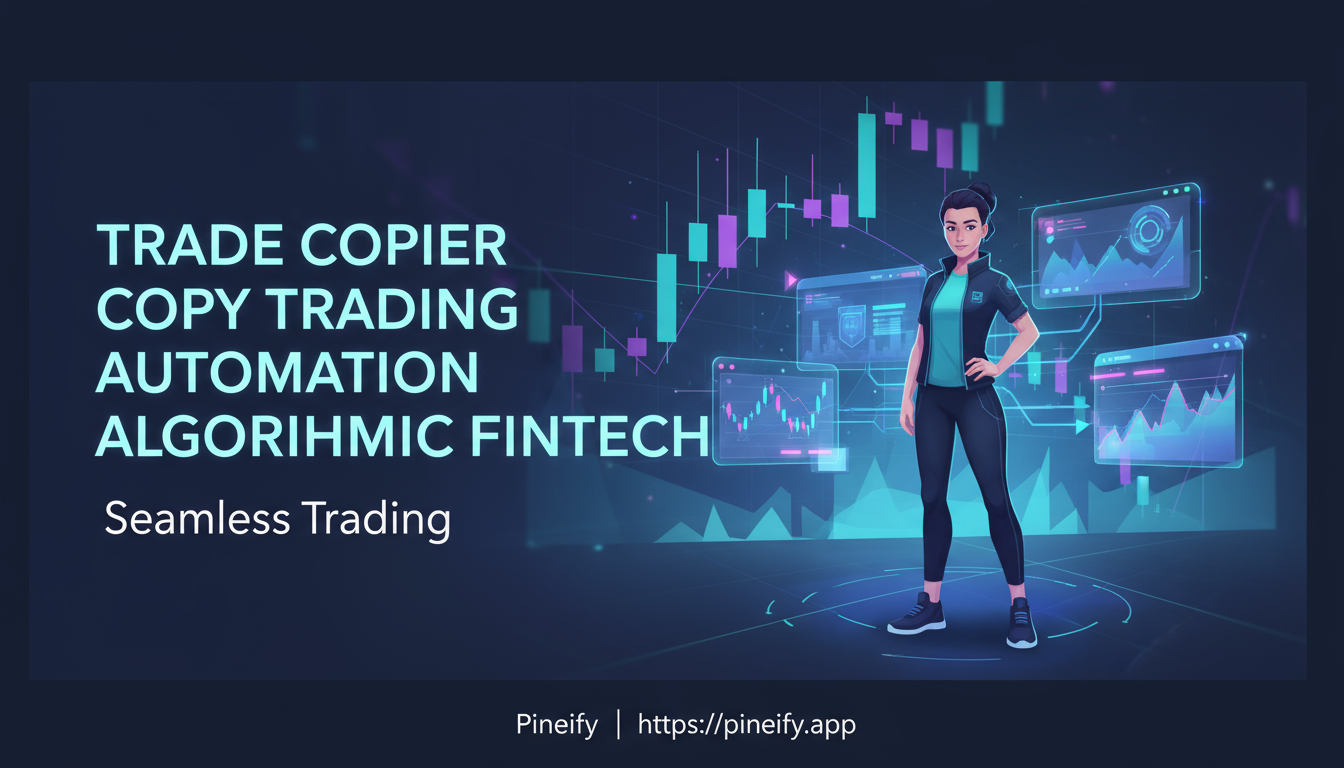
Trade Copier for TradingView: Copy Trading Setup and Tools

· 11 min read
Pineify Team
Pine Script and AI trading workflow research team

A trade copier is software that automatically duplicates trades from one account to others. You place a trade in your master account, and the copier instantly mirrors the entry price, stop-loss, and take-profit across your follower accounts. For TradingView users, this is the missing link between chart analysis and live execution.

Trade Copier for TradingView: Ultimate Guide to smooth Copy Trading

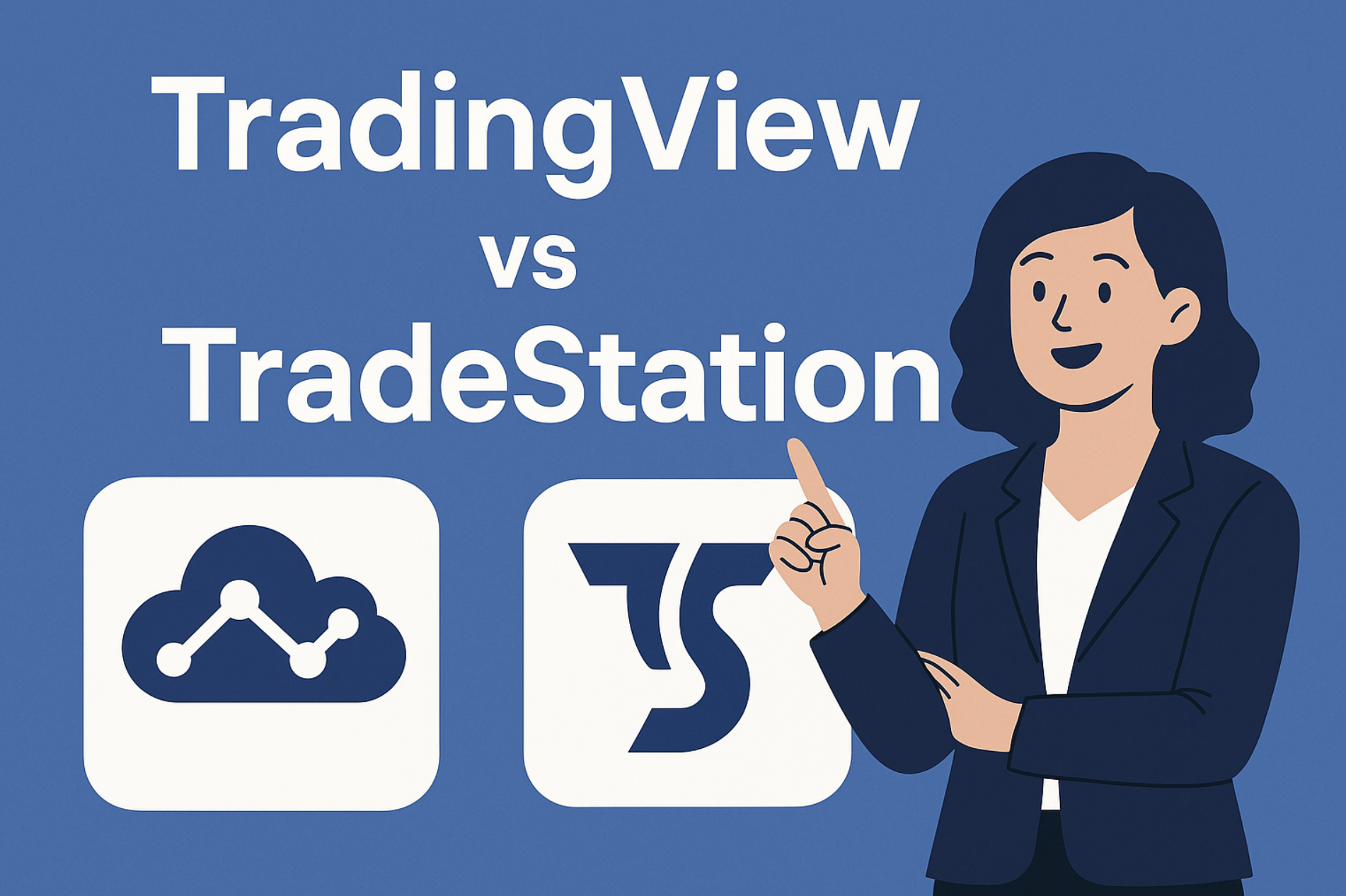
TradeStation vs TradingView: Honest Comparison for Traders

· 10 min read
Pineify Team
Pine Script and AI trading workflow research team

TradeStation and TradingView aren't really competing for the same trader. TradeStation is a professional-grade execution platform built for algorithmic traders who need speed and native automation. TradingView is a charting platform designed for traders who want powerful analysis tools without the desktop lock-in. I've used both for years, and my verdict is simple: TradeStation wins for automated execution, TradingView wins for charting and community. Pick the one that matches your trading style, not the one with more features.

TradeStation vs TradingView

Trading Backtesting: Validate Your Strategy Before Live Trading

· 23 min read
Pineify Team
Pine Script and AI trading workflow research team

Trading backtesting is the process of running your trading rules against historical market data to see how a strategy would have performed. Instead of guessing if an approach works or risking real money to find out, you can test it against years of past data. It shows you, in hard numbers, how your strategy would have done — win rate, drawdown, total return. Think of it as a dress rehearsal before you step onto the live market stage.

No matter your style — day trading, swing trading, or running automated systems — backtesting is how you build real conviction before committing capital.


Trading Backtesting: Complete Guide to Validate Your Strategy Before Live Trading

TradingView AI Indicators: What Machine Learning Actually Does

· 10 min read
Pineify Team
Pine Script and AI trading workflow research team

An AI indicator on TradingView is a script that uses machine learning techniques instead of fixed formulas. Traditional oscillators like RSI apply the same math regardless of market regime. AI indicators adapt their thresholds based on recent price behavior, recalibrating as conditions change.

Three years ago, if you'd told me I'd be trusting a machine learning model with my BTC entries at 3 AM while eating cold pizza—I'd have laughed. But here we are. These scripts went from niche experiments to tools that plenty of traders use daily. From oscillators that retrain themselves to LLM helpers that debug your Pine Script overnight—they're useful. But you also need to know where they fall short.

TradingView AI vs Pine Script AI Coding Agent: Which Wins?

· 14 min read
Pineify Team
Pine Script and AI trading workflow research team

A Pine Script AI Coding Agent is a specialized tool trained on Pine Script v6 documentation, TradingView's compiler rules, and the nuances of the platform's scripting language. It generates, debugs, and optimizes Pine Script code from natural language descriptions. In my experience, it beats generic AI assistants for this one job by a wide margin -- I tested both on a TSLA mean-reversion strategy last month and the specialized agent produced clean v6 code while the generic chatbot gave me broken v5 syntax.

Ever felt stuck watching that cursor blink in TradingView's Pine Script editor? You have a solid trading idea, but translating it into code feels like a hurdle. You're not alone. AI coding tools have changed the process, but the kind of AI you use makes a big difference.

The confusion between TradingView's own AI features and a specialized Pine Script AI Coding Agent (like Pineify) is real. Understanding the difference will save you hours of trial and error.


TradingView AI vs Pine Script AI Coding Agent: Which Boosts Trading Development?

TradingView Algorithms: Build and Backtest Automated Strategies

· 14 min read
Pineify Team
Pine Script and AI trading workflow research team

I started building TradingView algorithms three years ago, and the first thing I learned was that most strategies lose money over time. The ones that survive share one thing: they're simple, rule-based systems backed by real testing. TradingView algorithms are automated trading systems written in Pine Script that execute trades based on predefined market conditions. They blend technical analysis with code, letting you backtest ideas against historical data before risking a single dollar. I've seen beginners build profitable strategies on their first try, and I've watched experienced traders over-optimize their way to failure.

TradingView Algorithms: The Complete Guide to Automated Trading Strategies

How to Use the TradingView API for Custom Financial Charts

· 13 min read
Pineify Team
Pine Script and AI trading workflow research team

The TradingView API is a JavaScript library for embedding interactive financial charts into any web application. I've used it to build real-time dashboards tracking AAPL, TSLA, and SPY across multiple timeframes, and the flexibility is unmatched. No other charting tool gives you this level of control over both the visual rendering and the data pipeline beneath it.

You get candlestick charts, dozens of technical indicators, drawing tools, and a datafeed system that hooks into your backend. Whether you're building a trading dashboard or adding a single chart to a landing page, the API handles the heavy lifting.

TradingView API Tutorial: A complete Guide for Developers

TradingView Backtest Alternative: Smarter Analysis with Pineify

· 14 min read
Pineify Team
Pine Script and AI trading workflow research team

If you've ever downloaded your TradingView strategy results as a CSV and felt lost in a sea of numbers, I get it. Pineify Backtest Deep Report is a browser-based tool that turns that raw trade list into a full performance dashboard. You upload the CSV, and in seconds you get 16+ KPIs, Monte Carlo simulations, MFE/MAE analysis, rolling window stats, and time-based heatmaps — all processed on your own machine so your data never leaves your device. TradingView's built-in backtester is great for quick checks, but when you need real depth, it comes up short.

I've run into this myself testing a EUR/USD trend-following strategy earlier this year. The standard TradingView report showed a 62% win rate and a nice equity curve, but I had no way to tell if those returns would hold up if the market behaved differently. That's the gap Pineify fills.


TradingView Backtest Alternative: Superior Analysis with Pineify Deep Report