TradingView chart colors control the distinction between candles, indicators, drawings, and the background. A useful palette makes each object identifiable in your actual display and lighting conditions. No single color scheme establishes a trading edge, and the palettes below are examples rather than tested health or performance recommendations.
A TradingView signal is a condition calculated from data, such as a line crossing another line. It is not automatically a probability estimate, a complete trading strategy, or an executed order. Choosing an indicator starts with understanding its calculation and the event you want to observe.
A list of strategies advertised as the “best of 2025” is only useful if the results can be reconstructed. This article does not establish a verified winner or a live trading record for the named systems in earlier versions of this page. It provides concrete strategy candidates and a way to assess 2025 claims without treating hindsight as evidence available at the time.
A TradingView Pine strategy simulates orders using a broker emulator. It can help compare explicit crypto trading rules, but a chart signal is not a live exchange order and a favorable historical result is not proof that a setup will remain profitable. Start by fixing the exact market, rules, and assumptions you intend to test.
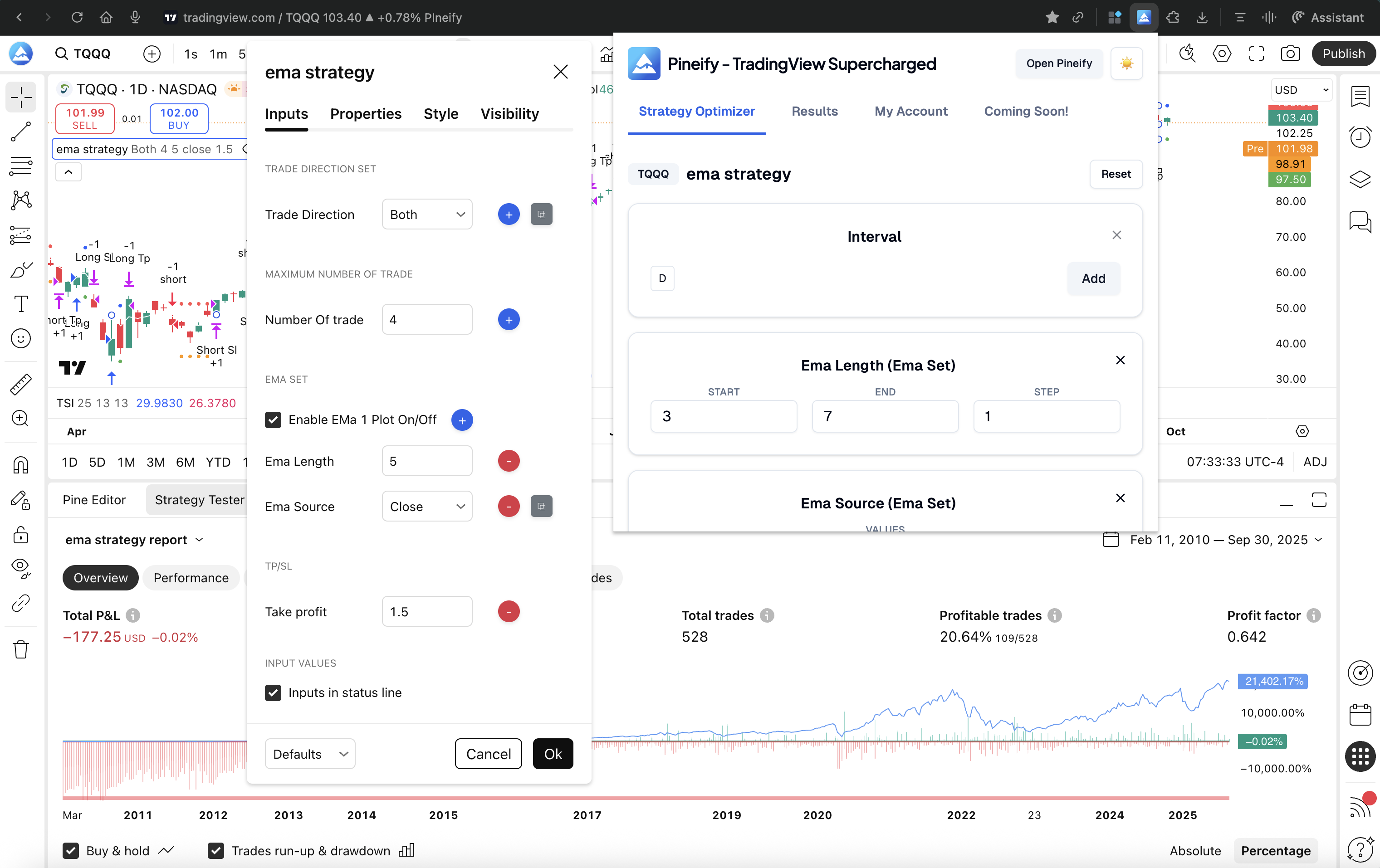
A strategy optimizer searches a specified set of inputs and records historical results. Its highest-ranked row is the best result among the tested combinations under the selected assumptions, not a proven best strategy. Compare tools by the execution engine, supported inputs, and records they leave for independent review.
This guide is published by Pineify. The product descriptions below are based on documented functions, not a personal test ranking or an observed improvement in returns.
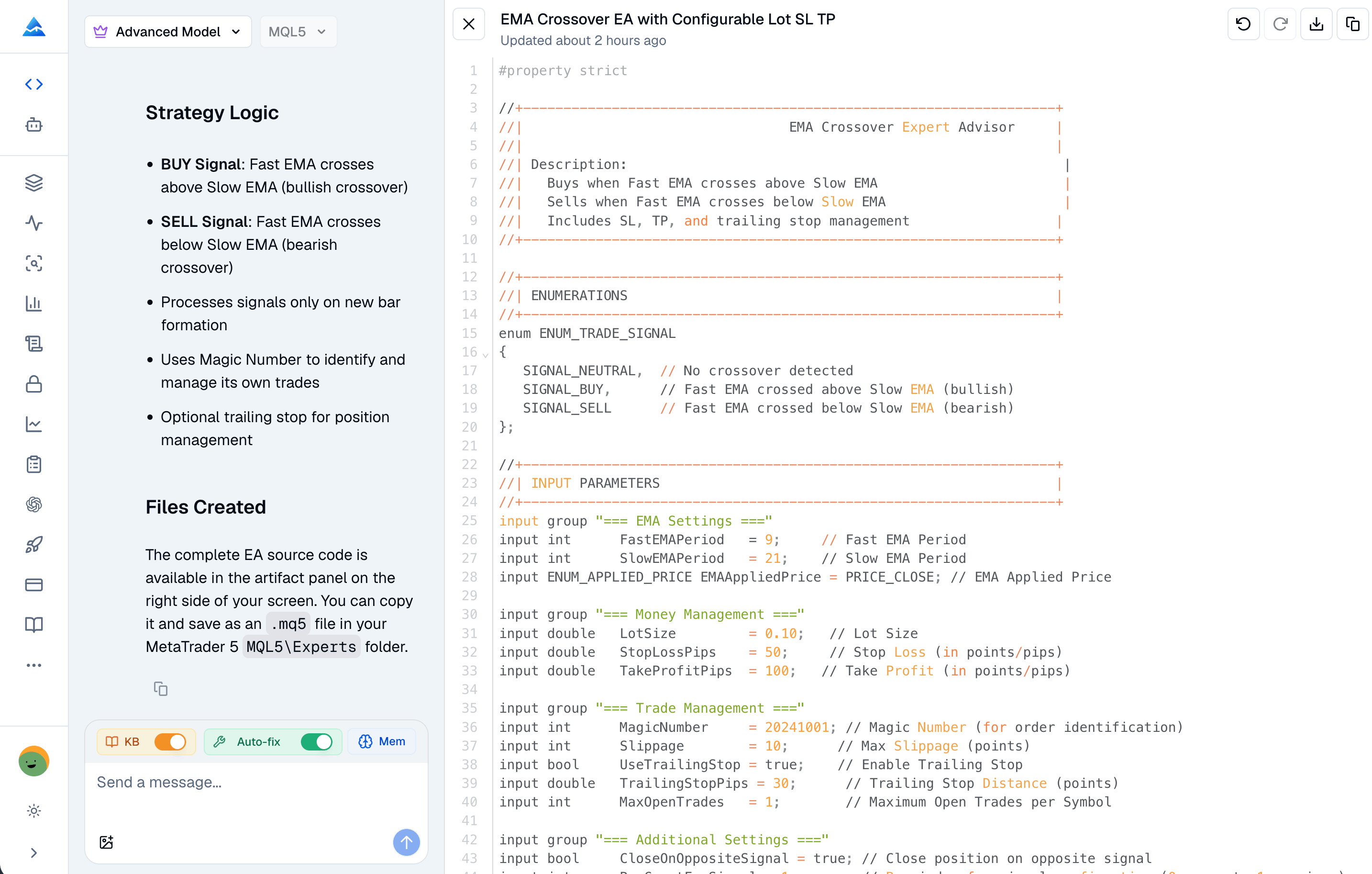
An MQL4 coding AI can draft an MT4 Expert Advisor, indicator or utility script from a written specification. The useful output is a reviewable source file and a repeatable test process. A generated file is not automatically compilable, equivalent to your intended rules or ready to trade live.
Choose a TradingView plan by a constraint you actually encounter: simultaneous charts, indicators, history, alerts, or a required tool. A more expensive plan provides different capacity and access; it does not establish better signals or trading returns. Compare the full recurring cost, including data and add-ons, before deciding.
TIKR, Wisesheets, and Pineify support different ways to research a company: a structured research workspace, spreadsheet and data integrations, and an agent conversation using available tools. Choose according to the output you need to inspect and reuse. This Pineify-authored comparison does not establish a speed benchmark, a universal winner, or superior investment returns.
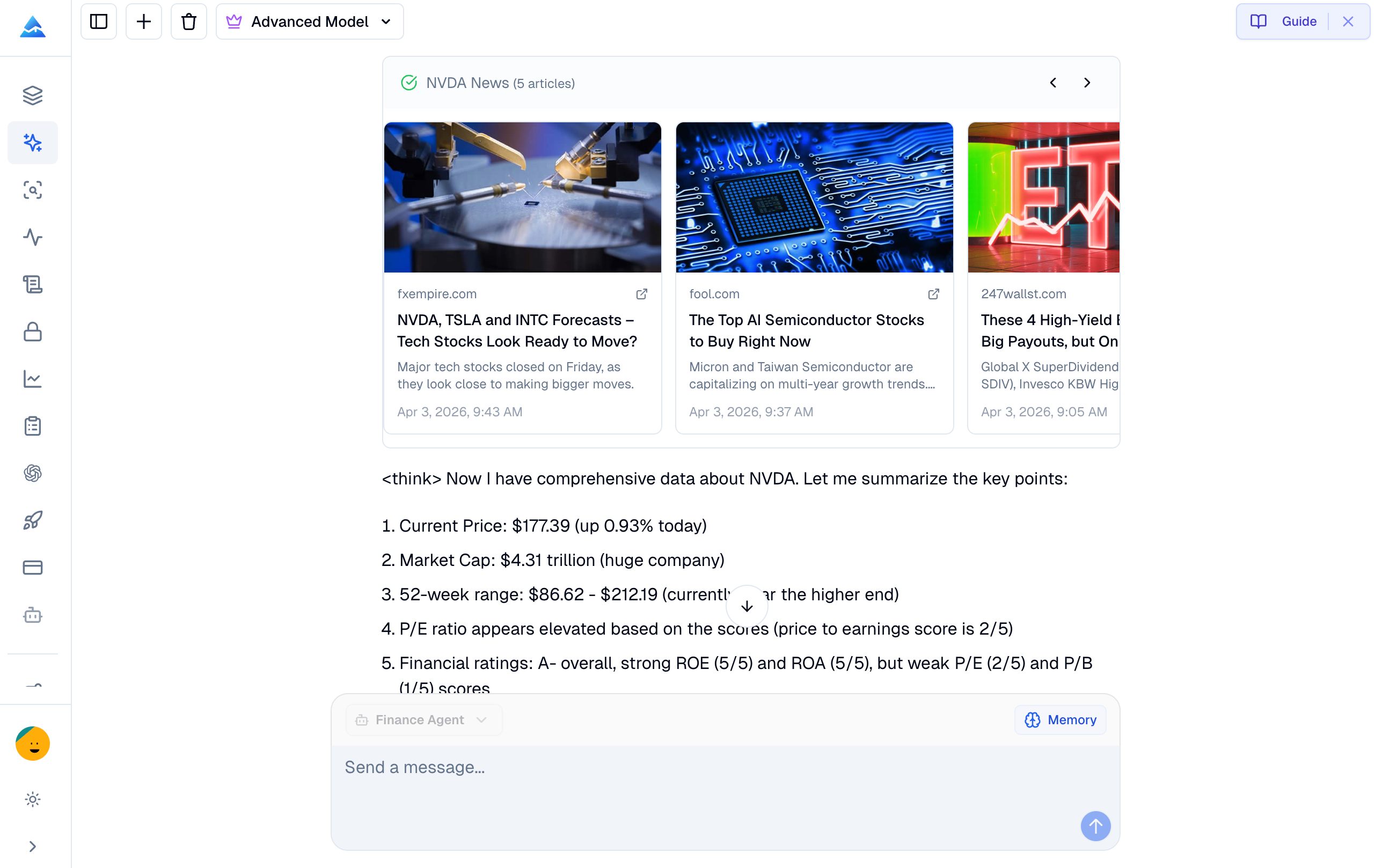
A lower-priced research tool is an alternative to a terminal only for the tasks it can actually complete. Pineify Finance Agent can assist with supported company-data queries and research summaries, but its tool list does not establish Bloomberg-equivalent data, execution, messaging, or service coverage. Start with a task inventory and a current quote for each required service.
This comparison is published by Pineify. It does not report a hands-on Bloomberg replacement trial or a measured savings result.
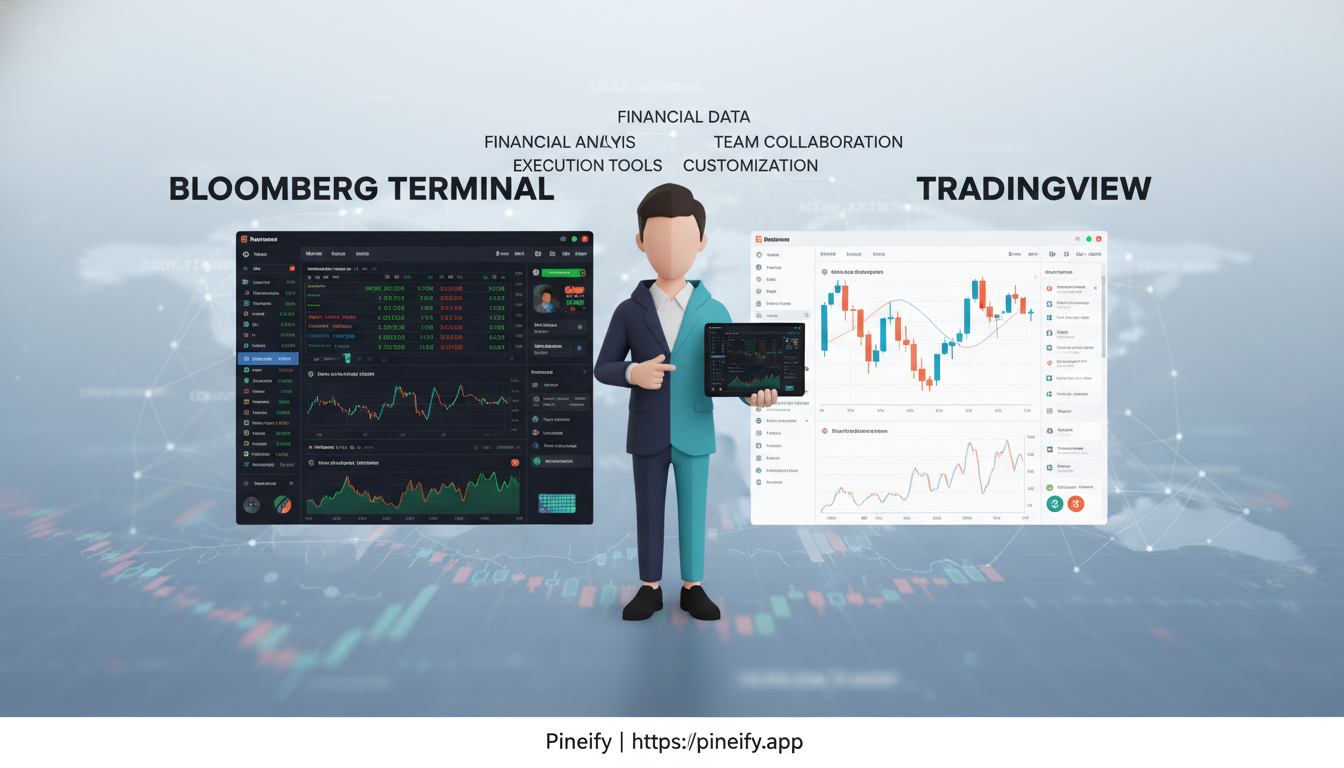
Bloomberg Terminal and TradingView overlap in market analysis but organize different workflows. Decide by the instruments, data rights, analytical outputs, and integrations you require. Neither a low subscription price nor an institutional label proves that one platform can replace the other for a particular task.
The comparison has been revised using current documentation. The historical URL remains unchanged; the content is not a frozen 2025 pricing table or a report of personal trading tests.