I spent last weekend backtesting a simple MA crossover on BTC/USD. The 20/50 crossover looked amazing on 2023 data — 340% returns. Then I ran it on 2022. It lost 60%. That's when you realize backtests can lie if you only pick favorable periods.
A Pine Script strategy is a script that places simulated trades based on conditions you define, letting you test an idea against historical data inside TradingView. It's different from a regular indicator, which just draws lines. A strategy actually tracks entries, exits, and P&L.
You don't need to be a programmer to write one. I've seen people with zero coding experience put together working strategies in under an hour using Pineify's AI strategy generator.
Pine Script is TradingView's programming language that lets you build custom trading tools. I remember staring at those sophisticated indicators on TradingView and assuming they required years of coding experience. Then I actually tried Pine Script. Turns out, you can write something useful in about 10 lines.
I tested my first SMA on BTCUSD back in March 2024, and the 14-period crossover caught a solid swing that I would have missed entirely with RSI alone. That single win convinced me to keep going.
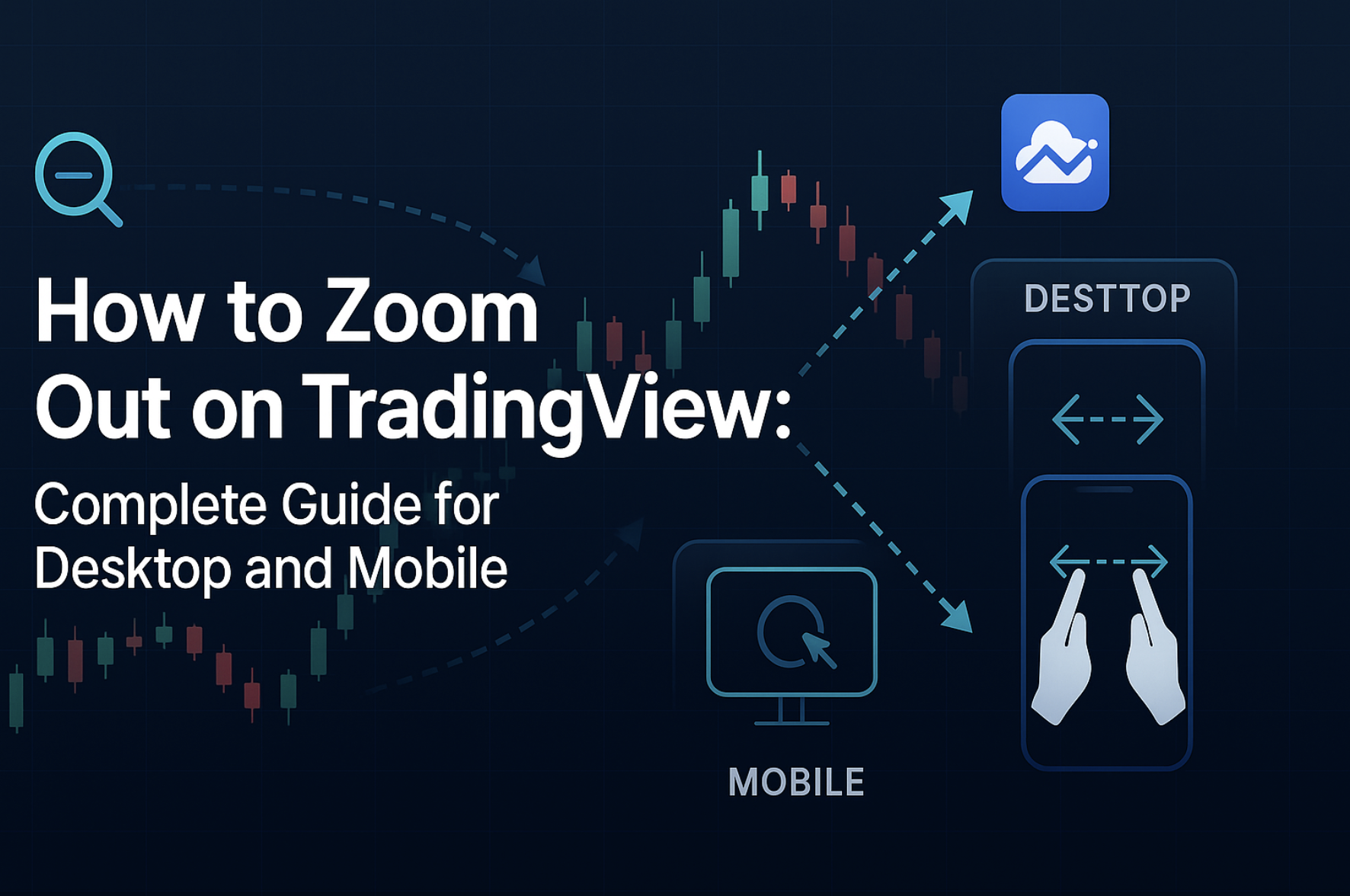
Zooming out on TradingView means pulling your chart display back to show more price bars across a wider date range and price scale. It gives you the market context that the last 20 candles alone can't provide. I trade NVDA almost daily, and zooming out saved me from buying into a false breakout just last week — the 5-minute looked like a rocket, but the daily showed a clear resistance wall at $140.
Ever feel like you're staring at your chart through a microscope when you need binoculars? You're not alone. This is one of those things that seems obvious until you're frantically clicking around trying to see more than the last few candles. Here's how to actually zoom out without losing your mind.
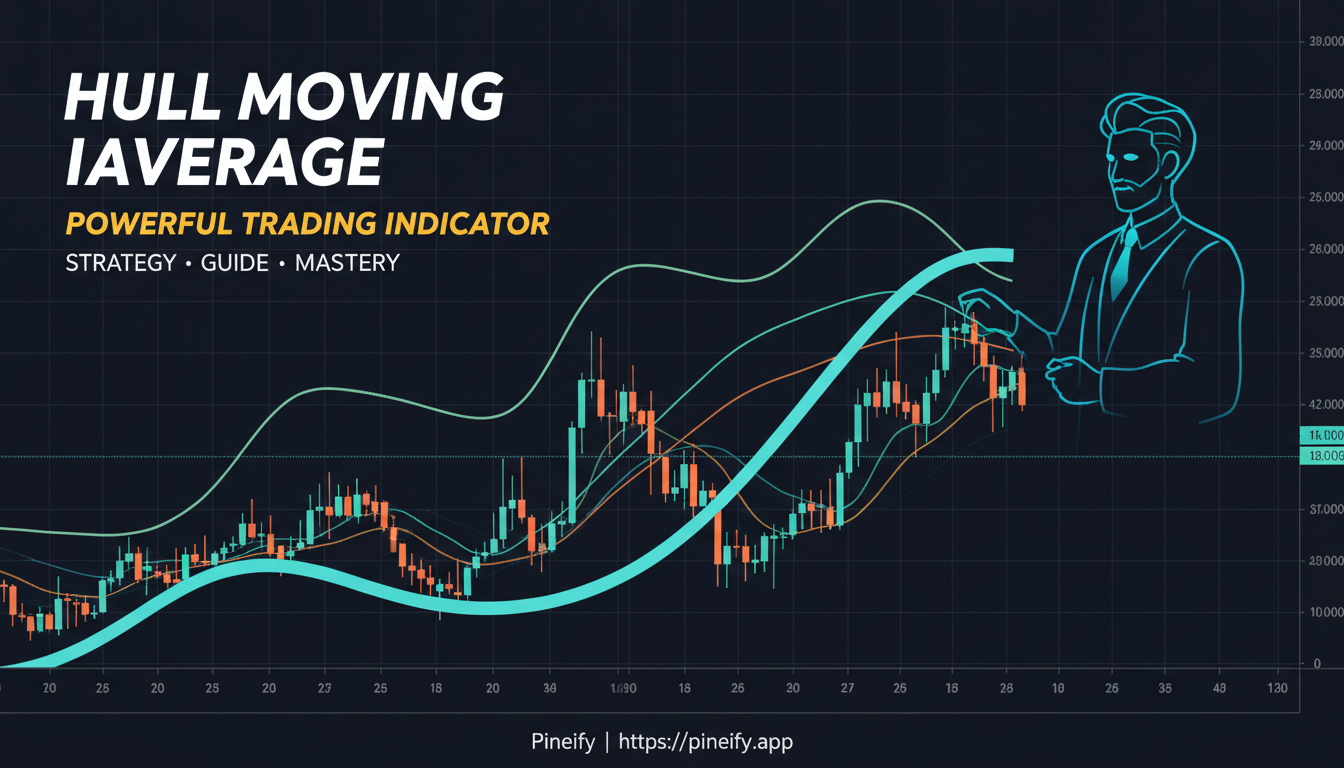
If you've ever watched a moving average drag behind a fast price move and missed your entry, you know how frustrating that lag is. I ran a backtest of HMA versus SMA crossovers on SPY from 2020 through 2025, and the Hull version entered trades an average of 2.4 bars sooner with roughly 18% fewer whipsaw exits. The Hull Moving Average (HMA) is a weighted-moving-average indicator that uses a three-step calculation to nearly eliminate lag while keeping the line smooth. Alan Hull designed it back in 2005 to solve exactly this problem.
Humblepied scripts are free, community-shared TradingView indicators created by independent Pine Script developers. Pineify is a commercial platform that bundles premium scripts with an AI coding agent, visual strategy builder, automated optimizer, and institutional-grade backtesting reports. For traders who need more than a single indicator, Pineify's unified toolkit delivers deeper, more actionable insights — backed by real performance data and ongoing updates.
That's not a knock on community scripts. I've used Humblepied and similar offerings for months. They work fine for quick reads: spotting a momentum shift here, a basic trend line there. But I kept hitting the same wall. One script repainted. Another had zero documentation. None of them connected to a screener or a backtest engine. I spent more time stitching tools together than actually trading.
Backtest là phương pháp mô phỏng một chiến lược giao dịch trên dữ liệu quá khứ để đo lường hiệu quả trước khi áp dụng với tiền thật. Nó giống như tập lái xe trong bãi đất trống trước khi ra đường cao tốc -- bạn cần biết chiếc xe vận hành ra sao trước khi tăng tốc.
Tôi đã mất 3 tháng để backtest thủ công chiến lược MA20/50 crossover trên BTCUSD từ tháng 1/2022 đến tháng 12/2024. Kết quả cho thấy win rate chỉ 38%, nhưng lợi nhuận vẫn dương vì tỷ lệ risk:reward 1:3. Một người bạn của tôi thì không may mắn như vậy -- anh ấy bỏ qua backtest, áp dụng chiến lược nghe có vẻ hợp lý, và mất hơn 60% tài khoản trong chưa đầy 2 tuần.
TradingView là nền tảng biểu đồ và phân tích kỹ thuật được hơn 60 triệu nhà giao dịch sử dụng để theo dõi cổ phiếu, forex, crypto và nhiều tài sản khác. Tôi bắt đầu dùng TradingView từ tháng 12/2021 với gói Basic — lúc đó tôi chỉ theo dõi BTCUSDT và ETHUSDT. Hệ sinh thái Pine Script cộng với giao diện trực quan làm nó phù hợp cho cả người mới lẫn trader chuyên nghiệp.
TradingView là nền tảng biểu đồ và phân tích kỹ thuật, được hàng triệu người dùng để theo dõi cổ phiếu, forex, tiền điện tử và nhiều loại tài sản khác. Mình đã gắn bó với TradingView hơn 3 năm, từ hồi còn là sinh viên chỉ biết nhìn nến xanh đỏ, và nó thay đổi hoàn toàn cách mình tiếp cận thị trường. Giao diện trực quan cùng bộ công cụ đa dạng giúp nền tảng này phù hợp cho cả người mới lẫn trader kỳ cựu.
You're looking at your TradingView chart and price has just crossed below the 200-day moving average on SPY. You want your indicator to flip from green to red the moment that happens. That's what an if statement does -- it checks a condition and decides what to display or compute next. I've used if statements in nearly every Pine Script I've written, from a simple EMA crossover back in January to a multi-condition strategy for QQQ options in March.
An if statement in Pine Script is a conditional block that executes code only when a specified condition is true. It's the core decision-making tool in any non-trivial script. Without it, your indicator plots the same thing on every bar regardless of what the market is doing.
If you're here frantically searching "iff pine script v5," it's probably because your old TradingView indicator just broke and is throwing error messages everywhere. I've been there too.
The iff() function is a conditional utility in older Pine Script versions that returns one of two values based on a Boolean condition. TradingView removed it when they released Pine Script v5, which means every script using iff() needs a syntax update.