545 posts tagged with "Pine Script"

Blog posts related to the PineScript

View All Tags

How to Draw Trend Lines in TradingView

· 12 min read
Pineify Team
Pine Script and AI trading workflow research team

Trend lines are diagonal lines on price charts that connect consecutive swing highs or swing lows. They show you the direction prices are moving and where they might reverse. On TradingView, drawing them correctly is a foundational skill. Do it well and your charts become structured analysis. Do it sloppily and you are just adding noise.

How to Draw Trend Lines in TradingView

BBWP Indicator: Rank Volatility with Bollinger Band Width Percentile

· 15 min read
Pineify Team
Pine Script and AI trading workflow research team

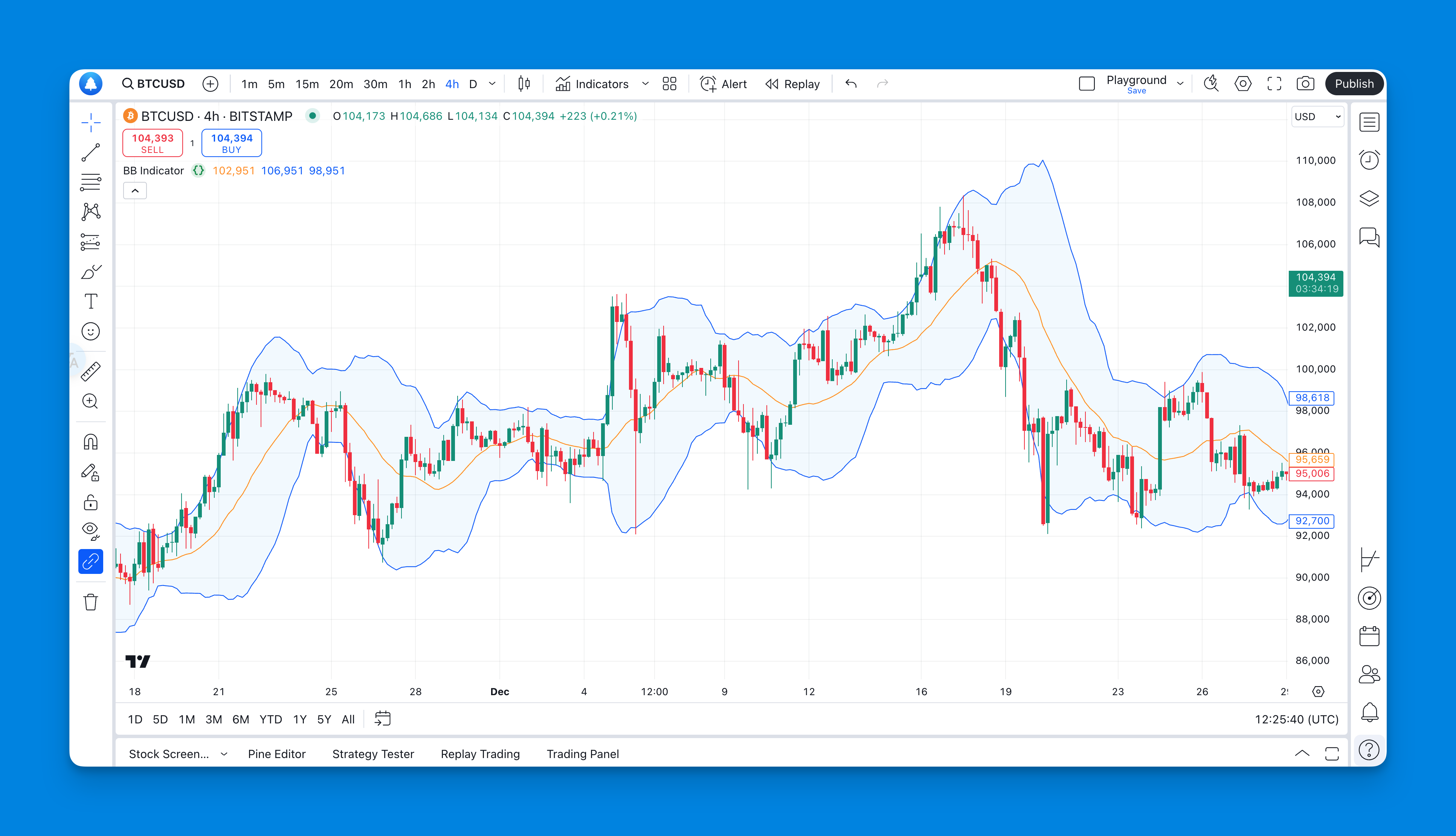
Quiet markets can be harder to trade than fast markets. Price moves sideways, spreads tighten, and every small breakout looks tempting. That's where the BBWP indicator earns its place. I've been running it on SPY and BTC since December 2024, and it consistently shows whether current volatility is truly compressed or just normal for that market.

BBWP stands for Bollinger Band Width Percentile. It doesn't tell you whether price should go up or down. BBWP is a volatility indicator that converts Bollinger Band Width into a percentile rank. It tells you how wide the current Bollinger Bands are compared with their own recent history. After testing this percentile system on NVDA, ETH, and ES futures, I treat it as a context tool first and a signal tool second.
How to Find Contract Size on TradingView

· 17 min read
Pineify Team
Pine Script and AI trading workflow research team

Contract size is the fixed multiplier that determines how much a single price move is worth in dollar terms. On TradingView, you find it through Symbol Info, Point Value, and Tick Value — but the platform rarely labels it directly. I've traded ES and NQ for years, and missing this number once caused me to grossly misjudge my risk on a 10-lot position. Here's how to track it down, whether you trade futures, forex, or crypto perpetuals.

How to Find Contract Size on TradingView

How to Get Historical Data from TradingView for Backtesting

· 14 min read
Pineify Team
Pine Script and AI trading workflow research team

Historical data in TradingView refers to past price records—OHLC values, volume, and indicator readings—that traders export for backtesting strategies and analyzing market behavior. Whether you're testing an old strategy, digging into market trends, or building trading algorithms, knowing how to pull historical data from TradingView saves you time. I pulled 5,000 bars of AAPL data last month for a momentum backtest, and the built-in export took about 30 seconds.

How to Get Historical Data from TradingView: A Complete Guide for Traders and Analysts

How to Get Invite-Only Scripts on TradingView

· 14 min read
Pineify Team
Pine Script and AI trading workflow research team

Invite-only scripts are TradingView indicators locked behind a creator-controlled permission system. You can see they exist in the library, but you can't add them to your chart unless the author approves you. I've spent over two years hunting down these exclusive tools—cold DMs, paid communities, platform subscriptions—and most traders repeat the same four mistakes when trying to get access.

How to Get Invite Only Scripts on TradingView

How to Get Live Data on TradingView

· 12 min read
Pineify Team
Pine Script and AI trading workflow research team

Real-time market data connects your TradingView charts directly to exchange price feeds with zero delay. I learned this the hard way: I was watching AAPL in January 2026 on a free plan and placed a limit order based on a quote that was already 15 minutes stale. The stock had moved $2 in that window. Three routes get you live data on TradingView -- buying exchange packages on top of a paid plan, connecting your broker, or relying on the free real-time data that forex and crypto markets already offer.

How to Get Live Data on TradingView

How to Go to Indicator Settings in TradingView

· 14 min read
Pineify Team
Pine Script and AI trading workflow research team

Indicator settings in TradingView are the controls that determine how a technical indicator calculates values and displays on your chart. Every indicator ships with default parameters, but those defaults rarely match your specific market or timeframe. I've been using TradingView for about three years, and the biggest jump in my chart quality came when I stopped accepting the defaults. Here's one example: I trade AAPL on the 1-hour chart, and the default 14-period RSI gave me constant false signals. Changing it to 21 periods cleaned up my entries immediately.

How to Go to Indicator Settings in TradingView

How to Hire a Pine Script Developer

· 12 min read
Pineify Team
Pine Script and AI trading workflow research team

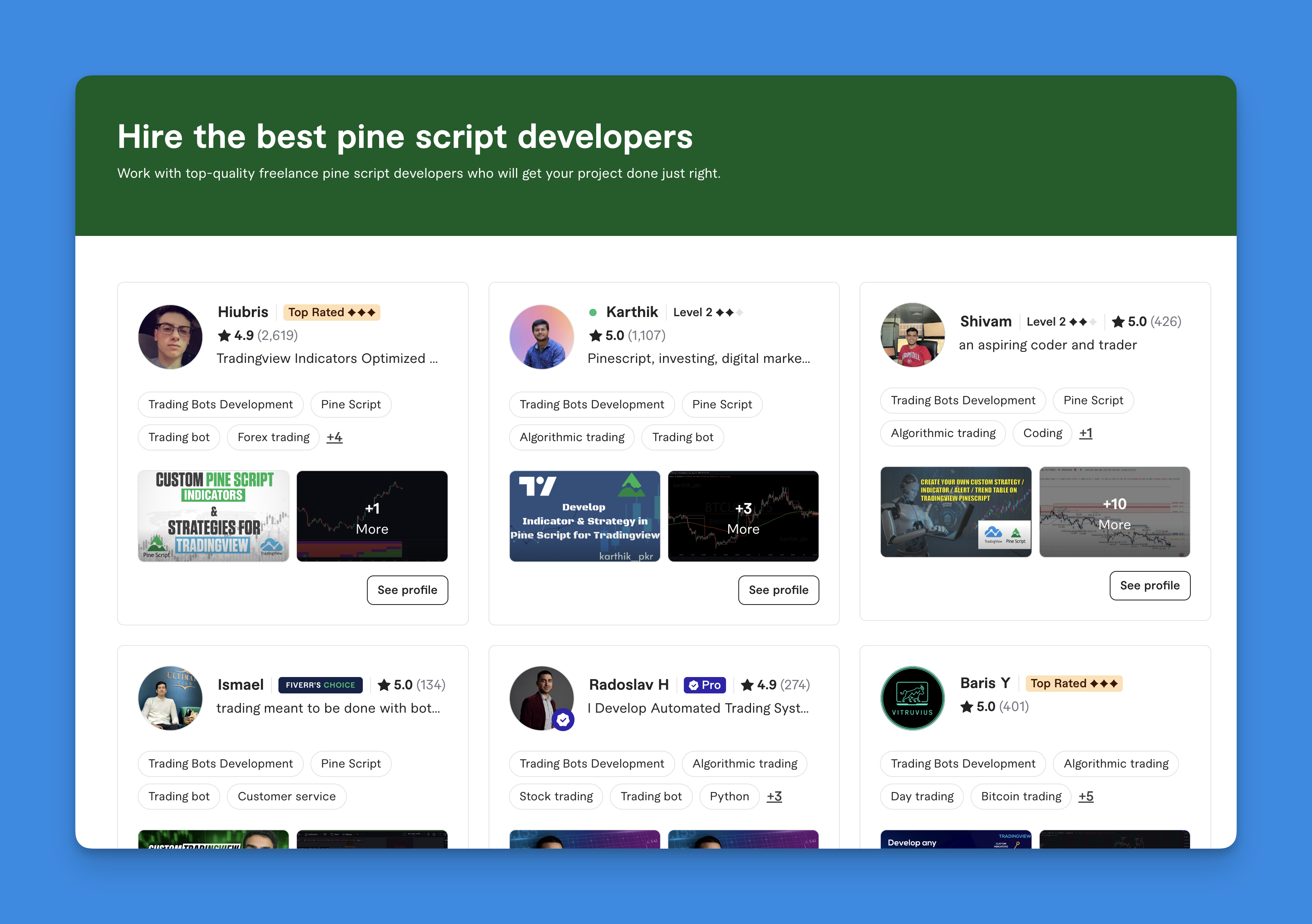
So I was chatting with my buddy Jake last week, and he's been diving deep into TradingView. He keeps seeing all these custom indicators and thinking "man, I wish I could build something like that for my trading strategy."

Pine Script is TradingView's proprietary programming language for creating custom technical indicators, strategies, and alerts. Jake knows his way around the markets but coding? Not so much. And honestly, learning Pine Script from scratch when you just need to test a trading idea can take weeks.

That got me thinking - there are probably thousands of traders in the same spot. You've got solid trading concepts, you know what you need, but you need someone who can turn those ideas into code. After helping several friends hire developers (and watching them burn cash on bad hires), here's what I've learned.

Pine Script Developer

Import Chart Data in TradingView: Quandl, CSV, and API Methods

· 10 min read
Pineify Team
Pine Script and AI trading workflow research team

Importing chart data in TradingView is the process of bringing external datasets into your charts for custom analysis. TradingView comes with a lot of built-in market data, but you can also pull in specific external datasets. You can't just upload any random CSV file directly into the main chart or Pine Script, but there are clever ways to get custom data in there.

How to Import Chart Data in TradingView: A Step-by-Step Guide

How to Build Your Own TradingView Strategy

· 10 min read
Pineify Team
Pine Script and AI trading workflow research team

A TradingView strategy is a set of automated rules written in Pine Script that simulates buying and selling on historical data. Instead of just drawing lines like an indicator, it places trades, moves stops, and reports performance in the Strategy Tester tab. I've used this approach to validate dozens of ideas without risking a dollar.

How to Make Your Own Strategy in TradingView