545 posts tagged with "Pine Script"

Blog posts related to the PineScript

View All Tags

Smart Money Concepts Trading with Pineify Signals & Overlays

· 13 min read
Pineify Team
Pine Script and AI trading workflow research team

Hedge funds and institutions don't guess where price is headed. They place large orders at specific levels, and those levels leave tracks anyone can learn to read. Smart Money Concepts (SMC) is a framework for reading those tracks—spotting where the big players are buying or selling based on how price behaves, not by relying on slow indicators.

The idea is simple: instead of asking what a moving average says, you ask where real money changed hands. SMC focuses on a few concrete patterns:

  • Order Blocks: Narrow price zones where a surge of buying or selling actually took place. Think of them as footprints showing you where institutions stepped in.
  • Liquidity Zones: Areas around obvious levels—recent highs, lows, round numbers—where stop orders pile up. Big moves often sweep through these to grab liquidity before reversing.
  • Break of Structure (BOS) / Change of Character (CHoCH): BOS confirms an active trend is continuing. CHoCH signals the trend might be shifting direction.
  • Fair Value Gaps (FVG): Small gaps in price where trading jumped past an area quickly. The market often revisits these to fill the imbalance.
  • Inducement & Stop Hunts: Sharp counter-moves designed to trigger retail stop-losses, letting institutions enter at better prices.

The advantage of this approach is that it's anchored to real activity—actual orders and price movement—not abstract lines. An order block isn't a guess; it's a zone where something already happened. I've found this makes a real difference when I'm scanning for setups on charts like BTCUSD or EURUSD. For momentum confirmation alongside SMC, the Percentage Price Oscillator (PPO) Trading Strategy pairs well with order block analysis.

Master Smart Money Concepts with Pineify Signals & Overlays TradingView System

TradingView Pricing 2026: All Plans & Costs Compared

· 11 min read
Pineify Team
Pine Script and AI trading workflow research team

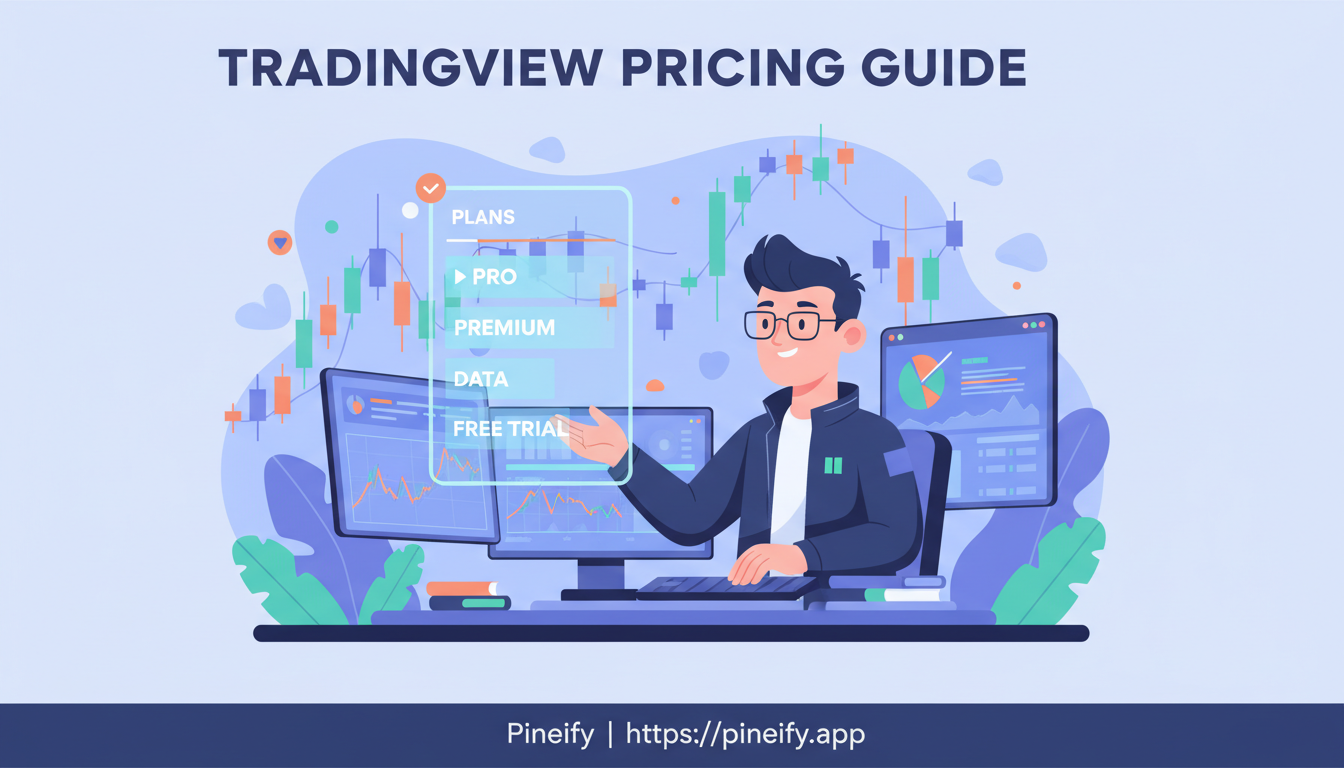
TradingView is a web-based charting platform used by over 50 million traders each month. I've been on it for over three years and have tried four of the six plans at different stages of my trading. You can start with a completely free option or go up to $239.95 a month for the professional tier. Annual billing knocks up to 40% off some plans, which I've found makes the Essential tier the best value in the lineup.

How Much Does TradingView Cost? A Complete Pricing Guide

Kodify Alternatives: Pineify Premium Scripts for TradingView

· 14 min read
Pineify Team
Pine Script and AI trading workflow research team

Kodify, now rebranded as TradingCode, teaches Pine Script through tutorials. But learning syntax and getting a trading-ready tool are different things. Pineify is a TradingView Pine Script platform that fills that gap: it gives you ready-to-deploy premium scripts, AI code generation, and a visual strategy builder — no manual coding required. In my opinion, that makes it the strongest Kodify alternative for traders who want results today, not just lessons.

Pineify Website

Pineify brings together a Visual Editor to build strategies without code, an AI Coding Agent that generates and fixes Pine Script instantly, and a curated Premium Scripts Collection with full source code from professional-grade indicators. On top of that, you get an AI Stock Picker with daily predictive scores, a Finance AI Agent for real-time research, and a Strategy Optimizer that fine-tunes TradingView backtests. I have been using the optimizer on AAPL daily data, and it cut my parameter testing from hours to about three minutes.


Kodify Alternatives: Advanced TradingView Strategies with Pineify Premium Scripts

Trend Indicators MT5: Master Market Direction Like a Pro

· 15 min read
Pineify Team
Pine Script and AI trading workflow research team

Whether you're an experienced forex trader or just starting out with MetaTrader 5, getting a handle on the trend indicators MT5 offers is one of the most useful things you can do. These indicators are designed to help you spot the direction price is moving, gauge how strong that move is, and pick better times to enter or exit a trade. In short, they turn raw price data into something you can actually use.


Trend Indicators MT5: Master Market Direction with These Pro Strategies

How to Read Options Market Flow: Smart Money Signals

· 19 min read
Pineify Team
Pine Script and AI trading workflow research team

Every single trading day, over $500 billion in options premium trades hands. But here's the catch—most everyday traders only notice a big stock move after it's already happened. The traders who seem to spot these shifts early aren't just watching price charts. They're tuned into something deeper: options market flows news. This is the live feed of what big institutions are actually doing—the real-time story of where the smart money is placing its bets.

Options market flow is the combined stream of all options trades, filtered to highlight the large, high-premium orders that everyday investors rarely place. It shows you what hedge funds and prop desks are doing before the broader market catches on. For context on how this fits into strategy development, I've found that pairing flow data with a simple breakout strategy in Pine Script gives a more complete picture.

I watched TSMC options flow spike 300% above its 20-day average on May 12, 2026—three days before the stock broke out 7%. Signals like that are why I pay attention to this data.


How to Read Options Market Flow News: Smart Money Signals for Trading Success

Best AI Finance Agents: Pineify vs Competitors Review & Comparison

· 14 min read
Pineify Team
Pine Script and AI trading workflow research team

An AI finance agent is a tool that connects to live financial data streams in real-time — it's not a static chatbot with an outdated knowledge cutoff. It pulls current stock prices, earnings reports, and news the moment you ask. I tested Pineify, Fiscal.ai, Magnifi, Prospero.ai, and Intellectia AI side by side. My verdict: Pineify covers more ground than any competitor — stocks, options, crypto, sentiment, SEC filings — and the one-time $259 pricing beats every subscription here for long-term use.

Best AI Finance Agents: Pineify vs Competitors Review & Comparison

TradingView Premium Pricing: Cost, Features, and Value

· 7 min read
Pineify Team
Pine Script and AI trading workflow research team

TradingView Premium is TradingView's top-tier subscription, designed for traders who need maximum chart capacity, indicator depth, and alert volume without artificial limits. I've been on the annual plan for about eight months, primarily swing trading QQQ and SPY options, and the extra screen real estate alone changed how I manage positions. If you're weighing whether the $67.95 monthly price tag fits your workflow, here's a grounded look at what you actually get and where the plan falls short.

The Best Pine Script Generator
How Much is TradingView Premium? A Complete Pricing Guide

MQL5 Programming: Build Automated Trading Systems for MetaTrader 5

· 13 min read
Pineify Team
Pine Script and AI trading workflow research team

If you've ever wondered how professional traders can run fully automated strategies 24/7 without staring at charts all day, the answer usually comes down to one thing: MQL5. Whether you're just starting to explore algorithmic trading or you're an experienced developer looking to build your own trading systems, learning MQL5 is the most direct path to automating your trades.

What Is MQL5? Complete Guide to MetaQuotes Language & Automated Trading

How to Add Another Chart in TradingView: Multi-Chart Setup Guide

· 11 min read
Pineify Team
Pine Script and AI trading workflow research team

TradingView's multi-chart feature lets you display up to eight independent chart panes in a single window, each with its own timeframe, indicators, and drawing tools. Instead of overlaying one price line on another, you get clean, separate workspaces for comparing assets or watching multiple timeframes at once. I've been running a 3-pane layout -- SPY daily, QQQ 4-hour, and TSLA 15-minute -- for the past six months, and it's changed how I think about trade timing.

How to Add Another Chart in TradingView: A Complete Guide