ADX Indicator in Pine Script: Code, Strategy & Signals

· 7 min read
Pineify Team
Pine Script and AI trading workflow research team

Ever sat there watching a chart, wondering if that price movement is actually going somewhere or just playing with your emotions? Yeah, I've been there too. That's where the Average Directional Index (ADX) comes in - and trust me, once you understand how this thing works, you'll wonder how you ever traded without it.

The ADX isn't just another line on your chart. It's like having a trend strength meter that tells you when the market actually means business versus when it's just messing around. And the best part? You don't need to be a coding wizard to use it in Pine Script.

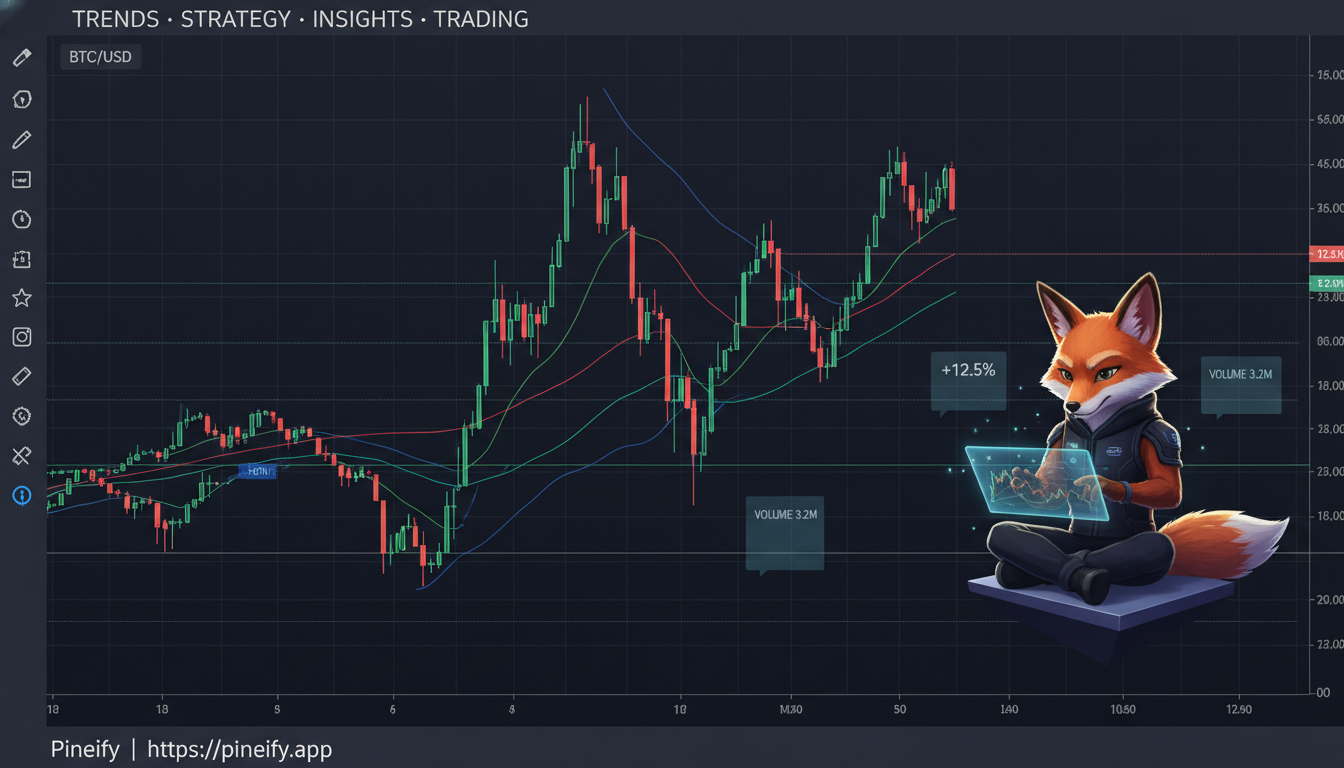
TradingView Pine Script ADX Indicator showing trend strength measurement

Understanding Global Variables in Pine Script

· 7 min read
Pineify Team
Pine Script and AI trading workflow research team
Pineify | Best Pine Script Editor

When you're building Pine Script indicators or strategies, you'll often need variables that stick around throughout your entire script. That's exactly what global variables do - they're like having a shared notebook that every part of your code can read from and (with some rules) write to.

label.new() in Pine Script: Add Text Labels to Charts

· 6 min read
Pineify Team
Pine Script and AI trading workflow research team

Want to make your TradingView charts more informative? Adding labels to highlight important price levels, signals, or market conditions can transform how you analyze markets. The label.new function in Pine Script is your gateway to creating these dynamic chart annotations.

If you've ever wondered how professional traders mark key levels on their charts or display real-time calculations, you're in the right place. This guide breaks down everything you need to know about using label.new effectively.

Understanding Pine Script Offset: A Comprehensive Guide

· 7 min read
Pineify Team
Pine Script and AI trading workflow research team

Ever stared at a Pine Script tutorial and wondered what the heck "offset" actually does? You're not alone. When I first started building custom indicators on TradingView, offset was one of those features that seemed important but nobody explained it in plain English.

Here's the thing - offset is actually pretty powerful once you understand what it's doing. It's like having a time machine for your indicators, letting you shift them backward or forward on your chart to see patterns you might have missed otherwise.

Pine Script Offset Function Example

Understanding Pine Script Trailing Take Profit: A Comprehensive Guide

· 7 min read
Pineify Team
Pine Script and AI trading workflow research team

You know that sinking feeling when you're watching a winning trade turn into a loser? You're up 50 points, then 30, then suddenly you're staring at a red number wondering what just happened. That's exactly why trailing take profit exists - it's like having a bodyguard for your profits.

I remember my first few months trading, manually trying to time my exits. I'd either chicken out too early and miss huge moves, or get greedy and watch my gains disappear. Trailing take profit changed everything for me, and I want to show you exactly how to set it up in Pine Script.

Pine Script Trailing Take Profit

Understanding Pine Script v6 Compiler: Complete Guide for TradingView Traders

· 9 min read
Pineify Team
Pine Script and AI trading workflow research team

You know that feeling when you're scrolling through TradingView and see someone with these incredible custom indicators that seem to catch every move? I used to think those traders had some secret sauce I'd never figure out. Turns out, it's Pine Script v6—and it's way more approachable than I thought.

request.security() in Pine Script: Syntax, Examples & Pitfalls

· 6 min read
Pineify Team
Pine Script and AI trading workflow research team
Pine Script request.security function example showing multi-timeframe analysis

Ever found yourself staring at a 1-minute chart wondering what the daily trend looks like? Or maybe you're trading SPY but want to keep an eye on what the VIX is doing at the same time? That's exactly where Pine Script's request.security() function becomes your best friend.

I've been using this function for years, and honestly, once you understand how it works, it opens up a whole new world of trading possibilities. Let me walk you through everything you need to know about pulling data from different symbols and timeframes.

Understanding the NA Function in Pine Script: Your Complete Guide to Handling Missing Data

· 9 min read
Pineify Team
Pine Script and AI trading workflow research team

Ever had your Pine Script crash mysteriously on the first few bars of a chart? Or noticed weird calculation results that make no sense? Nine times out of ten, it's because you're not handling missing data properly. That's where Pine Script's na() function becomes your best friend.

The na() function might seem basic at first glance, but it's actually one of the most important tools in your Pine Script arsenal. Once you understand how to use it properly, you'll write more stable scripts that work reliably across different timeframes and markets.

Pine Script NA function example showing how to handle missing data in TradingView indicators

Understanding ta.barssince in Pine Script (And Why It's Actually Pretty Cool)

· 7 min read
Pineify Team
Pine Script and AI trading workflow research team

If you're working with Pine Script and stumbled across the ta.barssince function, you've found something genuinely useful. This function counts how many bars (or candles) have passed since a specific condition last occurred on your chart. Think of it as your trading strategy's memory - it remembers when something important happened and tells you exactly how long ago that was.

Whether you're asking "How many bars since I last saw a bullish engulfing pattern?" or "When did the price last cross above my 50-day moving average?" - ta.barssince has got you covered. Let me walk you through everything you need to know about this function.

What Does ta.barssince Actually Do?

The ta.barssince(condition) function looks backward through your chart history and counts the number of bars since your specified condition was last true. If that condition has never been true before the current bar, the function returns na (not available).