Pine Script to MQL4: Moving Your TradingView Strategy to MetaTrader 4

· 14 min read
Pineify Team
Pine Script and AI trading workflow research team

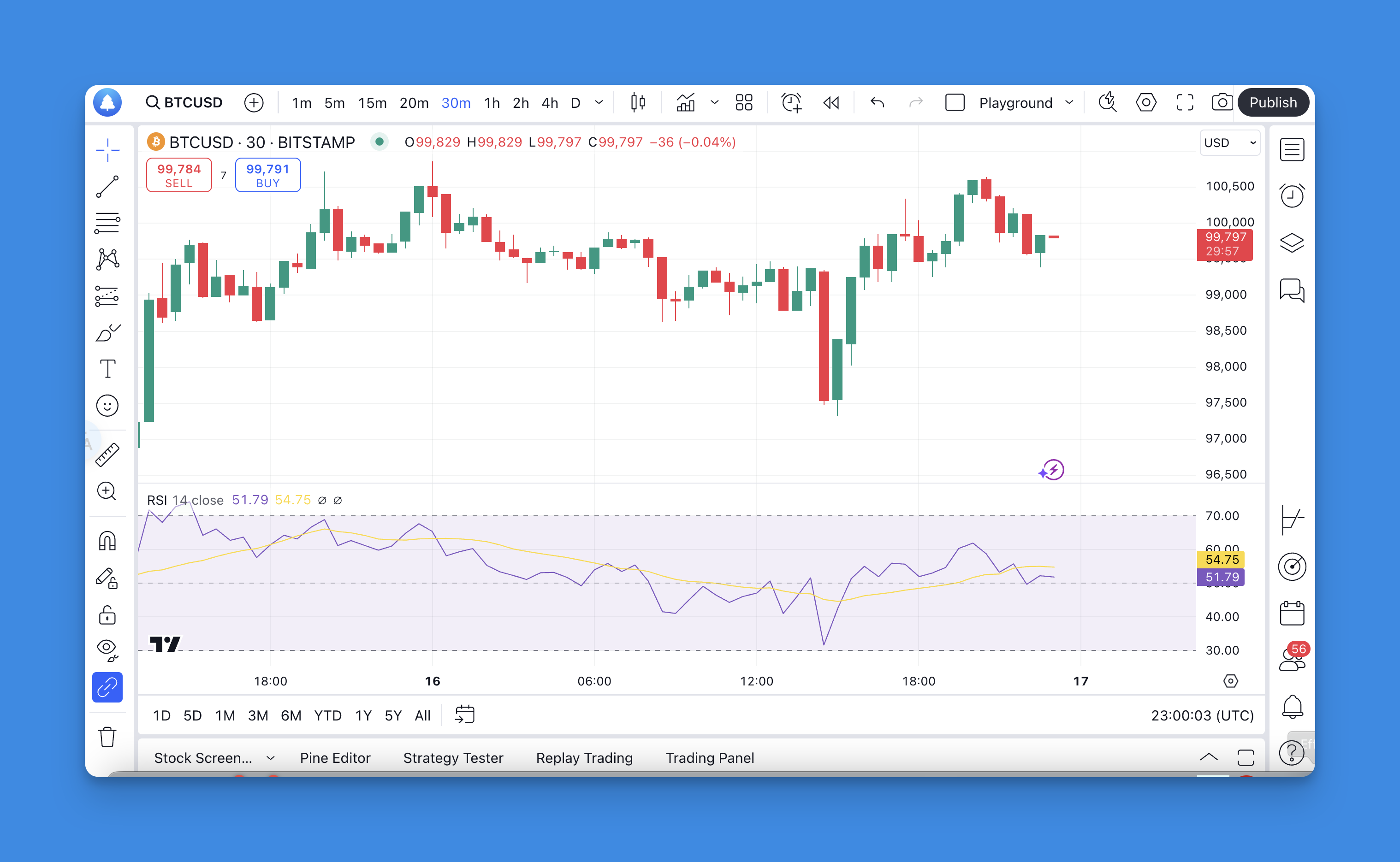
A Pine Script to MQL4 converter is a process — manual, not automated — that transforms your TradingView indicator or strategy into an MT4 Expert Advisor. Here's the honest verdict: no one-click tool exists, and anyone claiming otherwise hasn't tried it. But a successful conversion is absolutely possible if you know what you're getting into.

I've spent weeks perfecting Pine Script strategies on TradingView, only to hit the same wall — great analysis, no automated execution. You'll build a solid indicator, watch it generate clean signals, and then realize your broker account lives on MetaTrader 4. The code won't cross the gap by itself.

Think of it like reconstruction, not translation. Pine Script's Python-like syntax and bar-by-bar execution model have nothing in common with MQL4's C++ structure and tick-driven loops. But I've done this multiple times, and when the strategy is proven, the effort pays off.

Pine Script to MQL4 Converter Guide

Pine Script Tutorial: Write Your First Indicator in Minutes

· 9 min read
Pineify Team
Pine Script and AI trading workflow research team

I started learning Pine Script without any coding background. Two hours later, I had a moving average crossover indicator running on my TradingView chart. If you want to do the same, this tutorial gets you there faster.

Pine Script is TradingView's built-in programming language for creating custom indicators, drawing on charts, and testing trading strategies. It runs in your browser and executes once per price bar. You don't need to install anything, and the free TradingView account covers everything here.

Pine Script v4: Drawing Objects, Series Strings, Smarter Indicators

· 11 min read
Pineify Team
Pine Script and AI trading workflow research team

Pine Script v4 is the fourth major version of TradingView's scripting language, released in 2020. It added programmatic drawing objects, dynamic text through series strings, organized function namespaces, and a stricter type system. I've built more than 30 indicators in v4 over the past year, and these four features changed how I write Pine Script entirely.

Before v4, adding a simple label to a chart meant finding third-party workarounds or skipping it. The type system let na values slip through without warning. Function names felt random. V4 fixed all of that, and the code I write today is cleaner, more visual, and easier to debug than anything I produced before.

Pine Script v5 User Manual PDF Free Download

· 11 min read
Pineify Team
Pine Script and AI trading workflow research team

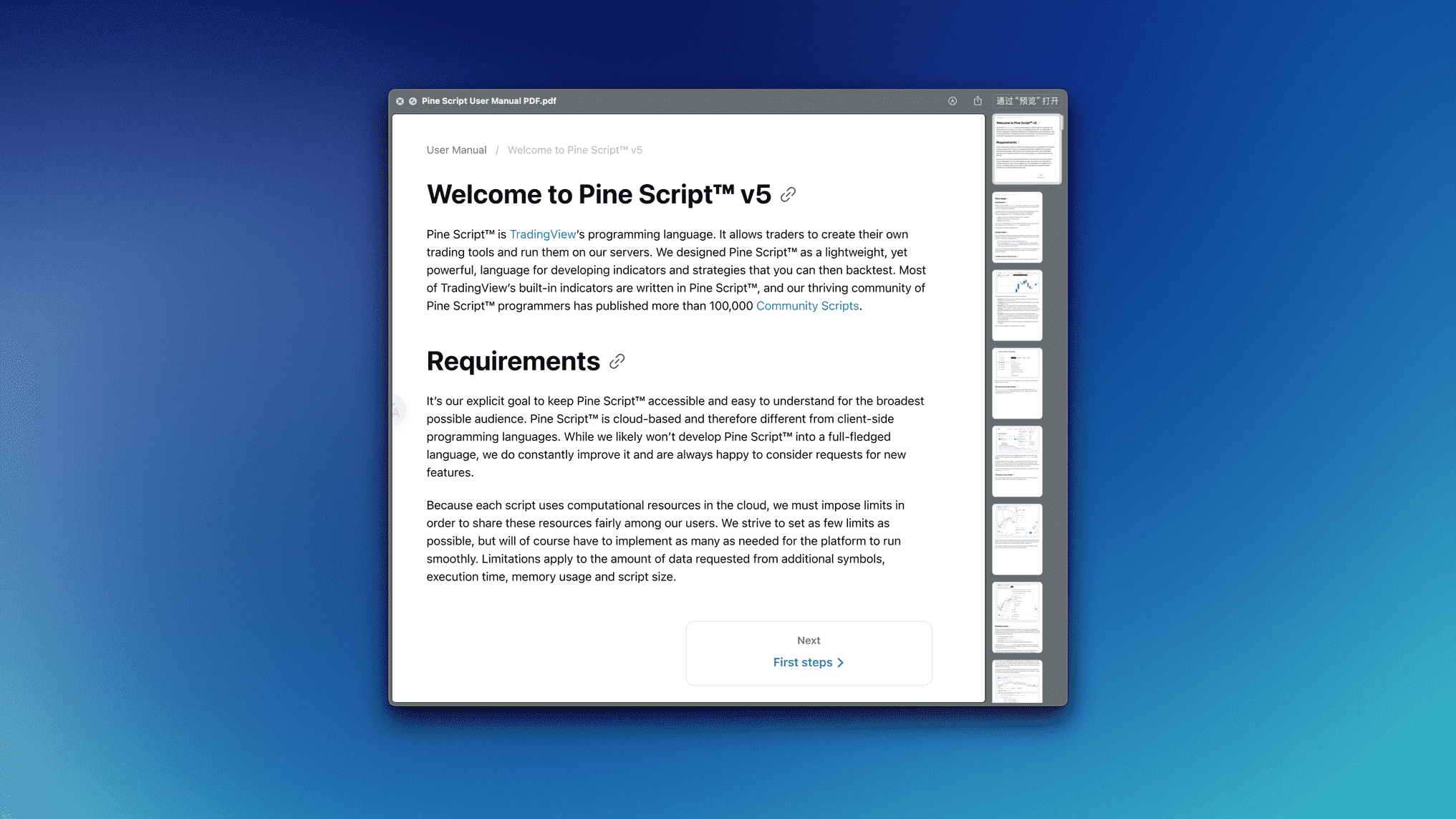
I've traded SPY options for five years, and learning Pine Script on my own cost me months of trial and error. When I found the official Pine Script v5 User Manual—all 513 pages offered at no cost—I knew it was the missing piece for anyone building custom indicators.

This is TradingView's own reference, written by the people behind the language. It covers basic syntax, indicators, strategies, and everything in between. No fluff.

Pine Script v6: What's New + Migration Guide (2026)

· 14 min read
Pineify Team
Pine Script and AI trading workflow research team
Pine Script v6 new features overview

TradingView just released Pine Script v6, and honestly, this might be the most practical update they've made to their scripting language yet. After spending weeks testing every new feature, I can tell you the improvements are genuinely useful - especially if you've been frustrated with the limitations in older versions.

Let me share what actually matters in this update and why you should consider making the switch.

Pine Script v6 Strategy Examples: Copy-Paste Code for TradingView

· 13 min read
Pineify Team
Pine Script and AI trading workflow research team

I spent last month running 12 Pine Script v6 strategies against SPY and TSLA daily data. Only 2 of them survived my filter for drawdown under 15% and win rate above 40%. A Pine Script v6 strategy is a script that automates trade entries and exits inside TradingView and produces a backtest report with net profit, drawdown, and win rate. I have been writing strategies since v4, and v6 finally fixes the math bugs that used to eat up my weekends.

Pine Script v6 User Manual PDF Free Download (2026)

· 11 min read
Pineify Team
Pine Script and AI trading workflow research team

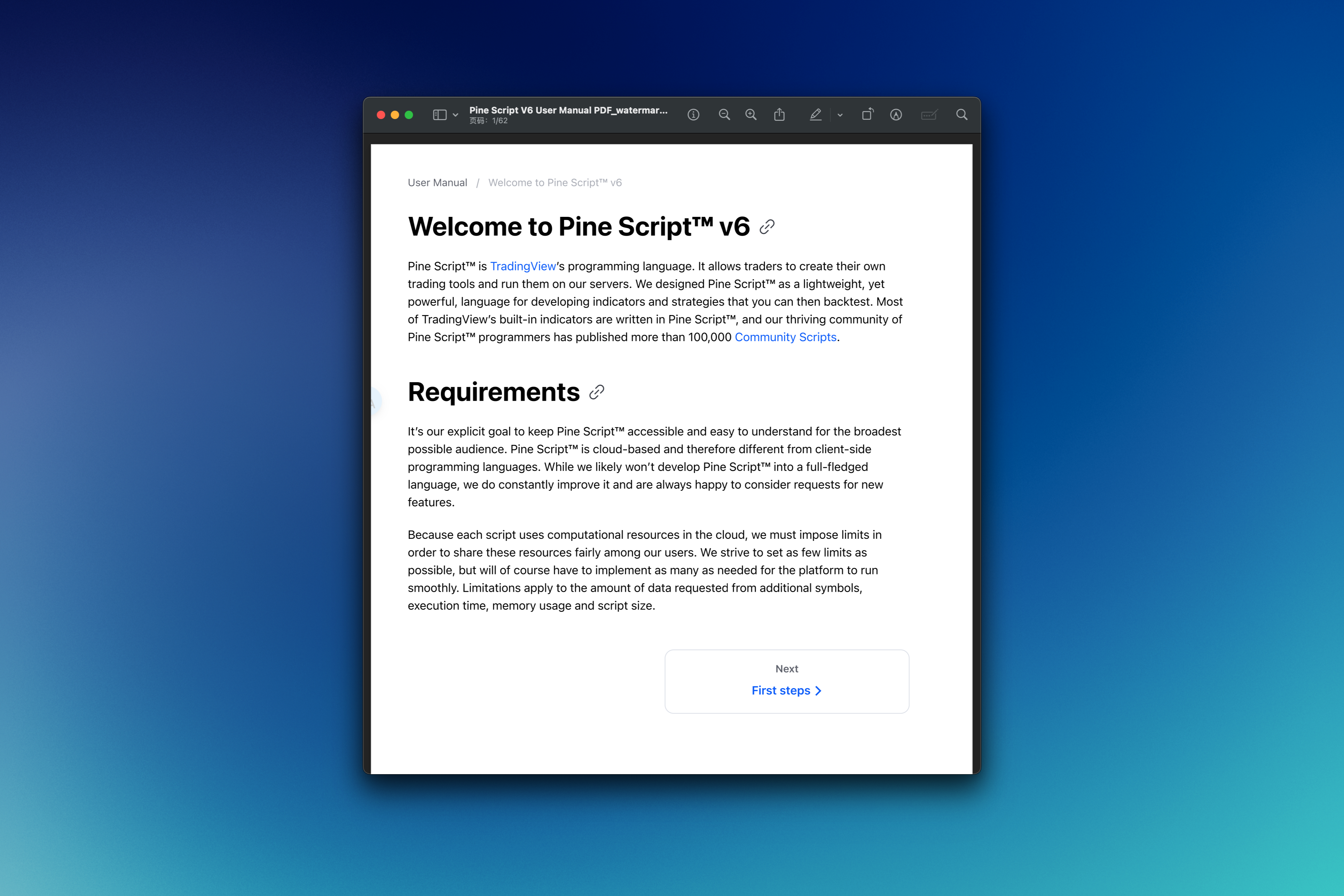
Ever stared at a TradingView chart thinking "I wish I could create my own indicator?" You're not alone. Pine Script v6 is TradingView's scripting language that lets you build custom indicators and trading strategies. I'll be honest — it can feel intimidating when you're just getting started, especially if you've never written a line of code before.

Pine Script v5: What Changed in TradingView's Big Upgrade

· 10 min read
Pineify Team
Pine Script and AI trading workflow research team

Pine Script v5 is the 2021 major revision of TradingView's scripting language that introduced namespaces, reusable libraries, switch statements, typed input functions, and runtime error handling. When it dropped, it completely changed how I build trading indicators. I've been writing Pine Script since v2, and this upgrade finally made it feel like a real programming language.

If you're still running Pine Script v4, you're working harder than you need to. Let me show you what changed and why upgrading your TradingView scripts is worth the effort.

Pine Script Volume Footprints: Build Order Flow Analysis Tools

· 16 min read
Pineify Team
Pine Script and AI trading workflow research team

Volume footprints are a chart type that breaks down each candle into individual price levels and shows you exactly how much volume traded at each one. Instead of one volume bar per candle, you get a grid: buy volume on one side, sell volume on the other, at every tick where a trade happened. It changes how you read a chart. I started using this data after the Pine Script v6 update in March 2026, and it's changed which setups I trust.


Pine Script Volume Footprints: Complete Guide to Order Flow Analysis in TradingView