How to Backtest on ThinkorSwim: Step-by-Step Guide for All 3 Tools

· 12 min read
Pineify Team
Pine Script and AI trading workflow research team

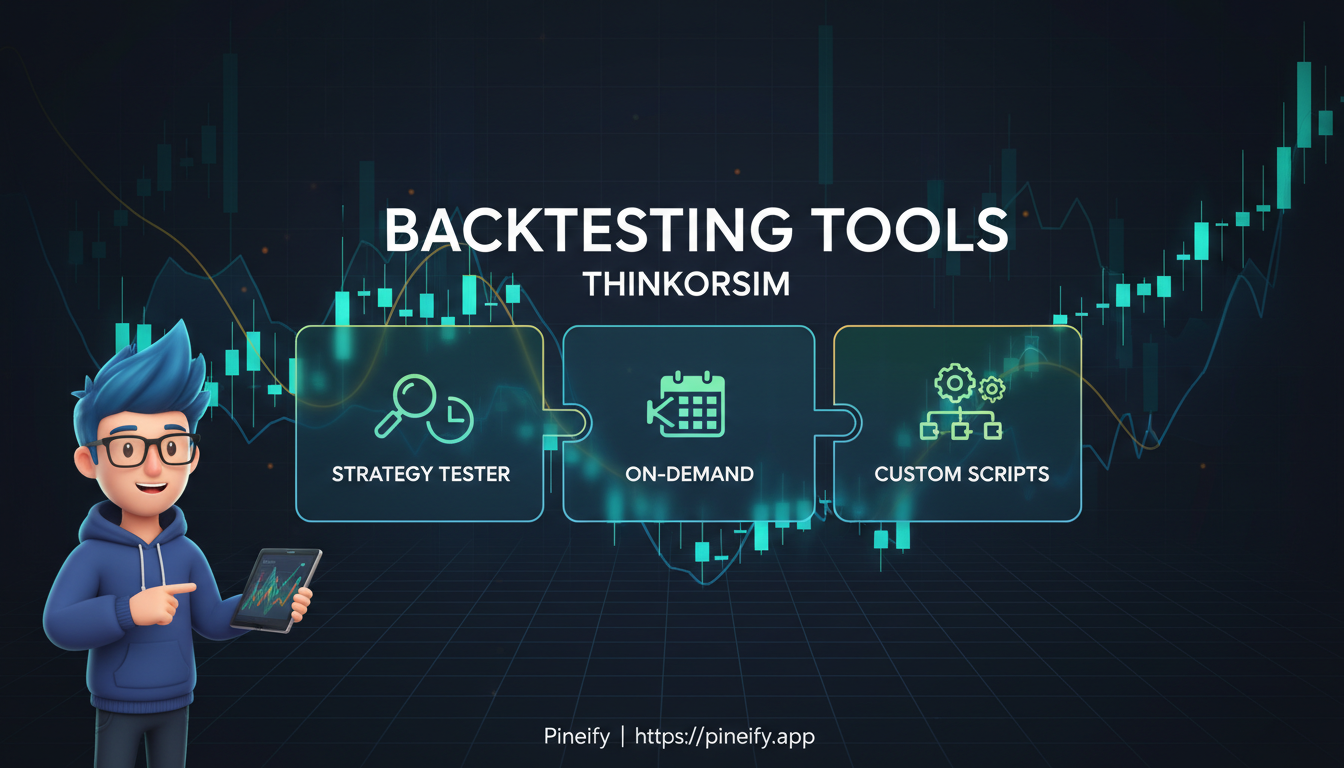
Backtesting on ThinkorSwim is the process of running your trading ideas through historical market data to see how they would have performed before you risk real money. ThinkorSwim (TOS), the desktop platform from TD Ameritrade (now part of Schwab), gives you three tools for this: thinkBack, thinkOnDemand, and Custom Strategies. Each one works differently, and picking the right tool for the job makes all the difference.

It's the closest thing to a trading flight simulator you can get.


How to Backtest on ThinkorSwim: Step-by-Step Guide for All 3 Tools

How to Backtest on TradingView: Bar Replay and Strategy Tester

· 15 min read
Pineify Team
Pine Script and AI trading workflow research team

You've got a trading strategy idea. Maybe it's based on RSI, moving averages, or something you noticed watching charts late at night. But here's the thing—you don't know if it actually works. That's where backtesting comes in.

Backtesting is running your trading rules against historical price data to see whether they would've made money. Think of it as taking your strategy for a test drive through history. Instead of risking real cash to see if your idea holds up, you're basically asking "what would have happened if I'd traded this way over the past year?" TradingView gives you two main ways to do this: Bar Replay for the hands-on folks, and the Strategy Tester for those who want faster, more detailed results.

I've backtested probably a hundred strategies over the last few years. The method you choose matters less than being honest about the numbers. Here's how both approaches work, when to use each one, and the pitfalls that trip up most traders when they're backtesting their strategies.

How to Backtest on TradingView

How to Change Candle Color in Pine Script

· 10 min read
Pineify Team
Pine Script and AI trading workflow research team

Ever stared at your TradingView charts thinking all those candles look exactly the same? Trust me, I've been there. When you're scanning hundreds of price bars trying to spot meaningful patterns, having candles that dynamically change colors based on market conditions can transform how you read price action.

Pine Script candle coloring is the technique of using the barcolor() function to assign colors to each bar based on conditions you define — volume thresholds, price direction, or any other signal. Instead of manually inspecting every bar, your chart highlights what matters.

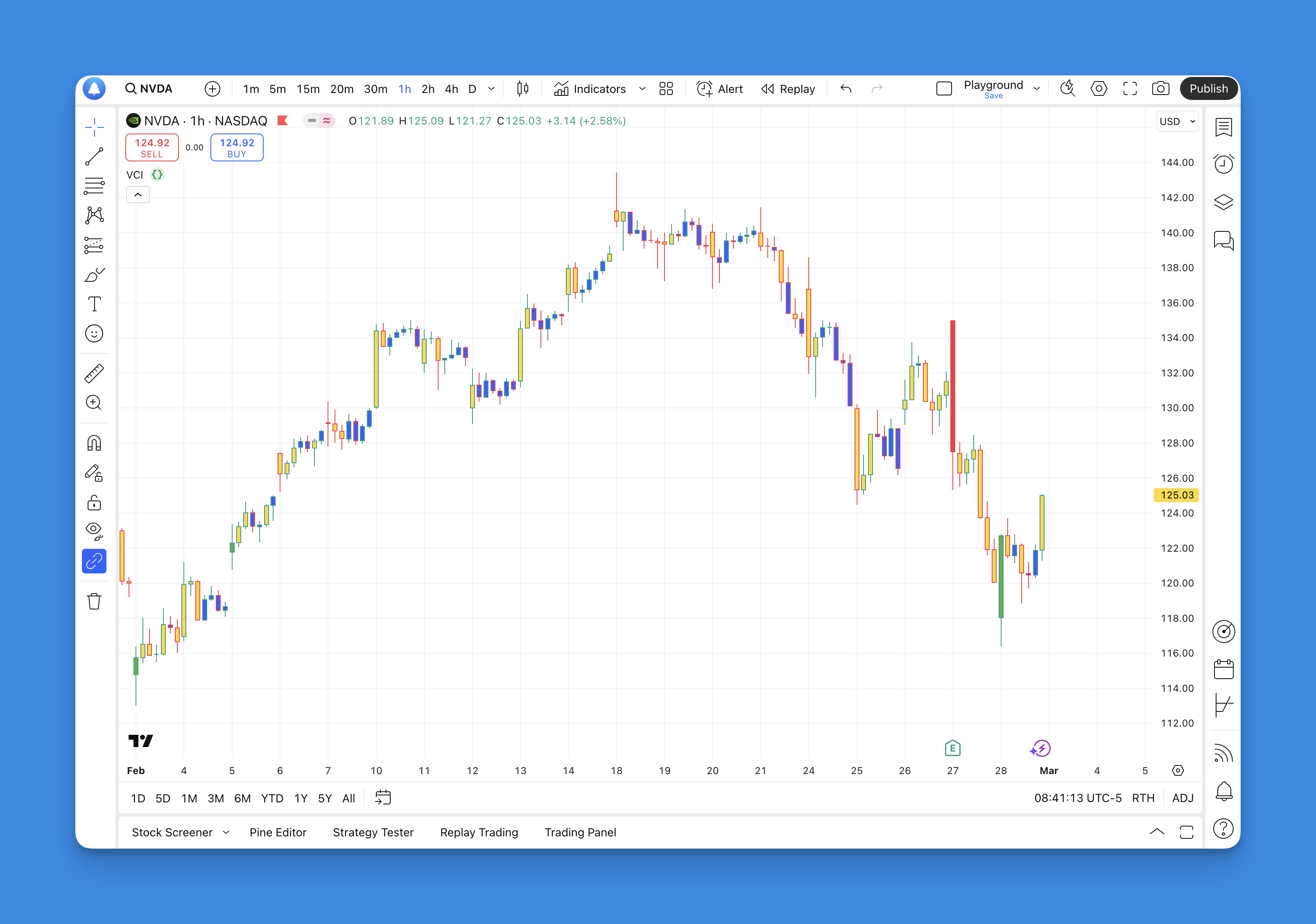
Changing Candle Color in Pine Script

How to Change Chart Background Color in TradingView Mobile

· 11 min read
Pineify Team
Pine Script and AI trading workflow research team

Chart background color in TradingView Mobile is the canvas behind your price bars, grid lines, and indicators. I changed mine to dark navy during an AAPL earnings session — the default white was too harsh at 2 AM. Whether you're on iPhone or Android, finding the right background takes about 30 seconds and changes how comfortably you read charts.

How to Change Chart Background Color in TradingView Mobile

How to Change Currency in TradingView Charts

· 8 min read
Pineify Team
Pine Script and AI trading workflow research team

TradingView's currency conversion feature is a display-level setting that recalculates price data into your chosen denomination. It doesn't change the underlying market — it just shows you prices in a currency you're comfortable with.

Want to see AAPL in Euros or Bitcoin in Japanese Yen? The steps take about 10 seconds on desktop, a bit longer on mobile. I've done this dozens of times and it works reliably across stocks, crypto, and forex pairs.

How to Change Currency in TradingView

How to Change TradingView to Dark Mode on Web and Mobile

· 9 min read
Pineify Team
Pine Script and AI trading workflow research team

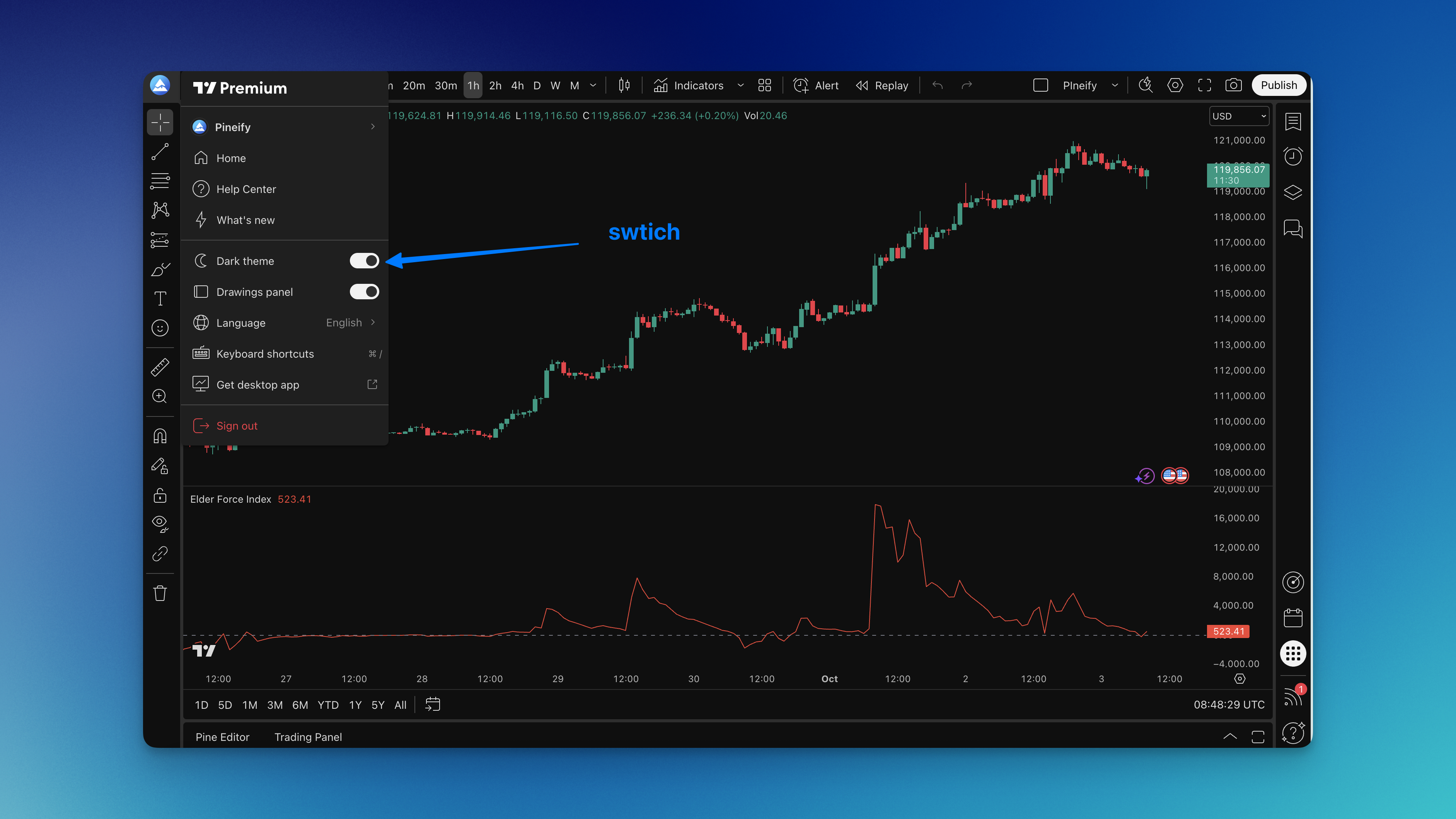
If you log 6-hour chart sessions like I do, TradingView dark mode changes how your eyes feel at the end of the day. TradingView dark mode is a display setting that replaces the platform's default light interface with dark backgrounds across charts, watchlists, and panels. I switched in January 2024 after a week of evening trading on my SPY 15-minute charts left me with headaches, and I haven't looked back since.

How to Change TradingView to Dark Mode

Combine Two Indicators in TradingView Pine Script

· 15 min read
Pineify Team
Pine Script and AI trading workflow research team

Have you ever felt overwhelmed staring at multiple indicator windows on TradingView? I get it. One minute you're watching RSI signals, the next you're tracking moving averages, and suddenly your chart looks like someone threw Christmas lights at it.

Here's what changed everything for me: Pine Script lets you combine multiple indicators into one clean script. And honestly? It's way simpler than most people think.

A combined indicator in Pine Script is a single script that calculates two or more technical indicators — like RSI and EMA — and uses their agreement to generate buy or sell decisions. In October 2025, I tested RSI + EMA on AAPL's daily chart and my false entries dropped from roughly 1 in 3 to about 1 in 8.

After years of trading and more trial-and-error than I'd like to admit, I've learned that combining the right indicators filters out the false signals that used to cost me money. I'll show you exactly how to do it, share combinations that actually work, and help you avoid the mistakes I made starting out.

Why Combine Two Indicators Instead of One

Let me be straight with you — relying on a single indicator is like trying to drive while looking through a keyhole. You might see something, but you're missing the bigger picture.

Single indicators can be misleading

I used to live and die by RSI signals. When it hit oversold territory, I'd buy thinking I found a bargain. Then I'd watch the price continue dropping while my account balance did the same. Sound familiar?

Multiple indicators create confirmation

Everything changed when I started waiting for two different indicators to agree. It's like asking for a second opinion before making a big decision. Sure, you might miss some quick moves, but you'll avoid way more bad trades.

Different indicators reveal different market aspects:

  • Momentum indicators (RSI or Stochastic) show overbought or oversold conditions
  • Trend indicators (EMA or SMA) tell you which direction things are heading
  • Volume indicators confirm whether there's real conviction behind a move
  • Volatility indicators (Bollinger Bands or ATR) help you understand how wild price swings might get

When multiple types align, that's when you start seeing consistent results. Let me show you how to build this.

How to Connect Apex to TradingView for Futures Traders

· 11 min read
Pineify Team
Pine Script and AI trading workflow research team

Apex Trader Funding is a prop firm that gives you a funded account after you pass their evaluation. They partner with Tradovate to handle trade execution. Connecting Apex to TradingView means you can place futures trades directly on TradingView's charts while your account runs through Apex.

I've set this up for my own ES and NQ trades, and the whole process takes about 5 minutes once you have your login details. Here is exactly how.

How to Connect Apex to TradingView: Step-by-Step Guide for Traders

How to Convert a Pine Script Indicator to a Strategy in TradingView

· 10 min read
Pineify Team
Pine Script and AI trading workflow research team

Converting a Pine Script indicator to a strategy on TradingView is the process of taking your chart-level buy and sell signals and wiring them into automated orders that the Strategy Tester can evaluate against historical data. Instead of just drawing arrows and lines, you define entry and exit rules that get simulated bar by bar.

how to convert indicator to strategy TradingView