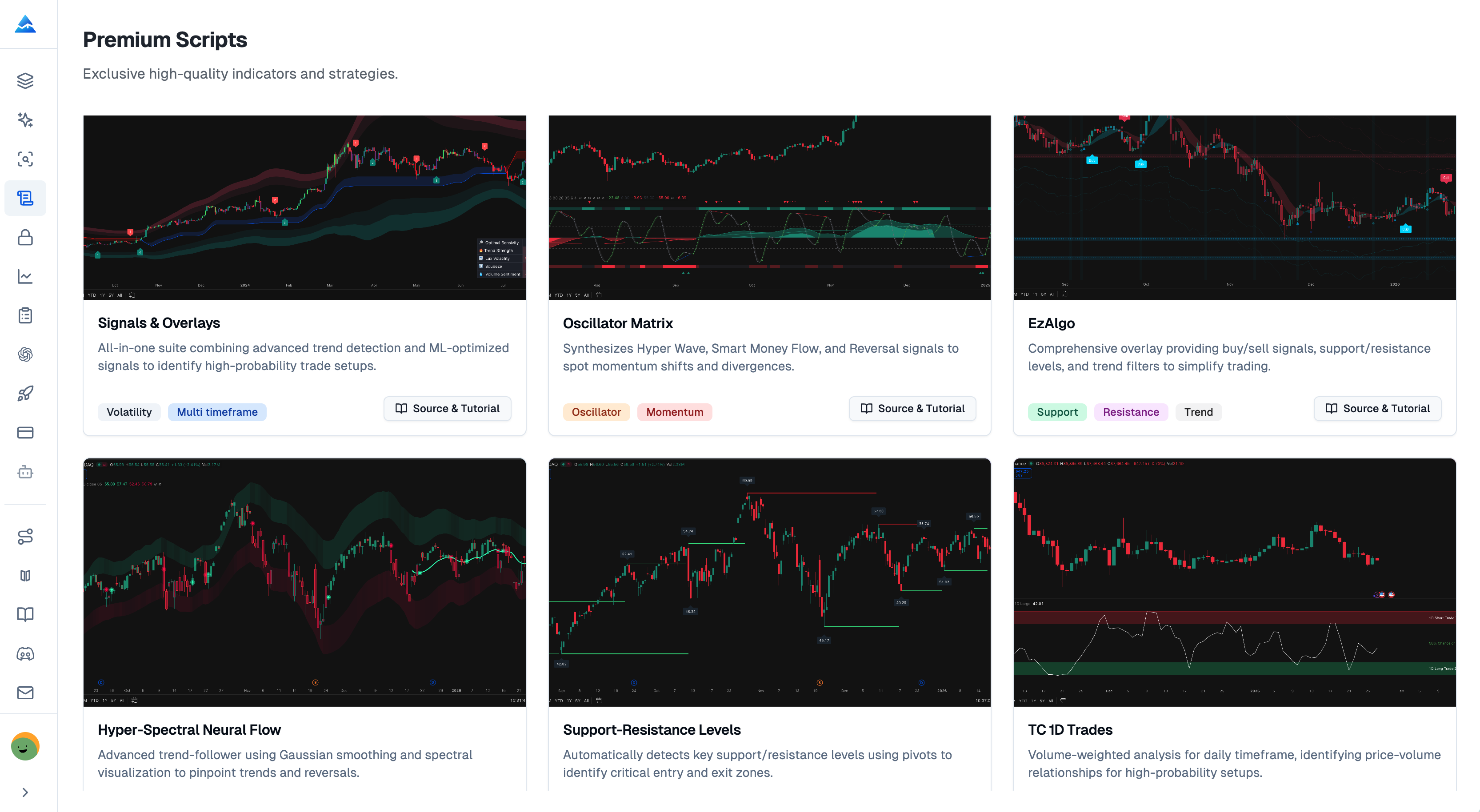
Pineify's Premium Scripts area lists six studies and offers a Source & tutorial link to eligible accounts. Source access can make calculations easier to inspect, but it does not by itself establish an open-source license, non-repainting behavior, or profitable signals. Evaluate the specific script version and its terms.
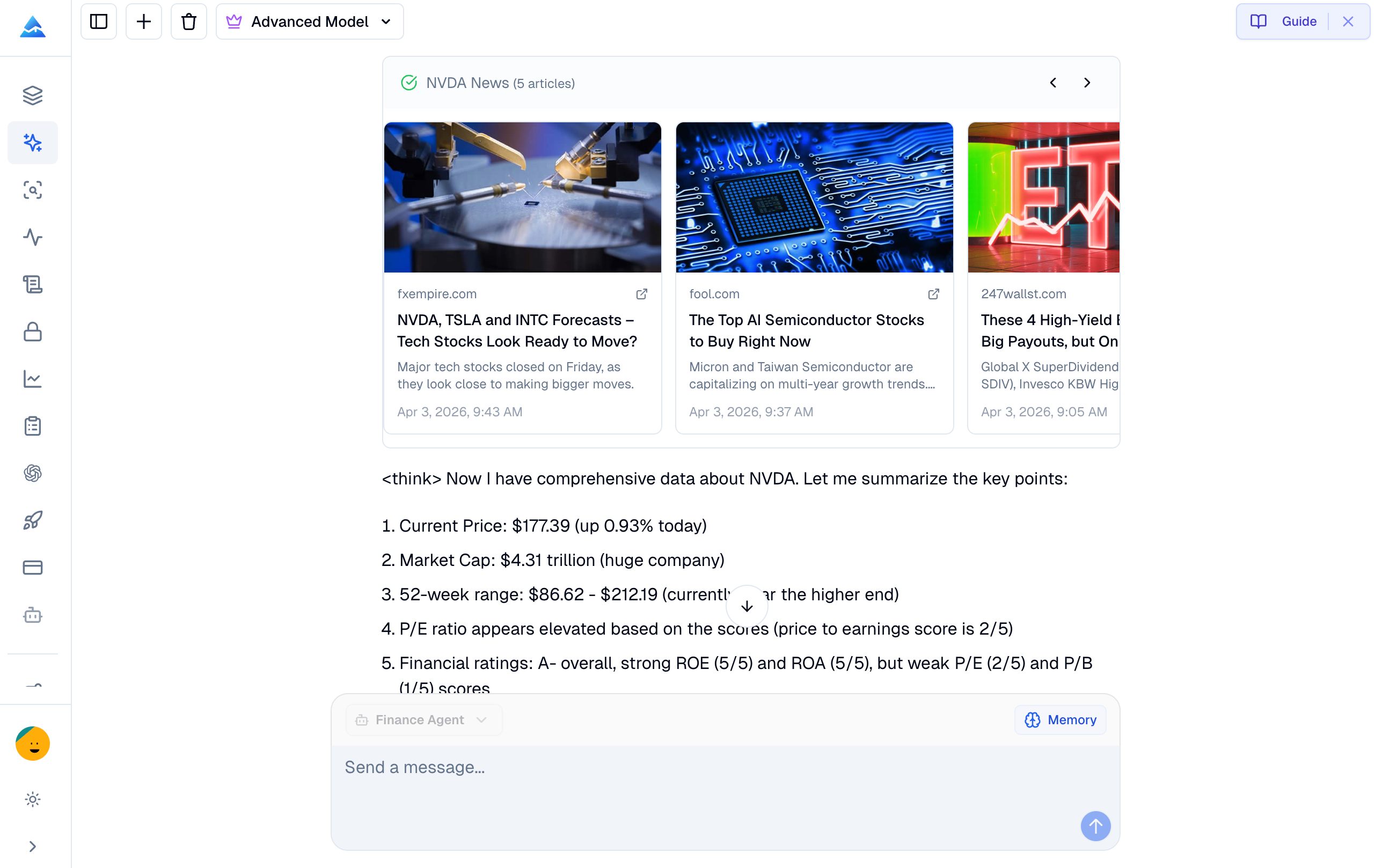
Koyfin and Pineify Finance Agent overlap in investment research but emphasize different workflows. Koyfin documents screening, graphing, portfolio and advisor tools; Pineify offers conversational research alongside trading-code tools. The choice depends on the required output and data entitlement, not on an assumed divide between “no AI” and “AI.”
A professional indicator workflow is defined by inspectable rules, controlled changes, and reliable testing. A paid script or an elaborate chart does not establish a trading advantage. Pineify's premium library and related tools can support parts of that workflow, but each tool answers a different question and has limits.
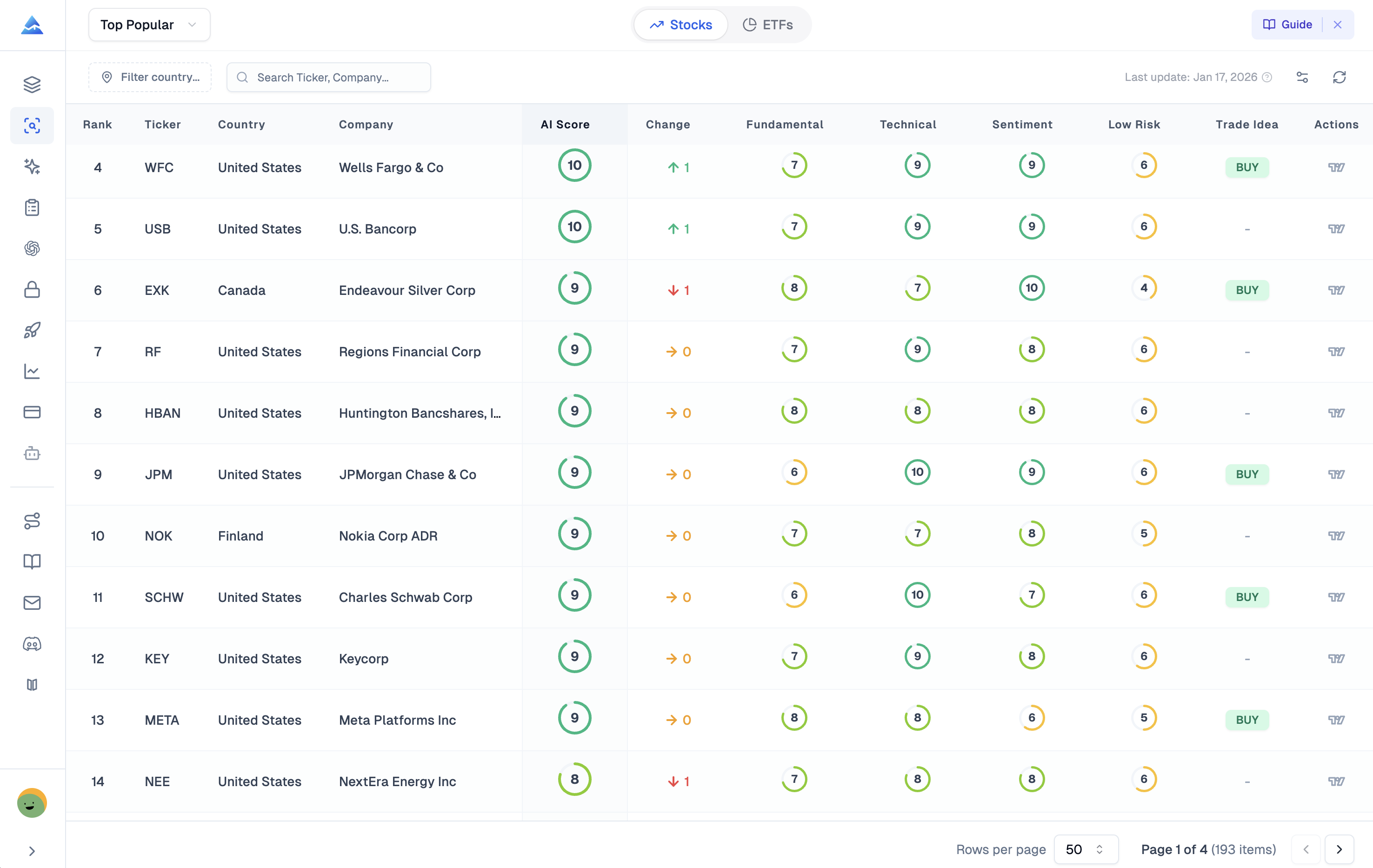
A Trade Ideas alternative should replace the task you actually use: live scanning, chart research, stock ranking, options analysis, or trade review. These tasks use different data and timing. A daily score cannot be evaluated as though it were an intraday execution signal, and a report analyzer does not replace a strategy engine.
Barchart offers market data, technical opinions, screeners and options research. Pineify combines a vendor-based stock-scoring view with options analytics and TradingView development tools. Compare the specific data, timestamps and workflow you need; neither a score nor an options-flow label establishes a profitable trade.
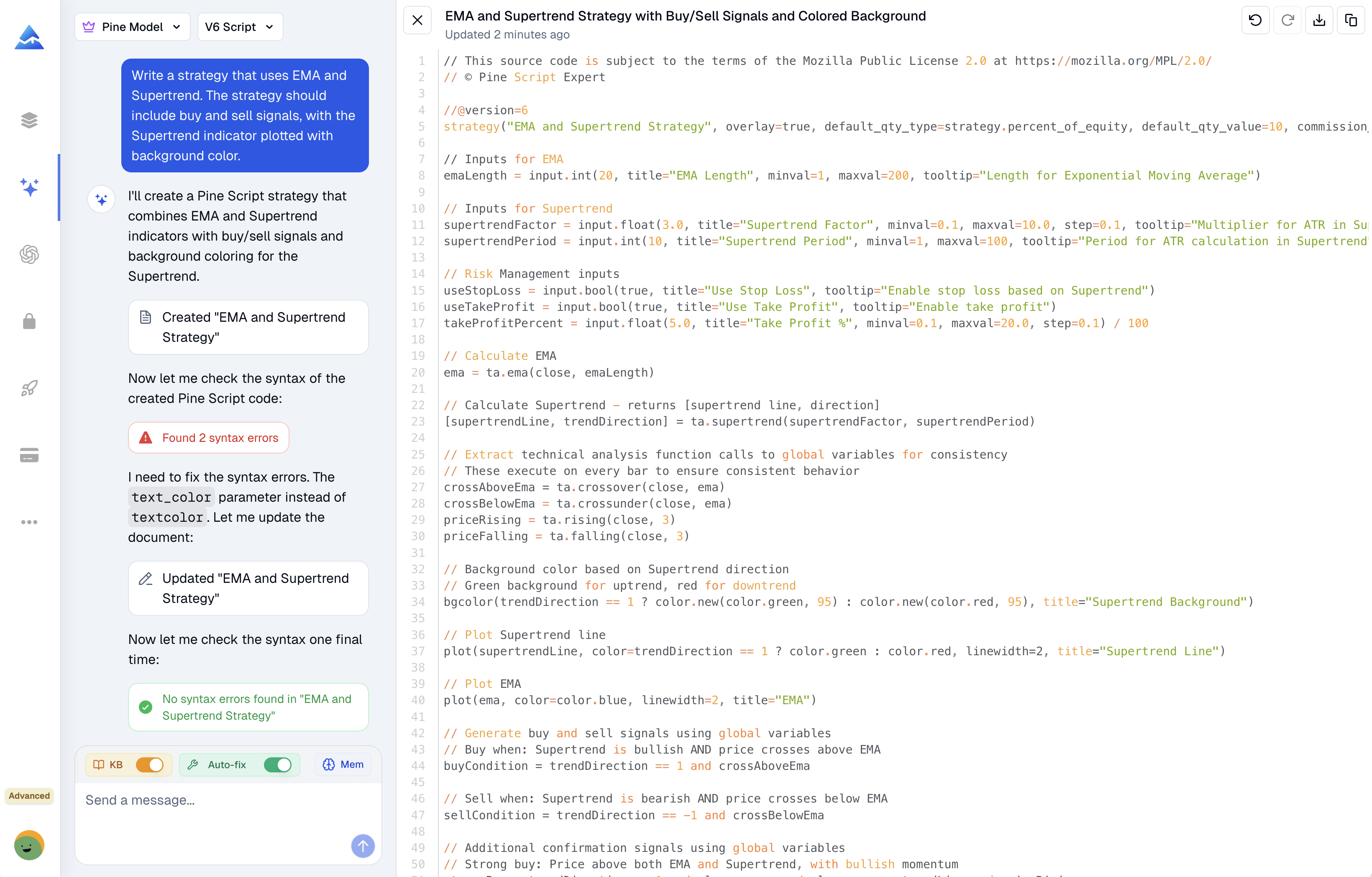
AI Pine Script tools differ in where editing, compilation, chart inspection, and backtesting take place. These differences are more useful than an unsupported accuracy ranking. The comparison below uses documented workflows; it does not report a controlled performance test or first-pass compilation benchmark.
Pineify's Visual Editor turns configured inputs, indicators, conditions, and trading rules into Pine Script. It can reduce repetitive source editing, but the generated script still follows TradingView's calculation, data-request, alert, and execution rules. Start with the intended output and verify that it behaves as specified.
The 52 Week High/Low indicator marks price extremes over a weekly lookback. Those levels describe the observed range; they do not prove that support will hold, a breakout will continue, or institutional traders are buying.
A useful annual-level workflow must specify the data interval, whether the current week is included, and when each value became available. A visually convincing historical line can still be unsuitable for a causal backtest.
WaveTrend is a momentum oscillator popularized on TradingView by LazyBear's published script. Its two lines summarize normalized price movement; a crossover is a change in that relationship, not a forecast of a profitable trade.
An Adaptive Moving Average changes its smoothing coefficient as market data changes. However, AMA is not one universal formula. Pineify's current AMA preset uses the source's position within a rolling range; Kaufman's KAMA uses a path-efficiency ratio. Confusing them changes the indicator being tested.
This guide describes the current AMA controls and calculation, then shows how to inspect signals and build a test specification without assuming that adaptive smoothing eliminates lag or false signals.