545 posts tagged with "Pine Script"

Blog posts related to the PineScript

View All Tags

Best Backtesting Software for Futures Trading: Top Platforms Compared

· 14 min read
Pineify Team
Pine Script and AI trading workflow research team

Backtesting separates winning futures traders from those who got lucky once. Futures backtesting software simulates how a trading strategy would have performed against historical market data -- win rate, max drawdown, profit factor, the whole picture. I've tested twelve platforms over six years, and the same five keep earning my screen time. My verdict: NinjaTrader wins for most active futures traders. MultiCharts is faster for optimization runs. QuantConnect is the right call if you write Python. If you prototype inside TradingView, Pineify's AI-powered Pine Script generator helps you build and test indicators without manual coding.

It doesn't matter if you trade E-mini S&P 500 futures, crude oil, or micro Treasuries. Your software needs tick-level precision, realistic fill modeling, and honest cost calculations. Many platforms inflate results by sweeping slippage and commissions under the rug. I haven't found a single tool that gets everything right, but the five below come closest.


Best Backtesting Software for Futures Trading: Top Platforms Compared

Best Broker to Use on TradingView: 2026 Picks for Traders

· 10 min read
Pineify Team
Pine Script and AI trading workflow research team

I've tested over 100 brokers on TradingView. Interactive Brokers is the one I keep coming back to. It offers the lowest fees across stocks, futures, and forex, connects directly to your charts, and you don't need a minimum deposit to start. That combination is hard to beat for most traders.

TradingView is a charting and social trading platform used by over 60 million traders. Its broker integration is the feature that lets you execute trades directly from your analysis charts without switching to another platform.

Best Broker to Use on TradingView: Complete 2025 Guide for Traders

Best Browser for TradingView: Which One Actually Performs Best

· 15 min read
Pineify Team
Pine Script and AI trading workflow research team

I've spent years running 15+ charts of AAPL, NVDA, and SPY simultaneously, and the browser you choose changes everything. Here's my verdict: Chrome is the most reliable pick for most traders, but the TradingView desktop app outperforms every browser for raw speed. A TradingView browser is the software interface that renders real-time price charts, executes Pine Script indicators, and streams market data through WebSocket connections.

Switching from Safari to Chrome in early 2023 cut my chart load times by roughly 40%. That difference matters when volatility spikes and every second counts. Your browser choice affects how fast candles update, whether indicators redraw smoothly, and how stable the platform stays during busy sessions.

Three things determine how well TradingView runs in your browser:

  • Speed and responsiveness — crucial for real-time price updates and order execution without lag
  • Stability — the last thing you need is a crash mid-session
  • Resource management — some browsers handle TradingView's heavy graphics and real-time data better than others

A modern browser with WebGL support is essential for smooth, interactive charts. Getting this right is a simple step toward a better trading experience. For instance, knowing how to efficiently change time intervals on your charts can also improve your workflow.


Best Browser for TradingView: Complete Guide to Optimal Trading Performance

Best Buy Sell Indicator TradingView Free: Profitable Trading Signals

· 15 min read
Pineify Team
Pine Script and AI trading workflow research team

Buy sell indicators are automated tools that scan price and volume data, then plot entry and exit signals directly on your TradingView chart. They save you from manually cross-referencing multiple data points and help remove emotional bias from your decisions. I've tested dozens of these on my own charts over the past year, and the free ones are often surprisingly capable.

Best Buy Sell Indicator TradingView Free: Your Complete Guide to Profitable Trading Signals

Best Chart Settings for TradingView: Optimize Your Trading Setup

· 15 min read
Pineify Team
Pine Script and AI trading workflow research team

TradingView's charts are the core of the platform. Chart settings are the foundation of how you read price action, spot patterns, and execute trades — getting them right means faster decisions and less eye strain. Whether you're a beginner tweaking your first layout or a veteran running multi-monitor setups, a few targeted adjustments go a long way.

Best Chart Settings for TradingView: Optimize Your Trading Experience

Best ChatGPT Prompts for Personal Finance: Smarter Money Habits

· 18 min read
Pineify Team
Pine Script and AI trading workflow research team

Managing money can feel overwhelming sometimes. ChatGPT is an AI chatbot that answers your questions in natural language -- think of it as a patient friend who is great with numbers. With the right prompts, it can work through budgeting, debt payoff plans, savings strategies, and investing basics with you.

Below are the best ChatGPT prompts for personal finance -- the exact phrases to use, why they work, and how to tailor them to your own situation.


Best ChatGPT Prompts for Personal Finance: Your Guide to Smarter Money Management

Expert Advisor Builder MT5: Create Trading Robots Without Coding

· 13 min read
Pineify Team
Pine Script and AI trading workflow research team

I built my first MT5 Expert Advisor for EURUSD back in March 2024 — it used a simple EMA crossover and lost money for three months before I found the bug in my position sizing. That trial-and-error period would've been a lot shorter if I'd had a proper expert advisor builder for MT5. These tools let you describe your strategy in plain English or assemble it from visual blocks, then generate compilable MQL5 code. You don't need to be a programmer.

If you want to sketch out your strategy logic first on TradingView, here's a guide on How to Make Your Own Strategy in TradingView.


Expert Advisor Builder MT5: Build Automated Trading Strategies Without Coding

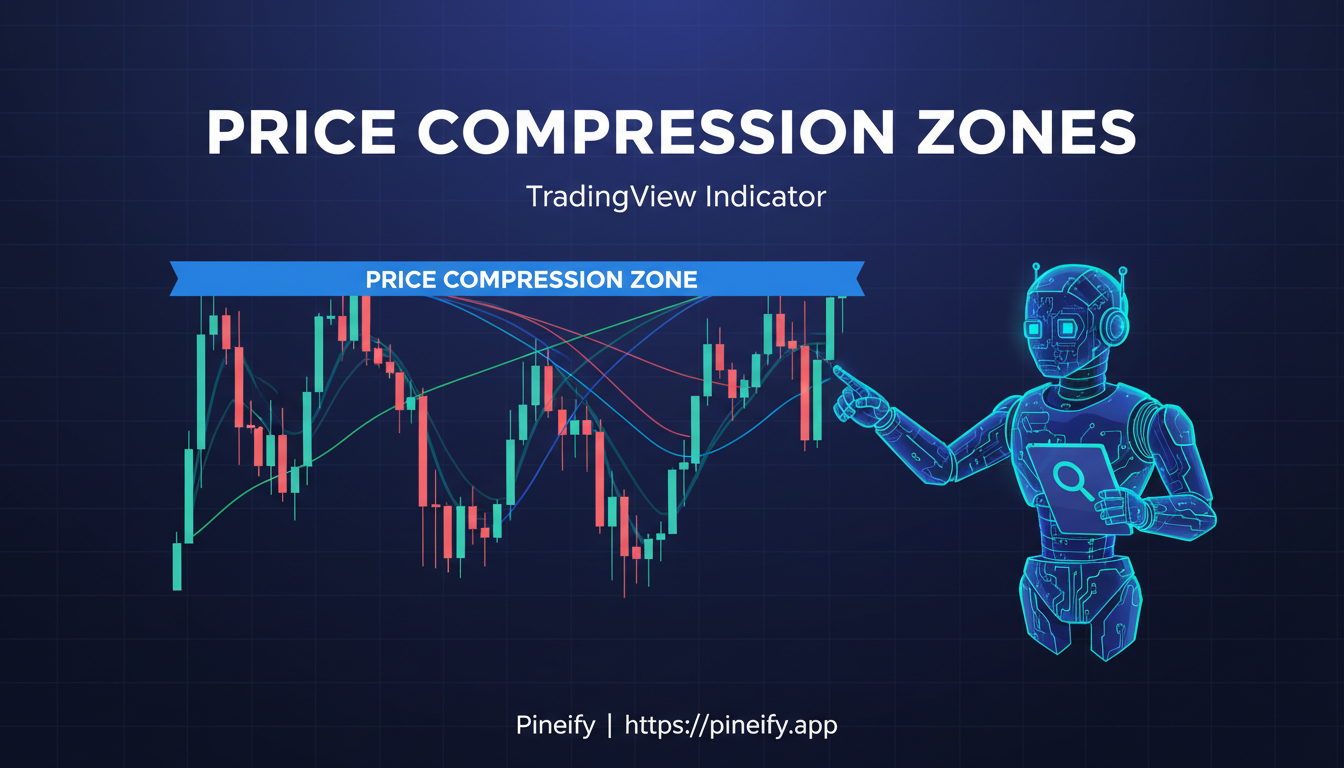
Consolidation Indicators on TradingView: Spot Price Compression Zones

· 12 min read
Pineify Team
Pine Script and AI trading workflow research team

Price compression is a market state where an asset trades in a narrowing range, storing energy for a future breakout. Consolidation is the sideways move between support and resistance that precedes it, marked by falling volatility and volume. I watched NVDA trade inside a $5 range for 11 sessions in early 2026 before breaking 8% higher in two days. These indicators catch setups like that.

Best Consolidation Indicator TradingView: Complete Guide to Identifying Price Compression Zones

Pineify Editor: Build Custom TradingView Indicators Without Code

· 11 min read
Pineify Team
Pine Script and AI trading workflow research team

A custom TradingView indicator is any technical analysis tool you build yourself rather than relying on the platform's built-in options. Most traders assume this requires months of Pine Script study — but that's changing fast. I've been testing Pineify Editor for the past few weeks, and it lets you build indicators by dragging and dropping blocks on a canvas, no coding required.

Best Custom Indicator TradingView: Pineify Editor - The Complete Guide for Traders

Best EMA for 5 Min Chart TradingView: Settings for Day Trading Success

· 20 min read
Pineify Team
Pine Script and AI trading workflow research team

The Exponential Moving Average (EMA) is a trend-following indicator that assigns more weight to recent prices, which makes it respond faster than a simple moving average on short timeframes. For 5-minute charts, this speed matters. If you're trading on a 5-minute chart, the right EMA settings can feel like tuning into the market's immediate heartbeat. In my experience, two classic combinations stand out:

  • The 9 and 20 EMA pair is a go-to for quickly spotting the trend's direction.
  • A ribbon of the 5, 8, and 13 EMAs can help you catch those super-fast momentum flips.

These setups strike a good balance. They're fast enough to signal what's happening right now, but they also smooth out just enough of the chaotic "noise" that can clutter a fast chart. That's why they're such popular tools for scalpers and day traders making quick decisions.

Best EMA for 5 Min Chart TradingView: Complete Guide to Exponential Moving Averages for Day Trading